
Engineering Technology Stacks: Choosing the Right Build
Top takeaways
- The right engineering technology stacks determine whether you ship fast or stall in setup
- Modern no-code and AI-assisted tools let non-technical founders build MVPs without hiring developers
- Your stack choice affects collaboration, iteration speed, and how much control you retain over your code
- Choosing between tools means matching capabilities to your actual build goals, not chasing trends
Introduction
Picking engineering technology stacks used to mean hiring a CTO or technical co-founder. Now it means choosing between platforms that generate working code from prompts, frameworks that bundle databases and hosting, and agents that debug themselves. The decision matters more than ever because the wrong stack doesn't just slow you down — it locks you into workflows that fight your product development cycle.
I've built prototypes that died in dependency hell and shipped MVPs that scaled because the stack stayed out of the way. The difference wasn't the technology's reputation. It was whether the stack matched what I needed to prove at that stage.
The core question isn't which stack is best. It's which stack lets you move from idea to working prototype without hiring a dev team, then iterate based on real user feedback instead of theoretical architecture debates. Tools like Bolt and V0 remove technical roadblocks by turning descriptions into deployable code, but only if you understand what you're trading off.
This guide walks through how to evaluate engineering technology stacks when your priority is shipping an MVP, refining product-market fit, and keeping control of your code. If you're a solo founder or product manager who needs to validate an idea before committing to a full engineering org, this is the framework that separates stacks that help from stacks that stall. For context on planning before you choose tools, see App Development Plan: Dev Plan Guide for Non-Technical Founders (2025).
Problem Statement
Choosing engineering technology stacks is harder than it looks. Most founders pick based on what's trending, what their first hire knows, or what a consultant recommends. Then six months in, you hit a wall — the framework can't scale, the library broke authorization, or the tool that promised "no code required" still needs a developer to fix it.
The real problem isn't lack of options. It's that general-purpose tools are built for wide audiences, not your specific use case. A framework that works for a marketing site won't necessarily work for a SaaS product with complex permissions. A library that handles authentication out of the box might still need custom logic to meet your security requirements. And the defaults you inherit — the ones you didn't explicitly configure — can evolve over time without you noticing.
Configuration Drift and Hidden Defaults
Misconfiguration is one of the biggest causes of broken authorization and access control failures. Frameworks ship with defaults that make demos easy but production risky. You assume the library is handling something; it assumes you'll configure it. The gap between those assumptions is where vulnerabilities live.
Even experienced developers fall into this trap. You pick a stack for speed and flexibility, then discover the trade-off: speed means less guardrail, flexibility means more decisions you have to make yourself. The tool gives you control, but control without a plan is just more surface area for mistakes.
The Cost of Reversing a Bad Choice
Once you've built on a stack, switching is expensive. Code gets written, dependencies accumulate, team knowledge solidifies around one set of tools. A bad stack choice in month one becomes a costly migration in month twelve — or worse, a constraint you live with for years. The decision feels reversible when you're starting out. It's not.
Solution Steps for Choosing Engineering Technology Stacks
Choosing engineering technology stacks is a sequential process. Start with constraints, then match tools to them.
Step 1: Define Your Build Scope
Step 1
Map what you're actually building
Write down the core features. Not the roadmap — the first version. If you're building a customer support tool, list the screens and the data flows. If you're shipping an MVP to test market fit, note what can wait until version two.
Scope determines stack. A prototype needs speed and flexibility. A production app with user data needs reliability and clear upgrade paths.
Step 2: Inventory Your Technical Resources
Step 2
Count who's building and what they know
If you're solo and non-technical, you need a stack that removes roadblocks. If you have a dev team, you need a stack they can maintain. If you're somewhere in between, you need a stack that lets you code when you want and prompt when you want.
Bolt gives you databases, hosting, and domains in one project with no separate services to set up. V0 works with modern tools like Next.js, Tailwind, and shadcn/ui, and powers collaborative workflows across design, product, and engineering.
Step 3: Match Stack to Build Type
Frameworks create routes automatically — most of the deployment scaffolding happens without manual configuration. Vercel notes that frameworks like Next.js generate routes corresponding to dynamic routes, redirects, rewrites, and custom headers.
For speed:
- Browser-based environments eliminate local setup
- Intelligent agents handle web search, site inspection, and error fixing autonomously
- Real-time preview shows visual progress as you build
For control:
- Choose your languages and frameworks
- Connect to source control
- Edit code directly in code view
Step 4: Validate Against Build Constraints
Step 4
Check resource limits before you commit
Every build container has fixed resources. Vercel's build machines vary by tier. Source file upload limits are 100 MB on Hobby plans and 1 GB on Pro. Build cache size depends on machine type. Know the ceiling before you hit it.
If your build exceeds the limit, the deployment fails. Size your stack to your actual build, not to an imagined future build.
Step 5: Confirm Ownership and Portability
The code you create should be yours to use for any legal purpose, including commercial projects. Bolt states this explicitly. Check that your stack doesn't lock you into a proprietary format or require ongoing vendor dependencies to run your own code.
For a detailed breakdown of planning before you build, see App Development Plan: Dev Plan Guide for Non-Technical Founders (2025).
Tips and Tricks for Selecting Technology Stacks
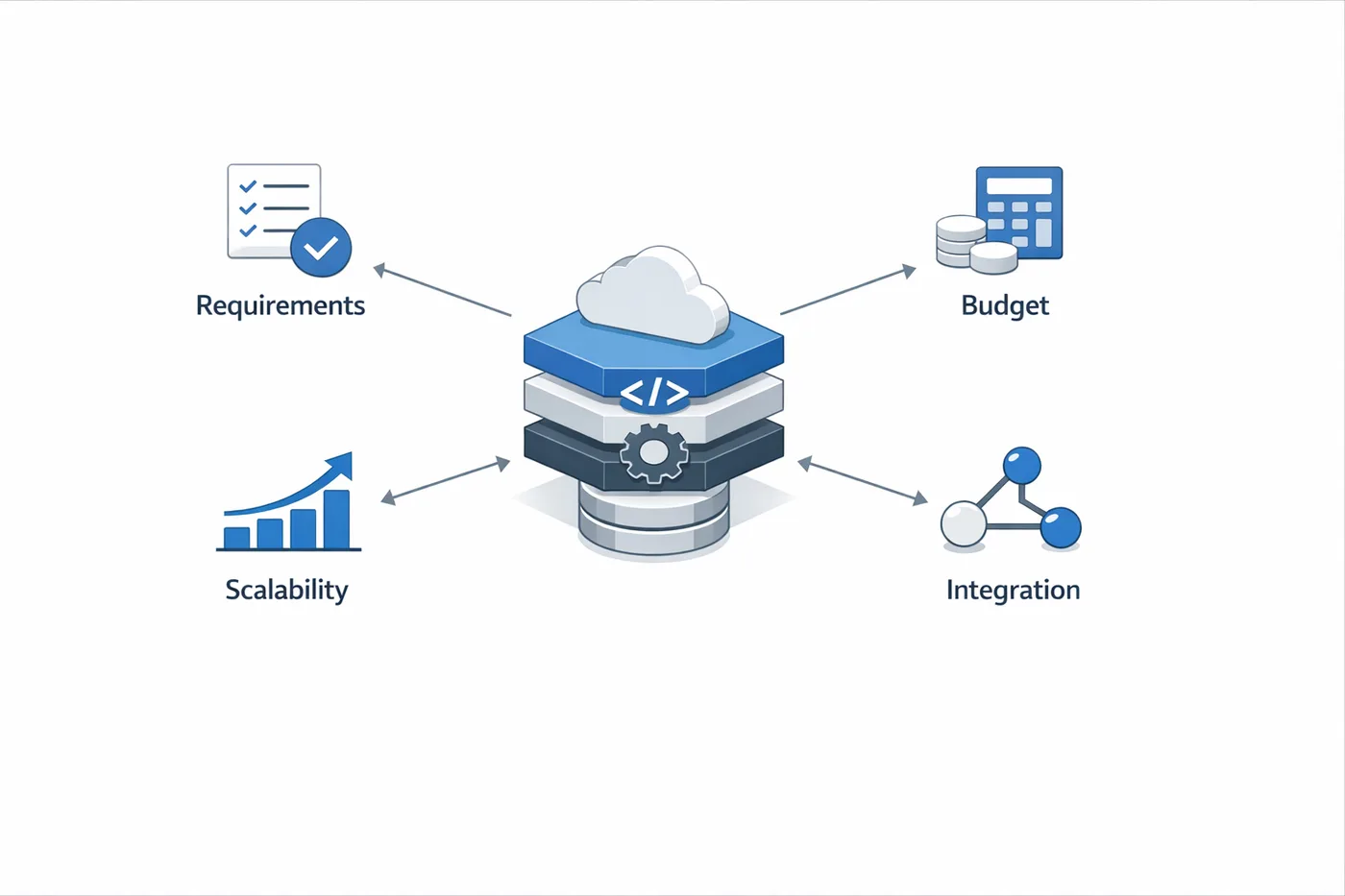
Once you've mapped your requirements and narrowed your options, a few tactical decisions separate a clean build from a refactor six months in. These tips apply whether you're choosing frameworks, databases, or third-party services.
Don't Rely on Framework Defaults for Security
Frameworks ship with general-purpose configurations. They're built to appeal to a wide audience, not to lock down your specific use case. Relying on library defaults for authorization or input validation means you're trusting someone else's threat model.
Explicit configuration wins. Set your own access control rules, define your own privilege boundaries, and document why each setting exists. When a framework updates, your explicit config file shows you exactly what changed.
Implement Defense in Depth
No single library, framework, or control should be the only thing enforcing proper access control. Stack multiple layers: parameterized queries at the database, role checks at the API, token validation at the gateway.
Implement defense in depth — do not depend on any single framework, library, technology, or control to be the sole thing enforcing proper access control.
If one layer fails or gets misconfigured, the others still hold. This applies to data validation, authentication, and error handling. Build redundancy into the parts of the stack that touch sensitive operations.
Minimize Database Privileges from Day One
Start with the minimum access rights your application accounts require, then add privileges only when a feature demands it. Don't grant broad permissions and try to subtract later — that's how forgotten admin accounts survive into production.
To minimize the potential damage from SQL injection or compromised credentials, each service account should see only the tables and operations it needs. A read-only reporting service doesn't need write access. A public API doesn't need schema modification rights.
Customize Frameworks for Your Requirements
Frameworks and libraries need customization or additional logic to meet the unique requirements of specific applications, especially when security and authorization are involved. Off-the-shelf components rarely match your exact access model or compliance obligations.
Treat framework adoption as the start of the work, not the end. Read the security sections of the documentation, understand the assumptions baked into default middleware, and write the glue code that adapts generic tooling to your specific rules. For a deeper look at planning this kind of work, see PRD Sections Explained: What to Include with Examples.
Conclusion
Choosing between engineering technology stacks is not a one-time decision. The stack you pick defines your build speed, your maintenance burden, and your ability to iterate when the market tells you to pivot.
Start with the problem. A solo founder shipping an MVP has different constraints than a team building for enterprise scale. The right stack is the one that lets you ship fast, debug without ceremony, and hand off code that someone else can read six months later.
No-code and low-code tools like Bolt remove friction for non-technical builders. They let you describe what you want and generate working code without writing a line yourself. But they come with limits — Vercel caps source uploads at 100 MB for Hobby plans and 1 GB for Pro. If your build outgrows those limits, you migrate or refactor.
Security is not optional. Parameterized queries and least-privilege database accounts prevent SQL injection and limit breach damage. Build these in from the start, not after the first audit.
The best stack is the one you can ship with today and maintain tomorrow. I've built products on stacks I thought were clever and products on stacks that were boring. The boring ones shipped faster and broke less. Pick tools you understand, constraints you can live with, and a deployment flow you can repeat without looking at the docs.
If you're planning your first build or refining your PRD, the one-page PRD template keeps scope tight and decisions clear. Write down what you're building, why it matters, and what success looks like. Then choose the stack that gets you there.
Related reading
Design Bid Build vs Design Build: Which Delivers Faster?
Platform Engineering: Building Foundations for Scalable Products
Engineering Consulting Partner: Finding the Right Fit for Your App