
App Development Plan: Dev Plan Guide for Non-Technical Founders (2025)
Top takeaways
- A dev plan is a roadmap that translates your product vision into specific, actionable steps for development — you don't need to code to write one
- Non-technical founders can create effective dev plans by focusing on clarity, scope, and outcomes rather than implementation details
- Modern AI-assisted tools now offer planning modes that help you map requirements before any code is written
- A good dev plan saves time and money by preventing scope drift and reducing costly mid-build corrections
- This guide walks you through problem identification, solution steps, and practical tips to write a dev plan that developers can actually use
Introduction
You're a founder. You have a product idea. You don't write code. The gap between what you see in your head and what a developer needs on paper feels unbridgeable.
A dev plan is not a technical specification. It's a translation layer between your vision and the work that builds it. I've written dev plans for prototypes that shipped in weeks and for products that took months. The difference wasn't technical skill — it was clarity.
Most founders skip this step. They jump straight to hiring or vibe coding, then wonder why the result doesn't match what they imagined. A dev plan forces you to think through scope, sequence, and success criteria before anyone writes a line of code. It's the difference between steering and hoping.
This guide shows you how to write a dev plan without technical expertise. You'll learn what goes into one, how to structure it, and how to avoid the traps that waste time and budget. By the end, you'll have a repeatable process that works whether you're building solo with AI coding tools or briefing a dev team.
Problem Statement
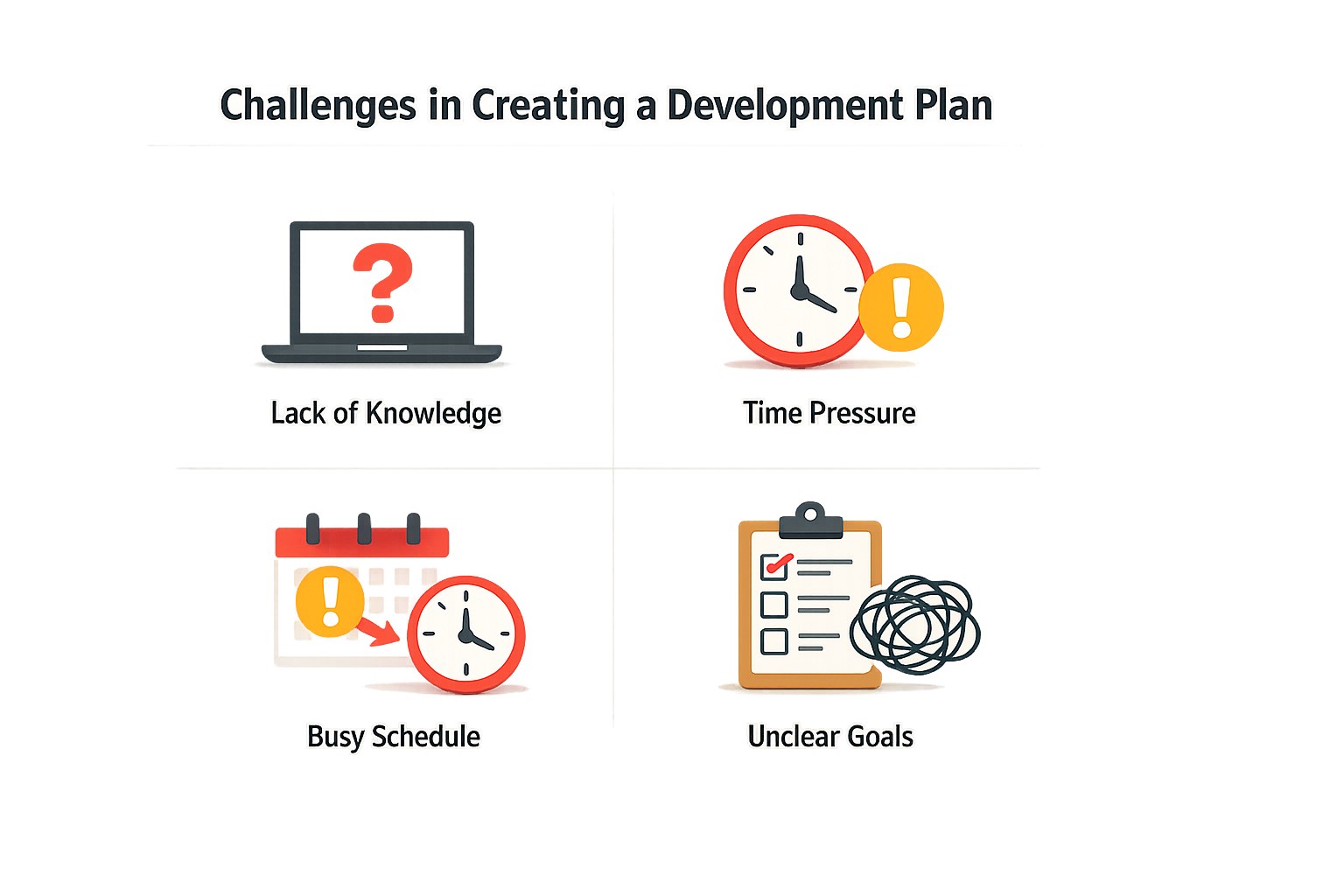
You know what your app should do. You can describe the user flow. You can sketch the screens. But when it's time to turn that vision into a dev plan, the wheels come off.
The gap isn't technical skill — it's structural clarity. Most founders skip the planning step entirely or produce a document so vague that developers spend half their time asking clarifying questions. The result: scope creep, missed deadlines, and a product that doesn't match what you had in your head.
The Cost of Unclear Requirements
Without a clear dev plan, every conversation with a developer becomes a negotiation. You say "user dashboard," they hear something different. You expect three clicks, they build five. The problem compounds when you're working with AI coding tools or offshore teams — ambiguity multiplies across every handoff.
The standard advice is to write a PRD (Product Requirements Document), but that assumes you know how to translate business logic into developer-readable specs. Most founders don't.
The Framework Gap
Developers need structure. They want to know what happens when a user clicks a button, what data gets stored, what permissions apply, and how errors are handled. But founders think in outcomes: "I want users to be able to invite teammates."
That gap — between outcome and implementation — is where dev plans fail. You're not missing technical knowledge; you're missing a translation layer. The plan needs to bridge what you want with what a developer (or AI agent) can execute.
The cheapest developer is the one who doesn't have to guess what you meant.
Tools like Cursor's Agent mode can generate implementation plans from natural language, but they still need precise inputs. Garbage in, garbage out. If your initial prompt is fuzzy, the plan will be too.
How Do You Write a Dev Plan as a Non-Technical Founder?
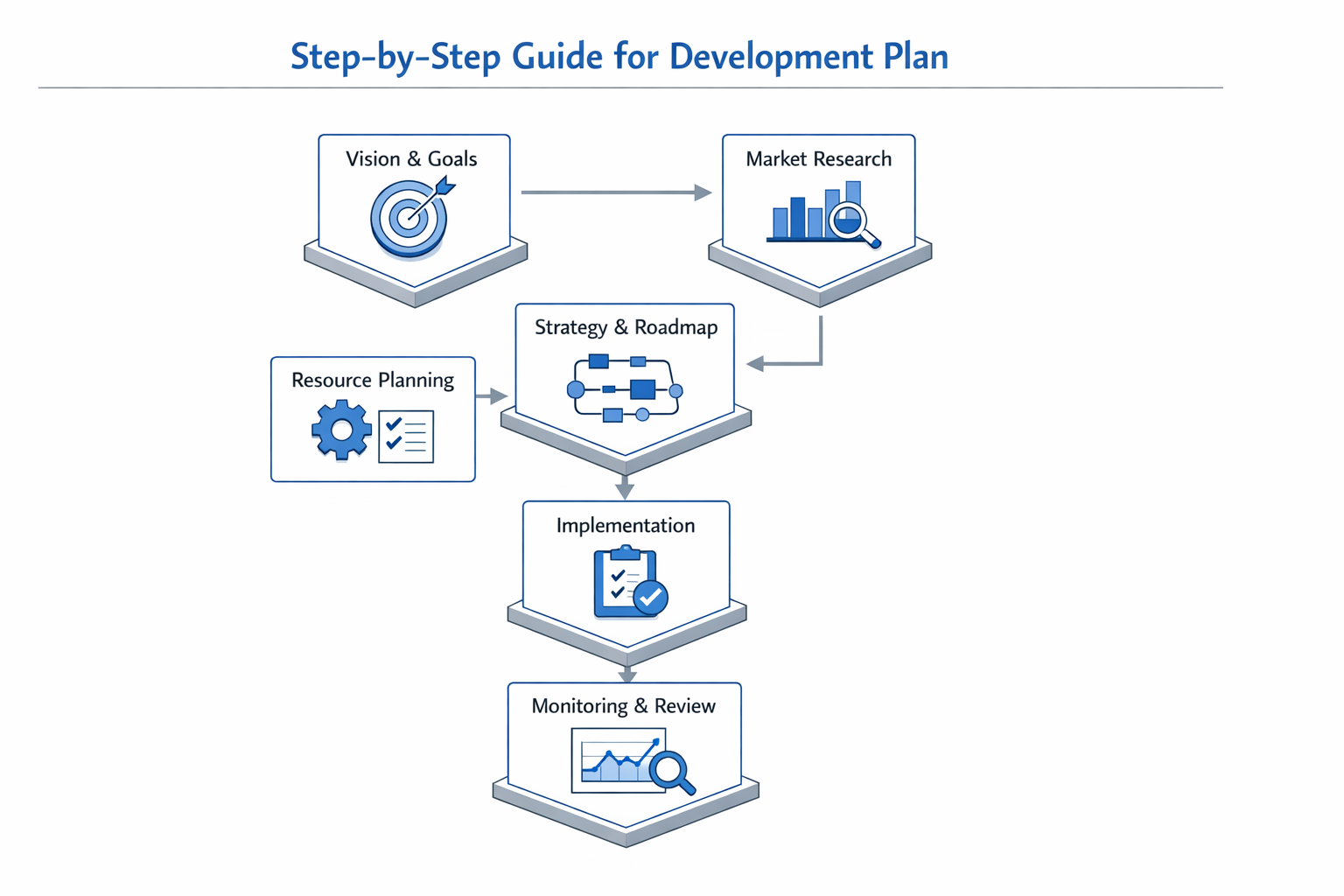
A dev plan is a roadmap. It tells you what to build, in what order, and what risks you're accepting. Here's how to write one without knowing how to code.
Step 1: Define the Outcome
Start with what the user sees and does. Write three sentences: what problem you're solving, who has it, and what success looks like. Skip technical terms. If you can't explain it to a customer, you can't explain it to a developer.
Step 1
Write the user outcome
Describe the end state in plain language. Example: "A therapist opens the app, taps 'New Session,' fills three fields, and sees the note auto-saved to their dashboard within two seconds." No mention of databases or APIs yet.
Step 2: Break It Into Ordered Chunks
Every feature has a natural sequence. Data structures come before interfaces. Backend logic comes before frontend polish. Plan commits in this order: database and schema changes first, backend second, frontend last.
This isn't about code—it's about dependencies. You can't show a user their saved notes if you haven't decided where notes live. Write a list of what must exist before what.
Step 2
Order by dependency
List each chunk as a single sentence describing what it enables. Example: "User authentication exists" enables "User can save a session." "Session data persists" enables "User can view past sessions." Write these as a numbered list.
Step 3: Use Agent Tools to Generate Implementation Plans
Modern AI coding tools let you describe what you want and generate a reviewable dev plan before any code is written. Tools like Cursor's Plan Mode research your codebase, ask clarifying questions, and produce a structured plan you can edit.
You don't need to know syntax. You need to know whether the plan matches your mental model. If the agent proposes building a payment flow before user accounts exist, you catch it here—not after three days of wasted work.
Step 4: Review and Refine the Plan
Read through the generated dev plan. Does each step make sense in isolation? Does the order match your dependency list from Step 2? If something feels wrong, refine the plan before running it.
When an agent builds something that doesn't match your intent, reverting and fixing the dev plan is faster than trying to patch the output with follow-up prompts. Spend time here. A precise plan produces clean results.
For larger changes, spend extra time creating a precise, well-scoped plan.
Step 5: Document Scope and Exclusions
Write down what you're not building. This is harder than listing features. A dev plan without boundaries becomes a wishlist. Be specific: "No user roles in v1," "No mobile app until web works," "No integrations until core flow is stable."
Exclusions prevent scope creep. They also tell a developer (or an agent) when to stop. If you're working with vibe coding tools, clarity on scope is the difference between a working prototype and an abandoned half-build.
Step 6: Save and Share the Plan
A plan that lives only in your head isn't a plan. Save it as a markdown file in your project. If you're using workspace-based tools, save the plan to your workspace so your team (or future you) can reference it.
Plans are documentation. When you revisit the project in two months, you'll want to know what you decided and why.
Tips and Tricks for Writing a Dev Plan
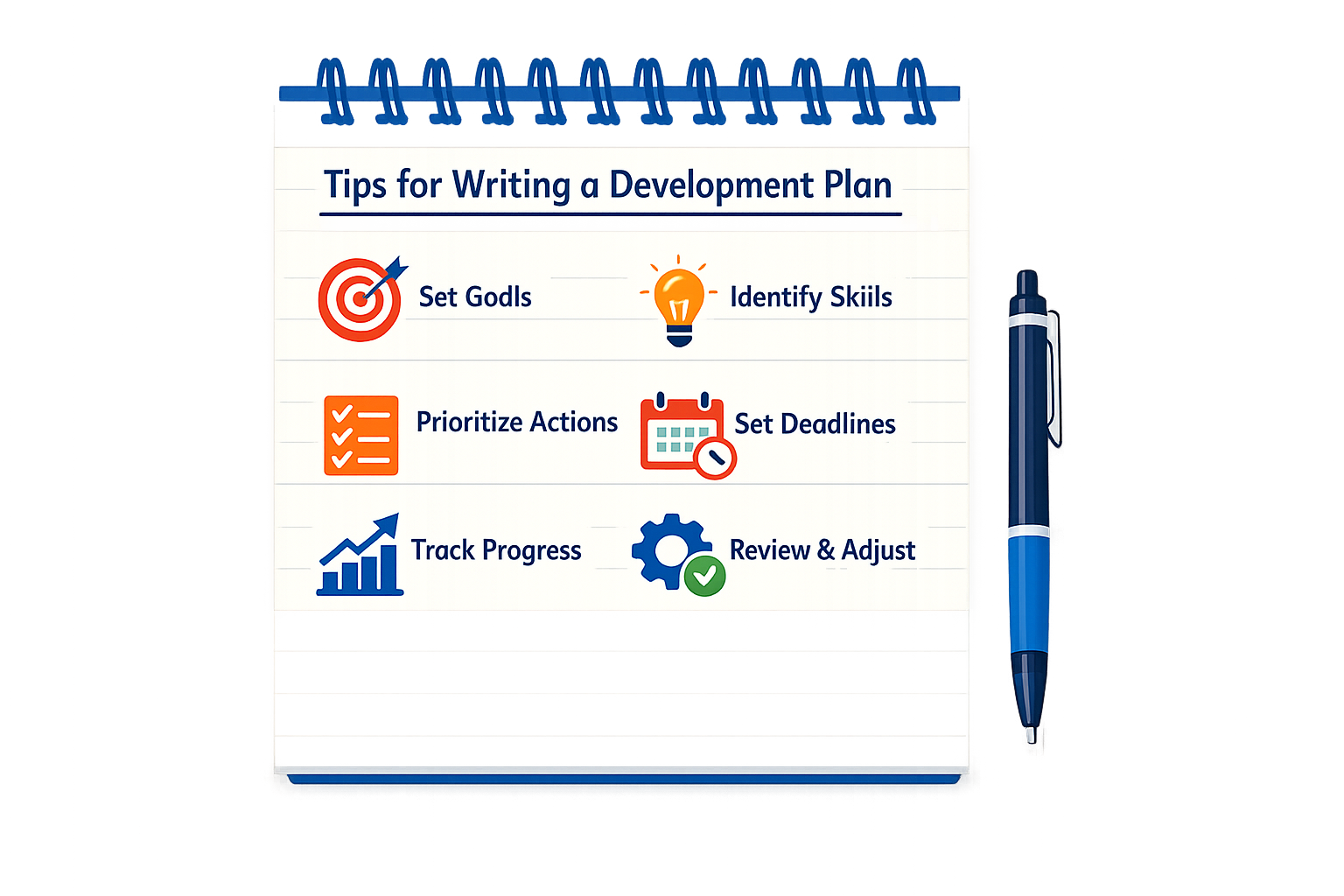
You've written your first draft. Now comes the part where most founders lose time: iterating on a plan that doesn't quite work. These tactics keep you moving forward instead of spinning.
Write in Plain Language First
Describe what you want the way you'd explain it to a colleague over coffee. Skip the jargon. Skip the pseudo-technical phrasing. When you use plain language, you force yourself to think clearly about the actual outcome you need. AI coding tools parse natural descriptions better than founders think — the constraint is usually clarity, not vocabulary.
Refine the Plan Before You Touch Code
When an AI agent builds something that misses the mark, your instinct is to patch it with follow-up prompts. Resist. Revert the changes, go back to the dev plan, and make it more specific about what you actually need. This is faster than trying to steer a half-built implementation, and the result is cleaner. For larger changes, spend the extra ten minutes making the plan precise and well-scoped upfront.
Break Work Into Self-Contained Commits
Each piece of work should stand alone and represent one logical unit. Database changes go first, backend second, frontend last. Commit messages should explain why the change exists, not just what changed. When you need to trace a bug six weeks later, "Added user table" tells you nothing; "Added user table to support OAuth login flow" tells you everything.
A vague plan executed perfectly still delivers the wrong thing.
Save Plans You Might Reuse
Most AI coding tools let you save dev plans to your workspace. Do it. A plan you wrote three months ago for a similar feature is a starting template, not a relic. Teams can share them. You can reference them in documentation. They're cheap to store and expensive to recreate from memory.
Know When to Skip the Plan
For quick changes or tasks you've done many times before, jumping straight to implementation is fine. The dev plan step is overhead. Use it when requirements are unclear, when you need to explore scope, or when you want to review an architectural decision before committing to it. If you're fixing a typo, just fix the typo.
Link Your Dev Plan to Your PRD
Your PRD defines what you're building and why. Your dev plan defines how you'll build it and in what order. Keep them in sync. When the PRD changes, update the dev plan. When the plan reveals a gap in the PRD, go back and fill it. Treating them as separate documents that never talk to each other is how you end up building features nobody asked for.
Conclusion
A dev plan is not a technical document — it's a forcing function. Writing one makes you answer questions you'd otherwise skip until they're expensive. What exactly are we building? What happens when a user clicks that button? What does "done" look like for this feature?
I've shipped three SaaS products without writing a line of production code. The dev plan was the artifact that mattered. It turned vague ideas into instructions an AI agent could execute. When the agent went off-track, the plan was the thing I revised and re-ran — not the broken code.
The structure outlined here — problem statement, solution steps, acceptance criteria — works because it forces specificity. Tools like Cursor Plan Mode and v0 expect this level of detail. Without it, you get plausible-looking output that doesn't solve your problem. With it, you get working features on the first or second attempt.
Start small. Write a dev plan for one feature. Run it through an AI build tool. Watch where the agent gets confused or makes wrong assumptions. Those gaps are your feedback loop. Revise the plan, not the code. Over time, you'll develop an instinct for what level of detail your tools need.
The goal is not to become a developer. The goal is to write instructions clear enough that a machine can execute them. That skill — translating product intent into structured requirements — is the bottleneck for non-technical founders. A PRD handles the "what" and "why"; a dev plan handles the "how" and "when." Master both, and you can ship without hiring.
The best dev plan is the one you actually use. Keep it simple, keep it specific, and keep iterating.
Frequently asked questions
What is a dev plan?
A dev plan is a structured document that translates your product vision into specific, ordered implementation steps. It bridges the gap between what you want to build and what a developer (or AI agent) needs to execute, without requiring you to write code yourself.
How long should a dev plan be?
A dev plan should be as long as it needs to be clear — typically 1-3 pages for a single feature, longer for complex products. Focus on precision over length. Each section should answer one question: what are we building, in what order, and what does success look like?
Can I write a dev plan without technical knowledge?
Yes. A dev plan focuses on outcomes, dependencies, and scope — not implementation details. You describe what the user sees and does, what order things must happen in, and what you're explicitly not building. Technical translation happens in the next step, either by a developer or an AI agent.
What's the difference between a dev plan and a PRD?
A PRD defines what you're building and why — the product requirements, user problems, and business goals. A dev plan defines how you'll build it and in what order — the implementation sequence, technical dependencies, and scope boundaries. You need both: the PRD sets direction, the dev plan executes it.
Related reading
PRD Sections Explained: What to Include with Examples