
AR App Development: Use Cases and Getting Started Guide
Top takeaways
- AR app development enables building customer support tools and shipping MVPs without a full dev team
- Modern frameworks like Next.js and Tailwind integrate with AR workflows to accelerate development
- Focus on product-market fit after launch rather than perfecting features upfront
- AR development combines UI, backend logic, and real-time feedback in a single platform
- Choosing the right tech stack determines whether your prototype becomes production code
Introduction
Augmented reality app development sits at the intersection of hardware constraints and user expectations. You're building software that renders digital objects in physical space, tracks motion in real time, and runs on devices with wildly different capabilities. The gap between a working prototype and a shippable product is wider than in standard web or mobile development.
I've watched solo founders burn months chasing feature parity with established AR platforms when they should have shipped a narrow MVP and validated demand. The tooling improved — frameworks now handle camera feeds, spatial mapping, and rendering without custom engine work — but the planning problems remain the same. You still need to decide what to build, what to defer, and how much technical debt you're willing to carry into production.
The economics changed when AI-assisted build tools entered the workflow. Prototyping cycles compressed from weeks to days. You can now test an AR feature concept, gather user feedback, and iterate without hiring a specialist team. But that speed creates new failure modes: shipping half-tested experiences, skipping architecture planning, or building on frameworks you don't understand well enough to debug when they break.
This guide covers the use cases where AR app development makes commercial sense, the challenges that kill projects before launch, and the steps to move from concept to working software. The focus is on shipping, not on theoretical capabilities or vendor marketing claims.
Understanding the Challenges in AR App Development
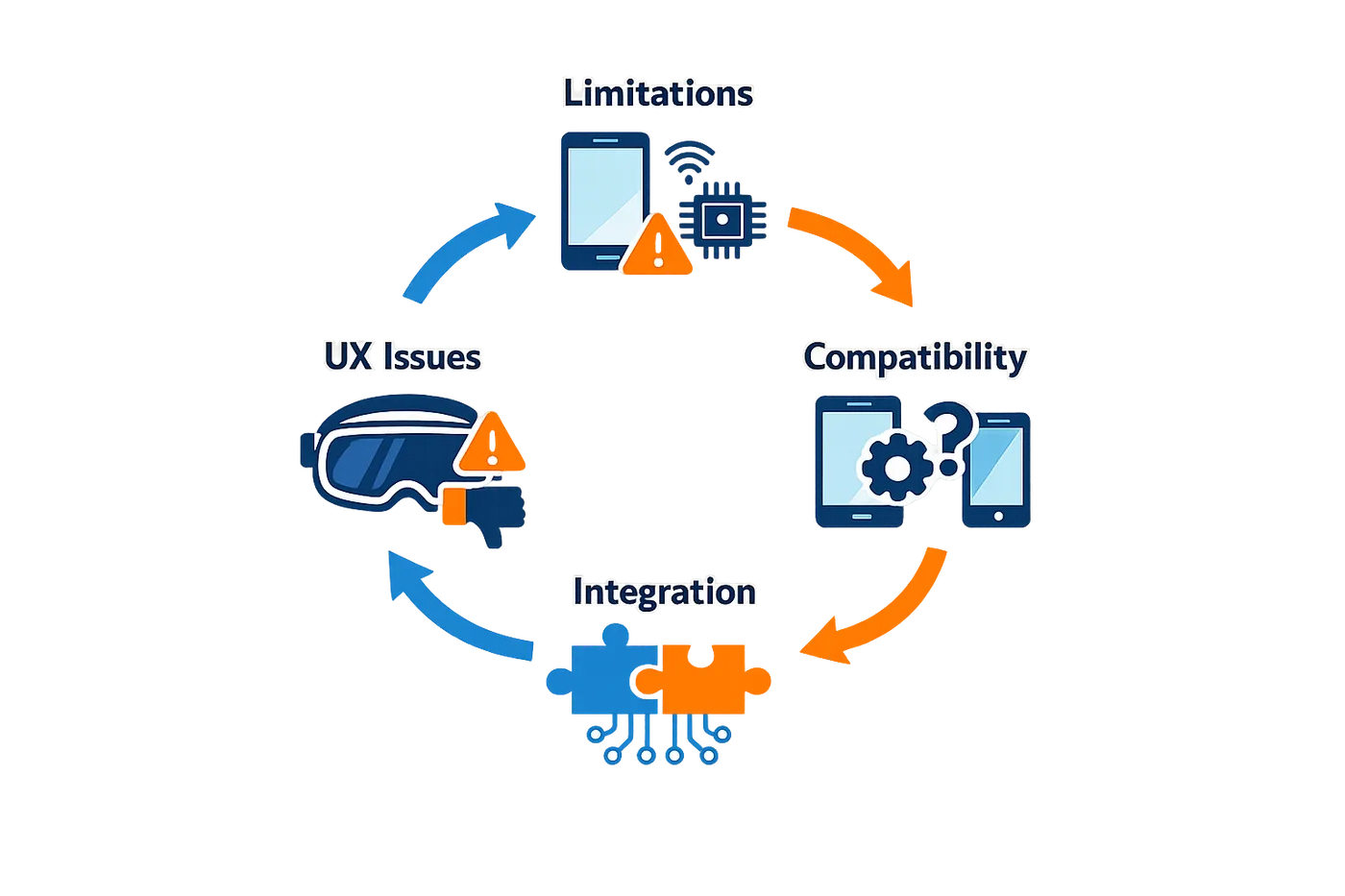
AR app development sits at the intersection of real-time rendering, device sensors, and user interaction. The technical surface area is wide. Each layer introduces failure modes that don't exist in traditional app builds.
Performance and Resource Constraints
AR applications demand continuous camera input, spatial mapping, and 3D rendering simultaneously. Mobile devices throttle under sustained load. Battery drain becomes measurable in minutes, not hours. Frame rates drop when the scene graph grows or when lighting calculations get expensive.
Memory pressure is constant. AR frameworks hold spatial anchors, mesh data, and texture atlases in RAM while your application logic runs. A poorly scoped scene can trigger OS-level memory warnings and force termination. There's no graceful degradation — the app just closes.
Backend and Data Management Complexity
When AR apps store user-generated content or sync state across devices, backend architecture matters. Cloud usage scales with user traffic, file sizes, and real-time message volume. An AR app that lets users place virtual objects and share them with others will see storage costs climb as the user base grows.
Database access patterns in AR apps differ from traditional CRUD operations. Spatial queries, asset lookups by proximity, and concurrent writes from multiple sessions create load profiles that standard setups don't handle well. Security becomes non-negotiable when you're handling user data and media uploads.
The cheapest cloud bill is the one you never get — scope your MVP to avoid backend complexity until you know the usage pattern.
Security and Access Control
AR apps often request camera, location, and storage permissions. Each permission is a trust boundary. Users grant access expecting you'll use it for the stated feature, not for data collection or third-party integrations they didn't agree to.
If your AR app includes a backend, the same vulnerabilities that affect web applications apply. Input validation, authentication, and privilege separation aren't optional. When building from scratch or when risk tolerance is low, use parameterized queries and minimize database account privileges to reduce exposure.
For more on managing technical complexity as your application scales, see Clean Architecture Principles for Scalable Applications.
Platform Fragmentation
AR capabilities vary by device and OS version. ARCore and ARKit don't offer feature parity. Depth sensing, people occlusion, and LiDAR support exist on some hardware and not others. You either build for the lowest common denominator or maintain conditional feature branches.
Testing becomes a matrix problem. What works on an iPhone 14 Pro may fail on an Android mid-range device from two years ago. Emulators don't replicate real-world lighting or tracking accuracy. You need physical devices to validate anything that matters.
Steps to Get Started with AR App Development
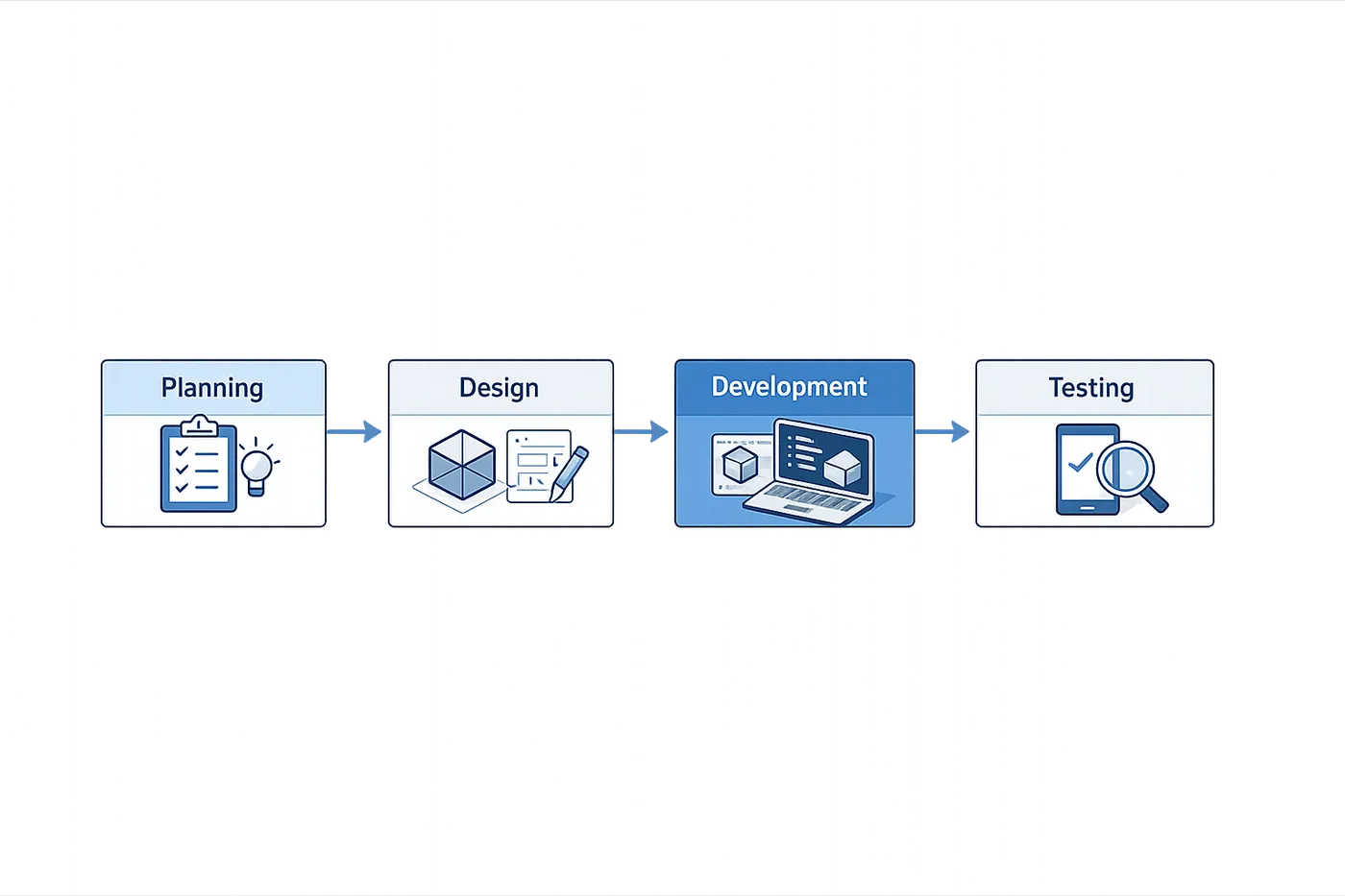
You don't need a computer-vision PhD to ship your first AR app. The barrier is lower than most founders think — modern tooling handles the hard spatial-mapping work, and you can build a functional prototype in days if you plan correctly.
Define Your Core AR Mechanic
Start by writing one sentence: what does the user point their camera at, and what appears? A furniture app renders a chair on the floor. A repair app overlays labels on equipment parts. A game spawns creatures on flat surfaces. If you can't state this in ten words, your concept isn't concrete enough to build.
Sketch the interaction on paper before opening an IDE. Draw three frames: camera view with target surface, AR content placed, user action completed. This forces you to decide what triggers placement, how the user manipulates objects, and what counts as success.
Step 1
Map your data flow
Identify every piece of information that moves between the camera feed, your AR rendering layer, and your backend. A shopping app needs product models, prices, and inventory status. A training app needs step sequences and completion tracking. Write these as a list with source and destination for each item.
Step 2
Choose your deployment target first
Pick iOS-only, Android-only, or cross-platform before you write code. Native ARKit and ARCore give you the most control but lock you to one platform. WebXR runs in mobile browsers with no install but has feature gaps. Cross-platform frameworks like Unity or React Native bridge the gap at the cost of larger app size.
Prototype With Minimal Viable Tracking
Your first build should detect one surface type and place one object. Horizontal plane detection — tables, floors — is the easiest starting point. Vertical plane detection and image tracking add complexity; save them for iteration two.
Use placeholder assets. A gray cube is fine for testing placement logic. Detailed 3D models slow your feedback loop and distract from interaction problems. Optimize models only after the core mechanic works.
Build in Checkpoints and Rollback
AR apps break in ways web apps don't. A lighting change crashes your object-recognition pipeline. A new OS update changes coordinate-system behavior. You need to roll back to a known-good state fast.
Create checkpoints after each working feature. Regular testing catches issues before they compound, and maintaining rollback points lets you recover from failed experiments without losing days of work. When something breaks in production, you describe the failure and iterate from the last stable checkpoint rather than debugging from scratch.
For more structured approaches to managing complexity as your AR app grows, see our guide on Clean Architecture Principles for Scalable Applications.
Integrate Backend Services Incrementally
Start local-only. Hardcode your 3D models and test data in the app bundle. Once placement and interaction work, add your first API call — usually authentication or content fetch. Then add analytics, then cloud saves, then real-time features if you need them.
Each backend integration is a new failure mode. Add them one at a time so you know what broke when your app stops working. Structure your code so the AR view works offline; network calls happen in a separate layer that can fail gracefully.
Tips and Tricks for Successful AR App Development
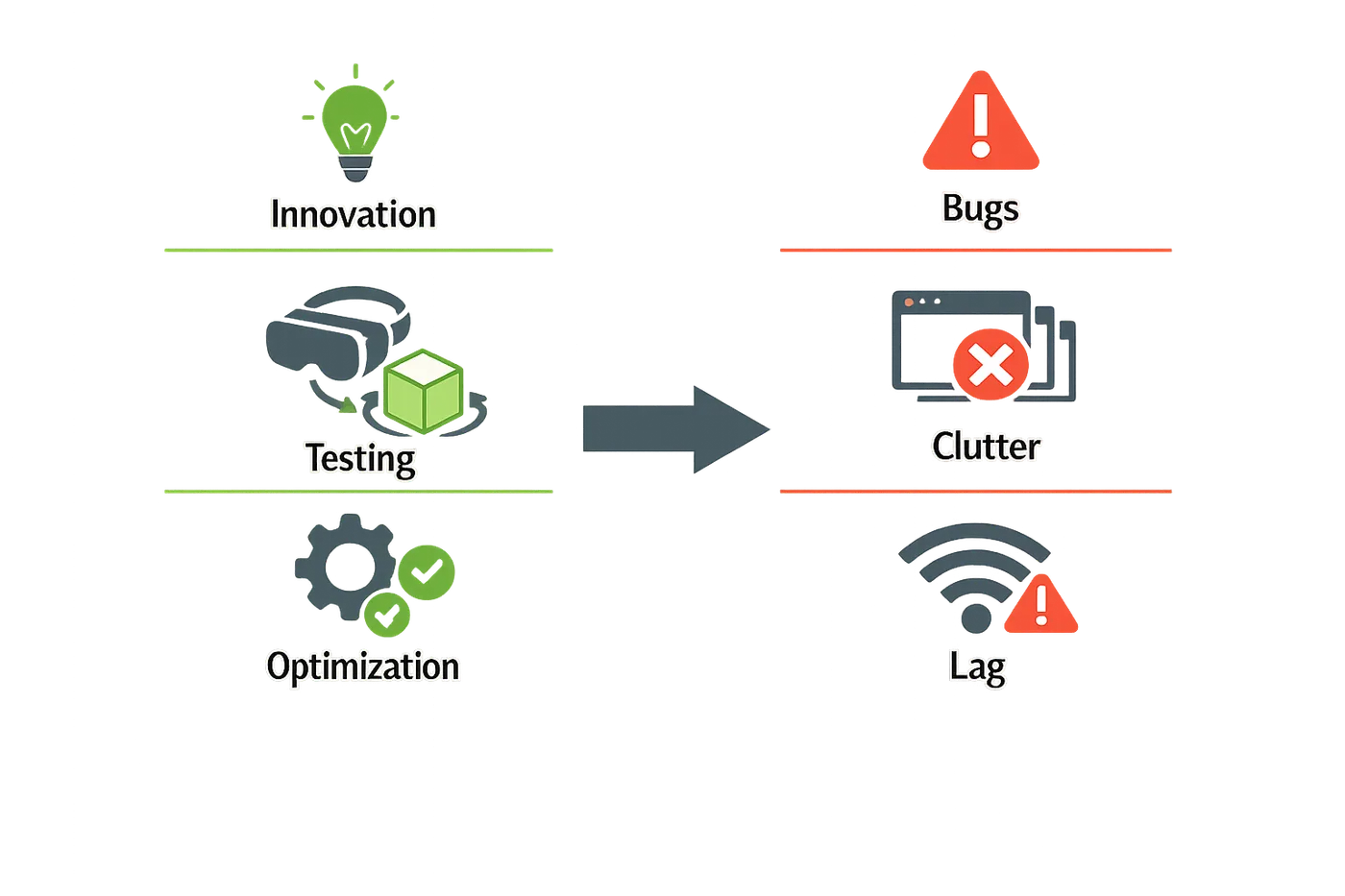
Most AR projects fail in testing. The app works on your desk, then dies on a user's phone. That gap is where projects stall.
Test on Real Devices Early
Most users will access your AR app on mobile devices. Testing in desktop preview tells you nothing about how tracking behaves in sunlight or how occlusion renders on a three-year-old Android.
Before you publish, spend a few moments testing the app. A quick check now saves a round of confused messages from the first person you send the link to. Click every interactive element. Test every filter, every placement mode, every gesture. If something is off, note exactly what is wrong and where.
Make One Change at a Time
When you ask for three changes in one prompt, you get three half-working features. Ask for one change, check the preview, then ask for the next.
For small visual changes, pointing beats describing. Open the preview toolbar, select the exact element, and say what should change. To change text — a headline, a button label — use the inline editor and type directly on the page. No prompt needed.
Step 1
Isolate the change
Ask for one feature adjustment. Wait for the build. Check the preview. If it works, move to the next change. If it breaks, you know exactly what caused it.
Step 2
Use precise language
Instead of "make the tracking better," say "reduce jitter when the device rotates quickly." Instead of "fix the lighting," say "increase ambient light intensity by 20%." Vague prompts produce vague results.
Understand Your Tool's Failure Modes
Every AR framework has patterns it handles well and patterns it doesn't. WebXR struggles with complex occlusion. ARCore has device-specific quirks on older Samsung models. ARKit's plane detection works better on textured surfaces than blank walls.
Know what breaks before you design around it. If your app depends on accurate floor detection and your framework can't deliver that reliably, you need a different approach or a different framework.
For broader context on choosing tools that match your project's constraints, see Engineering Technology Stacks: Choosing the Right Build.
Automate Repetitive Checks
Manual testing catches the obvious breaks. Automated checks catch the subtle ones — frame rate drops, memory leaks, tracking drift over time.
Set up a basic test suite that runs on every build. Check that placement works, that models load, that the session initializes without errors. You won't catch everything, but you'll catch the regressions that would otherwise slip through.
Conclusion
AR app development is not a single skill — it's a stack of decisions about sensors, rendering, backend logic, and user flows. The use cases are real: navigation overlays, training simulations, furniture previews. The tooling is real: ARKit, ARCore, Unity, and now end-to-end platforms that handle both UI and backend without a dev team. The challenge is real: device fragmentation, user onboarding, and the gap between a working prototype and a shipped product.
I've watched solo founders burn weeks on sensor calibration only to discover their target users won't grant camera permissions. The path from prototype to production is shorter when you start with a narrow use case, test on real hardware early, and treat onboarding as part of the core experience — not an afterthought.
The platforms mentioned earlier — V0, Lovable — let you build UI and backend logic together, which matters when your AR app needs live updates or server-side state. Image generation, real-time messaging, and cloud storage all count as usage; plan for that cost before you scale.
If you're building AR as part of a larger app strategy, Engineering Technology Stacks: Choosing the Right Build covers how to evaluate tools when your requirements span web, mobile, and emerging platforms. The same framework applies: pick the stack you can debug, not the one with the best demo video.
AR app development is accessible now in ways it wasn't three years ago. The barrier is no longer access to SDKs — it's knowing which problem you're solving and for whom. Start there.