
PRD Sections Explained: What to Include with Examples
Top takeaways
- PRD sections explained refers to the breakdown of each component in a Product Requirements Document and what belongs in each one
- Each section serves a specific purpose: problem statement defines what you're solving, solution steps outline how to build it, and supporting sections provide context
- Understanding PRD sections helps you write clearer specs that AI coding tools can actually execute
- Well-structured PRD sections reduce back-and-forth during development and prevent scope creep
- Examples show the difference between vague requirements and actionable specifications
Introduction
A Product Requirements Document lives or dies by its structure. I've written dozens of PRDs for solo SaaS builds, and the ones that worked had clean sections that answered specific questions. The ones that failed were just walls of text.
PRD sections explained means breaking down each part of the document and understanding what information goes where. When you hand a PRD to an AI coding assistant or a contractor, they need to know exactly what problem you're solving, how you want it solved, and what success looks like. Mixing those concerns into one blob guarantees confusion.
Most founders skip straight to feature lists. That's backwards. A proper PRD starts with the problem, then builds outward. Each section has a job: problem statement frames the why, solution steps detail the how, constraints define the boundaries, and success metrics tell you when you're done. Miss one section and you're guessing.
The structure matters more than the length. I've shipped products from three-page PRDs and watched five-pagers collapse because nobody knew what went where. Clear sections mean you can hand off work without explaining the same context three times. They also mean you can update one part without rewriting the whole document.
This guide walks through each PRD section with examples from real builds. You'll see what belongs in each section, what to leave out, and how to structure information so vibe-coding tools can turn your spec into working code. No theory—just the sections that matter and how to fill them.
Problem Statement
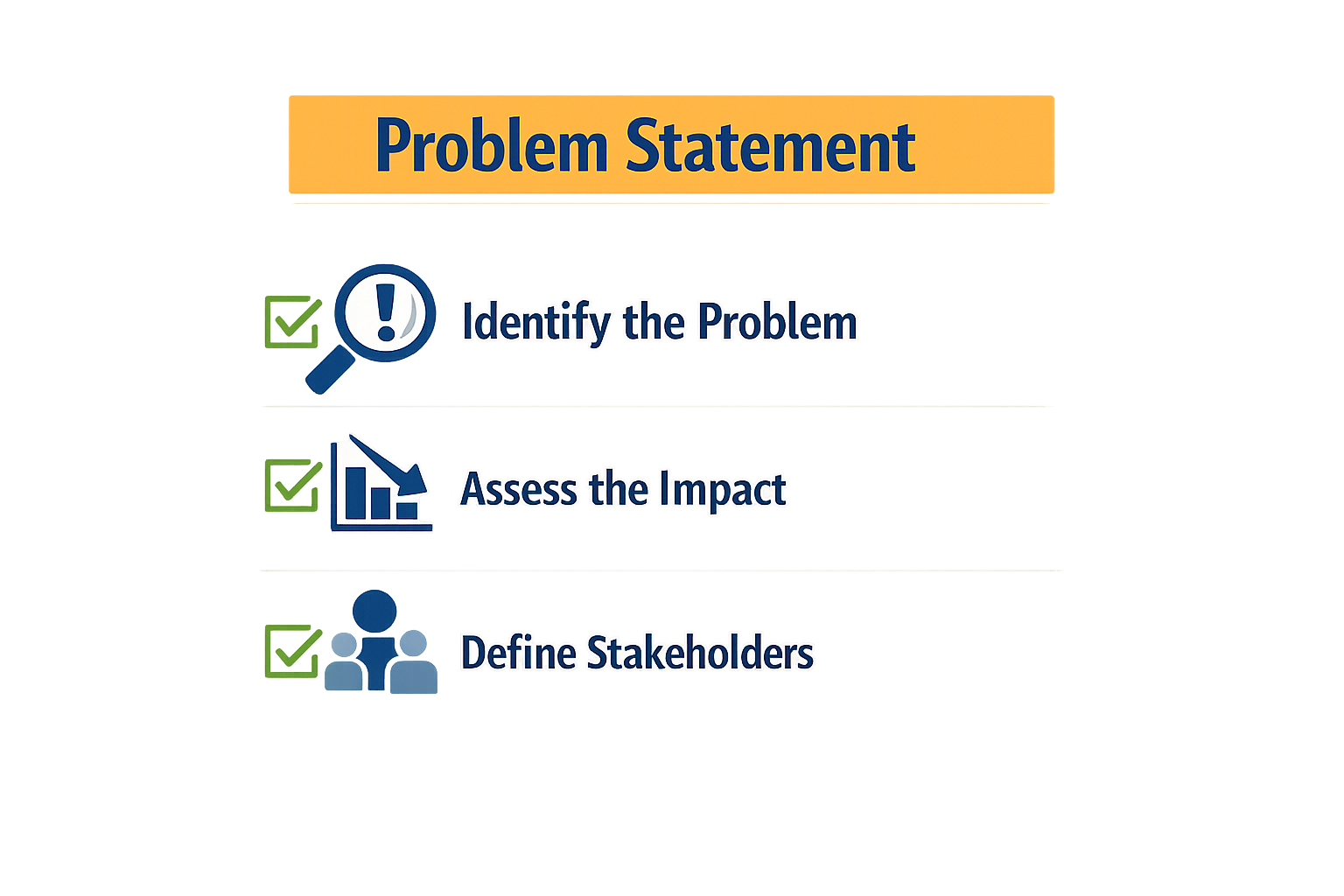
The Problem Statement section tells you why the product exists. It frames the gap you're closing. Without it, your PRD becomes a feature wishlist with no anchor.
I write this section first. It forces clarity before I commit to solutions. If I can't articulate the problem in three sentences, I don't understand it well enough to spec anything.
What Belongs in a Problem Statement
Start with who experiences the problem. Name the user type and their context. A sales representative accessing customer data from the internal network has different constraints than one working remotely at midnight.
Describe the current state. What breaks, slows down, or creates risk today? Use concrete scenarios, not abstract pain points. "Manual access provisioning takes 48 hours" beats "inefficient processes."
End with the cost of inaction. Quantify it when possible. Lost revenue, compliance exposure, or hours burned per week. If you can't measure impact, you can't prioritize the fix.
Common Problem Statement Mistakes
Jumping to solutions. "We need a dashboard" isn't a problem statement. "Support teams answer the same three questions 200 times per week" is.
Vague language. "Users are frustrated" tells me nothing. "Users abandon checkout after the third failed card attempt" gives me a target.
Missing the user. "The database is slow" centers the wrong thing. "Analysts wait 12 seconds per query during peak hours" centers the person who pays for the delay.
Example Problem Statement
Here's a structure that works:
User: Internal sales team (12 people)Current state: Access requests require manual approval from two managers. Average turnaround is 36 hours. Requests submitted Friday aren't processed until Monday.Impact: Sales reps miss follow-up windows. We lose an estimated 8 deals per quarter to delayed access.
That's 80 words. It tells me who, what, and why. Everything downstream references this baseline.
For more on structuring the full document, see What Is a PRD? Product Requirements Documents, Explained.
Solution Steps
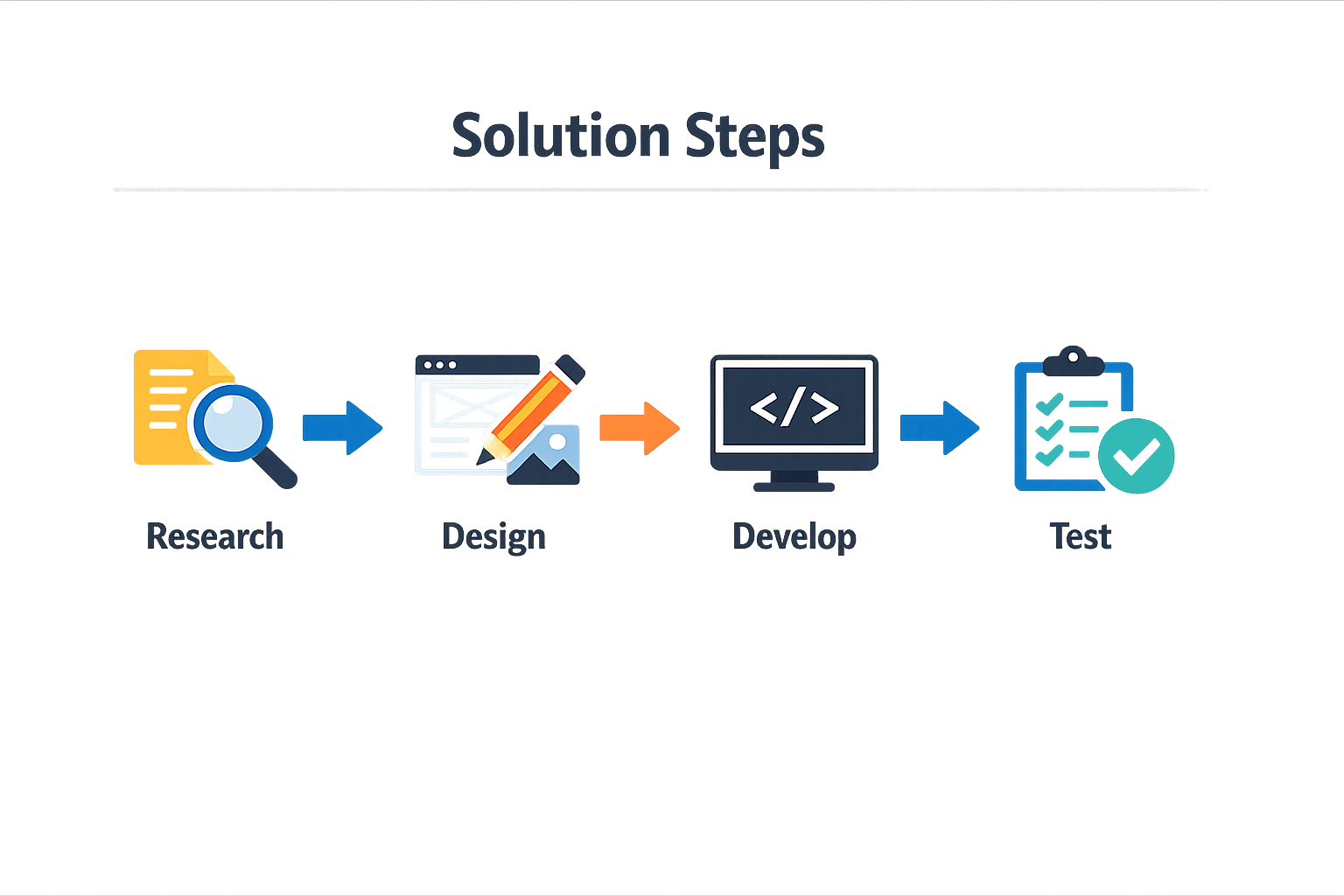
The solution steps section is where you translate a problem into discrete work. It's not a high-level vision statement. It's the list of things someone has to build, configure, or deploy.
What Goes Into Solution Steps
Each step is a unit of work that can be assigned, estimated, and checked off. Start with the user-facing flow, then enumerate the backend or infrastructure changes that make it possible.
A step should answer: what gets built, what data moves, and what the user sees at the end. If a step is vague enough that three engineers would implement it three different ways, split it or add constraints.
Map the path from trigger to outcome. List each screen, input, and state change. If the user uploads a file, note what happens on failure, what feedback they see, and where the file goes.
During the design phase, define who can access what. List user roles, exposed resources, and operations each role can perform. This prevents scope creep and surfaces authorization logic early.
Build the feature in one pass, then rework the commit history into semantic chunks. Each commit represents one logical change. A reviewer should be able to step through the history and understand the reasoning without reading 500 lines at once.
When to Add Detail
If the step touches compliance, money, or user data, spell out the validation rules and error states. If it's a standard CRUD operation, a one-liner is fine.
PRDs can have many steps that may seem excessive. Flat lists are easier to track. Nested hierarchies hide dependencies.
Tips and Tricks for Writing PRD Sections
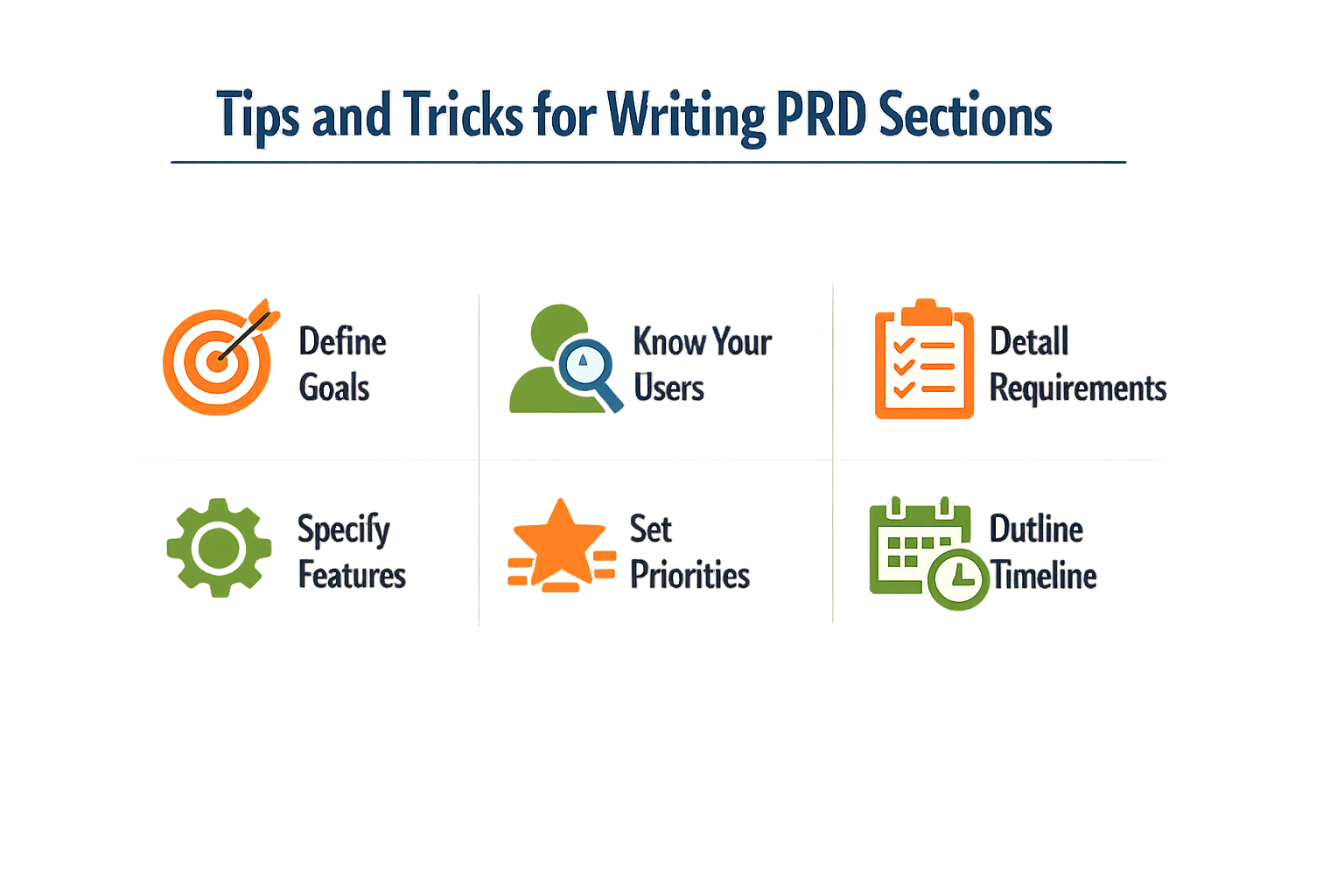
I've written PRDs that shipped and PRDs that sat in Notion until the idea died. The difference wasn't the product—it was whether the document could survive contact with an AI coding tool or a contractor who'd never talked to me.
Start with constraints, not features
Most PRDs open with what the product should do. Better ones open with what it can't do. Budget, timeline, platform limits, third-party API dependencies—these shape every downstream decision. When I list constraints first, the solution section writes itself. When I skip them, I get back prototypes that assume infinite S3 buckets and engineers who work weekends.
Write for the dumbest reader in the chain
Your PRD will be read by you, by an LLM, by a developer who's never seen your product, and by your future self six months later when you've forgotten why you made that call. The dumbest reader is the LLM. It doesn't infer. It doesn't remember your Slack thread. If a term isn't defined in the document, the term doesn't exist.
Define every entity, every user role, every status enum. If "active user" means something specific, say it. If "submission" could mean two things, pick one and write it down. I keep a glossary section at the bottom of every PRD. It's boring. It prevents $4,000 bugs.
Keep acceptance criteria atomic
An acceptance criterion should test exactly one behavior. "User can log in" is not atomic—it bundles validation, session creation, redirect logic, and error states. "User sees 'Invalid password' message when password is incorrect" is atomic. You can write a test for it. You can check a box when it's done.
I aim for 3–5 atomic criteria per feature. Fewer and I'm underspecifying. More and I'm micromanaging. If a feature needs 12 criteria, it's two features.
The test for a good acceptance criterion: a junior dev can write the test case without asking you a question.
Use examples, not adjectives
Don't write "fast load time." Write "page renders in under 2 seconds on 3G." Don't write "intuitive navigation." Write "user reaches checkout in 3 taps from home screen." Adjectives are placeholders for the conversation you didn't have. Numbers and examples are the conversation.
When I'm stuck on how to specify something, I write the example first. The spec follows.
Version your PRD like code
Every time you change a requirement after the first draft, note the date and what changed. I use a changelog section at the bottom. It's the only way to reconstruct why you made a decision when someone asks three months later. It's also how you catch scope creep—if your changelog has 40 entries, you didn't plan; you improvised.
For PRDs that feed AI tools, versioning matters even more. PRD for Cursor: The Ultimate Guide to Stress-Free AI Specs walks through how small wording changes ripple through generated code. A changelog lets you correlate output quality with spec edits.
Document what you decided not to build
The "Out of Scope" section is the most underrated part of a PRD. It stops the same feature request from resurfacing every sprint. It reminds you why you punted on the obvious thing. It tells the developer that the missing button isn't a bug.
I list everything that came up in planning and didn't make the cut. I don't justify every exclusion—just naming it is enough. If someone wants to revisit it, they know where to look.
Conclusion
Well-defined PRD sections turn vague ideas into buildable specs. Each section — problem statement, solution steps, user flows, technical constraints — exists to answer one question before the next person asks it. When you skip a section or leave it fuzzy, you pay in rework.
I've shipped products with five-page PRDs and products with fifty-page PRDs. Length doesn't predict success. Clarity does. A tight problem statement saves you from building the wrong thing. Explicit success metrics tell you when to stop iterating. Technical constraints catch the impossible ideas before they eat a sprint.
The best PRD is the one your team actually reads. If your sections are too dense, people guess instead of checking. If they're too sparse, people interrupt you for clarification. Balance comes from writing each section once, then cutting half the words.
Start with the structure in this guide. Drop sections that don't apply to your project. Add sections when a recurring question keeps coming up in Slack. The goal is not a perfect document — it's a document that keeps your build moving forward without constant clarification meetings.
For a complete walkthrough of how these sections fit together in a real SaaS PRD, see Sample PRD: The Complete Guide to SaaS App Best Practices. Your first PRD will feel awkward. Your tenth will feel automatic. Write the sections, ship the product, iterate the template.
Learn what PRD Sections Explained means and what to include in each section with examples.