
Sample PRD: The Complete Guide to SaaS App Best Practices
Introduction
A product requirements document is the single artifact that defines what you're building, who it serves, and how you'll know it worked. Most founders skip it or treat it like a formality. Then they spend months building the wrong thing, or the right thing badly, because no one agreed on scope up front.
I've shipped products with PRDs and without them. The ones without PRDs took twice as long and required three rewrites. A PRD isn't bureaucracy — it's the cheapest insurance you'll buy. It forces you to answer hard questions before you write code, not after you've burned your runway.
This guide presents a complete sample PRD for a SaaS application. You'll see every component laid out with the structure and detail that separates a useful document from a wishlist. If you're starting from scratch, What Is a PRD? A Plain-English Guide for Non-Technical Founders covers the fundamentals before you dive into the example.
The sections ahead break down each part of a working PRD: objectives, user stories, technical requirements, success metrics, and constraints. You'll see how each piece fits together and why every line matters when you hand the document to a developer or AI coding tool.
Explore a sample PRD to understand the essentials of a SaaS application.
Understanding a Product Requirements Document
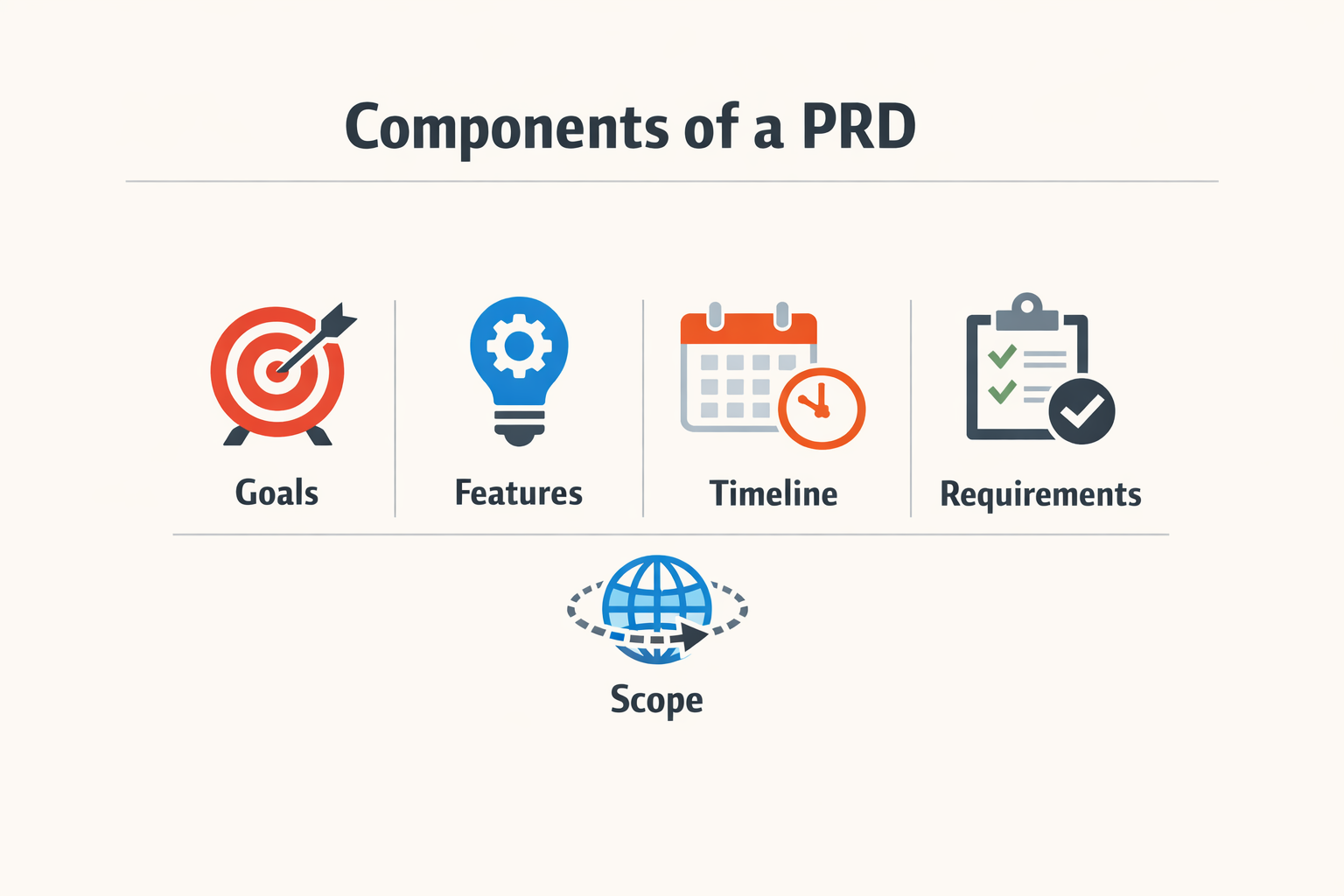
A product requirements document (PRD) is the single artifact that defines what you're building, who it serves, and how you'll know it worked. It's the contract between intent and execution.
For SaaS applications, a PRD prevents the slow bleed of ambiguity tax — longer cycles, scope creep, features that miss the mark. When the spec is vague, every stakeholder fills the gaps with their own assumptions. The result is a product that satisfies no one.
Why SaaS Teams Need a PRD
SaaS products ship continuously. Without a PRD, each sprint becomes a negotiation. Engineers ask what "done" means. Designers guess at edge cases. Product managers defend scope in Slack threads instead of building.
A good PRD answers three questions before the first line of code:
- What problem does this solve? Not the feature list — the user pain.
- Who experiences this problem? Specific personas, not "everyone."
- How do we measure success? Numbers, not feelings.
The PRD is not a waterfall relic. It's a forcing function. Writing it surfaces the gaps in your thinking before they become gaps in your product.
The Cost of Skipping the PRD
Teams that skip the PRD pay in rework. A feature ships, users complain, the team argues about whether it's a bug or a misunderstanding. The PRD would have resolved that argument in the planning phase.
The alternative is building twice: once to learn what you should have written down, once to build what you meant. For solo founders and small teams, that's a luxury you don't have.
If you're just starting out and need a structured approach to turning your idea into a plan, What Is a PRD? A Plain-English Guide for Non-Technical Founders walks through the fundamentals without the jargon.
Components of a Sample PRD
A PRD is a checklist disguised as a document. Every effective PRD covers the same core ground: objectives, problem statement, user stories, success metrics, scope and non-goals, assumptions and open questions. The order matters less than making sure nothing is missing when you hand it off.
Executive Summary and Objectives
The executive summary states what you're building and why. Keep it to three sentences. Objectives follow immediately: measurable outcomes you expect within a defined window. "Increase trial-to-paid conversion" is an objective; "build a better dashboard" is not.
Problem Statement and User Personas
The problem statement describes the gap you're filling. Write it from the user's perspective, not yours. User personas anchor the problem to real people: job title, workflow pain, decision criteria. One detailed persona beats three generic ones.
User Stories and Key Features
User stories translate personas into actions: "As a [role], I need to [task] so that [outcome]." Each story maps to one or more features. Key features are the minimum set required to solve the problem statement. Anything else goes in a separate "future considerations" section.
Technical Considerations and Constraints
Technical considerations include platform requirements, integrations, performance targets, and data handling rules. Constraints are the hard limits: budget, timeline, compliance requirements, legacy system dependencies. If what is a PRD is new to you, this section is where most first drafts fall apart—teams assume shared context that doesn't exist.
Success Metrics and Milestones
Success metrics are the numbers you'll check to know if the product works. Pick two or three; more than that and you're measuring noise. Milestones are the delivery checkpoints: alpha, beta, launch, first paying customer. Tie each milestone to a calendar date, not a feature count.
| Component | Purpose | Common Mistake |
|---|---|---|
| Objectives | Define measurable outcomes | Writing features instead of outcomes |
| Problem statement | Anchor the product to user pain | Describing your solution, not their problem |
| User stories | Map personas to actions | Skipping the "so that" clause |
| Success metrics | Validate the solution works | Tracking vanity metrics |
Scope, Non-Goals, and Open Questions
Scope defines what's in; non-goals define what's deliberately out. Non-goals prevent feature creep and set expectations with stakeholders. Open questions are the unresolved decisions that need an owner and a deadline. If a question stays open past the first sprint, it wasn't a question—it was a blocker you didn't flag.
Writing a Sample PRD
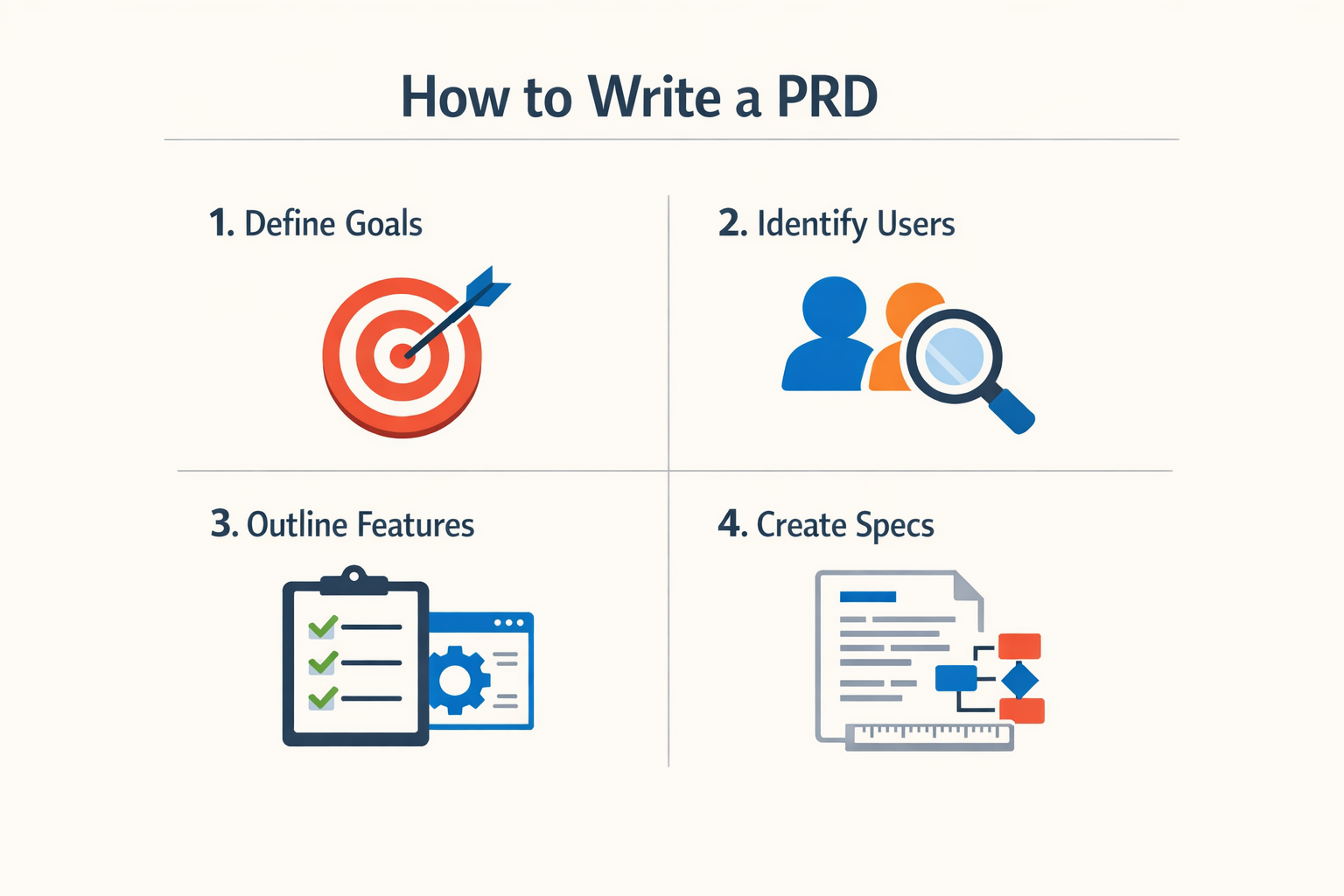
Writing a PRD is not about filling a template. It is about mapping what you are building and why it matters, before anyone writes code.
Start with the user journey you already have. If your app exists, capture every screen and flow. Overlay analytics data on where users drop off or get stuck. Integrate feedback from support tickets or user interviews. A PRD grounded in real behavior beats one built from assumptions.
Define Success With SMART Goals
Set goals that are Specific, Measurable, Achievable, Relevant, and Time-bound. Instead of "improve onboarding," write "reduce signup abandonment from 40% to 25% within 8 weeks." Concrete numbers give your team a target and give you a way to know when you are done.
Step 1
Map the user journey screen by screen
Visualize the entire flow as a storyboard. Show every screen, every decision point, every error state. Text descriptions hide gaps; a visual map exposes them. This is where you catch missing states before they become support tickets.
Step 2
Write requirements as outcomes, not features
Instead of "add a password reset button," write "user can recover access without contacting support." The outcome tells the team what problem to solve; the implementation is negotiable.
Step 3
Attach data to every claim
If you say "users struggle with X," cite the support ticket volume or the session recording. If you propose a feature, reference the user feedback or the competitor gap. A PRD without evidence is a wishlist.
Step 4
Define scope and non-scope explicitly
List what this release will NOT include. "We are not building an admin dashboard in v1" prevents scope creep and aligns expectations. What you leave out is as important as what you put in.
For founders new to this process, understanding what is a PRD will clarify how these documents fit into your broader planning workflow.
The goal is not perfection. The goal is a document that your team can read, question, and build from without waiting for you to clarify every detail.
Common Mistakes in PRD Development
Most PRDs end up in a folder nobody opens after the kickoff meeting. The document gets written, approved, filed, and forgotten while the team ships something completely different. The gap between what's written and what's built isn't a documentation problem—it's an audience problem.
The biggest mistake is treating a PRD as a static technical specification. Lock down every detail up front and you kill the engineering creativity that turns a good idea into a working product. Engineers need room to solve problems, not a script to follow.
Writing for Stakeholders Instead of Engineers
Most PRDs fail because they are written for stakeholders instead of engineers. The document becomes a pitch deck in prose form—full of business justifications, market positioning, and revenue projections. Engineers don't need to know why the CEO thinks this feature will close enterprise deals. They need to know what problem they're solving and what constraints matter.
A PRD written for the wrong audience gets referenced once and ignored afterward. If your engineering team isn't opening the PRD during implementation, the document isn't serving its purpose.
Overspecifying Implementation Details
The second common failure is locking in implementation details too early. Specifying exact database schemas, API endpoints, or UI components in a PRD boxes the team into decisions made before anyone touched the code. Requirements should describe outcomes and constraints, not solutions.
Good PRDs define the problem space and success criteria. Bad PRDs prescribe the solution space and leave no room for better approaches discovered during development.
Skipping the "Why" Behind Each Requirement
Every requirement in a PRD should answer a specific user problem or business constraint. When you list features without explaining why they matter, engineers can't make trade-offs. They don't know which parts are negotiable and which parts are load-bearing.
The "why" is what lets a team adapt when reality diverges from the plan. Without it, every deviation requires a meeting to re-litigate the original decision. For more on how non-technical founders can bridge this gap, see What Is a PRD? A Plain-English Guide for Non-Technical Founders.
Treating the PRD as Immutable
A PRD that never changes is a PRD nobody believes. Requirements shift when you learn something new—from user testing, from technical constraints, from market feedback. The document should be a living record of current understanding, not a contract signed in blood.
Teams that treat PRDs as immutable end up with two problems: a document that doesn't match reality and a culture where people stop reading it. Update the PRD when the plan changes. If the document and the codebase diverge, the document is the one that's wrong.
A PRD is a snapshot of what you know today, not a prediction of what you'll ship tomorrow.
Sample PRD Case Study
A worked example shows how theory translates to practice. The SSO checkout feature PRD demonstrates the core elements in action: problem statement, user stories, acceptance criteria, and open questions.
The problem statement is specific and user-centered: "Users need a reliable way to upload multiple files at once without the session timing out." No jargon, no internal politics — just the user's pain in plain terms.
Breaking Down the SSO Checkout Example
The author lists the problem first, then writes user stories in the standard format: "As a [user type], I want [action] so that [outcome]." Each story maps to acceptance criteria — the pass/fail conditions that tell engineering when the feature is done.
One open question is flagged at the end: a dependency or edge case that needs a decision before launch. This is how you ship without pretending you have all the answers on day one.
Step 1
Start with the user's sentence
Write the problem statement as if the user said it to you in a support ticket. If it sounds like a feature request instead of a problem, rewrite it.
Step 2
Map stories to acceptance criteria
For each user story, write 2–4 testable conditions. If you can't test it, it's not acceptance criteria — it's a wish.
Step 3
Flag open questions early
Don't bury unknowns in footnotes. List them in a dedicated section so stakeholders can prioritize the decisions that block progress.
The plain-English guide for non-technical founders walks through the same structure with more context on why each section matters.
What Makes This PRD Work
The SSO example succeeds because it's specific, testable, and honest about what's still unknown. The problem statement frames the feature from the user's perspective, not the product team's roadmap. The acceptance criteria give engineering clear exit conditions. The open questions signal where the team needs input before committing resources.
This is the template: problem, stories, criteria, questions. Everything else is commentary.
Who Should Use a PRD?
A PRD is not for everyone. It's for teams that need to build something specific without burning weeks on misalignment. If you're working solo and the entire product lives in your head, you probably don't need one. But the moment you involve another person—engineer, designer, contractor—the PRD becomes the cheapest insurance you can buy.
The real question is not who can use a PRD, but who should. The answer is anyone who will hand off requirements to someone else. That includes founders briefing developers, product managers coordinating cross-functional teams, and technical leads scoping work for junior engineers. The PRD exists to align people who don't share the same mental model.
Engineers Are the Primary Audience
Most PRDs fail because they are written for stakeholders instead of engineers. The result is a document no one references during implementation. A PRD has exactly three jobs: align the team on what is being built and why, provide enough detail to start implementation, and create a reference point for scope decisions. If the engineer building the feature doesn't open the PRD, it's decorative.
Write for the person who will turn the PRD into working code. That means concrete acceptance criteria, edge cases, and enough context to make trade-offs without escalating every question. Stakeholders can read it too, but they're not the target.
Product Managers and Technical Founders
Product managers live in PRDs. It's the artifact that bridges strategy and execution. A PM without a PRD is guessing at what got built and why. For technical founders, the PRD is how you scale yourself—it's the document that lets you step away from every implementation detail without the project drifting.
If you're a solo founder who codes, you might skip the PRD for your first build. But the moment you hire help or need to revisit a decision six months later, you'll wish you had written it down. The PRD is your past self explaining the plan to your future self.
Cross-Functional Teams
Designers, QA, support, and ops all benefit from a well-crafted PRD. Designers use it to understand what needs UI. QA uses it to write test cases. Support uses it to prep for new feature questions. Ops uses it to plan infrastructure. The PRD is the single source of truth that keeps everyone from building different versions of the same product.
For more on how to structure your planning process as a founder, see What Is a PRD? A Plain-English Guide for Non-Technical Founders.
When You Don't Need a PRD
If the entire feature is a two-hour build and you're doing it yourself, skip the PRD. If the project is pure exploration with no defined outcome, a PRD will slow you down. If you're prototyping to learn what users want, write user stories or a one-pager instead. The PRD is for execution, not discovery.
Benefits of Using a PRD
A PRD eliminates the ambiguity tax. Without one, you pay in longer cycles, scope creep, and features that miss the mark. With one, the whole team works from the same map.
The first benefit is speed. When engineers know what "done" looks like before they start, they ship faster. When designers see edge cases documented up front, they don't redesign three times. When stakeholders read the same requirements, they stop asking "wait, I thought we were building X" two weeks before launch.
The second benefit is cost control. Vague requirements generate rework. Rework burns budget. A clear PRD catches misalignment early, when it's cheap to fix. Discovering edge cases in production costs more than documenting them in a PRD.
Concrete Advantages
A PRD gives you:
- Shared context — everyone reads the same spec, not three different Slack threads
- Faster onboarding — new engineers or contractors get up to speed in hours, not days
- Audit trail — when someone asks "why did we build it this way," the PRD has the answer
- Scope defense — when a stakeholder requests a new feature mid-sprint, you point to the PRD and say "let's scope that for v2"
The third benefit is quality. When you document error states and edge cases before coding starts, engineers build them right the first time. When you skip that step, edge cases become bugs in production.
The fourth benefit is alignment across time zones and handoffs. A solo founder working with offshore contractors doesn't have to stay up until 2 AM explaining requirements. A product manager handing off to a new engineering lead doesn't have to reconstruct six months of decisions from memory. The PRD holds the context.
For more on turning planning into working software, see Vibe Coding for Beginners: The Ultimate Easy Weekend Guide.
The final benefit is confidence. When you ship a feature built from a solid PRD, you know it solves the problem you set out to solve. When you ship without one, you're guessing.
Final Tips for PRD Success
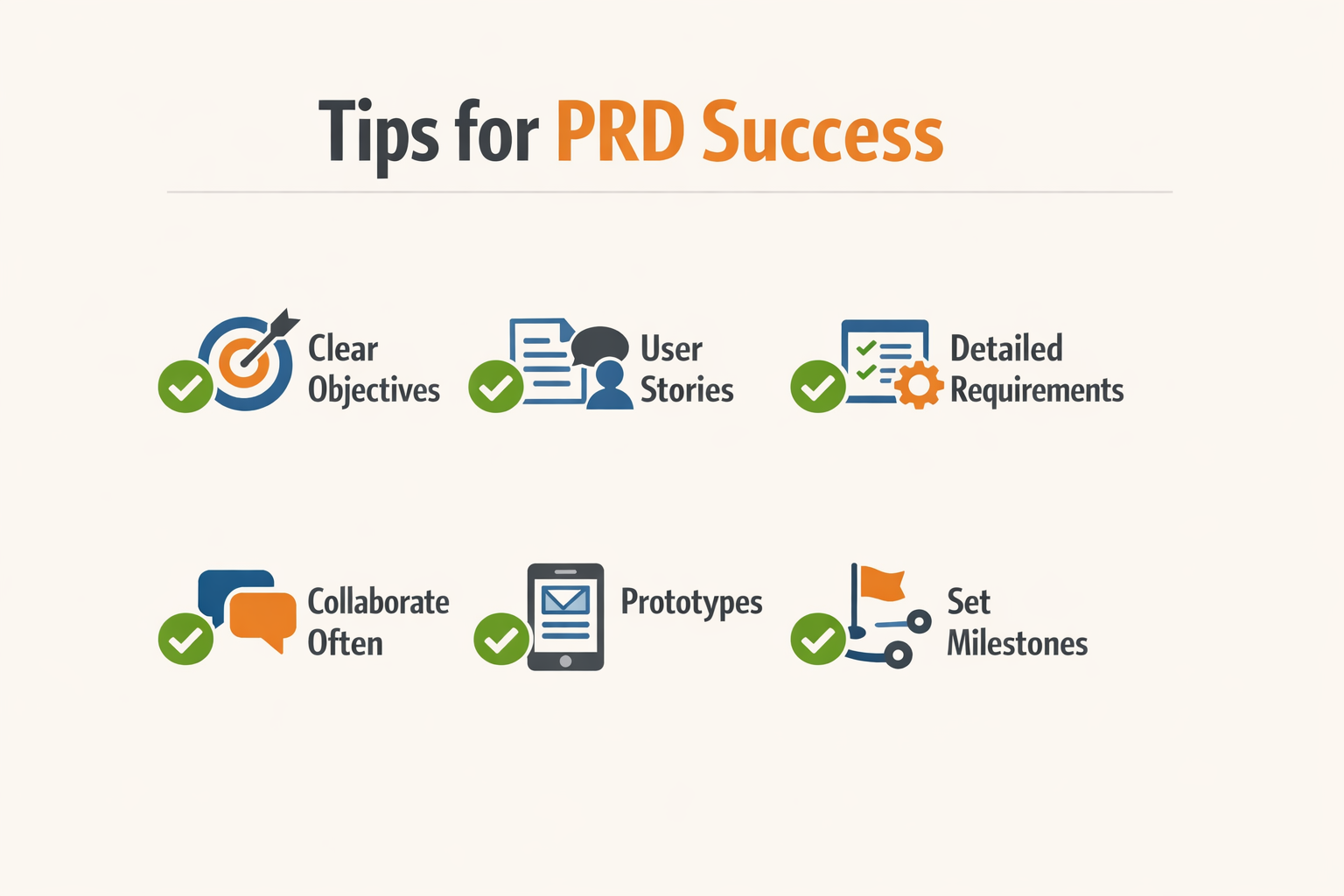
A PRD is only useful if people read it. Write for your actual audience—engineers who need concrete instructions, designers who need context, stakeholders who need to understand tradeoffs. If nobody opens it, the document failed regardless of how complete it is.
Focus on Shared Understanding
The goal is not exhaustive documentation. The goal is alignment. Include enough detail that your team can start building without guessing, then stop. Long PRDs sit unread; short PRDs with clear decisions get referenced daily.
Document what matters to the people doing the work. Engineers need edge cases and error states spelled out before they write code, not after. Designers need user flows before mockups. Stakeholders need success metrics before launch. Miss any of these and you're debugging misalignment instead of shipping features.
Call Out Edge Cases Early
Most bugs come from states nobody thought about during planning. What happens when the user uploads a file that's too large? When the API times out? When two people edit the same record simultaneously? Write these down in the PRD so engineers don't discover them at 11 PM three days before launch.
Step 1
List failure modes first
Before writing happy-path flows, enumerate every way the feature can break. Start with input validation, then network errors, then race conditions. Engineers will thank you.
Step 2
Define error messages in the PRD
Don't leave error text to implementation. Write the exact message users should see for each failure state. This forces you to think through recovery paths before code is written.
Keep It Updated
A PRD is not write-once. When requirements change mid-sprint—and they will—update the document immediately. The PRD should always reflect current reality, not original intent. If your team stops trusting the PRD because it's stale, you've lost the only tool that keeps everyone aligned.
Version the document. Add a changelog at the top. When you cut scope or pivot direction, mark the old sections as deprecated rather than deleting them. Future you will want to know why certain decisions were made.
Make Decisions Visible
Every PRD contains implicit tradeoffs. Make them explicit. "We're building feature X instead of feature Y because our beta users asked for X twelve times." "We're using vendor A instead of vendor B because A has an API and B requires manual CSV uploads." When someone questions a decision six months later, the PRD should answer without you in the room.
For a broader look at how PRDs fit into the full app-building process, see What Is a PRD? A Plain-English Guide for Non-Technical Founders.
Conclusion
A PRD is the single artifact that defines what you're building, who it serves, and how you'll know it worked. It turns vague ideas into concrete instructions and gives everyone on the team a shared map. Without it, you're guessing at scope, debating features in Slack, and rebuilding the same thing three times because nobody wrote down what "done" means.
The best PRDs are living documents. They evolve as you learn, but they never lose their core function: connecting strategy, design, and engineering into a coherent circuit. If you can't explain your product in a PRD, you can't build it cleanly.
Start simple. Define the problem, describe the solution, list the must-haves, and write down how you'll measure success. Everything else is optional until you need it. A one-page PRD that everyone reads beats a fifty-page spec that sits in a folder.
If you're ready to move from planning to building, vibe coding can turn your PRD into a working prototype faster than you think—especially if you've done the hard work of writing things down first.