
Engineering Software Your Development Team Needs in 2025
Top takeaways
- The right engineering software determines whether your team ships features or drowns in process overhead
- Modern tooling enables end-to-end development — UI, backend logic, and deployment — without context-switching across fragmented platforms
- Real-time feedback loops and multi-modal capabilities reduce the cycle time between idea and working code
- Team-friendly workflows matter more than feature checklists when you're trying to maintain velocity under deadline pressure
- Choosing tools that integrate with your existing stack prevents the technical debt that comes from forcing adapters between incompatible systems
Introduction
I've watched development teams lose weeks to tooling mismatches. A designer exports a mockup. An engineer rebuilds it from scratch. A product manager asks for one change and the cycle repeats. The right engineering software collapses that loop.
In 2025, your development team needs tools that handle the full build cycle — not just wireframes, not just deployment, but the connective tissue between them. End-to-end platforms let you build UI and backend logic in the same environment, preview changes in real time, and ship incremental updates without waiting for a separate ops handoff. When a tool works with your stack — Next.js, Tailwind, shadcn/ui — you avoid the translation tax that comes from porting designs across incompatible systems.
The gap between a working prototype and a production-ready feature has narrowed. Tools with intelligent agent capabilities can inspect live sites, debug errors, and integrate external APIs without manual scripting. Multi-modal workflows combine code generation, web browsing, and debugging in one interface, which means fewer open tabs and less cognitive load when you're trying to diagnose why a form submission fails in staging but works locally. For a detailed breakdown of planning artifacts that align with modern tooling, see how product specs and PRDs differ in scope and structure.
The software you choose sets the ceiling on how fast your team can move. Pick tools that eliminate handoffs, support collaborative workflows, and integrate with the stack you already run. Everything else is overhead.
Problem Statement
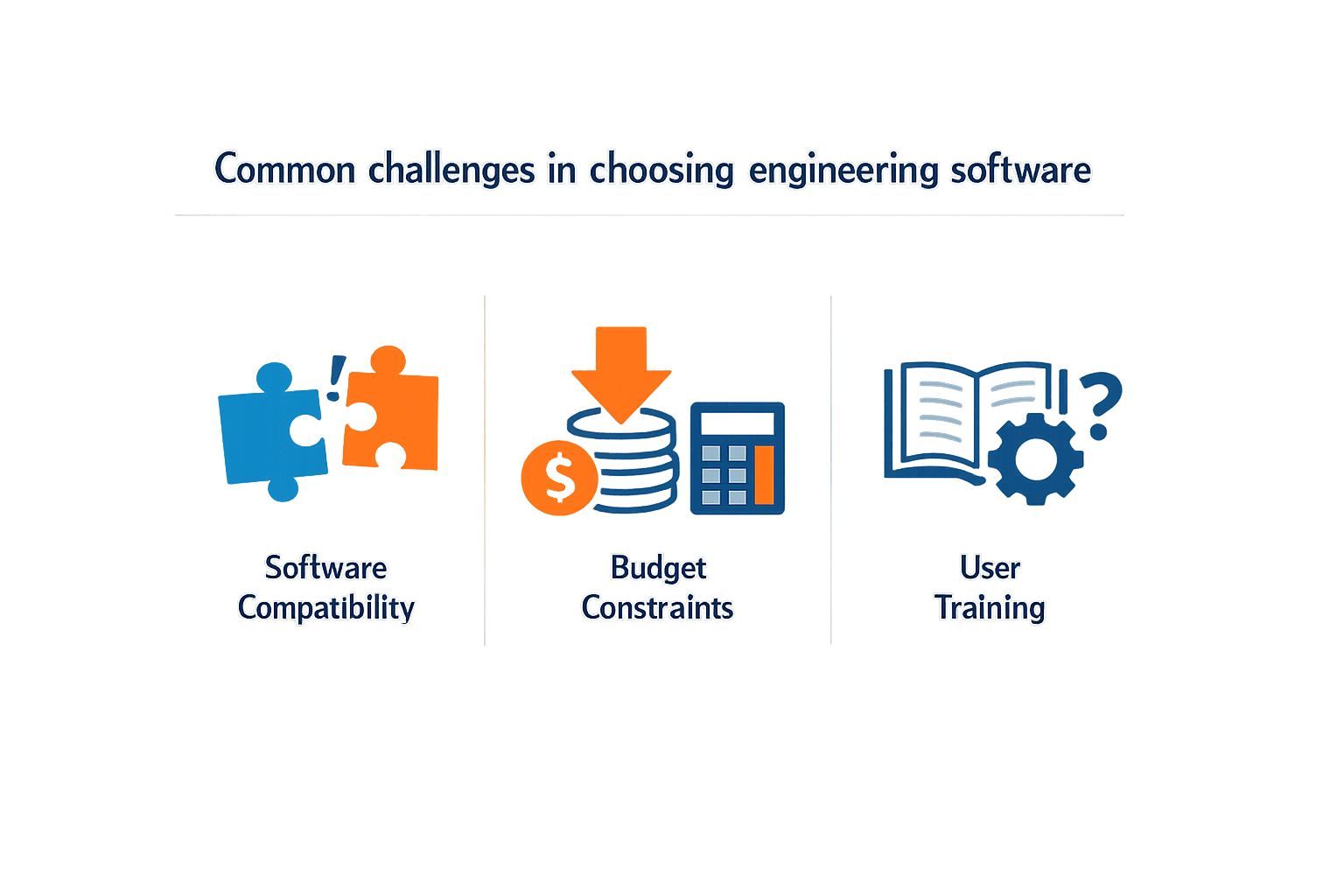
Development teams face a recurring problem: the tools you pick today become the constraints you live with tomorrow. The wrong stack compounds friction — slow builds, brittle integrations, security debt that surfaces six months after launch. The right stack disappears into the background and lets you ship.
Most teams choose tools reactively. A developer joins and brings their preferred framework. A vendor pitch promises speed. A tutorial uses a specific library, so you adopt it. Three months later you're debugging authorization flaws in a third-party component you didn't vet, or waiting on a build pipeline that takes twelve minutes because nobody benchmarked alternatives.
The Hidden Cost of Tooling Decisions
Every dependency you add is a bet on someone else's maintenance schedule. Even robust, popular libraries carry authorization vulnerabilities that bypass your controls. Writing secure software is hard; assume any third-party component could become a liability.
The mitigation isn't paranoia — it's process. You need detection and response workflows for vulnerable components, integrated into your SDLC. Tools like Dependency Check catch known CVEs; data feeds from the NVD or vendors flag new ones. Without this, you're flying blind until an auditor or an incident forces the conversation.
Engineering Software Selection Without a Framework
Teams without a selection framework default to popularity contests or vendor marketing. You end up with overlapping tools that solve adjacent problems in incompatible ways, or a monolithic platform that locks you into one vendor's roadmap.
The App Development Plan: Dev Plan Guide for Non-Technical Founders (2025) walks through planning before you commit to a stack — it's the same discipline here. Define your trust boundaries first. Enumerate user types, resources, and operations. For every combination, determine what access is required and what must be denied. An ABAC system needs all attribute categories considered upfront: a sales rep might need customer data access from the internal network during business hours, but not from home at midnight.
The cost of deferring these decisions is rework. You build on assumptions that don't hold, then retrofit access controls or swap out a core library under deadline pressure. The problem isn't the tools — it's choosing them without a map.
Solution Steps
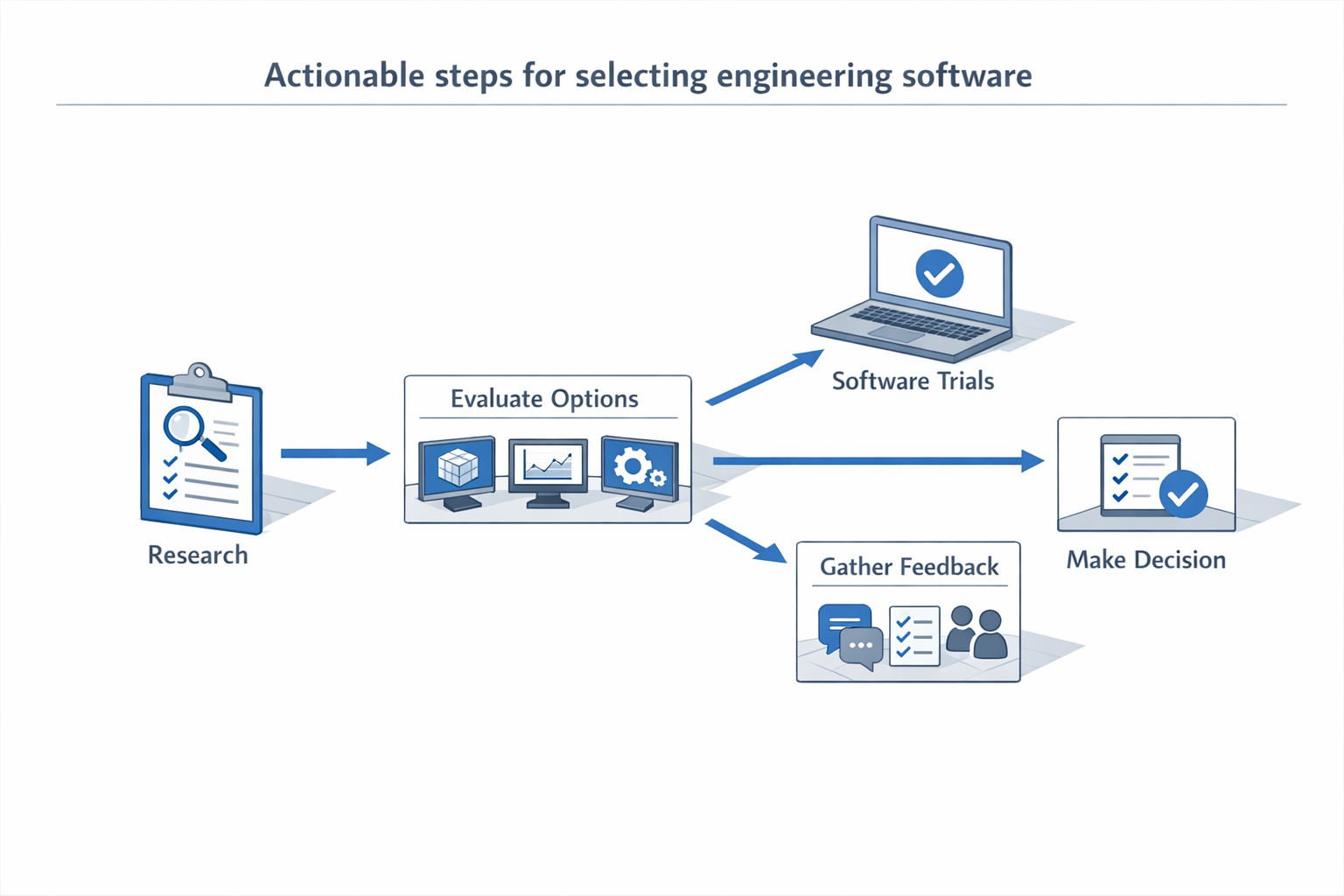
Choosing engineering software isn't a feature comparison. It's a series of decisions that compound. Each choice narrows what you can build next.
Map Your Trust Boundaries First
Before you evaluate tools, enumerate who touches what. List user types, exposed resources, and operations each role performs. A Sales Representative accessing customer data from the office at 2 PM is not the same threat surface as the same person at home at midnight.
Step 1
Define user types and resources
Catalog every category of user and every resource they might access. For each pair, write down the operations allowed: read, write, update, delete. If you're building an ABAC system, include all attribute categories — role, location, time, device state.
Step 2
Enforce least privilege by design
Grant the minimum access required for each operation. During the design phase, trust boundaries must be explicit. Failure here jeopardizes confidentiality later, and you can't patch design flaws with runtime controls.
Choose Tools That Match Your Build Cadence
If you're prototyping, browser-based tools remove setup friction. Bolt runs entirely in the browser and provisions databases, hosting, and domains in one project. No local environment, no separate accounts.
If you're refining architecture, plan before you build. Cursor's Plan Mode generates reviewable implementation plans after researching your codebase and asking clarifying questions. Press Shift+Tab from the chat input to rotate into it. Save plans to your workspace for team review and documentation.
Maintain a Vulnerability Response Process
Third-party components introduce authorization vulnerabilities even in otherwise secure applications. Robust, popular libraries make mistakes. Assume any dependency could become a vector.
Step 3
Integrate dependency scanning
Incorporate tools like OWASP Dependency Check into your SDLC. Subscribe to vendor feeds, the NVD, or other relevant sources. Create and follow a process for detecting and responding to vulnerable components.
When a vulnerability surfaces, you need a decision tree: patch, replace, or mitigate. That tree should exist before the CVE lands in your inbox.
Match Tool Flexibility to Team Experience
Experienced developers want speed and control. Choose platforms that let you pick languages, frameworks, and source control, then edit code directly when you want precision. Prompt when you want velocity.
New-to-code teams need technical roadblocks removed. Describe what you want, the tool creates it, then you refine through chat. No syntax knowledge required. For a dev plan that bridges both, focus on what changes and who approves those changes.
Review and Revert When Agent Output Drifts
Sometimes an AI agent builds something that doesn't match intent. Instead of chaining follow-up prompts to fix drift, revert the changes and refine the plan. Be more specific about what you need, then run it again. This produces cleaner results faster than patching an in-progress agent.
For larger changes, the hard part is figuring out what should change. With the right instructions, you delegate implementation. With vague instructions, you debug implementation.
Tips and Tricks
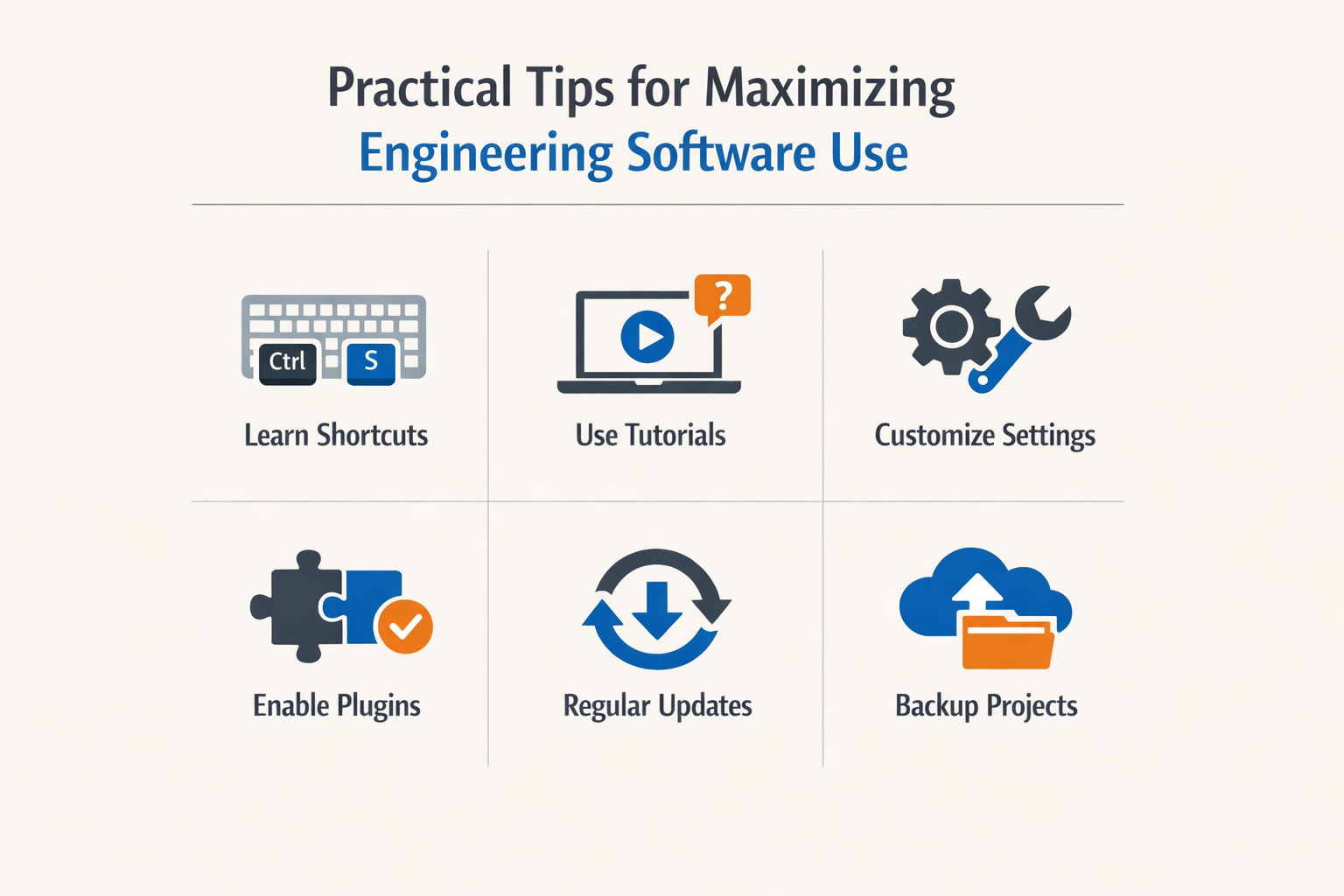
Once you've picked your engineering software stack, how you use it matters more than what you picked. I've watched teams buy the same tools and get wildly different results. The difference is always in the habits they build around those tools.
Treat AI-Generated Code Like Junior Developer Output
Coding agents ship fast. They also ship tech debt fast. Your bar for what gets merged stays the same whether a human or an agent wrote it. AI-generated code compiles, passes tests, and still hides edge cases you'll find in production three months later.
Review your own agent output before you ask anyone else to look at it. Catch the obvious stuff — duplicated functions, missing null checks, security holes — before it hits your team's queue. The agent doesn't know your standards. You do.
Use Codebase Search as Your Primary Navigation
File trees are for organizing. Search is for finding. Modern engineering software includes tools that search by file name, keyword, or pattern across your entire codebase. Use them as your default navigation method instead of clicking through directories.
When you need to understand how a feature works, search for the exact string that appears in the UI or the API endpoint. You'll land on the relevant file in two seconds instead of wandering through a folder structure that made sense to someone else six months ago. The same principle applies when you're trying to find where a function is called or where a variable is defined — search beats memory.
Run Terminal Commands in Context
The best engineering software lets you execute terminal commands without leaving your editor. Use that capability. Running tests, starting dev servers, and checking build output in the same window where you're editing code cuts context-switching in half.
You'll catch failures faster when the test output appears right next to the code that caused it. You'll also stop forgetting to run the linter before you commit because the command is three keystrokes away instead of buried in another application.
Build Review Checklists That Match Your Risk Profile
Your code review process should catch what breaks your product. If you're building a solo MVP, your checklist is short: does it work, is it readable, does it match the spec. If you're shipping to production with real users, add security, performance, and edge case coverage.
Write the checklist down. Make it a template. When you're reviewing agent-generated code or a teammate's PR, the checklist keeps you from approving something that looks fine but isn't. For more on structured planning that prevents these issues earlier, see Product Spec vs PRD: What's the Key Difference?.
Conclusion
The right engineering software stack is not the one with the most features. It is the one your team actually uses. I have watched teams abandon expensive, feature-rich platforms because the friction was too high. The tools that stick are the ones that remove roadblocks instead of adding them.
You do not need to adopt every tool at once. Start with the areas where your team loses the most time — code review, deployment, or environment setup. Pick one tool, integrate it properly, and measure the result. Then move to the next bottleneck.
AI-assisted coding tools like Bolt and Cursor have changed the economics of small teams. A solo founder can now ship a working prototype in days instead of months. But speed without discipline creates technical debt. Code review remains critical, whether the code was written by hand or generated by an agent. Your quality bar should not change based on who — or what — wrote the code.
For teams exploring AI-driven workflows, understanding how to protect an app idea becomes more important as iteration speed increases. When you can build faster, you also need to think earlier about what you are building and why.
The tools you choose today set the constraints for the next year of development. Choose tools that let you move fast without locking you in. Choose tools that your team will actually open every day. Everything else is overhead.
Related reading
How to Build Engineering Capabilities for Your Software Project
Related reading
Engineering Management Services: When Your Project Needs Leadership
Related reading
App Development for Startup: Building Your First App - A Startup