
App Development for Startup: Building Your First App - A Startup
Top takeaways
- App development for startups requires clear planning, the right tools, and realistic expectations about scope and timeline
- Modern AI-powered builders let non-technical founders ship working prototypes without writing code
- The gap between prototype and production-ready software is real — plan for it from day one
- Your first app teaches you what your second app should actually do
- Success depends more on solving a real problem than on technical sophistication
Introduction
Building Your First App as a startup founder means making dozens of decisions with incomplete information. You need to pick a tech stack, define scope, choose between no-code and custom development, and ship something people will actually use. Most founders underestimate the planning phase and overestimate how much they can build in the first iteration.
I've watched hundreds of first-time builders cycle through the same failure modes. They skip the PRD because it feels like bureaucracy. They add features mid-build because the idea seems obvious. They treat the prototype as the product and wonder why it breaks under real load. The founders who succeed treat their first app as a learning artifact — a way to validate assumptions and surface the constraints they didn't know existed.
The tools available today compress the timeline dramatically. AI-powered platforms like Bolt turn prompts into working web apps without requiring you to set up local environments or manage deployment infrastructure. You describe what you want, the system generates a functional prototype, and you iterate from there. This speed creates new risks — it's easy to ship something that works in demo mode but collapses when ten users hit it simultaneously.
This guide walks through the full cycle: identifying what makes app development hard for first-timers, breaking the build process into discrete steps, and flagging the traps that waste weeks of runway. If you're a non-technical founder or a technical founder building outside your domain, the principles here keep you from spending time on the wrong problems. For a structured approach to scoping and requirements, see App Development Plan: Dev Plan Guide for Non-Technical Founders (2025).
The goal is not to become a developer. The goal is to ship something that proves or disproves your core hypothesis, then decide what to build next with better information than you have right now.
Identifying the Challenges of Building Your First App
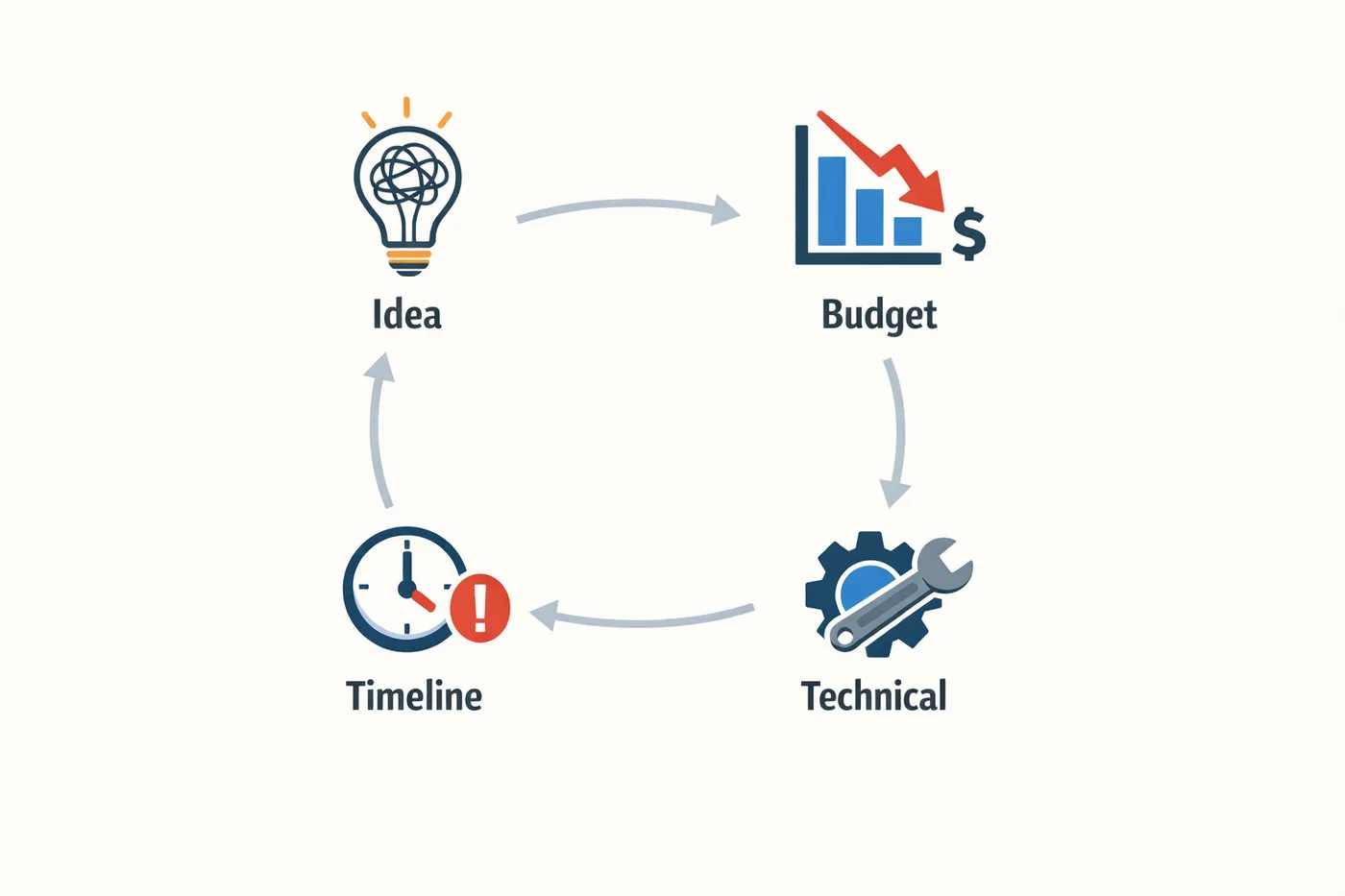
Building your first app as a startup founder means walking into a room full of decisions you've never made before. The technical stack, the development approach, the timeline — every choice compounds. Most founders hit the same walls: scope creep that turns a three-month build into nine, feature lists that balloon because "just one more thing" sounds reasonable in week two, and a launch date that slides because no one defined what "done" actually meant.
The Setup Problem
Traditional development demands you choose a hosting provider, configure a database, wire up authentication, and manage deployments before you write a single line of business logic. Each service needs its own account, its own billing, its own learning curve. For a non-technical founder, this setup phase can consume weeks and still leave you with a fragile environment that breaks when you need it most. Browser-based builders eliminate most of this friction — the environment spins up ready to use, no local installations required.
Defining What You're Actually Building
The hardest challenge isn't writing code. It's knowing what to write. A vague product idea — "a project management tool for freelancers" — gives you no edges, no constraints, no way to say no to features. Without a clear product specification, you're guessing at priorities. You add a calendar because competitors have one, then notifications because calendars feel incomplete without them, then integrations because notifications need context. Three months in, you have a half-built feature set and no coherent product.
Choosing the Wrong Tool for Your Skill Level
Founders often pick tools based on what they think they should use rather than what they can actually operate. A powerful framework that requires deep configuration knowledge will slow you down more than a simpler tool with guardrails. The gap between "I can follow a tutorial" and "I can debug a production issue at 2 a.m." is wide. If you've never shipped an app, start with a tool that handles infrastructure decisions for you and lets you focus on product logic.
The Iteration Trap
First-time builders underestimate how many cycles it takes to get a feature right. You build a login flow, realize it doesn't handle password resets, add that, then discover edge cases around expired tokens. Each fix spawns two new tasks. Without a clear definition of "minimum viable," you iterate forever. The app never launches because it's never quite ready. Shipping an imperfect version and learning from real users beats another month of theoretical improvements.
Steps to Successfully Build Your First App
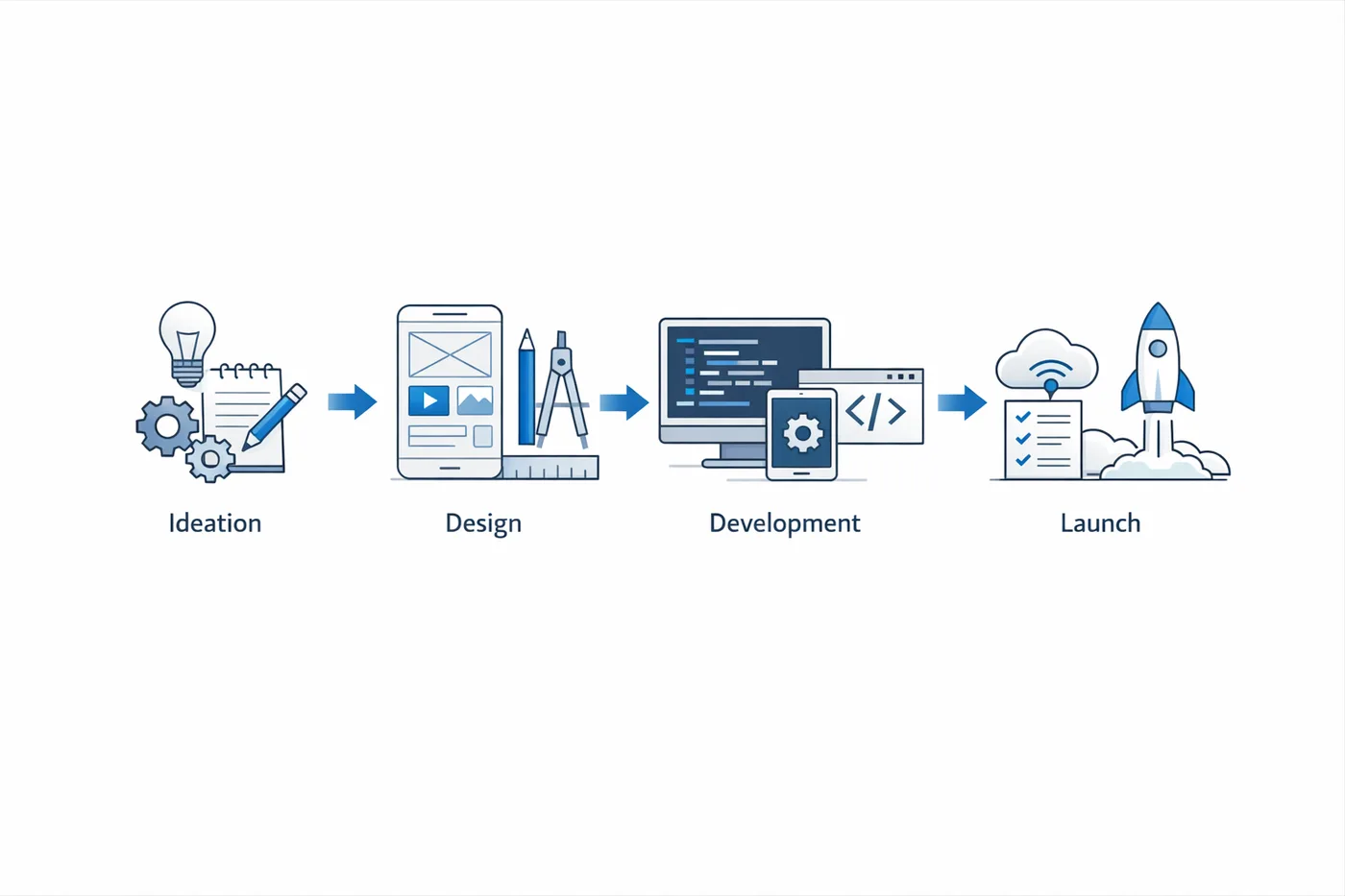
App development for startups breaks down into five concrete phases. Each phase has a gate: you pass it or you loop back. Most first-time founders skip the first two and pay for it in the last three.
Step 1
Map the problem before you touch code
Write down what the app must do in plain sentences. No features, no screens — just outcomes. Example: "A user books a table and the restaurant sees it instantly." If you cannot state the core loop in two sentences, you do not have a problem yet; you have a mood board.
Once the problem is clear, list the three actions that matter most. Everything else is decoration. This list becomes your filter: any feature request that does not serve one of those three actions goes into a separate file you will never open.
Step 2
Choose a tool that matches your speed
Pick a builder that lets you see results in minutes, not days. Lovable creates your project and starts building — the first version takes a few minutes, and you watch it take shape as the tool works. Bolt turns a typed prompt into a working project with no local setup. Replit Agent writes code, sets up infrastructure, and tests the result in one flow.
All three let you iterate without reinstalling dependencies or fighting configuration files. If you are non-technical, that difference is the difference between shipping in a week and giving up in a month.
Step 3
Build one feature, then test it
Add one capability at a time and check the preview after each change. When you ask for too much in one prompt, the tool guesses at the gaps and you spend the next hour undoing its guesses. Example of a clean prompt: "Add a 'Today's specials' section between the menu and the opening hours, highlighting two menu items with a short description and price."
If the feature works but does not look right, say that in plain words. The AI does not read your mind; it reads your feedback. Vague complaints produce vague fixes.
Step 4
Plan before you code
Enable Plan mode to brainstorm, ask questions, and map out your project before any code or data changes are made. In Plan mode, the agent creates an ordered task list you can review and refine. When you approve the plan, the agent starts building.
This step prevents the "I thought you meant..." loop that costs you three days. A five-minute planning session saves five hours of rework.
Step 5
Publish when it works, not when it's perfect
Once the core loop runs without errors, publish. You are not launching to ten million users; you are launching to ten. Those ten will tell you what actually matters, and half of what you thought mattered will turn out to be noise.
All artifacts publish together. You are not locked into one type — start with a web app and add a mobile app or other components later, all in the same project.
Validating Each Step
After each step, ask one question: does this move me closer to a working core loop? If the answer is no, you are decorating. If the answer is yes, move forward. Most first apps die because the founder optimizes the wrong 80 percent.
A working app is not the one with the most features. It is the one where a user can complete the core action without hitting a dead end. Everything else is a nice-to-have that you add after you have ten real users telling you what hurts.
For a structured approach to planning these steps, see App Development Plan: Dev Plan Guide for Non-Technical Founders (2025).
Tips and Tricks for First-Time App Builders

Most first-time builders lose weeks to mistakes that experienced operators avoid by reflex. The gap is not talent — it is knowing which corners exist before you paint yourself into one.
Test One Change at a Time
Make one change, check the preview, then make the next change. Batching ten edits into a single prompt creates a debugging maze when something breaks. Every change is saved as a version you can restore, so nothing breaks permanently — but only if you know which change caused the problem.
Ask for concrete additions in plain language. "Add a 'Today's specials' section between the menu and the opening hours, highlighting two menu items with a short description and price" works better than "improve the menu."
Control How the Tool Builds
You can switch between Agent modes to control how your app is built. Plan mode lets you map out your project structure before any code changes. Chat mode refines details after the foundation exists. Most builders skip planning and pay for it in rework.
When the app works but does not look or feel like you pictured, say that in plain words. "This feels cluttered" is a valid prompt. The tool cannot read your mind, but it can iterate on feedback you actually give.
Avoid Scope Creep in Early Versions
Every feature you add before launch is a feature you have to test, debug, and explain. Cut ruthlessly. If a user can accomplish the core job without a feature, that feature belongs in version two.
For a more structured approach to defining what belongs in your first release, see The One-Page PRD: A Lean Template for MVPs.
The fastest way to ship is to decide what you are not shipping.
Publish When It Works, Not When It Is Perfect
Your first version will feel incomplete. Ship it anyway. Real user feedback tells you what to build next; your internal list of nice-to-haves does not.
All artifacts publish together — web app, mobile app, slides, video. You are not locked into one type. Start with a web app and add a mobile component later if users ask for it.
Conclusion
App development for startups is a series of concrete decisions, not a leap of faith. You defined a problem, picked a toolchain, wrote a spec, shipped code, and measured what users did. The pattern repeats for every feature after launch.
I built my first product with a PRD that fit on two pages and a no-code backend that lasted six months before I rewrote it. The rewrite hurt, but the two-page spec meant I knew exactly what to rebuild. The faster you ship something real, the faster you learn which assumptions were wrong.
Start small. A working login screen teaches you more than a perfect pitch deck. Tools like Bolt turn prompts into running code in minutes, which means you can test an idea this week instead of next quarter. You own the code, so when the prototype works, you keep building on it.
The hardest part is not the tech stack or the deployment pipeline — it is deciding what not to build. Every feature you defer is a week you get to launch sooner. The One-Page PRD: A Lean Template for MVPs keeps scope tight and ships fast.
Your first app will not be your best app. It will be the one that teaches you how to build the second one better. Go write the spec, pick a tool, and ship something people can click.
Learn the essential steps for app development for startups, from planning to launch.