
SaaS App Development: Planning Your Subscription Product
Top takeaways
- SaaS app development requires structured planning before writing code
- Subscription products demand different economics than one-time sales software
- AI-powered builders now let solo founders ship faster, but planning still determines success
- The gap between prototype and production is where most SaaS projects fail
- Clear requirements and architecture decisions made early prevent expensive pivots later
Introduction
SaaS app development is building software that users access through a browser and pay for monthly. The subscription model changes everything about how you plan, build, and maintain the product. I've watched dozens of founders skip the planning phase because AI tools make prototyping feel instant — then spend six months rewriting when the first version can't scale past 50 users.
The current market rewards speed, but speed without direction burns capital. You need a plan that accounts for subscription economics: customer acquisition cost, churn rate, and the operational overhead of running infrastructure 24/7. These constraints shape technical decisions from day one. Engineering technology stacks matter more when you're committing to support the same codebase for years, not shipping a one-time deliverable.
The tools changed. AI-powered builders like Bolt turn prompts into working applications, collapsing the gap between idea and running code. Students and developers with no DevOps background now ship full-stack web apps that include databases, hosting, and domains in one project. But the builder doesn't write your product requirements or decide your pricing tiers — those planning decisions still determine whether the app survives contact with real users.
This guide covers the planning phase: identifying what can go wrong, structuring the work so it doesn't, and the specific tactics that separate SaaS products that scale from prototypes that stall. The steps apply whether you're coding solo or managing a team, because the planning failures are the same either way.
Identifying Common Challenges in SaaS App Development
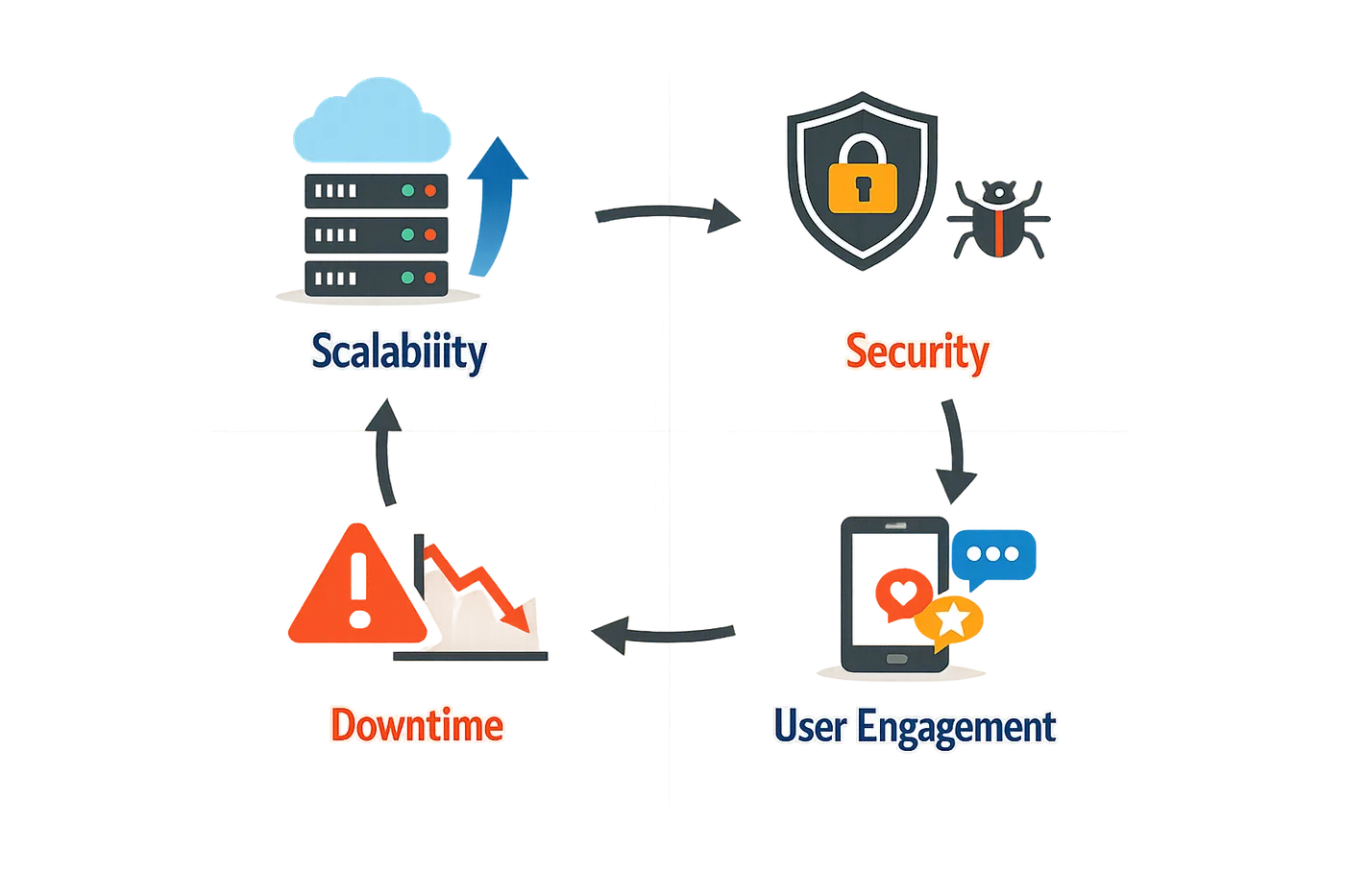
Planning a subscription product exposes problems that don't exist in one-time software. You're committing to run infrastructure, handle data, and ship updates for customers who expect the app to work every day. Most planning failures happen because founders treat SaaS like a project with an end date instead of an operational system.
Security Becomes an Ongoing Liability
Session management and authorization aren't one-time tasks. Web applications need multiple detection points to catch anomalies like modified cookies or reused session IDs. The threat model changes when you're responsible for customer data over months or years, not just through a single transaction.
Frameworks like J2EE, ASP .NET, and PHP ship with built-in session management, but their default configurations aren't hardened. You need to review and lock down settings before you onboard paying customers. Using the latest version closes known holes, but new ones appear.
Dependency Management Compounds Over Time
Third-party libraries that work today will have CVEs tomorrow. The problem isn't whether a component will become vulnerable — it's whether you'll know when it happens and have a process to respond. Writing secure software is hard. Competent developers on popular frameworks still ship authorization bugs.
Maintaining a SaaS app means tracking every dependency and subscribing to vulnerability feeds. Tools like Dependency Check catch known issues, but they don't prevent the next zero-day. You're signing up for continuous monitoring, not a one-time audit.
Choosing Your Stack Locks In Trade-Offs
Modern tools like Next.js, Tailwind, and shadcn/ui speed up initial development, but they also define your upgrade path and your hiring pool. Picking a stack during planning means predicting what will still be supported when you're three years in and need to hire a second engineer.
The engineering technology stacks you choose set the boundaries for everything downstream — deployment, testing, and how fast you can ship fixes. There's no universal right answer, but there are plenty of wrong ones that only become obvious after you've written 50,000 lines of code.
The stack you pick during planning defines your operational ceiling for the next two years.
Steps to Successfully Plan Your SaaS App
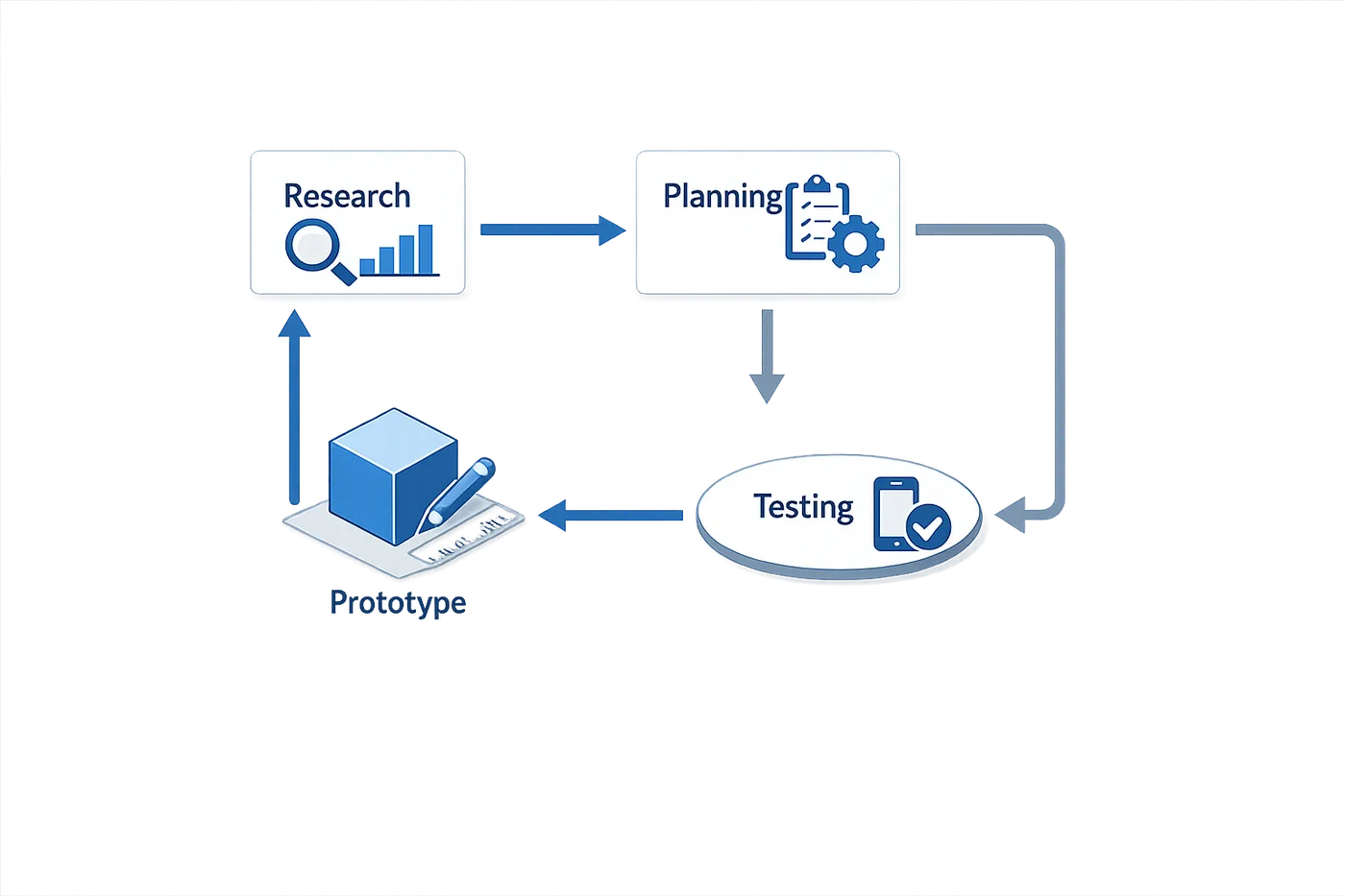
Planning a SaaS app means deciding what you'll build before you write code. The steps below give you a sequence that keeps planning from turning into procrastination.
Define the Core Problem and User
Start with one sentence: who has the problem and what they need to stop doing manually. If you can't write that sentence, you don't have a product yet—you have a feature list. Write the problem statement first, then list three actions the user takes today that your app will replace. This forces you to name a real workflow instead of imagining one.
Step 1
Write the problem statement
Identify the specific user role and the manual task they repeat. Example: "Freelance designers spend two hours weekly chasing invoice payments." One role, one task, one time cost.
Step 2
Map the replacement actions
List the three steps your app automates. Keep it to three—more means you're solving multiple problems and should pick one.
Sketch the Minimum Feature Set
You need enough features to replace the manual workflow, not enough to win awards. Write down the five things the app must do on day one. Anything beyond five goes into a "later" document you won't look at for six months.
Use prompt engineering for vibe coding to translate each feature into a build instruction. A feature like "send payment reminders" becomes "generate a reminder email three days before invoice due date, with invoice PDF attached." Concrete outputs, not abstract goals.
Choose Your Build Approach
Decide whether you're coding from scratch, using a low-code platform, or working with an AI agent. Each path has a different planning artifact. Scratch code needs an architecture diagram. Low-code needs a data model and screen flow. AI agents need a task list they can execute in order.
Step 3
Select your build method
Match your skill set to the tool. If you write code daily, start with a framework you know. If you're prototyping to test demand, use an AI agent in plan mode to map the build before committing.
Plan mode in tools like Replit lets you brainstorm and generate an ordered task list before any code changes. You review the task list, refine it, then approve it for the agent to execute. This keeps planning separate from building and prevents mid-build scope creep.
Draft the Revenue Model
Pick your pricing tier structure and write down the dollar amounts. Three tiers is standard: a cheap entry plan, a middle plan with the features most users need, and an expensive plan for teams. Assign features to tiers now—this drives which features you build first.
Calculate your target monthly recurring revenue to cover costs. If you're solo, that's your salary plus infrastructure. Divide that number by your middle-tier price to get the subscriber count you need. If the number feels impossible, your price is too low or your cost structure is too high.
| Tier | Monthly Price | Target Features | Break-Even Subscribers |
|---|---|---|---|
| Starter | $29 | Core workflow only | 104 (for $3k MRR) |
| Professional | $79 | Core + integrations | 38 (for $3k MRR) |
| Team | $199 | All features + support | 16 (for $3k MRR) |
Set a Ship Date
Pick a date six to eight weeks out and commit to launching with whatever works by then. A ship date forces you to cut features instead of adding them. You're not shipping a finished product—you're shipping the minimum version that lets one user replace their manual workflow.
Mark the date on a calendar you check daily. Work backward from that date to assign weekly milestones: week one is data model and authentication, week two is core feature build, week three is payment integration, week four is polish and bug fixes. If you slip a milestone, cut a feature—never move the ship date.
Tips and Tricks for Effective SaaS App Planning
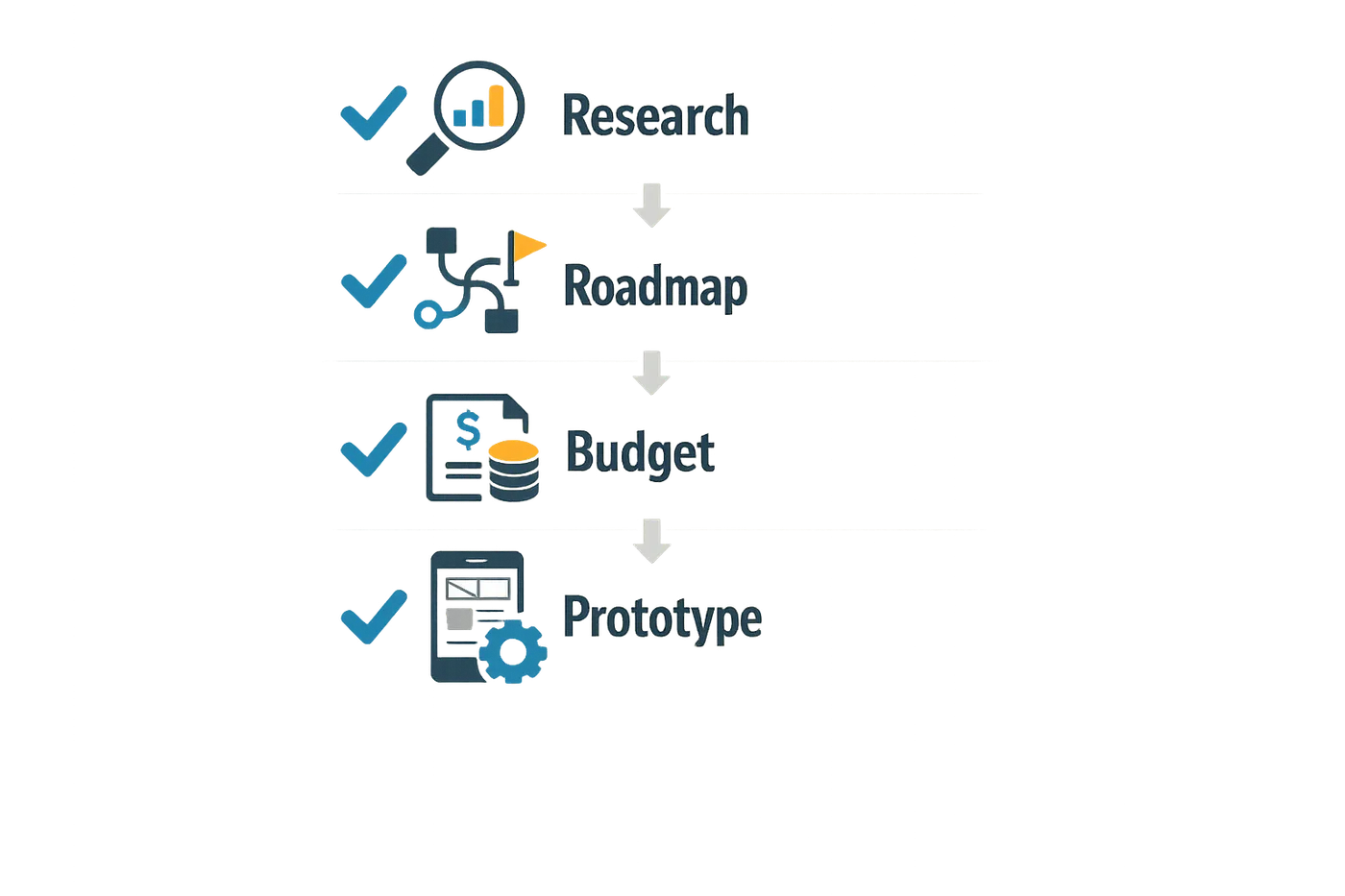
Planning stops being abstract when you pick a constraint and make it real. I start every SaaS project with a hard limit on database privileges — no account gets more access than it needs to run one feature. That constraint forces me to map out data flows before I write a line of code.
Lock Down Database Accounts Early
Minimize the privileges assigned to every database account before you ship anything. Start from the ground up to determine what access rights your application accounts require, rather than trying to figure out what access rights you need to take away. A misconfigured account turns a SQL injection from a nuisance into a full data breach.
Treat Third-Party Components as Liabilities
Every library you add is a future vulnerability. Even the most competent developers, working on high-quality libraries and frameworks, will make mistakes. Create, maintain, and follow processes for detecting and responding to vulnerable components. Incorporate tools such as Dependency Check into the SDLC and consider subscribing to data feeds from vendors, the NVD, or other relevant sources.
Assume any third-party component you incorporate into an application could be or become subject to an authorization vulnerability.
I keep a spreadsheet of every dependency with its last audit date and known CVE count. When a new CVE drops, I know in ten minutes whether it affects me.
Build Support Tools Before You Need Them
Build customer support tools to help customers with technical issues before your first paying customer opens a ticket. A read-only admin panel that shows user state, recent actions, and error logs cuts your mean time to resolution in half. If you wait until support is overwhelmed, you'll build the wrong thing under pressure.
Choose Your Build Stack for Iteration Speed
Use modern tools that let you ship fast and refactor later. Platforms that combine code generation, debugging, and real-time preview let you test ideas in hours instead of days. I pick stacks where I can delete half the codebase and still have a working app — that's how you know your architecture isn't brittle. For guidance on selecting the right tools, see our Engineering Technology Stacks: Choosing the Right Build guide.
Conclusion
SaaS app development starts with planning, not code. The process outlined here — defining your problem, choosing your stack, mapping your data model, and building iteratively — gives you a framework that works whether you're solo or managing a team. I've shipped products both ways, and the planning step is where most failures happen or get prevented.
The common challenges we covered — scope creep, unclear pricing, and technical debt — are not abstract risks. They kill projects. A well-structured PRD and a realistic feature roadmap are your defense. When you know what you're building and why, you can say no to the features that don't matter yet.
If you're choosing between building from scratch and using an AI-powered tool, the economics are simple: time to first revenue matters more than architectural purity. Tools like Bolt let you validate your idea with real users before you've committed to a stack. Once you have paying customers, you have the budget to refactor or rebuild properly. For more on managing that transition, see Engineering Management Services: When Your Project Needs Leadership.
Start with your problem statement. Write it down in one sentence. If you can't, you're not ready to plan the app yet. Once you have that sentence, the rest of the planning process is mechanical.