
Prompt Engineering for Vibe Coding: Write Prompts That Ship
Top takeaways
- Prompt engineering for vibe coding turns natural language descriptions into working web applications
- Effective prompts let you ship MVPs without hiring a development team
- Modern tools like Next.js and Tailwind amplify prompt effectiveness when combined with clear instructions
- The right prompt structure reduces iteration cycles and gets you to production faster
Introduction
Prompt engineering for vibe coding is how you translate what you want into code that ships. You describe the application in natural language, and AI agents generate the implementation. The quality of your prompt determines whether you iterate three times or thirty.
I've built multiple SaaS products using vibe coding workflows. The difference between a prompt that works and one that wastes your afternoon comes down to specificity and structure. Vague prompts produce vague code. Precise prompts produce shippable features.
The core advantage is speed. You can build an app with vibe coding and deploy it the same day, focusing your time on product-market fit instead of hiring developers. This matters most when you're validating an idea or need to move faster than your competition.
The platforms handle modern frontend tooling automatically. You don't configure build pipelines or wrestle with deployment scripts. You write the prompt, review the output, and ship. The agent manages the technical stack while you manage the product decisions.
This guide covers how to write prompts that produce working code on the first or second iteration. You'll learn the structural patterns that reduce ambiguity, the context cues that guide the agent toward your stack preferences, and the iteration strategies that turn a rough prototype into a production feature.
Problem Statement
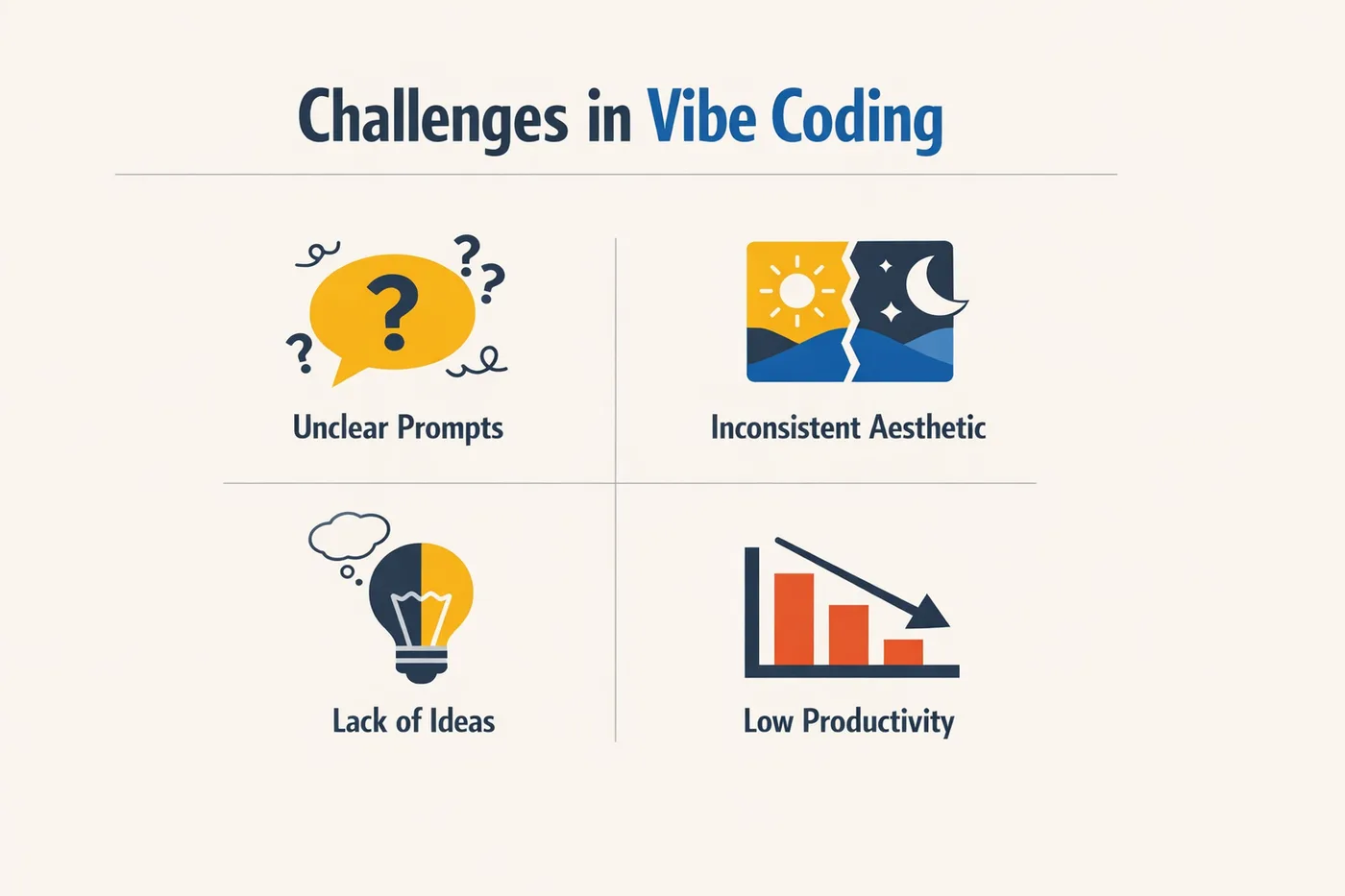
Vibe coding promises speed. You describe what you want, the AI writes the code, and you ship. But most operators hit the same wall: the code looks right, compiles clean, passes the tests you wrote, then breaks in production or piles up tech debt you can't afford.
The problem isn't the AI. The problem is the prompt.
AI Code Ships Fast but Breaks Quietly
AI-generated code can appear correct but may still have subtle issues such as missing edge cases or security vulnerabilities. The agent follows patterns it sees in your codebase, mimics your style, and produces output that reads like something you'd write. But it doesn't know your business logic. It doesn't catch the edge case you forgot to mention. It doesn't see the duplicate function three files over.
You review the diff, it looks fine, you merge. Two weeks later you're debugging a cascade failure because the prompt didn't specify how null values should propagate through the pipeline.
Volume Amplifies Mistakes
Coding agents can produce a lot of code, and that also means they can produce tech debt. When you write by hand, you ship a few hundred lines a day. With vibe coding, you ship thousands. That's the leverage — but it also means a bad prompt multiplies faster than you can catch it.
Maintain high standards for code quality regardless of whether the code was written by hand or generated by an agent. The bar doesn't drop because the AI wrote it. If anything, it rises — you need tighter prompt discipline to keep quality constant at higher velocity.
The Review Bottleneck
Break large code changes into smaller pieces for easier review, both for yourself and for agents. Most operators try to review a 2,000-line diff in one pass. You can't. The agent can't either. When the change is too large, you miss things. You approve code you don't fully understand because the cognitive load is too high.
The solution isn't slower review. The solution is better prompts that produce smaller, clearer, more reviewable outputs. That starts with understanding how to vibe code in structured increments rather than monolithic blocks.
The cheapest bug fix is the prompt you write before the agent runs.
Precise prompts don't just make the AI better. They make your workflow faster, your reviews easier, and your codebase cleaner. The next section walks through how to write them.
Solution Steps
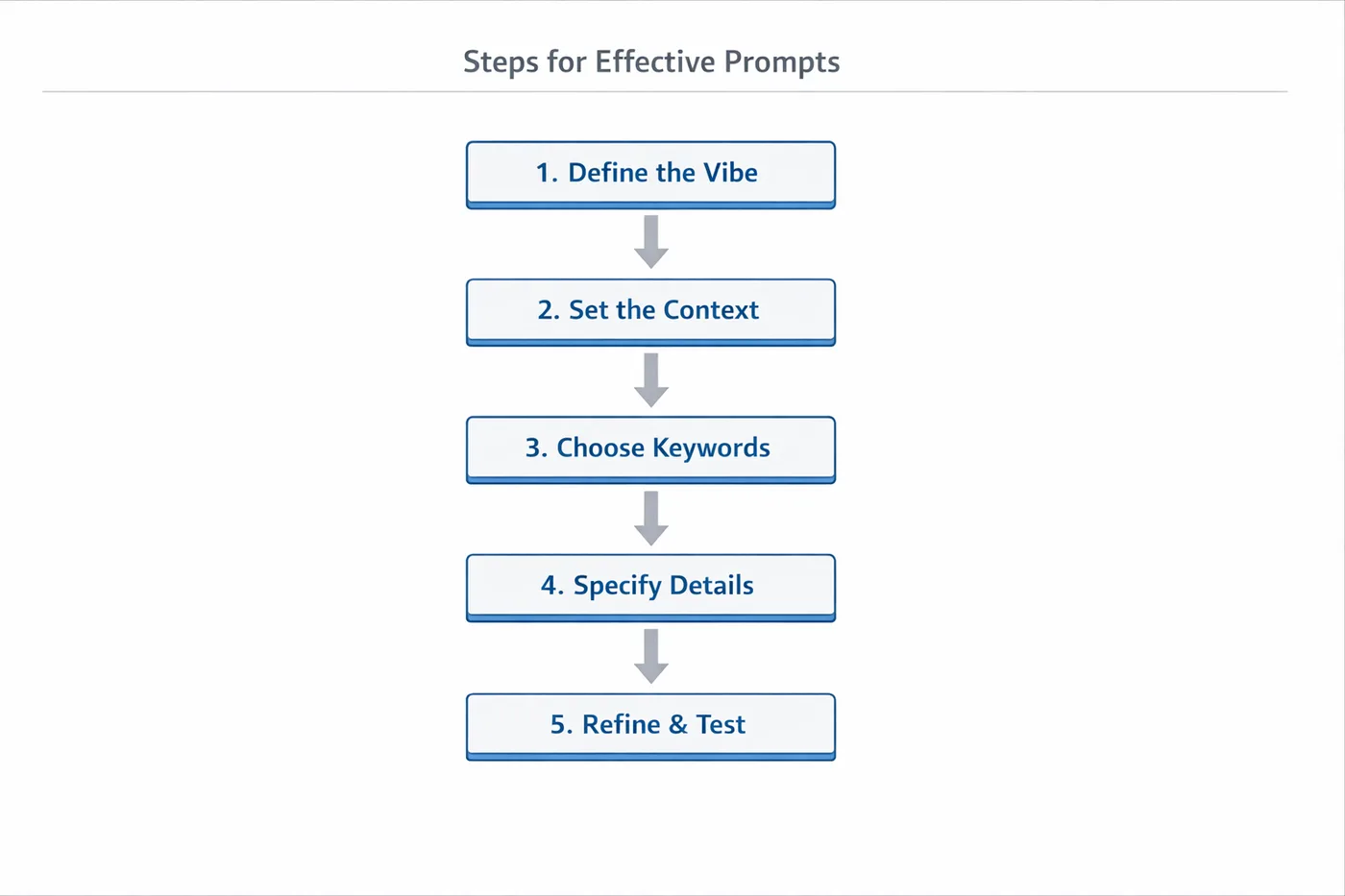
Effective prompt engineering for vibe coding follows a repeatable pattern. The steps below turn vague ideas into working code that ships.
Step 1
Start with the outcome, not the implementation
Describe what the user sees or does, not how the code should work. Instead of "create a React component with useState," write "build a dashboard showing products that are most frequently returned by our UK customers." The AI picks the right tools when you define the business goal.
Step 2
Add constraints that matter
Specify the stack, data shape, or edge cases that will break your app. "Use Next.js and Tailwind" is concrete. "Make it responsive" is not — everyone assumes responsive. Call out the things that hurt: "handle empty states when no products exist" or "show loading spinners during API calls."
Step 3
Iterate with specificity
When the first output misses, don't restart. Refine. "Fix the login bug where users see a blank screen after entering wrong credentials" beats "fix the bug." Each iteration should narrow the gap between what you got and what you need. Tools like v0 and Claude Code let you refactor, write tests, or update documentation in the same session.
Step 4
Validate with real data
Test the generated code against actual inputs, not sample data. If your prompt asked for a form, submit it with missing fields, special characters, and max-length strings. Vibe coding ships fast, but you still own the QA. Catch the gaps before users do.
Structuring Multi-Step Prompts
Complex features need multi-step prompts. Break them into phases: scaffold the UI, wire the API, add error handling. Each prompt builds on the last. When you ask Claude to "refactor the authentication module to use async/await instead of callbacks," you're working in layers — the structure exists, you're refining one piece.
For workflows that span sessions, document what you built and why. A two-sentence note in your PRD saves you from re-explaining context when you return tomorrow.
Choosing the Right Tool for the Prompt
Different tools handle different prompt styles. v0 excels at natural language descriptions of web apps — "create a todo app with React and TypeScript" gets you a working prototype. Claude Code handles refactoring and test generation inside existing codebases. Match the tool to the task: prototyping versus iteration versus production polish.
Tips and Tricks

You've built the workflow. Now sharpen it.
Talk to the AI Like a Colleague
Don't write commands. Describe what you want to achieve. Instead of "fix the bug," say "fix the login bug where users see a blank screen after entering wrong credentials." The specificity gives the AI context it can use. Instead of "build a webpage," say "build a dashboard showing products that are most frequently returned by our UK customers." The second version ships faster because the AI knows what data matters and what the user needs to see.
Break Large Changes Into Reviewable Pieces
When the AI generates 500 lines, you can't review it properly. You miss edge cases, security holes, duplicated logic. Break the prompt into smaller chunks. Ask for one feature at a time. Review each piece before moving forward. This keeps your quality bar high whether you wrote the code or the AI did. If you can't comfortably review a change, it's too big — split the prompt and run it in stages.
Test Your Prompts on Real Use Cases
Product managers prototype ideas with their teams. Entrepreneurs build complete products. Marketers ship campaign pages with SEO and hosting included. Each of these workflows starts with a clear prompt describing a real outcome. Your prompt improves when it's tied to something you'll actually use. Vague prompts produce vague code. Concrete use cases produce code that ships. For more on structuring these workflows from start to finish, see How to Vibe Code: A Step-by-Step Workflow Guide.
AI-generated code can look correct but be subtly wrong — it might follow existing patterns, compile, and pass tests, but still miss edge cases or duplicate logic that exists somewhere else in your codebase.
Refine Prompts Based on Output Quality
The first prompt rarely ships. Run it, review the output, adjust the prompt. Ask the AI to refactor code, write tests, update documentation, or review your changes. Each iteration teaches you what level of detail the AI needs. If the output misses your intent, add one more sentence to the prompt clarifying the edge case or the constraint. Over time, your prompts get shorter because you know what the AI already understands and what it needs spelled out.
Conclusion
Prompt engineering for vibe coding is not a one-time skill — it's a practice you refine every time you ship. The difference between a prototype that stays in a sandbox and one that becomes a revenue-generating product often comes down to how well you can describe what you want and when to stop iterating. I've shipped SaaS products by treating prompts as specs: clear inputs, measurable outputs, no fluff.
The tools — whether v0, Bolt, or whatever replaces them next year — will keep improving. The fundamentals won't. Write prompts that define scope. Iterate in small, testable increments. Know when to hand-code the last 10%. That discipline turns vibe coding from a demo trick into a production workflow.
If you're building alone, prompt engineering is leverage. You're not trying to replace a dev team — you're trying to ship faster than one while keeping quality high enough to charge for it. That means your prompts need to encode the same rigor you'd put into a PRD for Cursor or a handoff doc for a contractor. The AI doesn't care if your instructions are vague, but your users will.
Start with one feature. Write the prompt. Ship it. Repeat. The feedback loop is the training data.
Learn Prompt Engineering for Vibe Coding to create effective prompts that ship quickly and efficiently.