How to Launch Your First App as a Startup
Top takeaways
- Modern no-code platforms let you build and ship a working app in hours, not months
- You can start for free with platforms that handle hosting, databases, and domains in one workspace
- Launching your first app requires clear prompts, iterative testing, and owning your deployment choices
- The right tooling eliminates most technical barriers that used to stop solo founders
- Every change is versioned, so you can experiment without breaking your project permanently
Introduction
When you're ready to launch your first app, the process has fundamentally changed. Tools like Lovable and Bolt turn plain-language prompts into working apps you can click through in minutes. You describe what you want, the platform builds it, and you iterate in real time.
I've watched founders waste weeks choosing the perfect stack when they should have been testing their idea with users. The platforms that matter now give you everything—hosting, databases, version control—in one browser tab. You sign up, type your prompt, and you're looking at a live preview before your coffee gets cold.
This guide walks through the actual steps: signing up, writing prompts that work, checking your preview, and shipping. No fluff about "ideation" or "market research." Just the mechanical process of building engineering capabilities for your software project and getting your app in front of people.
Why Launch Speed Matters
Every day you spend planning is a day you're not learning from real users. The fastest way to validate an idea is to put a working version in someone's hands and watch what they do. Modern platforms let you build that first version in a single session, then refine it based on what breaks or confuses people.
You own the code. You can take it anywhere. But the real win is that you can start today, for free, with no local setup and no separate accounts to manage.
What Stops Most Founders from Launching Their First App?
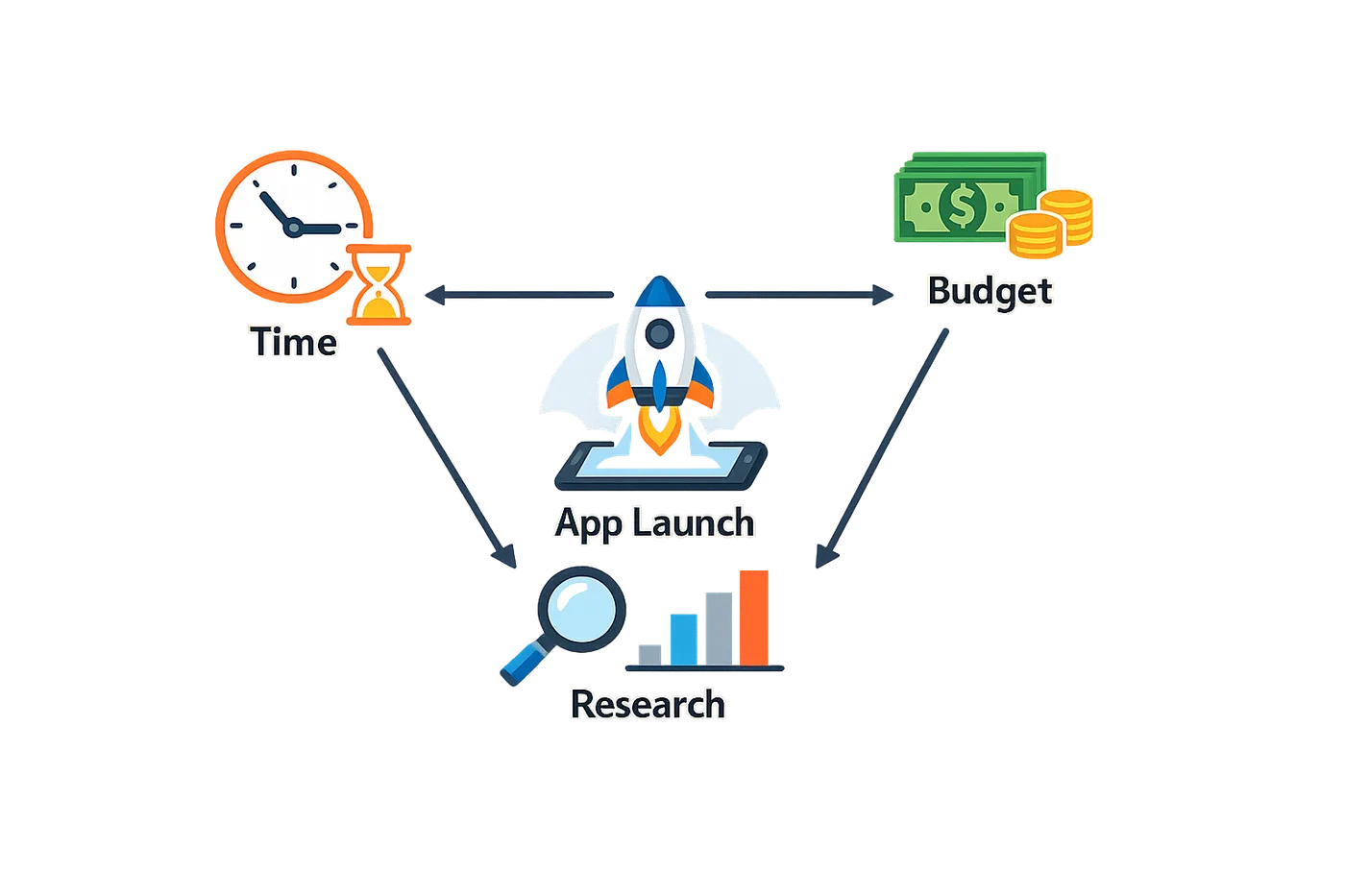
Most first-time founders hit the same wall: they build something, then realize they have no clear path to make it live. The gap between a working prototype and a published app feels enormous. You have code that runs on your machine, but no infrastructure, no deployment process, and no idea what "making it live" actually requires.
The technical overhead compounds fast. You need hosting, a domain, a database, environment variables, SSL certificates, and a way to push updates without breaking what's already running. Each piece requires its own account, its own configuration, and its own learning curve. By the time you've researched all the services, your momentum is gone.
The Hidden Friction in Going Live
Publishing is the action of making your app live — it saves a snapshot of your application to the cloud where others can interact with it. But most platforms treat this as an advanced workflow. You're expected to know Docker, CI/CD pipelines, and cloud provider consoles before you can share a simple app.
Founders without a technical co-founder face an additional trap: they don't know what they don't know. They can't evaluate whether a deployment tool is simple or just marketed that way. They waste weeks on services that promise "one-click deploy" but still require manual DNS configuration, separate database provisioning, and SSH key management.
Why the Standard Path Doesn't Work for Solo Founders
Traditional deployment workflows assume you have an engineering team. They're built for companies that can afford to spend a sprint setting up infrastructure. For a solo founder, that's a sprint you don't have. Every hour spent configuring AWS is an hour not spent talking to users or iterating on the product.
The alternative — no-code tools — solves deployment but locks you out of your own code. You can launch, but you can't customize, can't migrate, and can't scale beyond what the platform allows. You're trading one problem for another.
What's missing is a middle path: tools that handle infrastructure without hiding the code. Platforms that let you describe what you want to build, generate a working project, and publish it without requiring you to become a DevOps expert first. Understanding how to build engineering capabilities for your software project helps you evaluate which tools actually reduce friction versus which ones just shift complexity around.
How Do You Launch Your First App as a Startup?
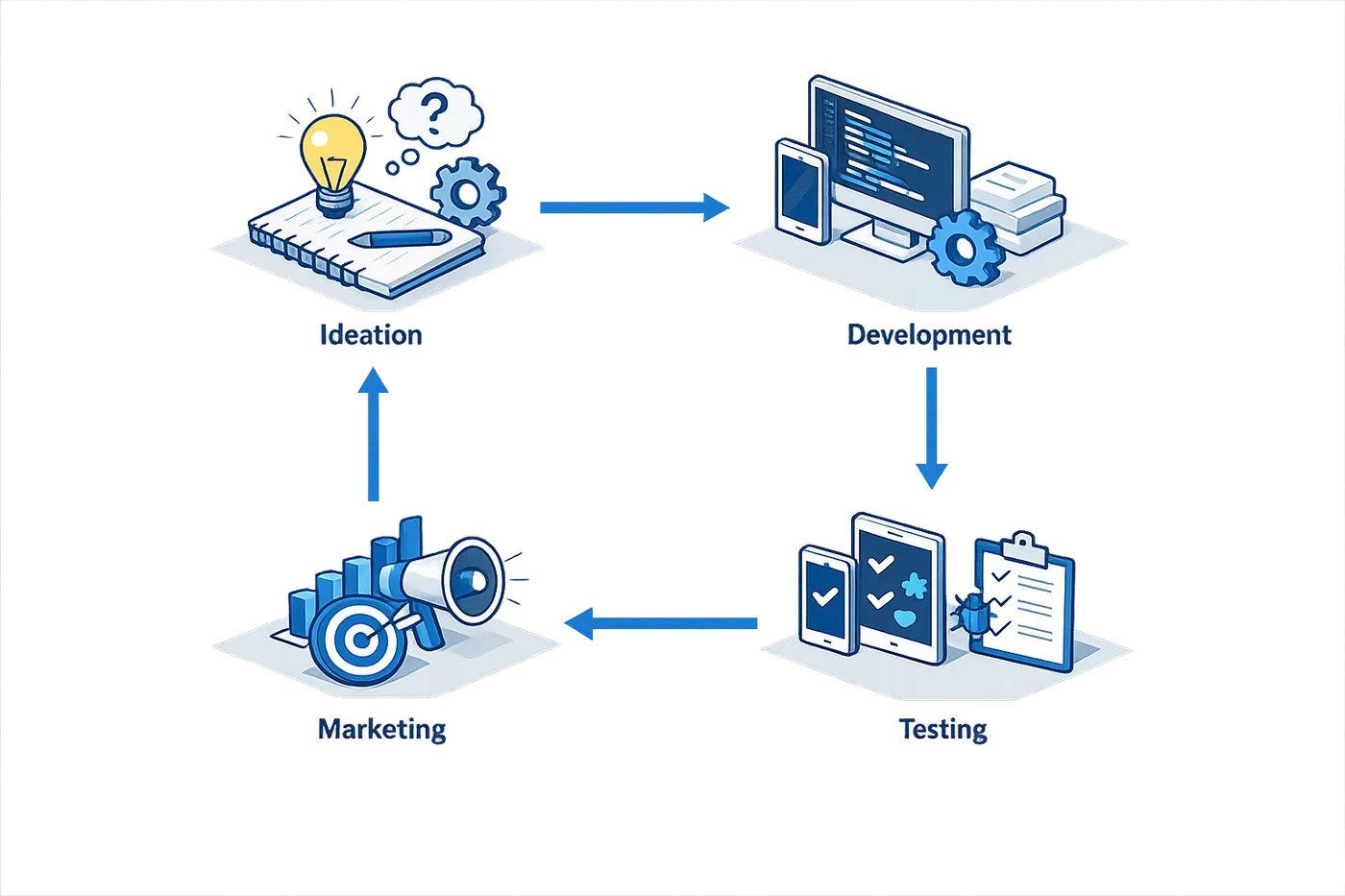
To launch your first app, you need a clear spec, a realistic build plan, and a launch checklist you actually follow. The steps below are what worked when I shipped prototypes that turned into revenue-generating products. Each step builds on the last, and none of them need to be perfect before you move forward.
Step 1: Define What You're Building in One Sentence
Write down exactly what your app does and who it's for. Not a vision statement — a single declarative sentence. "A meal-planning app for parents with picky eaters" is enough. If you can't say it in one sentence, you don't know what you're building yet.
Step 1
Write your project prompt
Open a text file or note and describe your app in plain language. Include the core function and the user. This becomes your prompt when you start building. Example: "Create a project tracker for remote teams that shows task status and deadlines in a single view."
Step 2: Choose a Build Tool and Start
Pick a platform that lets you describe what you want and generates working code. Sign up, paste your one-sentence description into the prompt box, and let the tool build the first version. Lovable and Replit both start projects this way — you describe it, they generate it.
The first build takes a few minutes. You'll see a live preview of a working app. It won't be polished, but it will run. That's the point. You're not writing code yet; you're validating that the idea works as software.
Step 3: Iterate One Change at a Time
Don't ask for five features at once. Make one change, check the preview, then make the next. Each change is saved as a version you can roll back, so nothing breaks permanently. If the app works but doesn't look right, say that in plain words: "Make the header darker" or "Move the login button to the top right."
This is where most founders waste time. They try to perfect the design before testing the core function. Ship the working version first. Polish later.
Step 4: Test the Core Function with Real Users
Send the live preview link to three people who match your target user. Don't explain how it works — just watch them use it. If they can't figure out the main action in 30 seconds, your app is too complicated.
Record what breaks, what confuses them, and what they try to do that the app doesn't support yet. Those notes become your next three changes.
Step 5: Publish When It Works, Not When It's Perfect
Once the core function works and one real user completes the main task without your help, publish it. Most platforms bundle everything together — web app, mobile view, infrastructure. You're not locked in. You can add features, swap components, or expand to new formats after launch.
I've seen founders sit on working apps for months, polishing features no user asked for. The app that ships is better than the perfect app that doesn't.
The app that ships is better than the perfect app that doesn't.
Step 6: Set Up Feedback Collection on Day One
Add a feedback button or a simple form before you announce the launch. You need to know what breaks and what users want next. Email works fine. A dedicated feedback tool works better. Either way, make it visible and make it easy.
For more on building the right engineering capabilities to support your app as it grows, see our guide on scaling technical foundations. When you're ready to reduce complexity, learn how automation engineers reduce technical debt in production apps.
What Are the Best Practices to Launch Your First App Successfully?
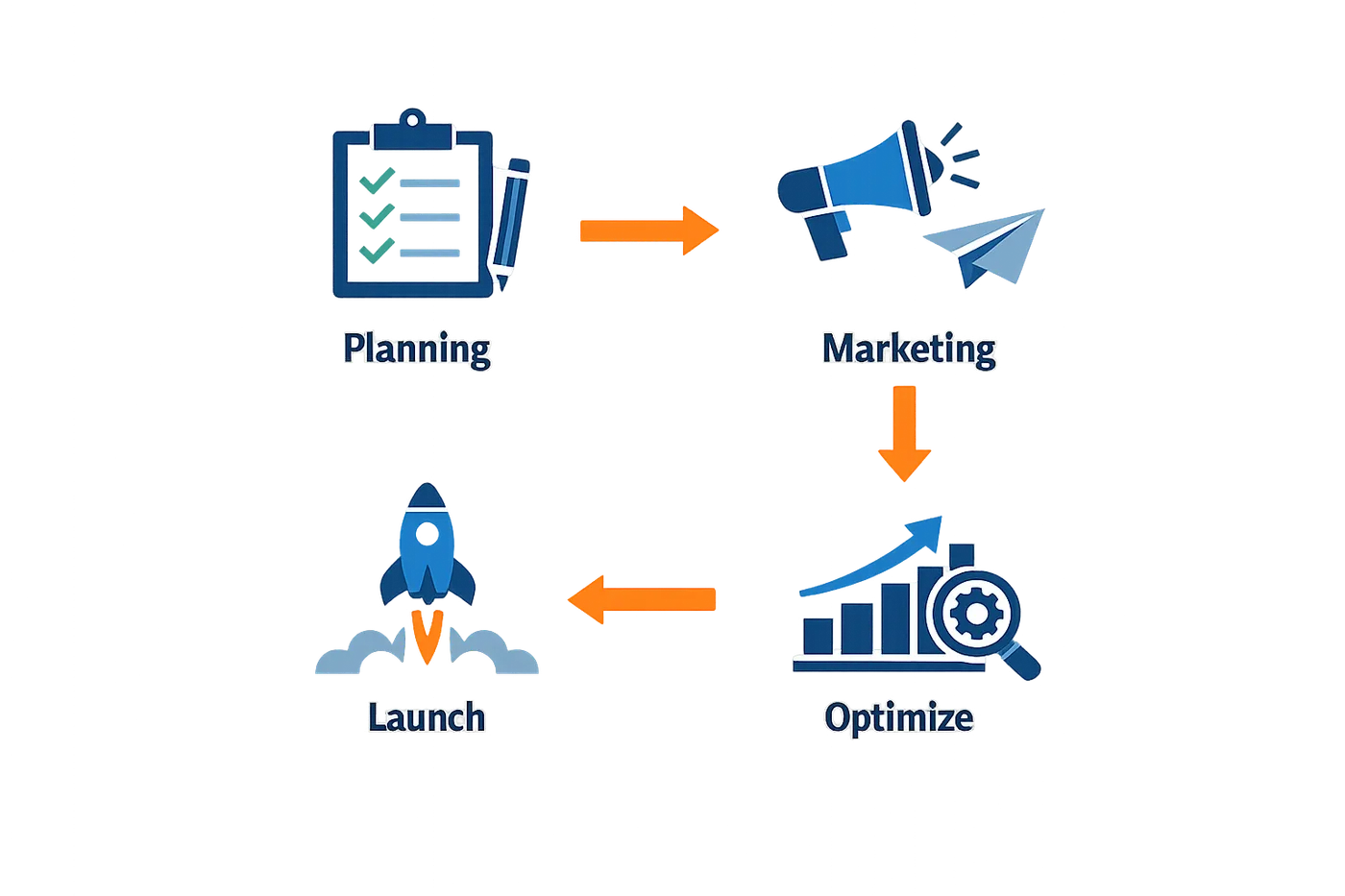
When you launch your first app, using the right tools and knowing a few operator tricks makes the process smoother. These tips come from what works in practice, not theory.
Start with a Clear Prompt
The prompt box is where every project begins. Describe what you want to build in plain language — the clearer your description, the better your starting point. You can write in any language, and the AI agents translate your intent into working code.
Don't overthink the first prompt. A simple statement like "Build a task tracker for my team with user authentication and a dashboard" gives the AI enough structure to start. You'll refine it later.
Pick the Right Agent Mode
Different AI agents handle different work types. Some are built for web apps, others for mobile or infrastructure setup. Switch between Agent modes to control how your app builds, allowing for flexibility in the development process.
Plan mode lets you brainstorm and map out your project before any code changes. When you're ready, approve the plan and the agent starts building. This separation keeps you from committing to code before you've thought through the structure.
Test After Every Change
Ask for one change at a time and check the preview after each. Every version is saved, so nothing you do can break it permanently. If something doesn't look or feel right, say that in plain words — the agent adjusts.
Click around the preview. Try the menu filters, scroll the sections, submit a form. Everything you see is a real, working app, and the code behind it is yours. Catching issues early saves you from backtracking later.
Own Your Code and Infrastructure
The code you create is yours to use for any legal purpose, including commercial projects. Everything runs in your browser with no local setup to manage. Databases, hosting, and domains live in one project, so you're not juggling separate services or external accounts.
This matters when you're moving fast. You don't want to stop mid-launch to configure a third-party service or debug a connection between tools that don't talk to each other. For teams scaling beyond a single app, platform engineering provides the foundation for repeatable launches.
Reduce Technical Debt Early
Technical debt piles up when you ship features faster than you clean up the code behind them. For strategies on keeping your codebase maintainable as you grow, see How Automation Engineers Reduce Your App's Technical Debt.
The cheapest fix is the one you make before anyone depends on the broken behavior.
Publish When Ready, Not Perfect
You can refine your project in chat, then publish when you're ready. All artifacts — web app, mobile app, slides, video — publish together. You're not locked into one type. Start with a web app and add a mobile app later, all in the same project.
Perfect is the enemy of shipped. Launch with the core features working, then iterate based on real user feedback.
Conclusion
When you launch your first app as a startup, it comes down to three things: a clear spec, a realistic build plan, and a launch checklist you actually follow. I've shipped apps that worked and apps that didn't. The ones that worked had boring, methodical plans. The ones that didn't had exciting visions and no PRD.
You don't need a perfect product. You need a product that solves one problem well enough that ten people will use it tomorrow. Build that, ship it, and learn from what breaks. Most first apps fail because founders optimize for elegance instead of feedback. Ship fast, measure real usage, and iterate on data—not assumptions.
The gap between idea and launch is smaller than you think. Write a one-page spec. Pick a stack you can actually build in. Set a launch date two months out and work backward. If you're non-technical, a solid development plan will save you six months of expensive mistakes. If you're technical, resist the urge to rebuild everything from scratch—your users don't care about your architecture.
Start today. Not next quarter, not after one more feature. Define your MVP, build it in eight weeks, and put it in front of real users. Every day you wait is a day you're not learning what actually matters.
Frequently asked questions
How long does it take to launch your first app as a startup?
With modern no-code platforms like Lovable or Replit, you can build and launch your first app in hours, not months. The first working version typically takes a few minutes to generate from a clear prompt. Most founders ship a functional MVP within a single session, then iterate based on user feedback.
What tools do I need to launch my first app?
You need a platform that handles hosting, databases, and deployment in one workspace. Tools like Lovable, Bolt, and Replit let you describe your app in plain language and generate working code. No local setup, no separate accounts for infrastructure services, and no DevOps knowledge required.
Do I need to know how to code to launch my first app?
No. Modern AI-powered platforms turn plain-language prompts into working apps. You describe what you want, the platform builds it, and you iterate by asking for changes in natural language. The code is yours to own and customize later if needed.
When should I publish my first app?
Publish when the core function works and one real user completes the main task without your help. Don't wait for perfection. Launch with the minimum viable feature set, collect feedback, and iterate. The app that ships is better than the perfect app that doesn't.
How do I reduce technical debt when I launch my first app?
Address technical debt early by making one change at a time and testing after each iteration. Use version control to roll back breaking changes. For strategies on maintaining clean code as your app grows, see how automation engineers reduce technical debt.
Learn how to launch your first app as a startup with proven steps and practical tips to ensure a successful rollout in startup app development.
Table of Contents
- Introduction — Introduce the process of launching an app as a startup and its significance.
- What Stops Most Founders from Launching Their First App? — Identify common challenges new startups face when launching their first app.
- How Do You Launch Your First App as a Startup? — Outline the key steps to take for a successful app launch.
- What Are the Best Practices to Launch Your First App Successfully? — Provide practical advice and strategies for a smooth app launch.
- Conclusion — Summarize the key points and encourage action.
- FAQ — Answer common questions about launching your first app.
- Table of Contents