
Cursor Vibe Coding: From Idea to Working App
Top takeaways
- Cursor Vibe Coding uses natural language to turn app ideas into working code through AI agents
- The approach works for individuals and teams building full-stack applications efficiently
- You describe what you want; the AI agent builds it with modern frontend tools
- Deployment happens immediately or through standard pull request workflows
Introduction
You have an app idea. You need working code. The gap between those two states used to require weeks of setup, architecture decisions, and boilerplate. Cursor Vibe Coding collapses that timeline.
The method is simple: you describe your application in plain language, and an AI agent translates that description into real web applications. No scaffolding phase. No framework debates. You state the requirements; the system generates the implementation.
I've watched solo founders ship prototypes in hours that would have taken small teams days under traditional workflows. The efficiency gain is not theoretical. When you remove the translation layer between intent and code, velocity increases by an order of magnitude.
Cursor Vibe Coding works through platforms like v0, which provide AI-powered code generation, chat interfaces for refinement, and one-click deployment to production infrastructure. You can start from scratch or initialize with existing files. The agent handles error diagnostics automatically. Teams get additional controls: SSO, access management, usage analytics.
The workflow fits both rapid prototyping and production builds. You can deploy immediately to scalable infrastructure or open a pull request for review. The same process that generates a feature prototype also ships the final version. For a structured approach to defining those requirements upfront, see PRD for Cursor: The Ultimate Guide to Stress-Free AI Specs.
This guide walks through the complete process: identifying the real problem, executing the solution steps, and avoiding the common failure modes. The goal is a working application, not a demo.
Problem Statement
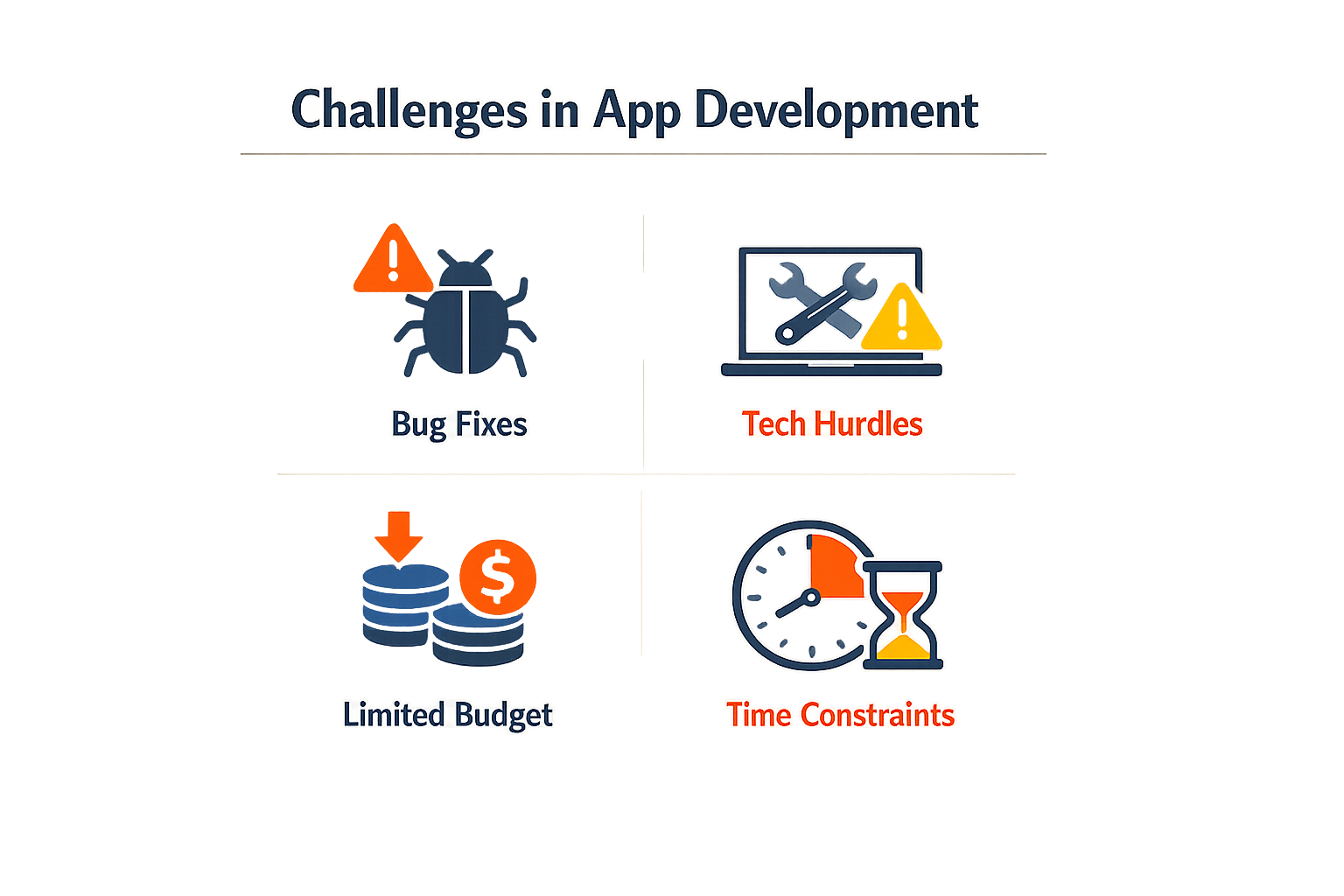
You have an idea. You want working code. The gap between those two states is where most projects die.
Traditional development requires you to translate your vision into precise technical specifications before a single line runs. You write requirements documents, break features into tickets, argue about architecture, and hope the final product resembles what you imagined six weeks ago. By the time you see a prototype, half your assumptions are wrong and the other half are out of date.
Vibe coding with Cursor promises a different path: describe what you want, let the AI generate code, iterate until it works. No formal specs, no rigid planning phases, just rapid cycles of prompt and output. It sounds efficient. It is efficient — until it isn't.
When Vibe Coding Breaks Down
The workflow fails at three predictable points. First, you hit the context ceiling. Cursor's agent can read files, execute terminal commands, and search your codebase, but it loses coherence when your project grows past a few thousand lines. The AI forgets architectural decisions made two sessions ago. It rewrites working code because it can't see the full dependency graph.
Second, network and infrastructure issues surface without warning. Corporate proxies block HTTP/2 streaming. Firewalls drop connections to *.cursor.sh or *.cursorvm.com. VPNs trigger security blocks that look like rate limits. You spend an afternoon debugging connectivity when you thought you were debugging code.
Third, you discover that vibe coding optimizes for speed, not durability. The code runs, but you can't explain why. There's no PRD for Cursor anchoring decisions, no architecture document, no test coverage. When a bug appears three features later, you can't trace it back to a specific prompt or decision point. You're debugging vibes.
The Real Cost
The problem isn't that vibe coding fails. The problem is that it fails slowly. You ship a feature in an afternoon, then spend a week untangling the second-order effects. You move fast, but you don't move predictably. For a solo founder, that unpredictability compounds. Every hour spent reconstructing context from AI-generated code is an hour not spent on distribution, customer conversations, or revenue.
The gap between idea and working app isn't just technical. It's structural. Vibe coding without guardrails trades upfront planning for downstream chaos. The challenge is building a workflow that keeps the speed but adds just enough structure to make the chaos manageable.
Solution Steps for Cursor Vibe Coding
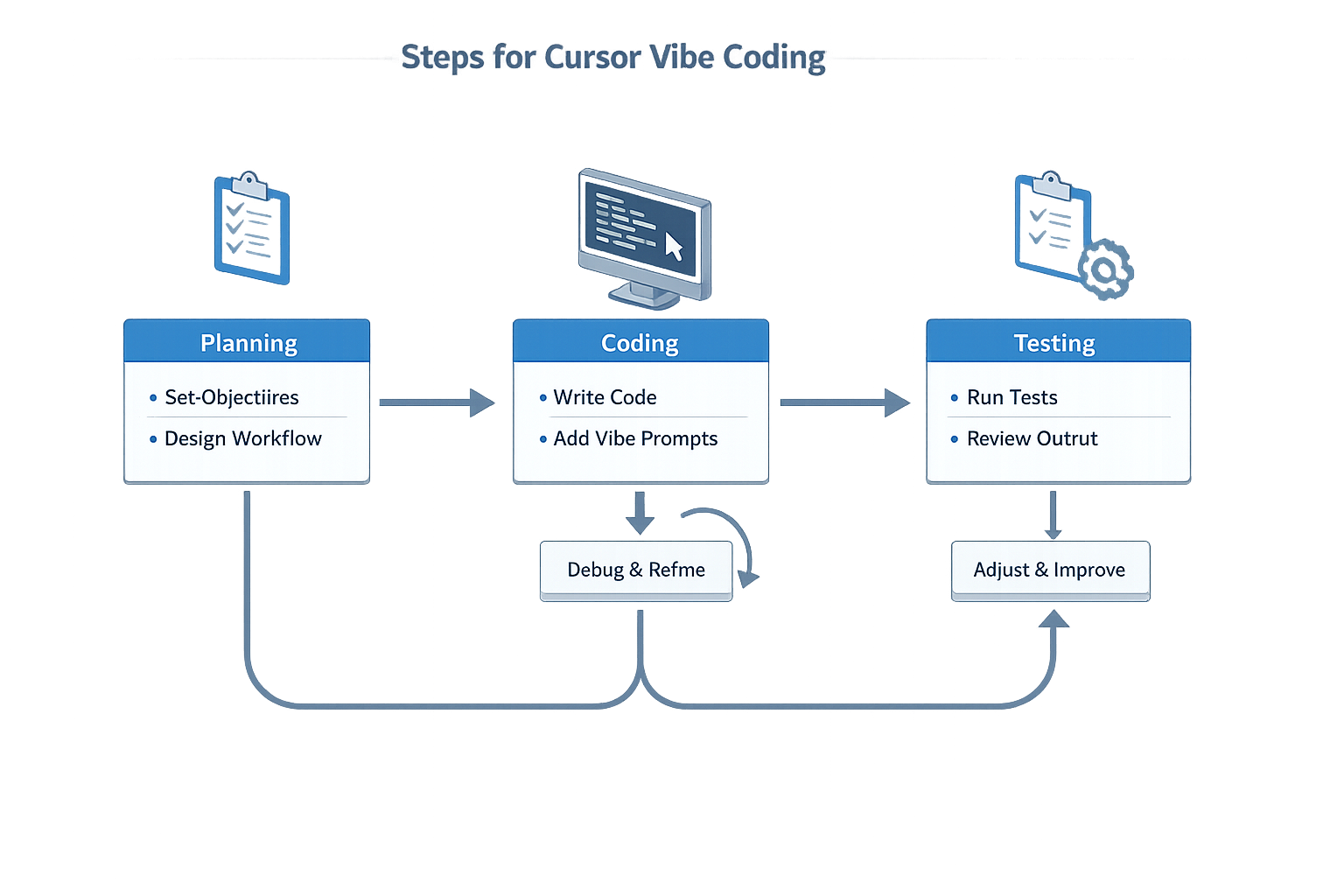
Cursor Vibe Coding follows a direct sequence: open the project, orient yourself, make changes, review diffs, test. Each step feeds the next.
Start with the Codebase
Step 1
Open and orient
Pick your project folder in Cursor. Open Agent with Cmd+I (Mac) or Ctrl+I (Windows). Ask Cursor to explain the codebase and point out main areas to read first. A simple prompt: "Explain this codebase. Point me to the main entry points, key modules, and anything I should read before making changes." Cursor searches your repo, reads relevant files, and summarizes how the project fits together.
This is the fastest way to get oriented in an unfamiliar codebase. You skip the manual file-tree dive and get a guided tour instead.
Request Changes Directly
Step 2
Ask for what you want
If you already know what you want to change, ask for it directly and describe the result you want. Be concrete. "Add a 'Today's specials' section between the menu and the opening hours" beats "make the menu better." Cursor works from your description.
Watch Cursor work. The diff view shows changes made by the agent in real time. You see exactly what's being modified, line by line.
Review and Test
Step 3
Check the diff and run tests
When Cursor finishes, review the diff. Ask Cursor to run the checks your project already uses: tests, the type checker, linting, or a local build. If your project has a test suite, run it. If you have a linter, run that too.
A quick check now saves confusion later. One change at a time, one preview after each.
Scale Up with Plan Mode
For bigger changes that span multiple files or need research before coding, use Plan Mode. Press Shift to activate it. Plan Mode works well when the task needs approval before execution or when you want to see the strategy before committing.
Plan Mode separates thinking from doing — you approve the approach before Cursor writes a single line.
This keeps large refactors from spiraling. You see the plan, adjust it, then execute.
Suggest Safe Improvements
After understanding the project, ask Cursor to suggest safe improvements. Focus on low-risk tasks: improving copywriting, fixing small UI issues, cleaning up comments. These changes build confidence in the tool without risking core functionality.
For more on structuring AI-friendly project specs, see PRD for Cursor: The Ultimate Guide to Stress-Free AI Specs.
Tips and Tricks for Successful Implementation
Cursor Vibe Coding works when you understand the tooling and when you avoid the mistakes that waste time. These tips come from watching the same failure modes repeat across dozens of projects.
Point to Examples, Don't Duplicate Code
When you ask Cursor's Agent to build something, reference existing patterns in your codebase instead of pasting code blocks. The Agent searches your files automatically. If you've already solved authentication or form validation once, tell it where to look. Duplicating code creates drift. The second copy diverges from the first, and six weeks later you're debugging two implementations of the same logic.
Add Rules Only After Repeated Mistakes
Cursor lets you define rules that guide the Agent's behavior. Don't write rules upfront. Wait until you see the Agent make the same mistake three times, then add a rule. Early optimization here costs you time. You don't know your patterns yet. Once you do, a single rule prevents dozens of corrections. Check rules into version control so the whole team benefits.
Run Diagnostics When AI Features Stall
Connection issues show up as hanging requests or missing completions. When that happens, go to Cursor Settings > Network and click Run Diagnostics. This tests connectivity to Cursor's servers and flags problems with proxies, firewalls, or VPNs. Some corporate proxies block HTTP/2, which Cursor uses for streaming. If diagnostics fail, switch HTTP Compatibility Mode on in the same settings panel.
Use Exact Matches for Fast Code Search
The fastest way to find code is an exact match: a function name, a variable, an error string, or a regex pattern. Cursor's Agent uses grep automatically when you reference specific symbols. The editor ships with Instant Grep, which outperforms ripgrep on large codebases. It runs without configuration. When you mention a function or a class, the Agent finds it in milliseconds. Use precise names in your prompts.
Keep Your Workflow Simple Until You Hit Real Friction
Start with the default setup. Don't install extensions, don't customize keybindings, don't write elaborate prompt templates. Use Cursor Vibe Coding as shipped until you understand where it breaks for your project. Then fix that one thing. The failure mode here is spending two days optimizing a workflow you haven't stress-tested. I've done this. It doesn't pay. For a deeper look at vibe coding workflows and common pitfalls, see How to Vibe Code: A Step-by-Step Workflow Guide.
Conclusion
Cursor Vibe Coding turns the idea-to-app path into a repeatable process. You start with a clear specification, let the agent handle the scaffolding, and iterate in tight loops until the prototype ships. The method works because it removes the friction between intent and execution — you describe what you want, the agent writes it, and you correct course when it drifts.
I've shipped three SaaS products this way. The first took six weeks because I didn't trust the agent enough to stay out of the code. The third took eleven days because I learned to write tighter specs and let the tooling do its job. The difference wasn't the AI — it was the workflow.
The biggest wins come from focus. Cursor handles file editing, terminal commands, and browser testing while you stay in the product layer. You're not debugging syntax or chasing import errors. You're deciding what the app should do next and whether the current build delivers it. That separation is the entire value proposition.
Start small. Pick a feature you understand completely and spec it in one page. Let Cursor build it, test it, and show you where your spec was unclear. Fix the spec, not the code. Repeat until the feature works. Then scale the same loop to the next feature. The tooling is ready — the constraint is how clearly you can describe what you want.
If you're ready to move from vibe coding to production workflows, read PRD for Cursor: The Ultimate Guide to Stress-Free AI Specs for the specification framework that makes agent-driven development predictable.
Learn how to use Cursor Vibe Coding to turn your idea into a working app efficiently.