
Vibe Coding Tools: A Comprehensive Guide by Category
Top takeaways
- Vibe Coding Tools enable developers to build web applications using natural language descriptions instead of writing code line-by-line
- These AI-powered platforms transform ideas into production-ready code through conversational interfaces
- Tools like v0 provide programmatic access to code generation, project management, and deployment features
- Understanding tool categories helps developers choose the right solution for their specific workflow needs
- The shift from traditional coding to vibe coding represents a fundamental change in how applications are built
Introduction
Vibe Coding Tools turn natural language into working web applications. Instead of writing every line yourself, you describe what you want and an intelligent agent builds it. This is not autocomplete — it is a different development model.
I built my first production SaaS this way. The workflow felt strange at first. You prompt, review, iterate. The tool generates components, fixes errors, deploys to live infrastructure. What used to take days now ships in hours.
The v0 platform exemplifies this approach. It provides an AI agent that creates real code and full-stack applications from conversational input. You can ship features, refine designs, update copy, and create live prototypes with a prompt. Deploy to production immediately or open a pull request for review. The step-by-step workflow guide covers the operational details.
The API layer gives you programmatic access to code generation, chat interfaces, project management, and deployment features. You can integrate these capabilities into your own applications and workflows. Projects become containers for your development work. Chats are AI-powered conversations that help you develop those projects.
This guide organizes Vibe Coding Tools by category. Each section addresses a specific development need. The goal is to help you pick the right tool without wading through marketing copy or feature lists that all sound identical.
Problem Statement
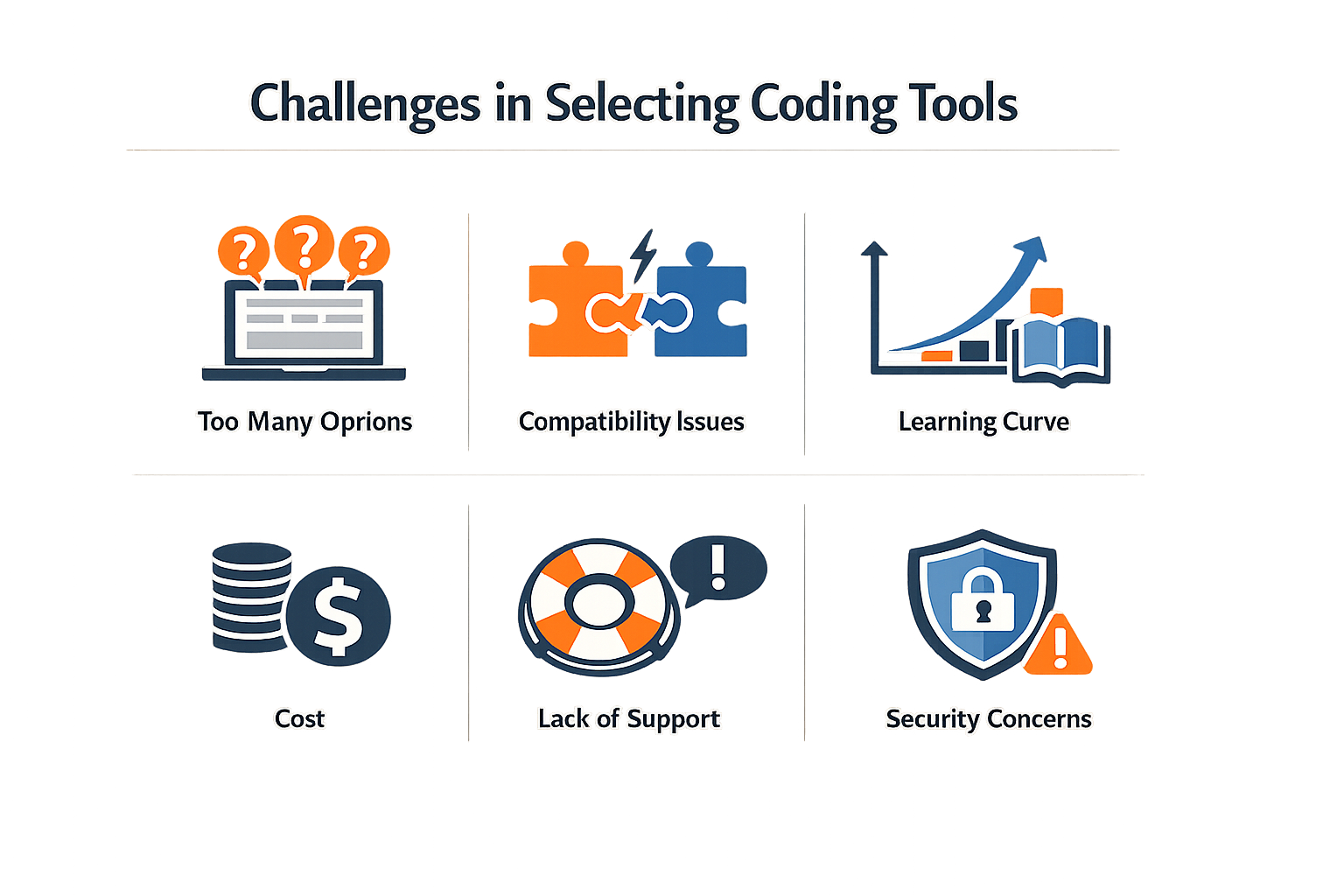
Picking the right vibe coding tools is harder than it looks. The market is crowded. Every tool claims to be the fastest, the smartest, the most integrated. Most developers end up choosing by hype or by what their last Twitter thread recommended. That's not a strategy.
The Quality Blind Spot
AI-generated code can look correct but be subtly wrong. It might follow existing patterns, compile, and pass tests you wrote, but still miss edge cases or introduce technical debt. The code review burden shifts from catching typos to catching logic errors that blend into the surrounding codebase. Your standards for what gets merged should be the same whether the code was written by hand or by an agent.
Integration Overhead
Vibe coding tools don't work in isolation. They need to fit into your IDE, your CI/CD pipeline, your team's workflow. Some tools integrate cleanly. Others require custom scripts, API wrappers, or manual handoffs. The promise is seamless code generation; the reality is often a stack of integrations that break when one dependency updates. Choosing a tool without understanding its integration footprint is choosing future maintenance work.
The Feature-Fit Mismatch
Not every tool is built for every use case. A tool optimized for rapid prototyping might not scale to production-grade infrastructure. A tool built for educational platforms might not handle complex state management. Developers often select tools based on demos that showcase the happy path, then hit walls when their real-world requirements don't match the tool's design assumptions. For more on matching tools to workflows, see How to Vibe Code: A Step-by-Step Workflow Guide.
The Review Process Gap
Implementing effective code review processes is crucial to catch issues before they reach production. But most teams don't have a review process designed for AI-generated code. Traditional reviews assume human-written code with human-level context. AI tools generate large diffs with less context. Reviewers either rubber-stamp the output or spend hours reconstructing the agent's reasoning. Neither approach scales.
The cheapest tool is the one whose output you trust enough to ship without a second review.
Solution Steps
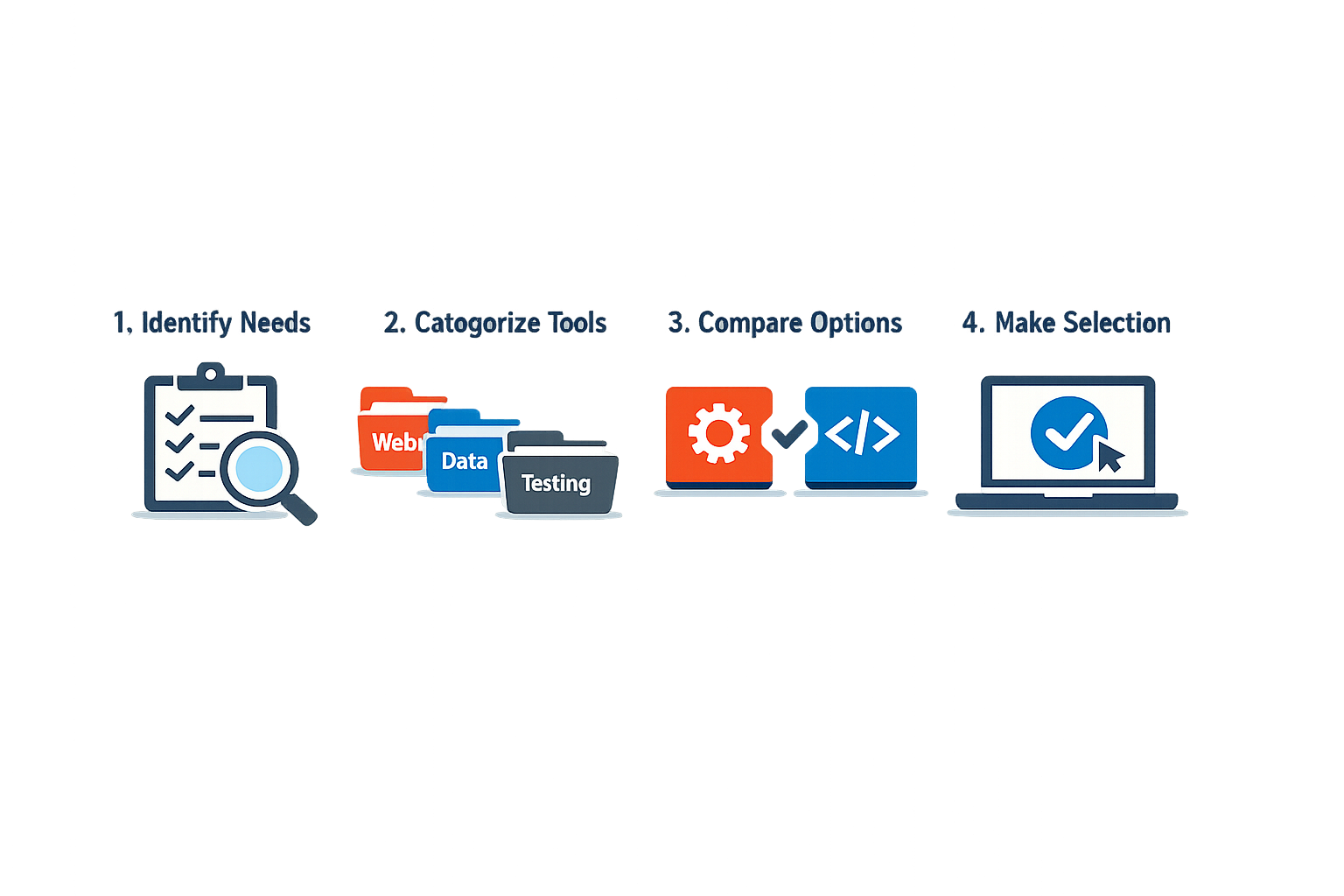
Selecting the right Vibe Coding Tools requires a structured approach. Most developers waste time testing tools that don't match their workflow. Follow these steps to categorize and choose effectively.
Define Your Project Scope
Start by mapping what you're building. A single-page prototype needs different tooling than a multi-file production app. Write down the number of files, the framework, and whether you need deployment.
If your project spans multiple files or requires research before coding, note that now. Tools handle scope differently—some excel at quick iterations, others at complex planning.
List framework (React, Vue, etc.), file count estimate, whether you need version control integration, and deployment targets. Keep it to one page. This becomes your filter.
Match Tools to Task Complexity
Small tasks—UI tweaks, component generation, single-file fixes—work well with chat-based generators. Larger changes need planning modes.
Developers often try to force chat-based tools into architectural rewrites. It doesn't work. The tool generates code faster than you can review it, and you end up with drift. Match the tool's strength to the task size.
Evaluate Integration Points
Vibe Coding Tools integrate into IDEs, CI/CD pipelines, or internal workflows. Check where your team already works. If everyone uses a specific editor, prioritize tools that embed there.
Some platforms let you build custom interfaces and automated workflows, which matters if you're standardizing across a team. A solo founder can live with standalone tools; a team of five cannot.
Test With a Representative Task
Pick one real task from your backlog—not a toy example. Run it through two or three tools. Time how long it takes to get working code, then time the review and fix cycle.
The tool that feels fastest in demos often isn't fastest in practice. What matters is the round-trip: prompt → code → review → fix → done. For a deeper breakdown of the full workflow, see How to Vibe Code: A Step-by-Step Workflow Guide.
Use identical input for each tool. Measure total time to working, tested code—not just generation speed. Note which tool required the fewest clarification rounds.
Prioritize Review Workflow
After the tool generates code, you need to verify it. Some tools make diffs easy to scan; others dump entire files. Check whether the tool supports running your existing tests, type checker, or linter.
If the tool can't surface what changed or run your checks, you'll spend more time reviewing than you saved generating. That's a losing trade.
The best tool is the one that makes the review step faster, not the generation step.
Tips and Tricks
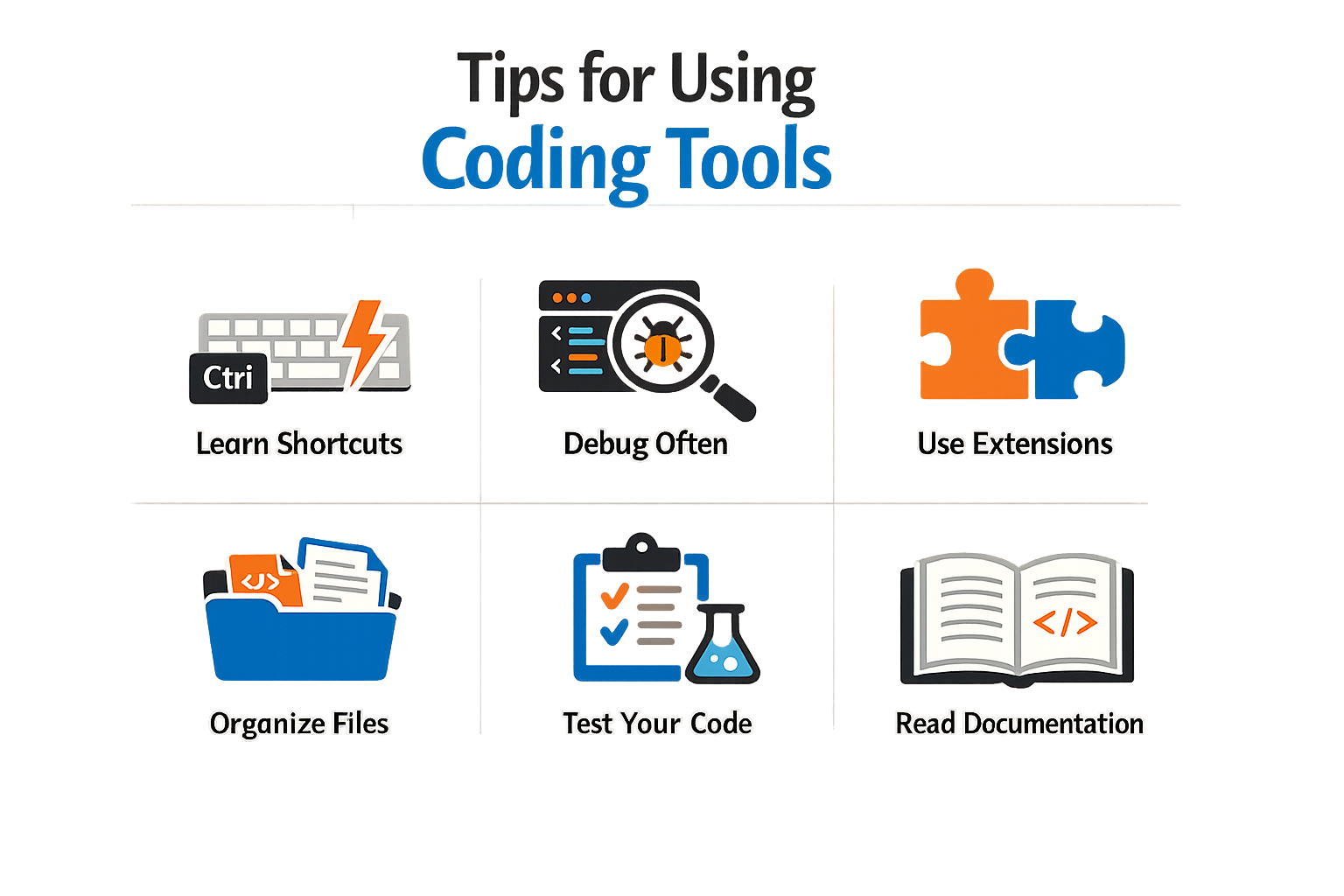
Vibe coding tools ship code fast. They also ship mistakes fast. The difference between a productive session and a debugging nightmare is knowing when to trust the output and when to verify.
Run Your Existing Checks First
Don't rely on the tool's judgment alone. After the agent writes code, run the checks your project already uses: tests, type checker, linting, local build. Cursor can run these for you automatically. If your project doesn't have checks, add them before you scale up agent usage. A passing test suite is the only signal that tells you the diff is safe to merge.
Break Large Changes Into Reviewable Pieces
Agents can generate hundreds of lines in one pass. That volume makes review hard. If a change spans multiple files or rewrites core logic, break it into smaller tasks. Smaller diffs are easier to understand, easier to test, and easier to roll back when something breaks. The same principle applies whether you wrote the code or the agent did.
Your standards for what gets merged should be the same whether the code was written by hand or by an agent.
Customize Workflows to Match Your Stack
Most vibe coding tools let you configure custom interfaces and automated workflows. v0 supports custom chat interfaces and project-specific automation. Use these features to align the tool with your existing stack and deployment pipeline. A generic setup works for demos; a tailored workflow works for production.
For a detailed breakdown of how different tools compare in real-world use, see Best Vibe Coding Tools in 2026 (Compared).
Treat AI-Generated Code Like Any Other Pull Request
AI-generated code can look correct and still be subtly wrong. It might follow existing patterns, compile, and pass basic tests, but miss edge cases or introduce tech debt. Review every agent-generated diff with the same rigor you'd apply to a junior developer's work. Look for logic errors, security gaps, and maintainability issues. Moving fast is valuable; moving fast without breaking things is more valuable.
Conclusion
Vibe coding tools work when you pick the right one for the job. The categories in this guide — full-stack agents, component generators, AI pair programmers, and deployment platforms — map directly to where you are in the build cycle. The tools themselves change every quarter. The categories stay stable. When a new platform launches, ask: does it replace my cursor session, my component library, or my deployment pipeline? That question tells you where it fits and whether it's worth the context switch.
Most vibe coding failures trace to category confusion — using a component generator for backend logic, or asking a chat model to handle deployment config. The tool did what it was built for; the operator picked the wrong tool. Understanding the categories prevents that class of mistake.
If you're planning your first vibe-coded app, the step-by-step workflow guide walks through tool selection by build phase. The categories here give you the map. The workflow gives you the route.
Explore Vibe Coding Tools in this comprehensive guide, categorized for easy navigation.