
Claude Vibe Coding: Building Apps With Claude Code
Top takeaways
- Claude Vibe Coding uses conversational prompts to build apps without traditional coding workflows
- Claude Code works across multiple files, handles git operations, and verifies code automatically
- You can start building immediately in your browser or IDE with no local setup required
- The approach treats Claude like a helpful colleague — describe what you want, and it plans and implements the solution
- Claude Code reads project context from CLAUDE.md files and builds memory across sessions
Introduction to Claude Vibe Coding
I've shipped three SaaS products using AI coding tools. The pattern is always the same: the faster you can go from idea to working code, the faster you learn what actually matters. Claude Vibe Coding collapses that cycle.
Claude Vibe Coding is a conversational development workflow where you describe what you want in plain language and Claude Code handles the implementation. You're not writing every line — you're directing. Claude Code plans the approach, writes code across multiple files, stages git changes, and verifies the result. For bug fixes, you paste an error message or describe the symptom. Claude traces the issue through your codebase, identifies the root cause, and implements a fix.
The workflow starts with a simple prompt. Describe what you want to achieve, and Claude Code translates that into working code. If you're building a new feature, refactoring a module, or writing tests, the pattern is the same: talk to Claude like you would a helpful colleague. You can run Claude Code in your browser with no local setup, in VS Code as an extension, or as a standalone desktop app for visual diff reviews and side-by-side sessions.
Claude Code reads a CLAUDE.md file from your project root at the start of every session. Use it to set coding standards, architecture decisions, preferred libraries, and review checklists. If your repository already has an AGENTS.md for other coding agents, Claude Code can read that instead. Claude also builds auto memory as it works, saving learnings across sessions. For a complete workflow breakdown, see How to Vibe Code: A Step-by-Step Workflow Guide.
The shift from traditional coding to vibe coding isn't about replacing your skills. It's about spending your time on decisions that matter — architecture, user experience, edge cases — and letting Claude handle the boilerplate, the file juggling, and the git commits. You stay in the driver's seat. Claude just types faster than you do.
Understanding the Challenges in App Development
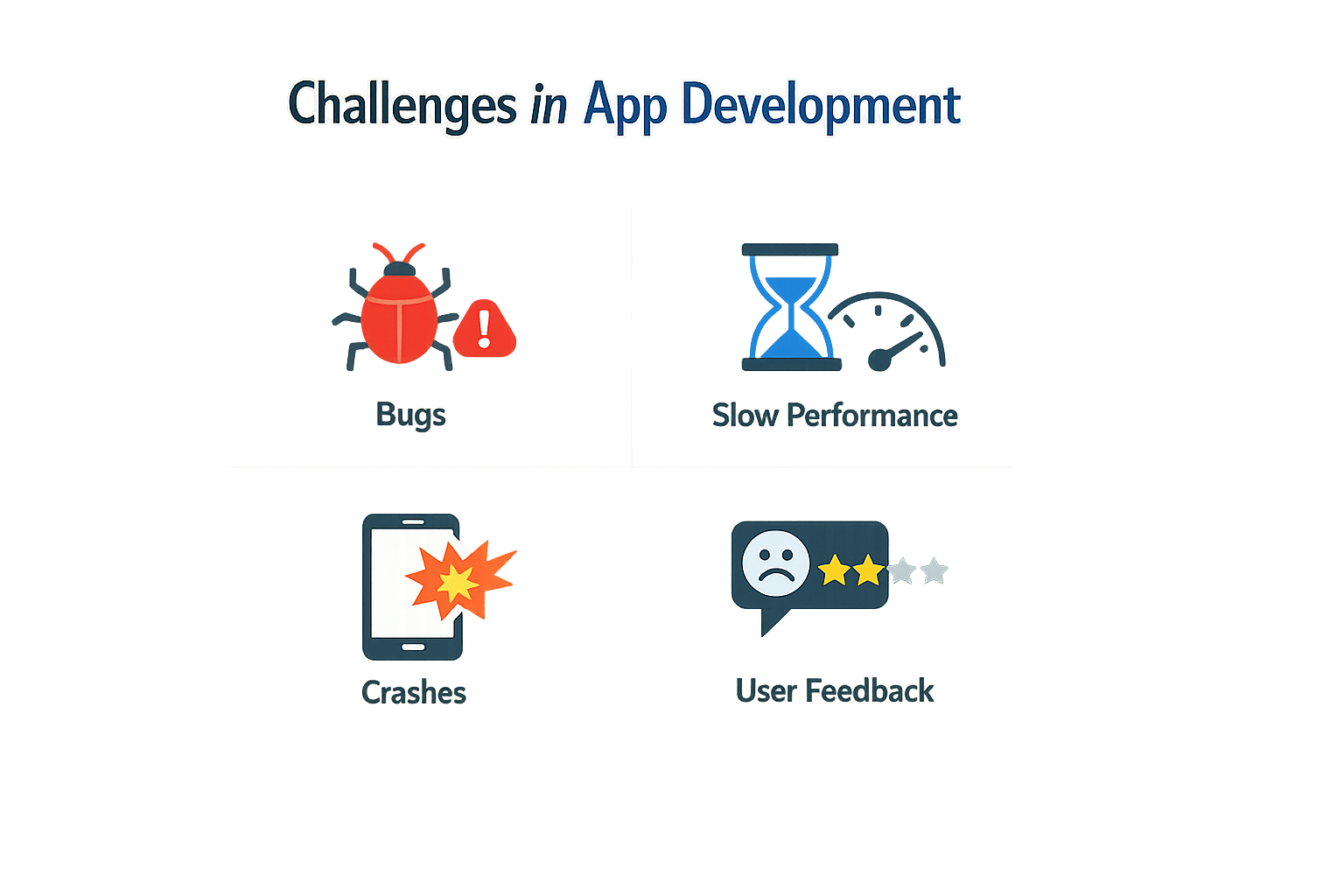
Building apps without the right tools creates predictable friction. You write code in one file, break something three files away, and spend an hour tracing the dependency chain. The context switch between planning, coding, testing, and version control fragments your workflow into discrete manual steps.
Common Bottlenecks in Traditional Development
Most developers hit the same walls. Setting up a local environment takes hours before you write a single line of production code. Configuration drift between your machine and your teammate's machine spawns bugs that only appear in specific environments. When an error surfaces, you paste it into a search engine, scan Stack Overflow, and manually apply a fix that may or may not address the root cause.
Version control adds another layer. You stage changes, write commit messages, create branches, and resolve merge conflicts—all outside your primary coding interface. Each context switch costs minutes and breaks flow state. For solo founders working nights and weekends, these minutes compound into lost shipping velocity.
The Planning Gap
Without structured requirements, conversational coding tools produce code that works locally but fails in production. You describe a feature in natural language, the tool generates files, and only later do you discover it assumed a database schema that conflicts with your existing tables. Rolling back requires manual surgery across multiple files.
This gap widens when you lack a clear PRD for Cursor: The Ultimate Guide to Stress-Free AI Specs or similar specification document. Vague prompts yield vague implementations. The tool can't read your mind about edge cases, error handling, or integration points you haven't explicitly stated.
Security and Permission Friction
Running AI-generated code introduces trust questions. Does the tool have permission to modify files, execute shell commands, or access environment variables? Manual approval for every action kills productivity. Auto-approve everything and you risk unintended changes propagating through your codebase before you notice.
Balancing speed and safety without explicit permission modes forces you into binary choices: either micromanage every step or accept blind execution. Neither scales when you're shipping features under deadline pressure.
Steps to Utilize Claude Vibe Coding
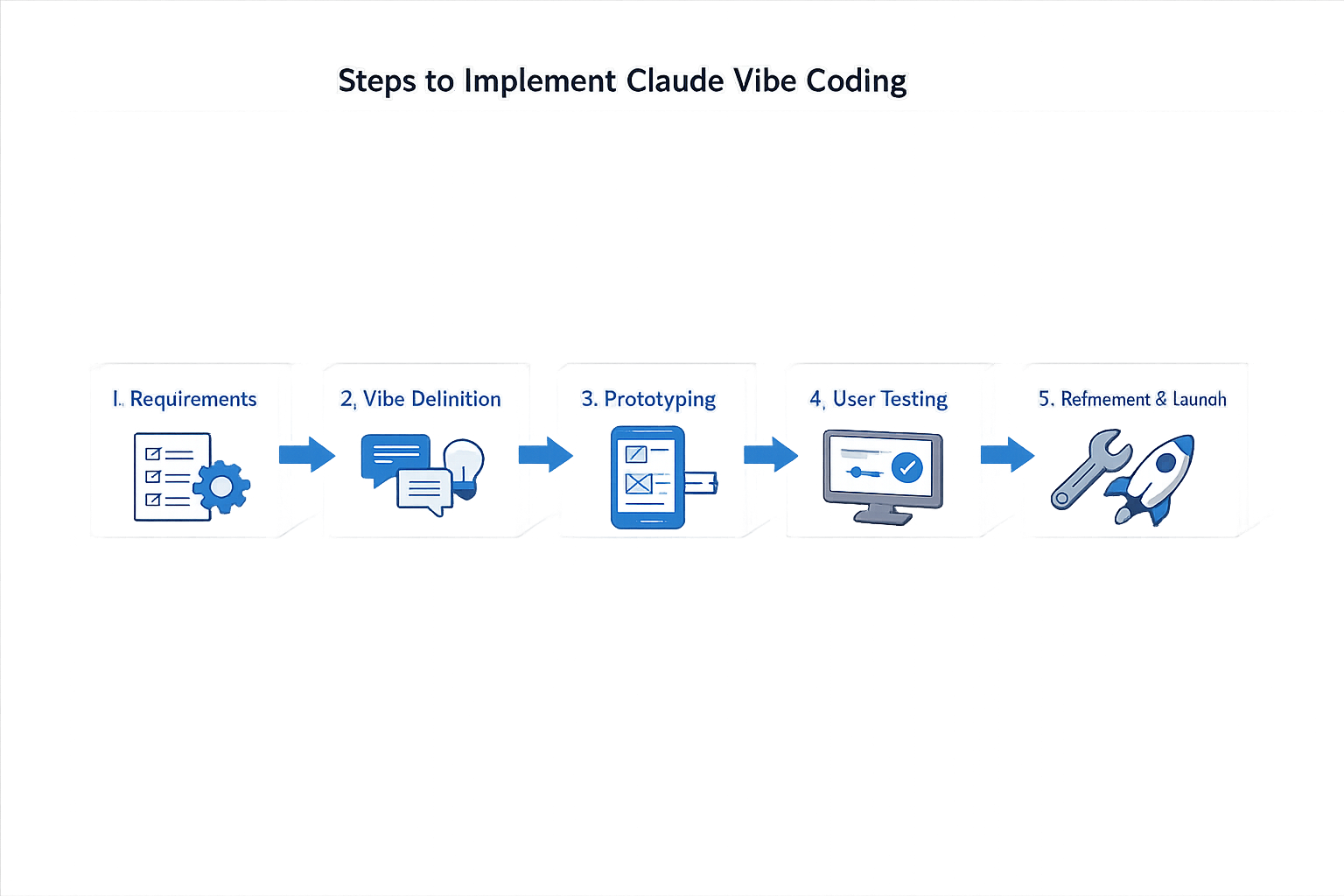
Claude Code runs as a VS Code extension, a terminal CLI, or a standalone app. The setup takes minutes. The workflow takes practice.
Step 1: Install and Authenticate
Step 1
Install Claude Code
Search for Claude Code in the VS Code Extensions view, or install the CLI from the terminal. On first launch, Claude Code prompts you to log in. If you've set the ANTHROPIC_API_KEY environment variable, approve it when prompted and Claude Code skips the login screen.
The standalone app works outside your IDE. Download it, sign in, and click the Code tab. You can run multiple sessions side by side or schedule recurring tasks.
Step 2: Configure Project Context
Step 2
Add a CLAUDE.md file
Create a CLAUDE.md file in your project root. Use it to set coding standards, architecture decisions, preferred libraries, and review checklists. Claude Code reads this file at the start of every session. If you already have an AGENTS.md for other coding agents, Claude Code can read that instead.
Claude Code also builds auto memory as it works, saving learnings across sessions. The combination of explicit instructions in CLAUDE.md and accumulated context keeps the agent aligned with your codebase.
Step 3: Describe What You Want
Step 3
Write conversational prompts
Describe your feature or fix in plain language. Claude Code plans the approach, writes code across multiple files, and verifies it works. For bugs, paste an error message or describe the symptom. Claude Code traces the issue through your codebase, identifies the root cause, and implements a fix.
The agent works directly with git. It stages changes, writes commit messages, and can push branches. You review diffs visually before accepting.
Step 4: Automate Repetitive Workflows
Claude Code integrates with GitHub Actions and GitLab CI/CD. Use it to automate code review, issue triage, or test generation. The standalone app supports scheduled recurring tasks, so you can run nightly refactors or dependency updates without manual intervention.
Access Claude Code features from the Command Palette in VS Code or by invoking the CLI directly. The interface adapts to your workflow—whether you're working in the editor, the terminal, or the standalone app.
For a broader comparison of AI coding tools, see Best Vibe Coding Tools in 2026 (Compared).
Tips and Tricks for Successful App Development with Claude Code
Claude Vibe Coding works best when you treat it like a colleague who needs context. The tool reads your intent from plain language, but the clearer your setup, the fewer passes you'll need to get working code.
Talk to Claude Like a Teammate
Describe what you want to achieve, not how to build it. Claude Code traces issues through your codebase and proposes fixes when you paste an error message or describe a symptom. Short, direct prompts work better than long specifications.
When you ask Claude to write tests, update documentation, or review changes, frame it as a request to a helpful colleague. The conversational register keeps sessions moving.
Use CLAUDE.md to Set Standards
Claude Code reads a markdown file at your project root on every session start. Use CLAUDE.md to define coding standards, architecture decisions, preferred libraries, and review checklists. If your repository already has an AGENTS.md for other coding agents, Claude Code can read that instead.
This file saves you from repeating the same context in every prompt. Set your conventions once; Claude applies them automatically.
Coordinate Long Tasks with Projects
For long-running tasks, create a project in Claude Vibe Coding. Projects help coordinate parallel sessions and keep context across multiple work streams. This is especially useful when you're building a feature that touches multiple modules or when you need to experiment with different approaches side by side.
Step 1
Start a project for multi-session work
When a task will span several sessions or require parallel experiments, create a project in Claude. This keeps your context organized and lets you resume without re-explaining your architecture.
Automate Review and Triage
Claude Code works directly with git. It stages changes, writes commits, and can integrate with GitHub Actions or GitLab CI/CD. Automating code review and issue triage in your pipeline reduces manual steps and keeps your workflow consistent.
For teams or solo founders managing multiple repositories, this integration means Claude can handle routine checks while you focus on higher-level decisions. For more on systematic workflows, see How to Vibe Code: A Step-by-Step Workflow Guide.
Run Multiple Sessions Side by Side
The standalone Claude app lets you run multiple sessions in parallel, review diffs visually, and schedule recurring tasks. This is helpful when you're testing different implementations or managing several features at once. Download and install the app to work outside your IDE or terminal.
The clearer your setup, the fewer passes you'll need to get working code.
Conclusion: The Future of App Development with Claude Vibe Coding
Claude Vibe Coding turns app building into a conversation. You describe what you need, Claude writes the code, and you iterate until it works. No templates, no boilerplate ceremonies — just direct exchange with a model that reads your intent and ships working functions.
The workflow scales because it removes the translation layer. You don't write specs for a developer who writes code for a compiler. You tell Claude what the feature does, it generates the implementation, and you confirm or correct in plain language. When you need async refactors or test coverage, you ask for them the same way you'd ask a colleague.
I've used this loop to prototype features that would have taken a week in two afternoons. The time savings come from eliminating the context-switching overhead — no jumping between documentation, IDE, and task tracker. Claude holds the working directory in memory and applies changes directly. When something breaks, you describe the error and it fixes it in the next turn.
The fastest path from idea to working code is a conversation that writes and revises in real time.
The model improves as you give it more context. Early prompts are broad; later ones reference specific modules and patterns already in the codebase. By the end of a session, Claude knows your project structure well enough to suggest refactors you hadn't considered. That compound learning effect is where vibe coding pulls ahead of traditional workflows.
If you're building solo or on a small team, Claude Vibe Coding removes the bottleneck between design and implementation. You spend less time scaffolding and more time validating that the feature solves the actual problem. For a deeper look at how vibe coding fits into the broader landscape of AI build tools, see Best Vibe Coding Tools in 2026 (Compared).
The future here is straightforward: conversational interfaces replace manual coding for an expanding share of application logic. Claude won't write your entire production stack unsupervised, but it will handle the repetitive parts fast enough that you can focus on the decisions that matter. That shift — from typing code to directing it — is the edge vibe coding delivers today.
Learn how Claude Vibe Coding can help you in building apps with Claude Code efficiently.