
Vibe Coding Security: Checks for Non-Technical Founders
Top takeaways
- Vibe Coding Security is the set of checks non-technical founders must run to ensure AI-generated code doesn't ship vulnerabilities
- Security risks in vibe coding include exposed credentials, weak access controls, and vulnerable dependencies that appear in generated code
- Built-in security scans and permission modes in modern AI coding tools catch most issues before deployment
- Non-technical founders can verify security without reading code by using automated scans and trust centers
- Running security checks early and often prevents costly fixes and regulatory exposure later
Introduction
Vibe coding lets you build software by describing what you want instead of writing every line yourself. I've shipped three SaaS products this way. The speed is real, but so is the risk: AI tools generate code fast, and that code can carry security holes you won't see until someone exploits them.
Vibe Coding Security is the discipline of ensuring AI-generated code meets basic safety standards before it touches production. For non-technical founders, this means knowing which automated checks to run, what the results mean, and when to stop and get help. You don't need to read the code. You need to know what questions to ask and which tools answer them.
Most vibe coding platforms now include security features designed for operators who can't audit code manually. Claude Code runs permission modes that block risky actions unless you approve them. Lovable provides Quick and Deep scans that flag access control gaps, exposed secrets, and vulnerable dependencies. These tools work because they assume you won't catch problems by inspection—they surface issues in plain language and tell you what to fix.
The stakes are higher than a broken feature. Exposed API keys cost money the moment someone finds them. Weak authorization rules let users see data that isn't theirs. Vulnerable dependencies create disclosure timelines you're contractually obligated to meet. For a guide on structuring vibe coding workflows, see our step-by-step breakdown.
This article walks through the security checks non-technical founders must perform when vibe coding. You'll learn what each check does, when to run it, and how to interpret results without a security background. The goal is to ship fast and stay safe—two things that only work together when you have a repeatable process.
Problem Statement
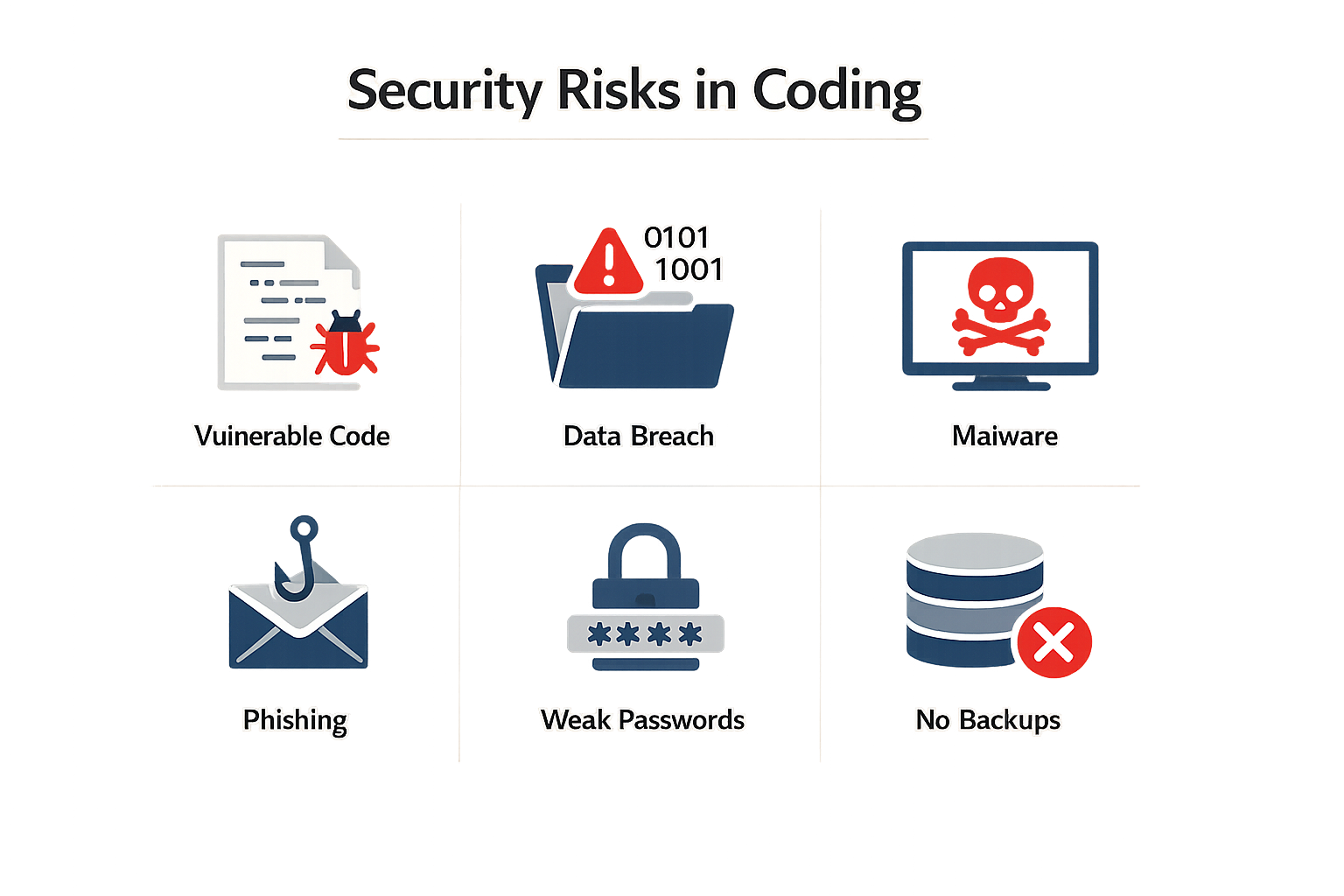
Non-technical founders shipping vibe-coded apps face authorization flaws they cannot see. The AI writes plausible code. The app works during demo. Then a user edits a URL parameter and sees another customer's data.
Most founders discover the problem only after launch. By then, the codebase has hundreds of endpoints. Each one is a potential bypass. You do not know which routes check permissions and which rely on hope.
The Core Vulnerabilities
Vibe coding tools generate server functions fast. They rarely enforce row-level security by default. A typical pattern: the AI creates a database query that fetches "all records" instead of "records this user owns." The function works. The tests pass. The access control gap remains invisible until someone probes it.
Client-side checks make the problem worse. The AI might hide a button for unauthorized users but leave the underlying API open. The button disappears. The route stays live. Anyone who inspects network traffic can call it directly.
Third-party dependencies compound the risk. Even well-maintained libraries ship authorization bugs. When your vibe-coded app pulls in dozens of packages, you inherit their vulnerabilities without knowing which ones matter. Writing secure software is hard, and generated code does not audit itself.
Why Founders Miss These Gaps
You cannot review what you cannot read. Most non-technical founders lack the context to distinguish a safe query from a dangerous one. The code looks clean. The linter is quiet. The app deploys. The security hole persists because no automated tool flagged it and no human who understood the risk reviewed it.
Permission checks must happen server-side on every request. Vibe coding workflows rarely enforce this rule globally. Instead, each function decides independently whether to validate access. Miss one function and you have a breach vector. The tools that help you ship fast do not help you ship secure by default.
Solution Steps for Vibe Coding Security
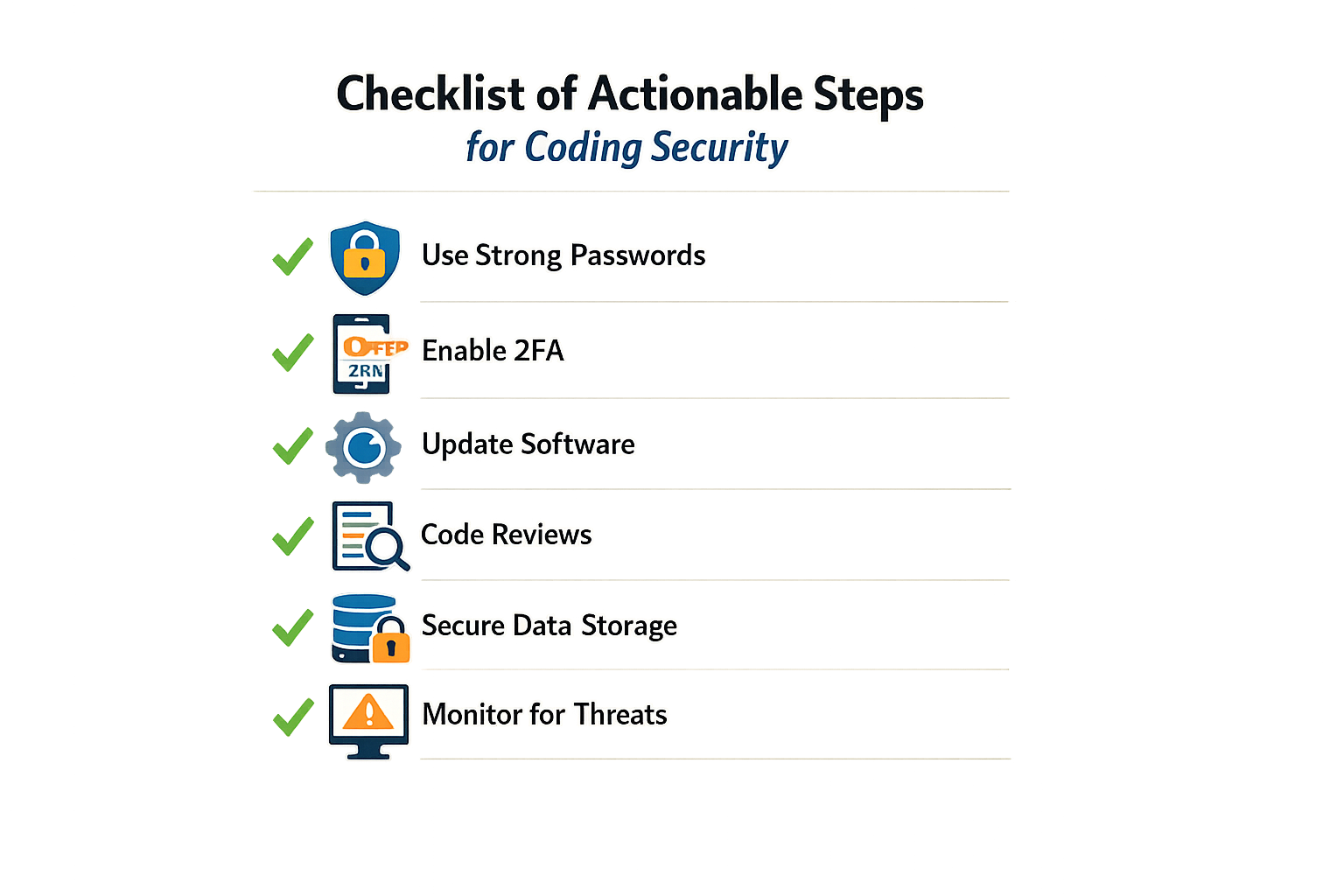
Non-technical founders can secure vibe-coded applications through deliberate, repeatable checks. These steps assume you're working with AI tools that generate code fast but lack security context.
Step 1: Verify Permission Checks on Every Request
Step 1
Audit access control placement
Permission validation must happen server-side on every request. Client-side checks improve user experience but never replace server enforcement. An attacker only needs to find one way in — a single unprotected endpoint exposes the entire system.
Ask your AI tool to list all API endpoints. For each one, confirm that authorization logic runs before any data is returned. If the tool generated a framework like Spring Security or Jakarta EE Filters, verify it's configured globally rather than piecemeal.
Step 2: Remove Secrets from Code and Version Control
Move credentials to environment variables or a dedicated secrets manager. Rotate any keys that were previously committed. Minimize the time secrets remain in memory — some platforms offer hardware or OS-level memory encryption for sensitive processes.
Step 3: Isolate External Tool Calls
When your vibe-coded app interacts with external web services, run those operations in a virtual machine or sandbox. This limits blast radius if a third-party library introduces a vulnerability. Deprecated features like WebDAV on Windows bypass permission systems and should be blocked outright.
Step 2
Configure permission modes
Set your AI coding environment to require explicit approval for file writes, network requests, and configuration changes. Auto-approval modes are convenient but eliminate the human checkpoint where you catch unintended changes.
Step 4: Implement Audit Logging for Critical Actions
Secure auditing resists tampering and deletion. Log authentication failures, administrative actions, and user activity with enough detail to reconstruct an incident. Store logs separately from the application database so an attacker who compromises the app can't erase their tracks.
Step 5: Review Third-Party Dependencies
Even robust, popular libraries ship vulnerabilities. Vibe-coded projects pull in dependencies automatically — you need a process to inventory and update them. Use automated scanning tools that flag known CVEs, and establish a cadence for reviewing security advisories.
Writing complex, secure software is hard — even competent developers working on high-profile projects introduce flaws.
For non-technical founders, How to Vibe Code: A Step-by-Step Workflow Guide provides a structured approach to integrating these checks into your build process without requiring deep technical expertise.
Tips and Tricks for Non-Technical Founders
Vibe coding security doesn't require a computer science degree. It requires discipline about a few high-leverage checks.
Run scans before every publish
Automate what you can. Most vibe coding platforms include quick scans that run in seconds and catch low-hanging fruit: database rules without row-level access control, exposed environment variables, dependencies with known CVEs. Set these to run on every publish. The time cost is negligible; the coverage is real.
Verify authentication settings at launch
Account-level and authentication settings are easy to overlook during rapid iteration. Before you allow user sign-ins, review password policies, token expiration, account recovery flows, and session timeout rules. A weak recovery flow is a backdoor; a missing token check is an open gate.
If your platform offers a trust center feature — a public page at /.well-known/trust.html that publishes verifiable security facts about your live app — enable it. It's a low-effort signal to investors and early customers that you're tracking observable security posture.
Audit what matters
You don't need to log everything. Focus auditing on authentication errors, administrative actions, and user activity that touches sensitive data. Ensure audit logs resist tampering or deletion; if an attacker can erase their tracks, the audit is decorative.
The goal is to minimize the time window where a secret is in memory and limit access to its memory space.
Avoid deprecated features
Some platforms flag deprecated features that carry known risks. WebDAV, for example, has been deprecated by Microsoft due to security vulnerabilities that can bypass permission systems. If your vibe coding tool warns against enabling a feature or accessing certain paths, take the warning literally. The convenience is rarely worth the exposure.
Use the checklist in reverse
Most founders treat security checklists as a final gate before launch. Run the checklist early — during the first build — and again after each major feature addition. Catching an authorization bypass in week two costs you an hour; catching it in week twelve costs you a rewrite. For a structured approach to planning security into your build from the start, see What Is a PRD? Product Requirements Documents, Explained.
Conclusion
Vibe Coding Security is not optional infrastructure you add later — it is a gating factor that determines whether your app can ship to customers who care about compliance, whether investors will write a check, and whether you sleep through the night after launch. Non-technical founders who treat security as a post-launch cleanup task discover that remediation costs ten times what prevention would have, and the window to fix it closes the moment a customer asks for an SOC 2 or a pen test report.
I have watched founders defer security reviews until a pilot customer's legal team blocks the contract, then scramble to retrofit access controls and audit logs into a live production database. The work that takes two hours during build takes two weeks after launch, and the reputational cost is permanent. The tooling exists today to surface these issues while you still control the timeline — Quick scans catch database misconfigurations in seconds, Deep scans flag authorization gaps before they become incident reports, and trust centers publish verifiable security facts that your app's own code cannot edit, giving reviewers a single source of truth they can audit independently.
The three checks that matter most are the ones that protect user data at rest, in transit, and during access: row-level security policies that enforce per-record isolation, HTTPS enforcement that prevents credential interception, and server-side authorization that cannot be bypassed by a modified client request. If you can answer "yes" to those three, you have built a foundation that scales with your user base and your compliance requirements. If you cannot, you have built a prototype that will block your first enterprise sale.
Security is not a feature you ship — it is a constraint you respect from the first line of code. The founders who internalize that distinction are the ones whose apps survive contact with real users, real attackers, and real auditors. Start with the step-by-step workflow that integrates security checks into every build cycle, and treat every scan result as a gift: it is cheaper to fix a finding in development than to explain it to a breach notification lawyer.