
Vibe Coding Meaning: Coding Glossary: 40 Terms Founders Keep Googling
Top takeaways
- The Vibe Coding Glossary provides 40 essential terms that bridge the gap between founders and technical execution
- Understanding these terms enables clearer communication with developers and AI coding tools
- Mastering this vocabulary accelerates app planning, reduces specification errors, and shortens development cycles
- These definitions are practical—focused on what founders actually encounter when building products
Introduction
Vibe coding meaning refers to the essential vocabulary that founders must understand to effectively communicate with developers and AI coding tools.
I've watched founders lose weeks because they couldn't articulate what they needed. The gap isn't technical skill—it's vocabulary. When you can't name the thing, you can't Google it, you can't specify it in a PRD, and you can't evaluate whether your developer or AI tool delivered it.
This glossary solves that problem. It covers 40 terms that come up in every app project: from API endpoints to webhooks, from state management to deployment pipelines. These aren't academic definitions. They're the words you'll hear in standups, see in PRD documents, and need when you're debugging why your prototype works locally but breaks in production.
The terms are organized by workflow stage: planning, development, testing, and deployment. Each definition includes the context where you'll encounter it and what you need to know to make decisions. No fluff, no theory—just the operational vocabulary that separates founders who ship from founders who stall.
Problem Statement
Founders who don't code hit a wall fast. You open a tool like v0 or Cursor, the interface looks clean, but the moment an agent mentions "initialContext" or "delegation" you're back in a browser tab Googling. The conversation stalls. The AI waits. You lose momentum.
This isn't a knowledge gap you can close with one tutorial. Every vibe coding platform uses slightly different vocabulary. A "project" in one tool means a container for files; in another it's a coordinated body of work with task delegation. A "chat" might be a throwaway sandbox or a token-burning code generator. When you can't decode the terms, you can't evaluate the tool, you can't write a clear PRD, and you can't tell whether the agent misunderstood you or you misunderstood the agent.
The cost shows up in three places. First, wasted build time: you ask for "a project" when you needed "a chat initialized with existing files," so the agent starts from scratch and burns tokens regenerating code you already had. Second, bad handoffs: you can't explain to a contractor what the AI did because you don't have shared language for the output. Third, tool lock-in: once you've learned one platform's dialect, switching to a better tool feels like starting over.
The Vocabulary Trap
Natural language interfaces promise you can "just describe what you want." That works for the first prompt. By the third iteration, you're deep in platform-specific concepts—context windows, agent skills, loop intervals, deployment targets—and the AI assumes you know what those mean. If you don't, your next prompt drifts further from what you intended.
The agent executes the words you used, not the outcome you pictured.
Without a working glossary, every session becomes a guessing game. You can't debug, you can't iterate confidently, and you can't hand the work to someone else without a lossy translation layer.
Solution Steps
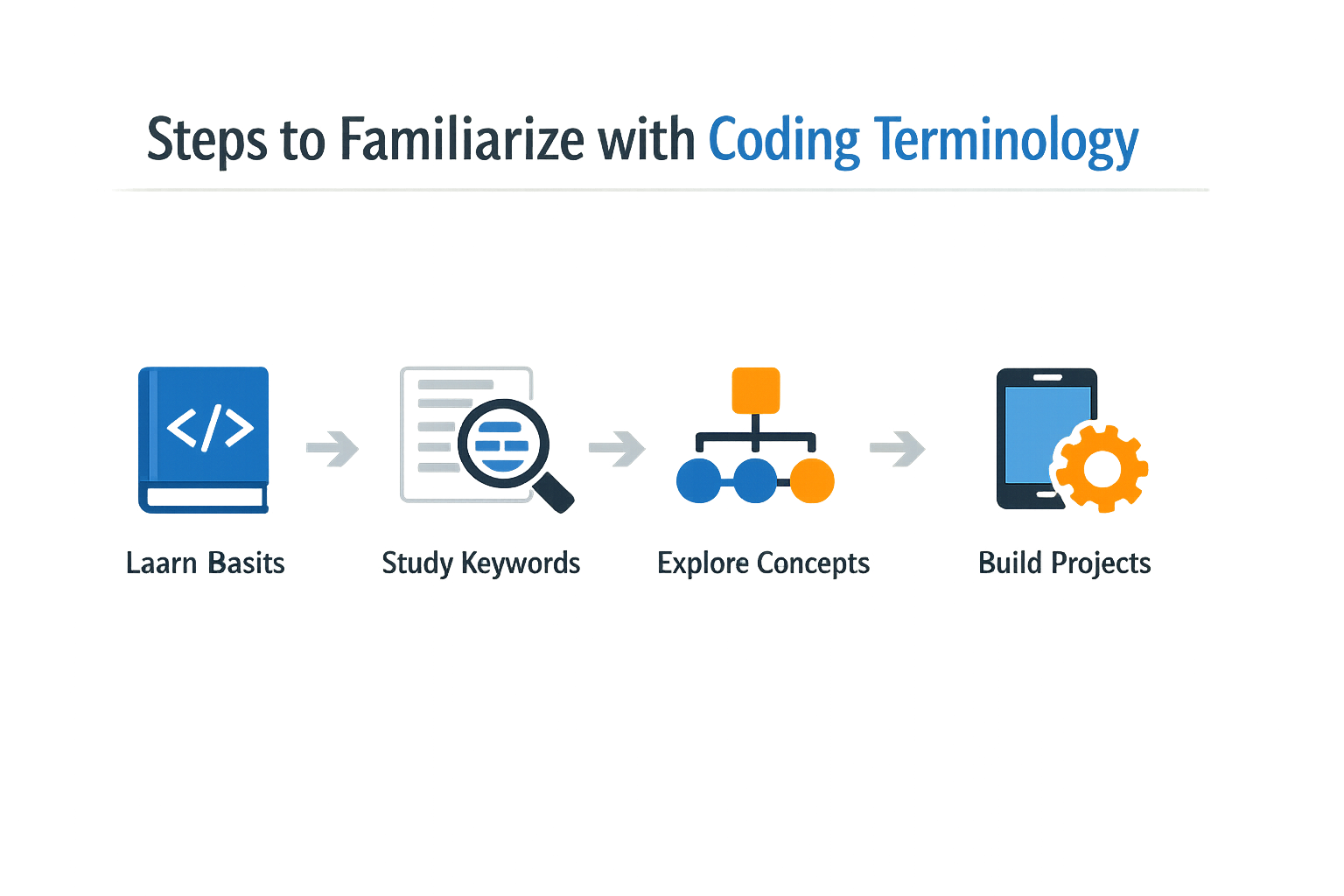
Learning a coding glossary isn't about memorization. It's about building enough fluency to ask the right questions and catch the wrong answers when a developer or AI tool feeds you one.
Step 1
Start with the terms you hear most
Open your last three Slack threads with developers or AI prompts you sent to a coding tool. Circle every word you had to Google or that made you pause. Those are your first twenty terms. Write them down with one-sentence definitions in your own words, not copy-paste from a dictionary.
Step 2
Map terms to your actual decisions
For each term, write one decision you made or will make where that word matters. "API" isn't abstract when you're deciding whether to pay for Stripe's webhook reliability or roll your own listener. "State management" stops being jargon when you're choosing between Redux and Zustand because your developer says the app is "getting stateful."
Step 3
Use a glossary during planning sessions
Keep a coding glossary open during every PRD review, sprint planning call, or tool evaluation. When someone uses a term you don't recognize, pause and ask for a two-sentence explanation. Add it to your list immediately. If you're working with vibe coding workflows, this habit prevents prompt drift—you'll describe features in language the AI actually parses correctly.
Step 4
Build from real examples, not blank pages
The fastest way to internalize coding terminology is to see it in working code. Remix a template from a platform like Lovable instead of starting from scratch. When you modify a live app, terms like "component," "props," and "hook" stop being theoretical—they're the things you're actively changing to get a button to work.
Step 5
Track the full development journey
Understand that app development follows a predictable arc: shaping an idea, planning the spec, building in iterative loops, adding backend logic, testing with real users, publishing to production, and iterating based on growth metrics. Each phase has its own vocabulary. Don't try to learn all forty terms at once—learn the ten that matter for your current phase, then expand as you move forward.
Tips and Tricks
The glossary is a reference, not a checklist. Most founders use it in two situations: clarifying a term mid-conversation with a developer, and writing instructions for AI coding tools. Both scenarios reward speed and precision.
Keep a Short List of Your High-Friction Terms
You will not memorize forty terms. You will memorize the six that came up three times last week. Write them down. When a developer says "we need to refactor the auth middleware," you either know what middleware is or you look it up once and add it to your short list. The second time it comes up, you know it.
I keep a text file with ten terms I had to Google twice. It lives in the same folder as my PRD templates. When I write specs for Cursor, I scan the list before I start. If I am about to use "API" in three different senses, I check the glossary and pick one.
Use the Glossary to Write Better AI Prompts
AI coding tools interpret instructions literally. If you say "add a button to submit the form," the tool does not know whether you mean a <button> element, a clickable <div>, or a form submission handler. The glossary gives you the exact term: "Add a submit button that triggers the form's onSubmit handler."
This is not about sounding technical. It is about reducing the number of clarification rounds. When you use the right term, the AI generates the right code on the first try. When you use the wrong term, you get three iterations and a half-working feature.
Step 1
Match glossary terms to your feature list
Before you prompt an AI tool, scan your feature description for ambiguous words. Replace "thing" with "component." Replace "connect to the database" with "query the database." Replace "make it faster" with "optimize the query" or "cache the response." The glossary is your translation layer.
Spot When a Developer Is Overcomplicating
If a developer uses five terms from the glossary in one sentence, they are either explaining something complex or they are stalling. The glossary helps you tell the difference. When someone says "we need to refactor the API layer to decouple the service logic from the controller and inject dependencies through a factory pattern," you can check each term. If the terms are real and the sentence holds together, the work is real. If the terms do not connect, ask for a simpler explanation.
This works in reverse too. If you ask for a feature and the developer says "that is just a small refactor," you can check whether "refactor" means "rewrite half the codebase" or "rename a function." The glossary does not tell you whether the work is worth doing, but it tells you what the work is.
Review Code Changes With the Glossary Open
When a developer ships a pull request, you do not need to read the code line by line. You need to understand what changed and why. The glossary helps you parse the commit message. "Refactored auth middleware to use dependency injection" becomes: they changed how the authentication code gets its database connection, probably to make testing easier.
You will not catch every bug, but you will catch the cases where the description does not match the scope. If the commit says "fixed a typo" and the glossary tells you they changed the database schema, you ask why.
Conclusion
The vibe coding glossary is not a trophy collection. It is a working vocabulary that translates founder intent into developer action. When you know the difference between an API and an SDK, you stop writing prompts that confuse the tool. When you understand state management, you catch scope creep before it doubles your token burn.
I built my first vibe-coded prototype without knowing half these terms. The result was a working demo that could not scale past twenty users because I did not understand database indexing or rate limits. The second prototype took less time because I knew which words mattered and which questions to ask before the first prompt.
These forty terms are not everything you need to know. They are the minimum set that keeps you from wasting cycles on miscommunication. Use them to write tighter PRDs, evaluate tool outputs faster, and spot when a vendor is overselling complexity. The glossary does not make you a developer—it makes you a founder who ships without needing one.
Your next prototype will cost less and run better because you know what to call the problems before they become blockers.
Explore the Vibe Coding Glossary with 40 essential terms that every founder should know for effective app planning and development.