Best App Ideas: 10 Ultimate Concepts Worth Building in 2026
Introduction
The best app ideas solve problems people already have. In 2026, the barrier to building an app has dropped—AI tools and no-code platforms let non-technical founders ship working prototypes in days. The bottleneck is no longer "can I build this" but "should I build this."
Most app ideas fail because they chase trends without understanding the market. A fitness tracker sounds good until you realize the space is saturated and user acquisition costs more than lifetime value. A niche B2B tool for freight brokers might sound boring but could hit profitability in six months with ten paying customers.
This guide groups the best app ideas by market segment, not by technology stack. You will see which categories have room for new entrants, which features users expect in 2026, and which development challenges to plan for before you write a line of code. If you have an app idea but don't know where to start, check out I Have an App Idea: The Ultimate Simple Guide for Founders for a step-by-step breakdown of what comes next.
The ideas in this article are not theoretical. They reflect patterns from successful launches, underserved markets, and emerging user behaviors. Some are simple CRUD apps with clear monetization. Others require deeper technical planning but offer defensible moats. All of them are buildable by a small team or a single developer who knows how to prioritize ruthlessly.
Explore the best app ideas for 2026, grouped by market for aspiring developers to build successful applications.
Overview of App Ideas
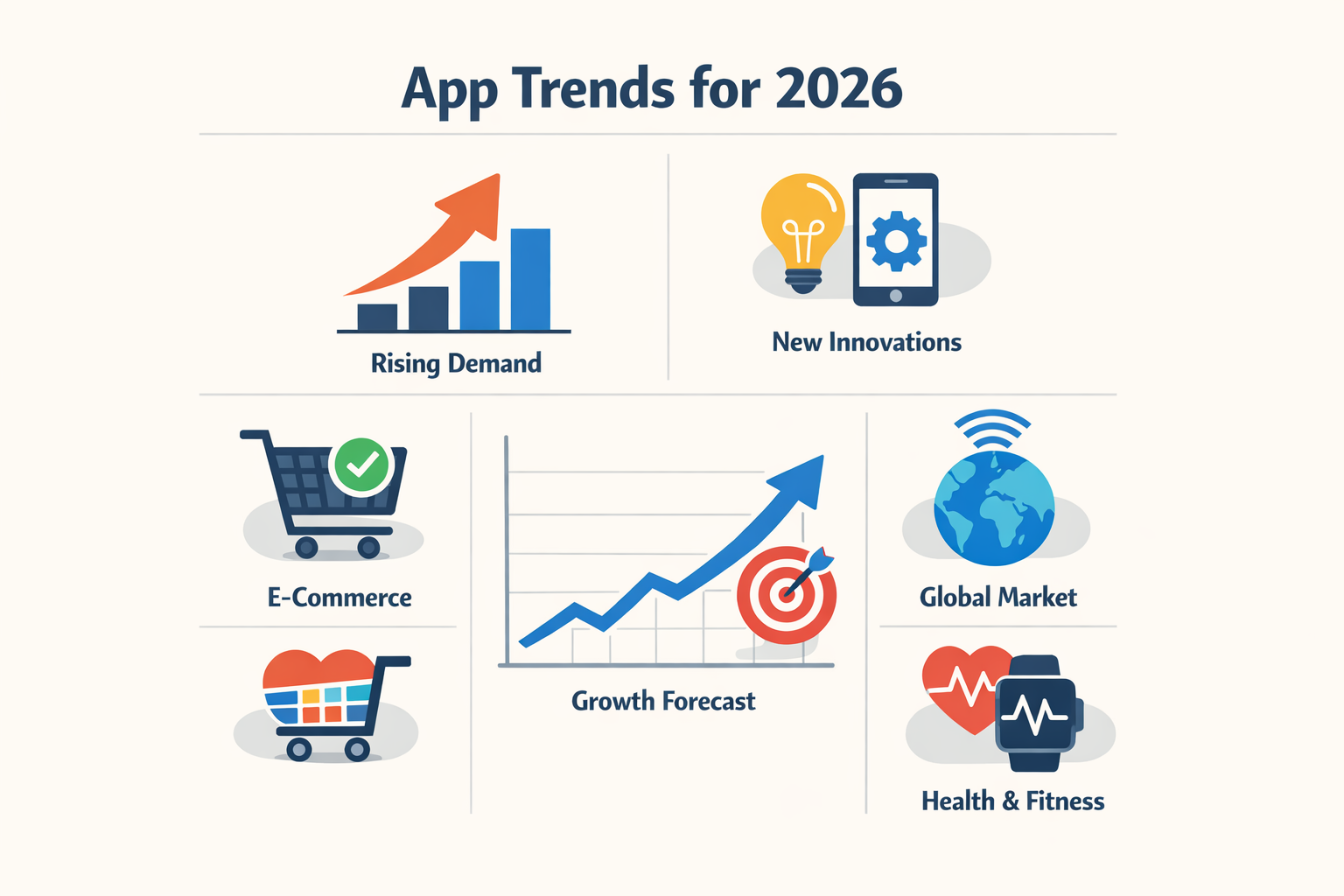
The mobile app market is on track to clear $613 billion by 2026. That number tells you two things: the opportunity is real, and the noise floor is already high. A good app idea in 2026 has to clear three quick filters: growing demand, a unique wedge that incumbents won't copy, and an obvious revenue model.
Most founders skip the second filter. They pick a vertical with traction and assume differentiation will emerge during build. It doesn't. The wedge has to be baked into the concept—otherwise you're competing on execution alone, and execution scales slower than capital.
If you're starting from scratch, the I Have an App Idea: The Ultimate Simple Guide for Founders walks through the full validation checklist. The short version: write down the problem, the user, and the revenue line before you write a single spec.
What Makes an App Idea Worth Building
An idea is worth building when the market already exists and you can reach it without paid acquisition. That means organic discovery, word-of-mouth in a tight community, or a distribution partner who needs what you're building. If your go-to-market is "we'll figure it out after launch," the idea isn't ready.
Revenue model clarity matters more than feature lists. Subscription, transaction fee, or lead-gen—pick one and make sure the unit economics work at small scale. If you need ten thousand users to break even, you need a different idea.
Trends Shaping App Development in 2026
The biggest shift is that users expect AI features but don't want to pay extra for them. Summarization, smart search, and personalized feeds are table stakes now. If your app doesn't have them, it feels dated.
Another trend: apps are getting narrower. Broad horizontal tools lose to vertical solutions that solve one workflow completely. A task manager for freelance designers beats a generic task manager because the former ships with templates, invoice hooks, and client portals baked in.
Market Segments for App Ideas
The number one killer of apps is no market need, not bad design. When you choose a segment, you're choosing who will pay you and what problem you're solving. The best app ideas fit markets where people already spend money or waste time in ways that make them angry.
Three segments stand out in 2026: health and wellness, productivity and organization, and niche communities. Health apps win when they remove friction from existing routines—logging meals, tracking habits, scheduling workouts. Productivity apps win when they replace a spreadsheet or a pile of sticky notes. Niche communities win when they serve a group too small for the big platforms to care about.
Health and Wellness
People pay for health apps when the alternative is hiring a human. An AI nutrition and meal planner app allows users to snap a photo of their meal to get calorie estimates and meal planning, addressing a common pain point in diet tracking. The camera removes the worst part of calorie counting: typing every ingredient into a database.
Mental health apps work when they offer structure. Meditation timers, mood journals, and therapy prep tools all solve the same problem—people know what they should do, but they need a system to do it consistently.
Productivity and Habit Formation
Generic to-do apps are dead. A Niche Habit Tracker for people with specific needs, such as language learners or ADHD adults, can provide tailored features that generic trackers lack. Language learners need streak tracking and spaced repetition cues. ADHD adults need visual timers and dopamine-friendly reward systems.
The best productivity apps replace a manual process that people already do. If your target user keeps a spreadsheet or a notebook for something, turn that spreadsheet into an app and you've found product-market fit.
Niche Communities and Vertical Tools
Niche apps win by being the only option. Pet owners, hobbyists, local service providers—these groups use general-purpose tools badly because no one builds for them specifically. A dog training log, a homebrew recipe manager, or a contractor scheduling app all serve markets too small for venture-backed companies but large enough for a solo founder.
The segment you pick determines your competition, your pricing power, and whether anyone will care when you launch. Pick a market where people already pay for partial solutions.
Best App Ideas to Build in 2026
The best app ideas in 2026 solve narrow problems for specific people. Below are concepts grouped by vertical—each one addresses a real friction point that existing tools ignore or handle poorly.
AI-Powered Productivity Apps
AI-driven micro-habit managers use machine learning to analyze phone usage patterns and identify optimal times for habit triggers. Instead of reminding you at arbitrary intervals, the app learns when you're most likely to follow through—right after your morning coffee or during your commute home.
AI notetakers built for single professions produce the exact documents that profession needs. A therapist version generates SOAP notes from session audio. A sales version outputs call summaries with next steps and deal stage updates. Generic transcription tools force users to reformat; vertical notetakers eliminate that step entirely.
Health and Wellness Apps
AI nutrition and meal planners let users snap a photo of their plate to get calorie estimates and macro breakdowns. The friction in traditional diet tracking is manual entry—every meal requires typing, searching, and estimating portions. Photo-first apps reduce that to one tap.
Voice journaling apps target commuters and parents who want to journal but never have both hands free. The app extracts themes and mood patterns from voice entries over time, surfacing insights without requiring users to read back through weeks of audio.
Niche Market Apps
Local service marketplaces work when they own one trade in one metro area. A plumber-only app for Phoenix beats a general handyman marketplace because it can enforce licensing checks, offer trade-specific scheduling, and build trust faster within a small community.
Event coordination tools for recurring meetups—book clubs, youth sports, neighborhood associations—handle the same five tasks every week: attendance, location voting, reminder cadence, cost splitting, and photo sharing. Generic group chat apps force organizers to reinvent the process each cycle.
The best app ideas are the ones where you can name ten users before you write a line of code.
Business and Finance Apps
Expense trackers for freelancers who bill multiple clients need automatic time-to-invoice conversion. Most tools require manual entry twice—once to log hours, again to generate the invoice. Single-flow apps that turn a timer into a line item cut admin time in half.
Cash flow forecasting for small retail businesses shows when inventory purchases will hit against seasonal revenue dips. Spreadsheets require weekly updates; an app that pulls from the POS system and updates projections daily prevents overdrafts without extra work.
If you're deciding between building a feature-rich platform and a single-function tool, start with the narrowest possible scope. You can always expand later; you can't recover from building the wrong thing at scale.
Trending Features in 2026 Apps
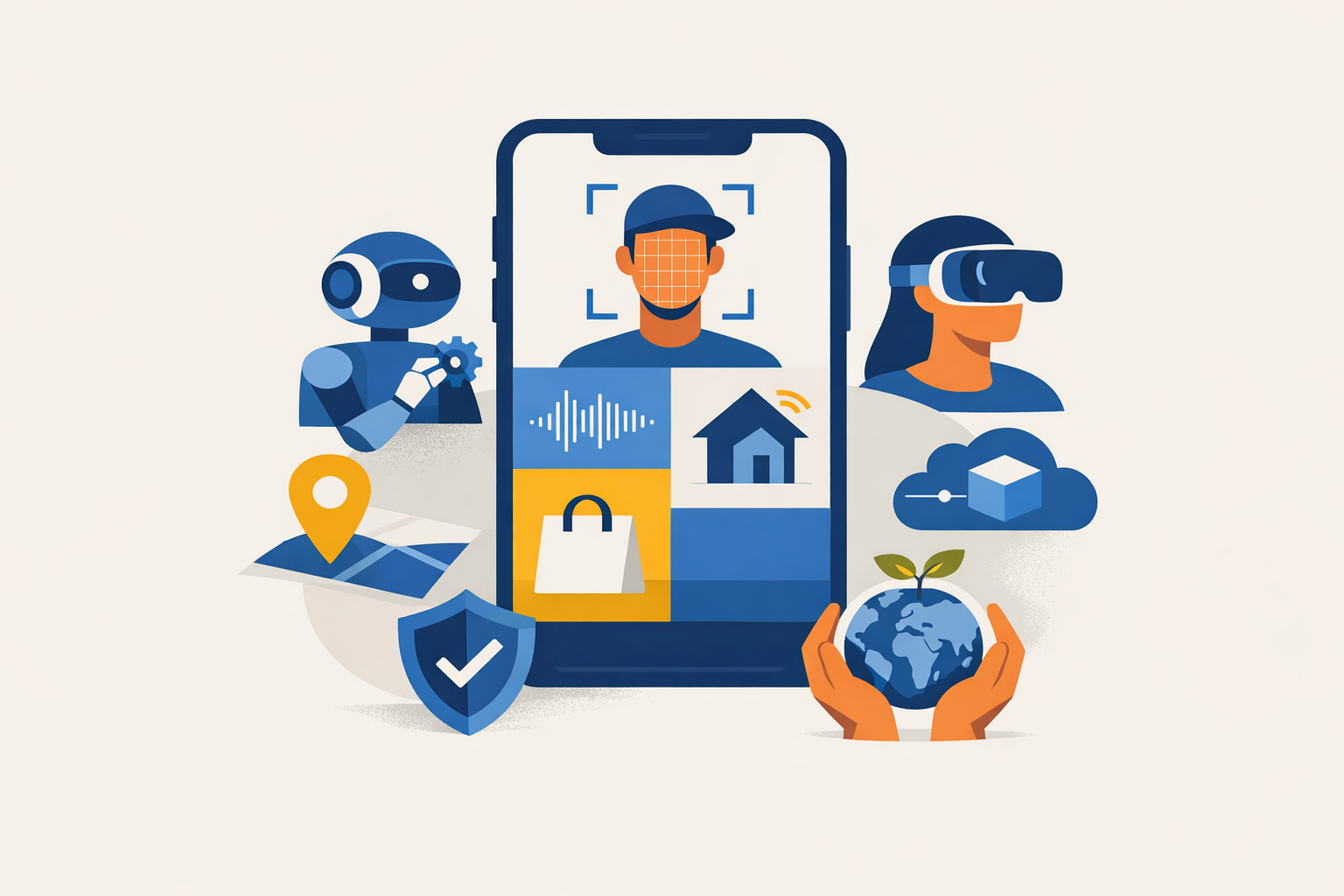
The gap between a working prototype and a shipped product is mostly feature bloat. In 2026, the apps that win are the ones that cut everything except what drives the core loop. Three patterns show up across successful launches: conversational onboarding that replaces tutorials, single-action screens that eliminate choice paralysis, and hybrid build stacks that let you ship faster than your competitors can write a PRD.
Conversational Onboarding Replaces Static Tutorials
Users skip tutorials. They don't skip conversations. Conversational onboarding asks three questions, infers intent, and drops the user at their first win. No carousel. No progress bar. The pattern works because it personalizes the path without requiring you to build ten different flows.
The technical lift is lower than you think. A simple decision tree with three branches covers most use cases. You're not building a chatbot; you're replacing five static screens with five dynamic prompts.
One Primary Action Per Screen
Every screen should have one job. One button. One next step. When you add a secondary action, conversion drops. When you add a tertiary action, users close the app.
This isn't minimalism for aesthetics. It's economics. The cost of a confused user is higher than the cost of an extra screen. Split your flows. Make each screen obvious. If you can't explain what the screen does in four words, the screen is doing too much.
Every screen should have one primary action to avoid confusion and enhance user experience.
Hybrid Development Stacks for Speed
The 2026 build stack is no-code scaffolding plus AI-generated logic plus hand-written glue. You're not choosing between Bubble and React. You're using Bubble for the shell, Claude for the data transforms, and ten lines of JavaScript for the parts that matter.
This approach cuts build time from months to weeks. The constraint is knowing where to draw the line between generated code and production code. Most solo founders draw it too early. Most agencies draw it too late. The right line is: generate everything until you hit a wall, then write the smallest possible patch.
If you're evaluating tools for your first build, Vibe Coding for Beginners: The Ultimate Easy Weekend Guide walks through the hybrid workflow that works when you're building alone.
Offline-First Architecture as Default
Users expect apps to work on the subway. They expect forms to save when the network drops. They expect zero data loss. Offline-first architecture is no longer a premium feature; it's table stakes.
The implementation is simpler than the name suggests. Local storage for writes. Background sync when the connection returns. Conflict resolution that favors the most recent client state. You don't need a CRDT. You need a queue and a timestamp.
Privacy-Forward Design Patterns
Users in 2026 assume you're selling their data unless you prove otherwise. Privacy-forward design means local processing, minimal permissions, and explicit consent flows that don't feel like legal disclaimers.
The pattern that works: tell users what you're collecting, why you need it, and what happens if they say no. Then give them the option to say no without breaking core functionality. Apps that do this see higher opt-in rates than apps that bury permissions in a 40-page ToS.
Challenges in App Development and Solutions
Most apps die before they ship. The rest die quietly after launch. The pattern is predictable: scope creep, technical debt, and a fundamental misread of whether anyone actually needs what you're building.
The good news is that the failure modes are well-mapped. Address them early and you save months.
The Market-Need Problem
The number one killer of apps is no market need, not bad design. You can ship a polished product on time and still have zero users if you solved a problem no one has.
Talk to potential users before you commit to a feature set. Ask what they currently do to solve the problem. If they shrug or say "it's fine," you don't have a market.
Scope and Feature Bloat
First-time builders add features because it feels like progress. It isn't. Every feature is a surface area for bugs and a drag on your ship date.
Success in app development often comes from solving a few small problems exceedingly well, rather than aiming for large-scale solutions. Pick one workflow. Make it fast and obvious. Ship that.
If you're not sure what to cut, write a PRD that forces you to justify every feature against your core value proposition. Anything that doesn't directly serve the main job gets deferred.
Technical Debt and Tool Choices
Avoid bleeding-edge frameworks unless you have a specific reason. Stable, boring tech has better documentation and fewer surprises. When something breaks at 2 a.m., you want Stack Overflow answers from 2019, not a Discord thread from last Tuesday.
If you're prototyping, timebox it. A two-week proof-of-concept that turns into a three-month rewrite is technical debt with interest.
Resource Constraints and Timeline Pressure
Solo founders and small teams hit resource limits fast. You can't hire your way out of a bad plan.
Set a fixed launch date and work backward. Cut features to fit the timeline, not the other way around. A shipped MVP beats a perfect app that's six months late.
Step 1
Define your non-negotiable features
List the three features that must work on day one. Everything else is post-launch.
Step 2
Build in two-week chunks
Pick a small vertical slice of functionality. Build it, test it, then decide what's next. This keeps you from over-investing in the wrong direction.
Step 3
Schedule buffer time
Always assume the last 20% takes as long as the first 80%. Plan for it.
User Retention and Engagement
Getting users to download your app is hard. Getting them to open it twice is harder. Most apps see 70% churn within the first week.
The fix is onboarding. Show value in the first session. If a user has to create an account, configure settings, and read a tutorial before they see why your app matters, they won't.
Test your onboarding with someone who has never seen the app. If they're confused in the first minute, your retention numbers will reflect that.
Tips for Aspiring App Developers
Building an app in 2026 is easier than it was five years ago. Tools improved. AI accelerated prototyping. But most first apps still fail because founders skip the boring parts—planning, testing, talking to users. Here's what works.
Start With a Problem You Understand
Don't build an app because the market looks big. Build it because you've felt the problem yourself or watched someone else struggle with it repeatedly. The best app ideas come from observing friction in daily routines—yours or someone else's. If you can't describe the problem in one sentence, you don't understand it yet.
Invest in User Experience Early
Every dollar you put into UX returns $100 in value. That's not marketing—it's measurable. And 88% of users won't return to an app after a bad experience. You don't get a second chance to fix a confusing onboarding flow or a slow load time.
Test your wireframes with five people before you write a line of code. Watch them tap through the prototype. Note where they hesitate. Fix those spots. Repeat.
Write a PRD Before You Build
A product requirements document forces you to think through edge cases, user flows, and feature priority before you're emotionally attached to code. It doesn't need to be formal. One page is fine. But it should answer: who uses this, what problem does it solve, what happens when they tap each button.
Skip this step and you'll rewrite the app twice. I've done it. It's expensive.
Build the Smallest Version That Works
Your first version should do one thing well. Not five things poorly. Pick the core feature that solves the core problem. Ship that. Get feedback. Add the second feature only after ten users ask for it.
Most failed apps die because they tried to be everything. Most successful apps started as almost nothing.
Ship the smallest thing that proves the idea, then let users tell you what to build next.
Test on Real Devices With Real Users
Simulators lie. Your app will behave differently on a three-year-old Android phone with a cracked screen and 12% battery. Test there. Hand your prototype to someone who's never seen it. Don't explain anything. Watch them try to use it. Write down every point of confusion.
If you can't watch five strangers use your app without wincing, it's not ready.
Plan for Maintenance From Day One
Apps don't end at launch. Operating systems update. APIs change. Users find bugs you didn't imagine. Budget time every month for maintenance—at least 20% of your original build time per year. If you can't commit to that, don't launch.
Case Studies of Successful Apps
Studying apps that scaled from idea to market leader shows patterns worth copying. Most started narrow—one workflow, one user type—then expanded once the core loop worked. The winners didn't chase trends; they solved a problem their founders lived with daily.
Apps That Started Small and Scaled
Instagram launched as a photo filter tool with one feed. No stories, no reels, no shopping. The constraint forced clarity: make sharing photos faster and better-looking than the default camera roll. Growth came from nailing that loop before adding features.
Notion began as an internal wiki for a small team. The founders needed a flexible doc system that didn't feel like enterprise software. They used it themselves for two years, iterating on speed and structure, before opening signups. By the time they launched publicly, the product had survived real daily use.
Duolingo started with one language pair—English speakers learning Spanish—and one mechanic: spaced repetition in game form. The team refined the lesson structure and streak system until retention hit targets, then added languages. Early restraint let them optimize the core before scaling horizontally.
Common Patterns in Successful Launches
Successful apps share a tight feedback loop between builder and early user. Founders who used their own product daily caught friction faster than any beta tester. They shipped weekly, sometimes daily, because the cost of a bad release was low when the user base was small.
Most didn't start with a business model. They proved the behavior first—people opening the app multiple times per week without prompting—then layered in monetization. Free-to-paid conversion came after retention, not before.
Distribution was manual at first. Founders posted in niche forums, replied to Reddit threads, messaged potential users directly. Paid ads and virality came later, once the product had enough surface area to justify spend. Vibe coding let some of these teams move faster early on, shipping features in days instead of sprints.
What These Apps Did Right
They picked one job and did it faster than alternatives. Instagram made photo sharing one tap instead of five. Notion made documentation feel like writing, not data entry. Duolingo made language practice feel like a game you wanted to return to.
They constrained scope ruthlessly in version one. Features that didn't serve the core loop were cut, even if they seemed obvious. The discipline to say no to good ideas kept the product simple enough to finish and ship.
They measured retention before growth. If users didn't come back in week two, the team didn't add features or buy ads—they fixed onboarding and the first-run experience. Growth scaled only after the cohort curves bent upward.
They iterated in public. Early users saw rough edges and reported bugs, but they also felt ownership. Apps that hid until "perfect" often launched to silence because no one had been brought along for the build.
The Future of App Development
App development is shifting toward smaller teams, faster cycles, and tools that let one person do the work of three. The 2026 landscape rewards builders who can prototype quickly, validate with real users, and ship without hiring a full engineering org. Non-technical founders who learn to vibe code are already closing the gap between idea and launch in weeks instead of quarters.
Composable Architectures Replace Monoliths
The monolithic app is dying. New projects assemble pre-built services—auth, payments, notifications—into a thin custom layer. This composable approach means you build only the 10% that makes your app unique. The rest you rent. Speed to market matters more than owning every line of code.
AI as Co-Developer, Not Just Feature
AI stops being a chatbot feature and becomes your build partner. Code generation, test writing, and deployment scripts all happen in conversational loops. The developer who can steer an AI pair programmer ships faster than the one who insists on typing every function by hand. The skill is knowing what to ask and when to override the suggestion.
Platform Consolidation and Cross-Platform Defaults
Native iOS and Android builds are becoming the exception, not the rule. Cross-platform frameworks that compile to both from a single codebase are now the default for early-stage products. You optimize for native performance only after you have traction. The first version ships everywhere at once or it doesn't ship at all.
Privacy and Local-First Data Models
Users are done trusting cloud providers with everything. Apps that store data locally and sync only deltas are gaining traction. Privacy isn't a compliance checkbox—it's a product differentiator. Builders who design for offline-first and minimal data collection win trust faster than those who default to "upload everything."
The app that asks for the least data and works without a connection is the one users keep installed.
Micro-SaaS and Niche Vertical Dominance
Broad horizontal plays are crowded. The future belongs to apps that solve one specific problem for one specific group better than anyone else. A scheduling app for physical therapists. A compliance tracker for small breweries. Tight niches let you charge more, retain longer, and ignore most competitors. Aspiring developers should pick the smallest viable market they can dominate, not the largest one they can enter.
Conclusion
The best app ideas for 2026 share one trait: they solve real problems for real people. The market doesn't reward novelty for its own sake. It rewards apps that fit into daily workflows, reduce friction, or deliver measurable value faster than the alternatives.
You've seen ten categories where demand is proven and competition is manageable. Health tracking, productivity tools, local services, sustainability apps, and educational platforms all have room for new entrants who execute well. The barrier isn't the idea itself—it's the discipline to scope small, ship fast, and iterate based on actual user behavior.
Most first apps fail because the builder tries to build everything at once. The ones that succeed start with a single feature that works reliably, then expand only after users prove they'll pay or engage. A budgeting app that does one calculation perfectly beats a financial suite that does ten things poorly.
If you're non-technical, the tooling has never been better. Vibe-coding workflows let you prototype in days, not months, and modern no-code platforms handle the infrastructure you'd have spent years learning to build. The hard part is choosing one idea, defining the smallest testable version, and shipping it before you second-guess yourself.
Pick an idea from the list. Write down the three core features. Build the simplest version that demonstrates value. Get it in front of ten users and watch what they actually do with it. That feedback loop is the entire game.
For a structured approach to turning your concept into a buildable spec, see What Is a PRD? A Plain-English Guide for Non-Technical Founders. The best app ideas in 2026 will be the ones that shipped in 2025.