
Why Vibe-Coding Fails and How to Fix Yours
Top takeaways
- Vibe-coded apps rely on AI-driven development workflows that prioritize speed over architectural rigor
- Most failures stem from missing state management, unclear data flows, and untested edge cases
- Fixing a broken vibe-coded app requires systematic refactoring, not just patching symptoms
- Proper planning and incremental validation prevent catastrophic production failures
- A simple PRD and testing discipline turn fragile prototypes into stable products
Introduction
Vibe-coded apps are applications built primarily through AI-assisted code generation, where developers describe desired functionality in natural language and the AI produces working implementations. These apps break because they're built fast. The AI generates working code in minutes, you see something that looks right, and you ship it. Then users click a button you never tested, the state machine collapses, and you're debugging at 2 AM.
I've shipped three vibe-coded apps to production. Two broke within the first week. The third lasted because I stopped treating the AI like a magic wand and started treating it like a junior developer who needed clear instructions.
The problem isn't the AI. The problem is skipping the parts that feel boring. How to Vibe Code: A Step-by-Step Workflow Guide walks through the discipline most builders skip — the planning, the edge-case mapping, the incremental validation that keeps code from turning into a house of cards.
This guide explains why these apps fail and how to stabilize yours before it breaks in front of users. The fixes are straightforward. The discipline is harder.
Why Do Vibe-Coded Apps Fail?
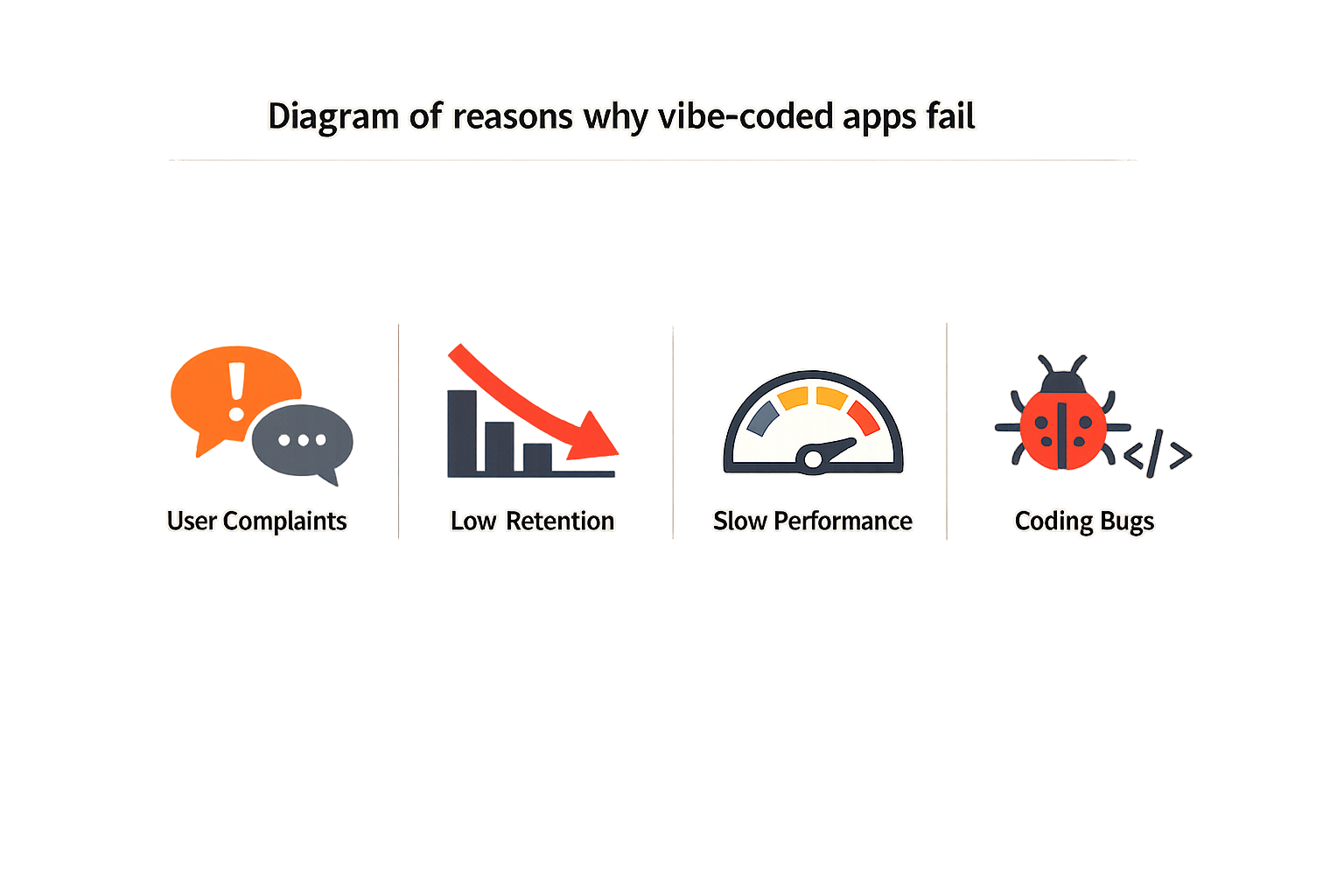
Vibe-coded apps break for reasons you can see coming if you know where to look. The pattern repeats: someone builds fast, ships faster, then watches the thing fall apart under real load or real users.
Misalignment Between What You Built and What Users Need
The first failure mode is building the wrong thing. When you skip stakeholder alignment and user feedback, you end up with features nobody asked for and gaps in the ones they did. Prototyping tools let you move fast, but speed without direction just gets you lost faster. The fix is simple but not easy: iterate with users before you commit engineering time to the final build.
Framework Misuse and Misconfiguration
The second failure mode is treating frameworks like magic. Developers pull in libraries and platforms to add complex logic with minimal effort, then assume the framework handles everything. It does not. Misconfiguration or lack of configuration leads to access control issues, broken authorization logic, and vulnerabilities that slip into production. Even well-maintained libraries have flaws; using them responsibly means reading the docs, understanding the defaults, and testing the edge cases.
Component Vulnerabilities
The third failure mode is inherited risk. Third-party components carry their own vulnerabilities, and even robust, popular projects ship bugs. When you vibe-code an app by stacking dependencies, you inherit every flaw in the chain. One unpatched library can bypass your entire authorization layer. Writing secure software is hard; assuming your dependencies did it for you is how apps break in production.
Even the most competent developers, working on high-quality projects, ship vulnerabilities that affect authorization and access control.
If you want to understand how to avoid these failure modes from the start, see How to Vibe Code: A Step-by-Step Workflow Guide for a structured approach to building apps that hold up under scrutiny.
Solution Steps
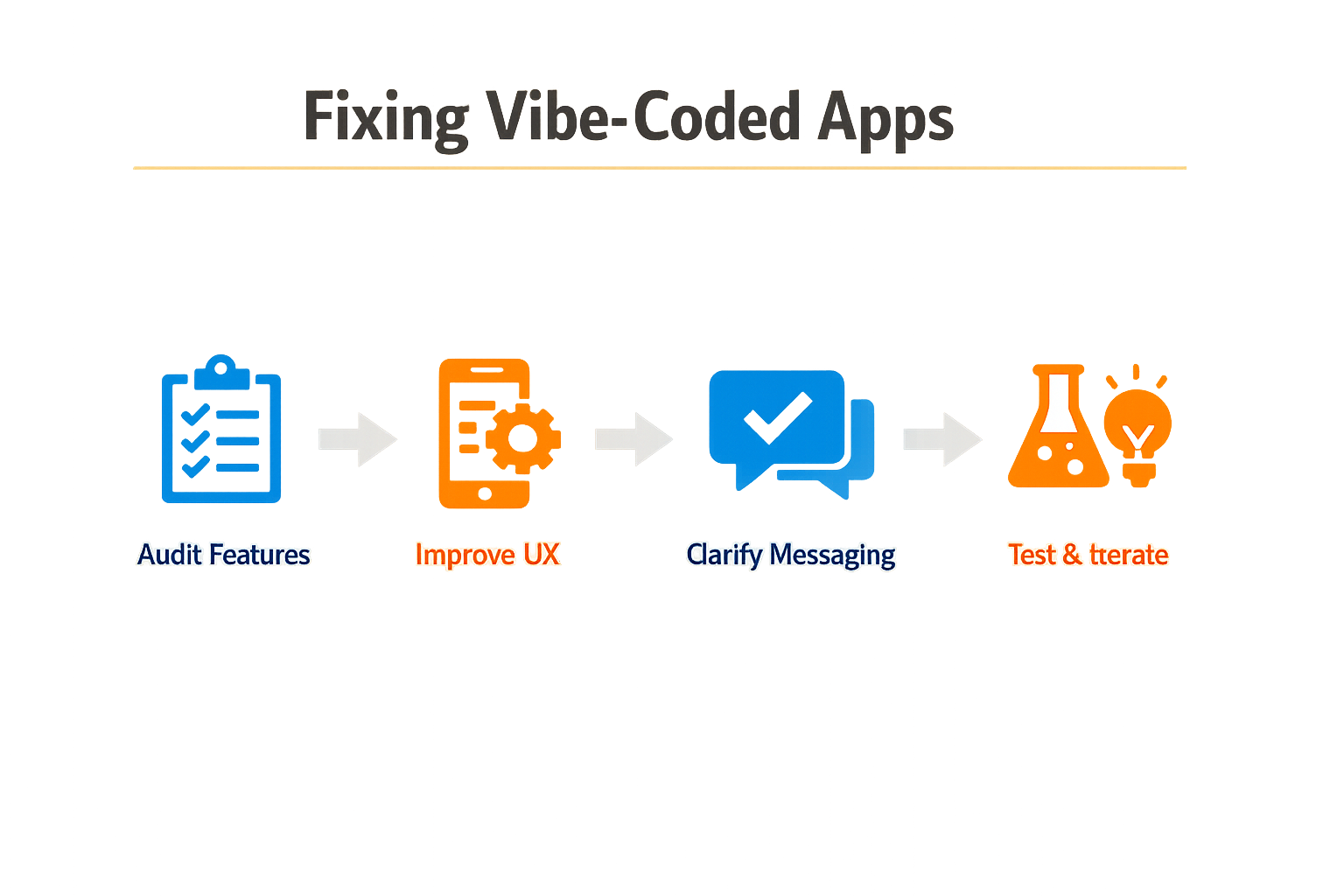
Fixing a vibe-coded app starts with acknowledging what you built. The code exists. It runs, mostly. Your job is to make it stable enough to survive contact with users.
Step 1: Roll Back to the Last Working Version
Step 1
Find the last stable version
Open your version history and identify the commit or snapshot immediately before the current failure appeared. Deploy that version to your staging environment. If you don't have version history, you don't have a rollback path — fix that first by committing your current state, then proceed.
Rolling back buys you time. Users see a working app while you diagnose the break. If your tool offers automated rollback, use it. If not, manually revert to the last known-good state and document what changed between that version and the broken one.
Step 2: Isolate the Failure
Step 2
Reproduce the error in a controlled environment
Test the broken feature in isolation. Remove adjacent code, disable integrations, strip out anything unrelated to the failure. If the error disappears, you've found a dependency conflict. If it persists, the root cause is in the feature itself.
Most vibe-coded breaks stem from framework misuse or component vulnerabilities introduced during rapid iteration. Testing before publishing catches these early — a quick manual pass saves the first user from filing a confused bug report.
Step 3: Use AI to Diagnose and Fix
Step 3
Leverage AI-powered debugging
If your platform includes automated fix tooling, trigger it. Scan build logs, identify the specific error, and let the AI attempt a repair. Platforms like Lovable offer a Try to fix button that parses logs and proposes corrections. Use your free fix quota strategically — save it for errors you can't immediately parse yourself.
AI-powered conversations can surface issues early in development. When a fix lands, review the diff before accepting it. AI tools propose solutions; you decide whether they align with your app's architecture. If the first fix fails, switch to Plan mode: ask the tool to outline an approach, review the plan, adjust it, then build step by step.
For more on choosing the right AI tool for your workflow, see Best Vibe Coding Tools in 2026 (Compared).
Step 4: Validate the Fix in Staging
Step 4
Test the repaired feature end-to-end
Deploy the fix to staging and run through the full user flow. Click every button, submit every form, trigger every conditional path. If the feature works in isolation but breaks in context, you have a state management or routing issue — address it before promoting to production.
For small visual changes, pointing beats describing. Use inline editing to adjust text or layout directly on the preview. No prompt needed. For structural changes, write a specific, scoped prompt that describes the desired behavior in concrete terms.
Step 5: Enable Monitoring
Step 5
Set up automated issue detection
Enable project monitoring in your platform's settings. Configure it to watch your app on a schedule and notify you when errors appear. Automated monitoring catches regressions before users do. If your tool doesn't offer built-in monitoring, integrate a lightweight error tracker that logs exceptions and sends alerts.
Once monitoring is live, you have a feedback loop. Errors surface, you fix them, the app stabilizes. Repeat until the failure rate drops below your tolerance threshold.
For a deeper look at vibe coding workflows and how to structure prompts that reduce breakage, see How to Vibe Code: A Step-by-Step Workflow Guide.
Tips and Tricks
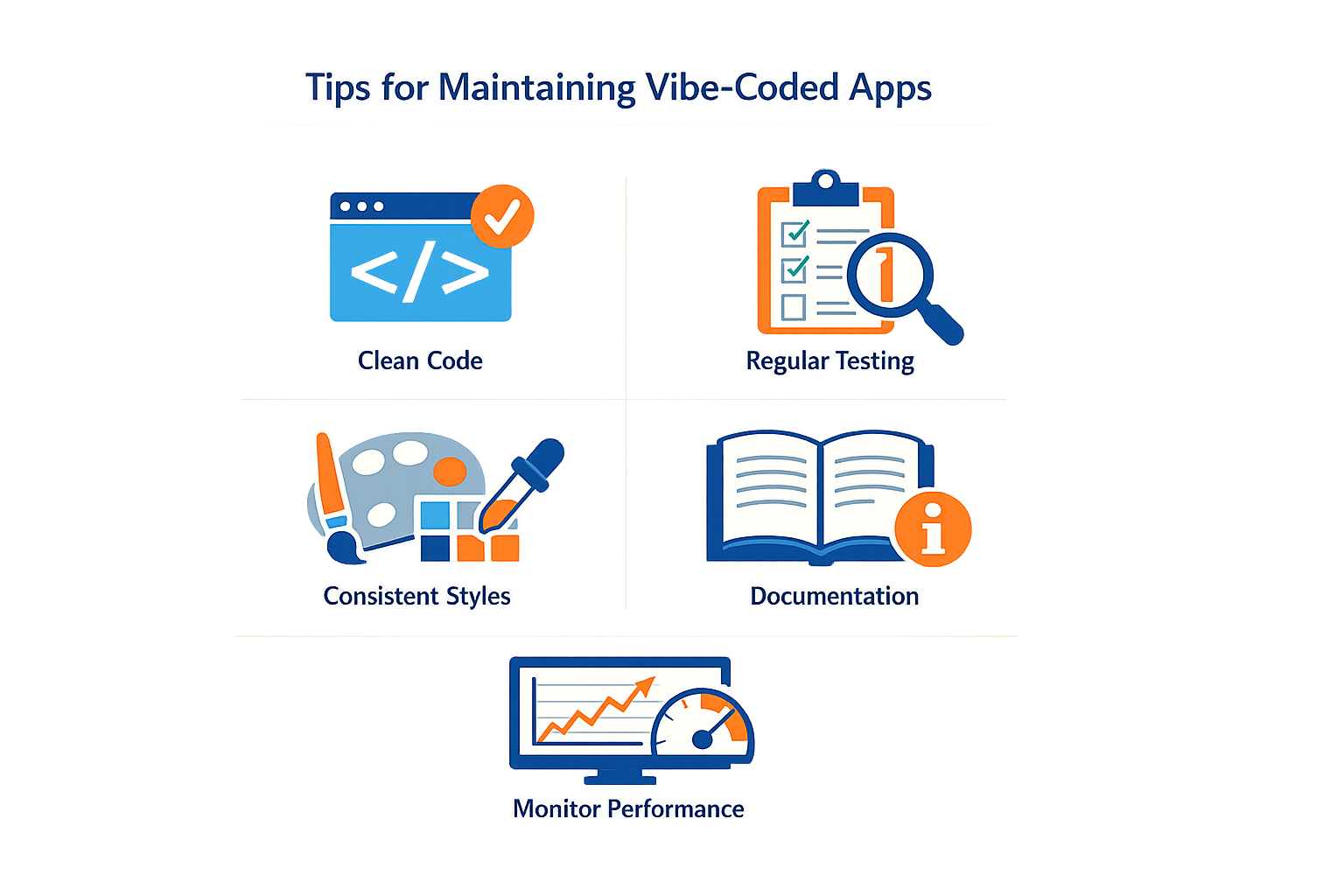
After you've stabilized the architecture, the work shifts to keeping it stable. Small habits prevent most of the breakage I see in production vibe-coded apps.
Test Before You Ship
Before publishing, spend a few moments testing your app. A quick check now saves a round of confused messages from the first person you send the link to. Try the interactive parts: filter the menu by every category and click the device toggle above the preview to cycle to Mobile view. If a form does nothing on mobile, you'll catch it here instead of in a support ticket.
Use Plan Mode for Complex Changes
When a change touches more than one feature, switch to Plan mode and ask Lovable to outline an approach first. Review the plan, adjust it, then build step by step. This prevents the tool from making assumptions that conflict with your existing logic. I use Plan mode any time I'm unsure whether a prompt will break something else.
Roll Back, Don't Patch Over
If a build introduces a defect, roll back to the version just before the issue appeared using version history, then try a clearer, more specific prompt. Patching over a bad build compounds the problem. The version that worked is your baseline; start from there.
The version that worked is your baseline; start from there.
Leverage Auto-Fix Sparingly
When a build error appears while Lovable works, a Try to fix button appears on the activity card. Click it and Lovable scans the logs, finds the issue, and attempts a fix. Your account includes 10 free fixes, shared across Try to fix and fixes from the Security view, in all your workspaces and projects. Each free fix becomes available again 24 hours after you use it. Use it for build errors, not for logic errors. Auto-fix reads stack traces; it doesn't read your intent.
Chat First, Build Second
Chat mode lets Lovable discuss the app you have open without changing its code. Use it to ask how something works, explore an idea, or decide what to change. When a change is needed, Lovable shows a Start building card and switches to Build only after you select Build. A Chat mode message is priced on the work it needs, typically a fraction of a credit, and your workspace's daily chat allowance covers most exploratory questions. I ask "Walk me through what's happening" before I ask for a fix.
For more on planning changes before you build, see What Is a PRD? Product Requirements Documents, Explained.
Frequently asked questions
What are vibe-coded apps?
Vibe-coded apps are applications built primarily through AI-assisted code generation, where developers describe desired functionality in natural language and the AI produces working implementations. The approach prioritizes speed and iteration over traditional architectural planning.
How can I prevent vibe-coded apps from breaking?
Prevent failures by maintaining a living PRD, testing before each publish, using version control for rollbacks, enabling automated monitoring, and treating AI tools as junior developers that need clear, specific instructions rather than magic solutions.
When should I use Plan mode instead of direct prompts?
Use Plan mode when a change touches multiple features, when you're uncertain about the implementation approach, or when the modification could conflict with existing logic. Plan mode lets you review and adjust the approach before committing code.
What causes most vibe-coded app failures?
Most failures stem from three sources: misalignment between what you built and what users need, framework misconfiguration that creates security vulnerabilities, and inherited risks from third-party component vulnerabilities that slip into production.
Conclusion
Vibe-coded apps break because they inherit the same structural debt that sinks any application built without a plan. The speed advantage disappears the moment you hit the first production bug that requires three hours of archaeology through AI-generated code.
I've rebuilt enough prototypes to know the pattern: fast start, slow middle, expensive finish. The apps that survive are the ones where someone drew boundaries early — wrote down what the system does, identified the five critical paths, and enforced them in every prompt.
The Fix Is Simple
Roll back to a stable version when things break. Use version history as your safety net, not your undo button. Switch to plan mode before building anything complex — let the tool outline the approach, then review it before committing code.
Maintain a living PRD even if it's just a single page. Every feature you add should answer a question that document asked. Every bug you fix should update a constraint you documented. The PRD checklist takes twenty minutes and saves twenty hours.
What Happens Next
The tools will get better. The architectures they generate will improve. But the fundamental problem — building without knowing what you're building — won't fix itself. The apps that work in production six months from now are the ones where someone took the time to write down the five things that matter and refused to let the AI forget them.
Your vibe-coded app doesn't have to break. It just needs the same discipline you'd apply to any other codebase: clear requirements, repeatable workflows, and a plan for when things go wrong.
Explore why vibe-coded apps break and discover actionable solutions to fix yours effectively.