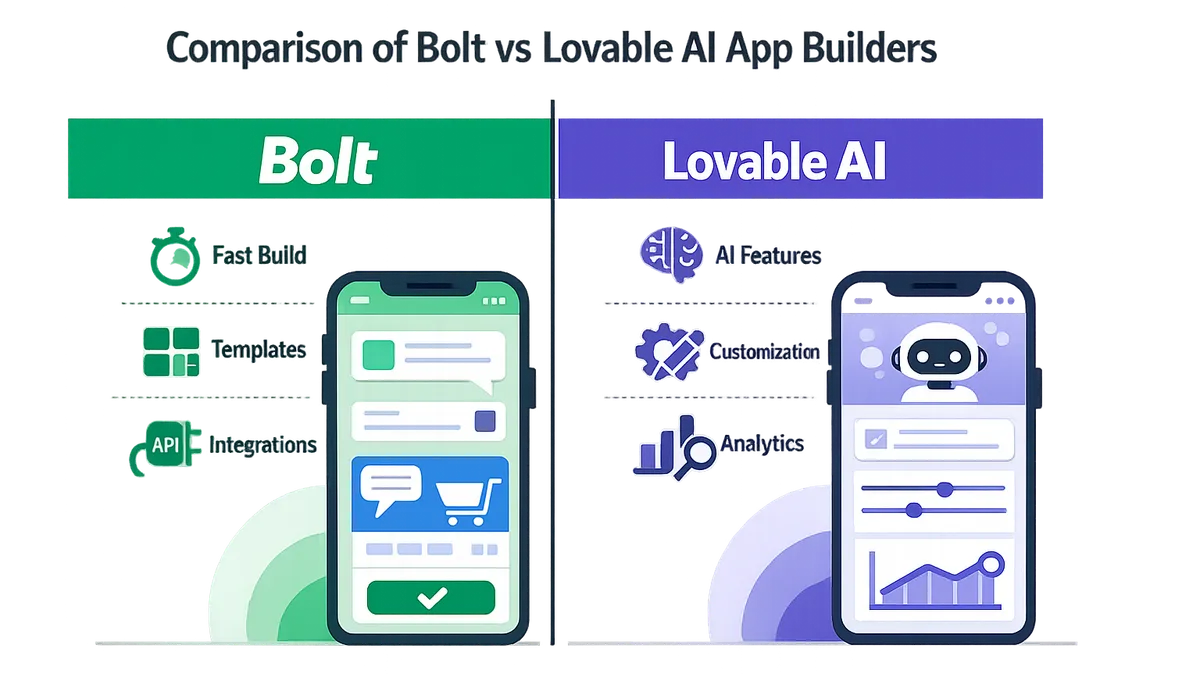
Bolt vs Lovable: Which AI App Builder Fits Your Idea?
Top takeaways
- Bolt and Lovable are AI-powered app builders that turn natural language prompts into working code
- Bolt integrates databases, hosting, and domains in one environment; Lovable emphasizes iterative chat-based workflows
- Both tools target non-coders and experienced developers but differ in workflow philosophy and infrastructure bundling
- Choosing between them depends on whether you prioritize all-in-one infrastructure or transparent agent activity
Introduction
AI app builders promise to collapse the distance between idea and shipped product. Bolt and Lovable both deliver on that promise, but they take different routes.
Bolt is an AI-powered builder for websites, web apps, and mobile apps developed by StackBlitz. You type your idea, click Build, and Bolt generates a working product. It bundles databases, hosting, and custom domains into one project so you never leave the editor to wire up infrastructure.
Lovable takes a chat-first approach. You describe what you want in plain language, and Lovable builds it in a loop: gathering context, making edits, running commands, testing in a browser, and showing activity cards for every step. When you send changes as one list instead of rapid follow-ups, Lovable is more reliable.
I've used vibe-coding workflows to ship prototypes that became production SaaS products. The difference between a tool that gets you to launch and one that leaves you stuck in refactor loops often comes down to how it handles the gap between your prompt and the working build.
The best AI builder is the one whose output you can trust enough to ship without rewriting the entire stack two weeks later.
This comparison walks through features, pricing, workflow differences, and who should pick which tool. The goal is a clear verdict based on your project type and technical comfort.
Explore Bolt vs Lovable to determine which AI app builder aligns with your project needs.
Overview of Bolt
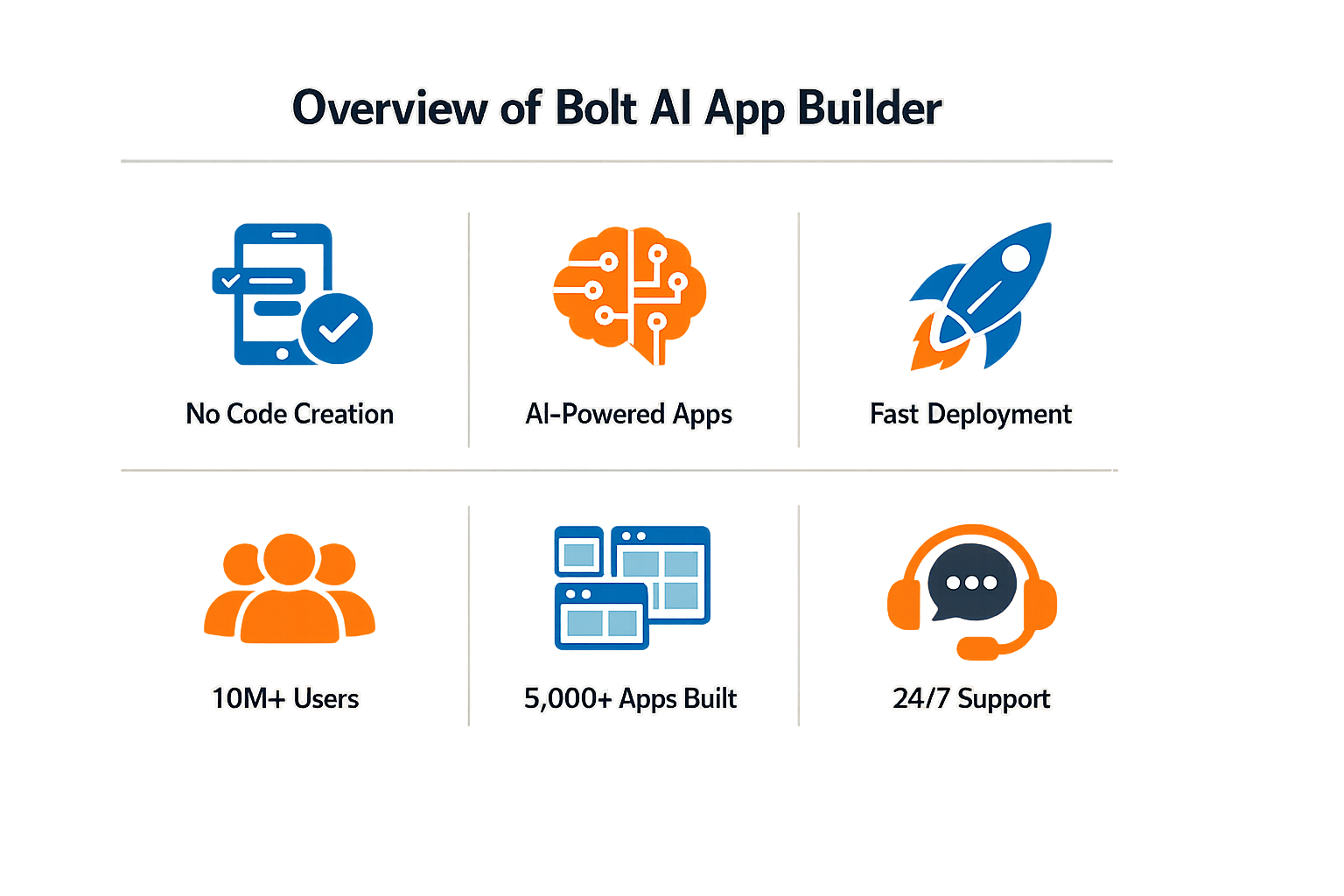
Bolt is an AI-powered builder for websites, web apps, and mobile apps developed by StackBlitz. You describe what you want in plain language, click Build now, and Bolt generates a working product. The platform handles landing pages, e-commerce shops, project management tools, CRMs, SaaS platforms, booking systems, and mobile games.
The tool removes technical roadblocks for non-coders while giving experienced developers speed and full control. You can choose your languages and frameworks, connect to source control, and edit code directly in the editor. Bolt runs on WebContainers, the technology that first made it possible to run Node.js directly in the browser.
Core Functionalities
Bolt consolidates databases, hosting, and domains into a single project environment. When your app needs a database, Bolt creates one automatically. You can explore and edit data in a table view, review activity logs, manage edge functions and secrets, and handle user authentication—all without switching between external services.
The platform supports importing designs from Figma and Google Stitch, turning static frames into functional projects. You can also import existing GitHub repositories or migrate projects from Lovable. Publishing is straightforward: Bolt provides a free subdomain on the free tier and custom domain support for paid users.
Target Audience
Bolt serves three primary groups. Students and solo builders use it to turn class projects or side ideas into working apps without managing separate infrastructure. Agencies leverage Bolt to deliver more client projects faster without expanding their teams. Experienced developers use it for rapid prototyping and production-ready builds where they retain full code ownership and control.
The platform's chat-driven interface makes it accessible to non-technical users, while its support for custom frameworks and direct code editing appeals to developers who want to move fast without sacrificing flexibility. For a broader comparison of similar tools, see Best Vibe Coding Tools in 2026 (Compared).
Unique Selling Points
Bolt's primary differentiator is its all-in-one infrastructure. You manage databases, hosting, and domains inside the same project where you write code and chat with the AI. This removes context-switching and the friction of coordinating multiple third-party services.
The platform gives you choice of AI agent based on the type of work you're doing. You own the code you create and can use it for any purpose. Bolt's foundation on WebContainers means the entire development environment runs in your browser with no local setup required.
Bolt keeps your workflow focused on building your product rather than setting up infrastructure.
Overview of Lovable
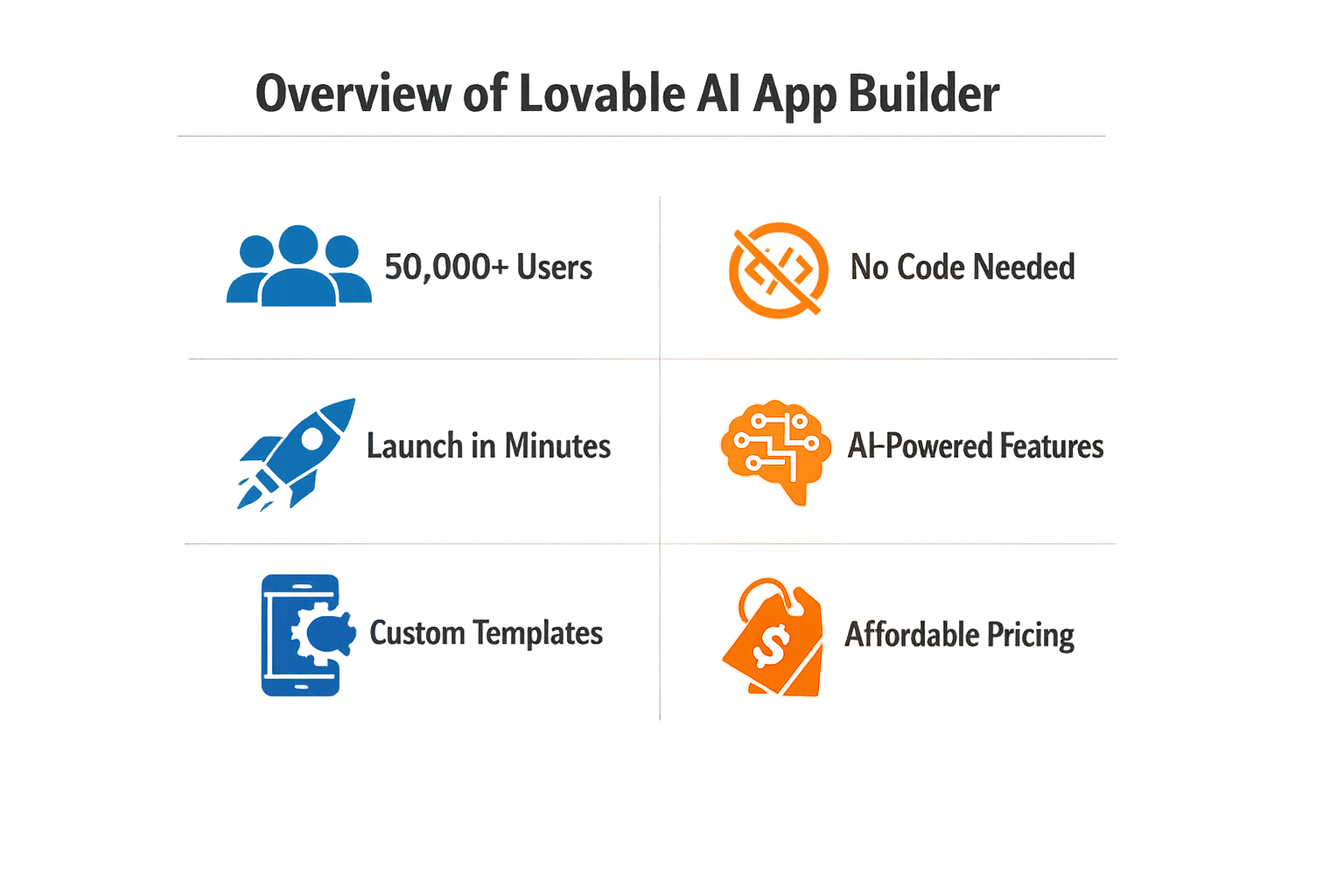
Lovable is an AI app builder that turns natural language prompts into working web applications. You describe what you want, Lovable builds it in minutes, and you see the app run live in a split-screen editor. The platform targets solo founders, small teams, and large organizations that need governance controls at scale.
Core Workflow
Lovable operates through a two-panel interface: a project chat on the left where you talk to the AI, and a live preview on the right where your app runs. The first build takes a few minutes. After that, you iterate by describing changes in plain language. Lovable shows its work as activity cards that track file edits, commands, web searches, and browser tests. Click any card to see the full timeline of steps and file changes.
You can start three ways: describe your idea from scratch, remix a template from Lovable's library, or generate a project from a URL that carries a predefined prompt. The remix option lets you begin with a working app instead of a blank page, and you can remix your own projects too.
Target Audience and Use Cases
Lovable offers a Free plan and three paid tiers: Pro, Business, and Enterprise. The Enterprise tier is built for large organizations that require advanced governance, flexibility, and scalability controls. The platform handles everything from quick prototypes to production-grade apps with compliance requirements.
The editor supports inline text edits and comment threads sent directly from the preview toolbar. Lovable's agent works in a loop behind every message: it gathers context from your conversation, the current codebase, and any external research it needs, then generates a plan and executes it. You review the changes, steer the next step, or undo if needed.
For a deeper look at how Lovable fits into the broader vibe-coding landscape, you can compare it against other AI build tools that prioritize conversational iteration over traditional IDEs.
Feature Comparison: Bolt vs Lovable
Bolt and Lovable both generate working apps from natural-language prompts, but they diverge on infrastructure bundling, code control, and security tooling. The table below shows where each platform delivers specific capabilities.
| Feature | Bolt | Lovable |
|---|---|---|
| Database provisioning | Automatic creation; table view, logs, edge functions | User-managed; no built-in database |
| Hosting & domains | Included (free subdomain; custom domain for paid users) | Separate service required |
| Security scanning | Not documented | Quick scan + Deep scan built in |
| Template remixing | Not documented | Browse and remix templates |
| GitHub import | Yes (existing repositories) | Not documented |
| Lovable import | Yes (migrate Lovable projects) | N/A |
| Google Stitch integration | Yes (design-to-code export) | Not documented |
| URL-based project generation | Not documented | Yes (predefined prompts via URL) |
| Code ownership | Full ownership; export anytime | Assumed (not explicitly documented) |
| AI agent selection | Multiple agents available | Single agent |
Infrastructure: All-in-One vs. Modular
Bolt bundles databases, hosting, and domain management inside the editor. When your app needs a database, Bolt creates one automatically—you edit data in a table view, review logs, and manage users without leaving the project. You publish to a free subdomain immediately; paid plans unlock custom domains. This keeps the workflow inside one tool.
Lovable does not provide hosting or database infrastructure. You build the app, then connect external services for deployment and persistence. If you prefer to choose your own hosting stack or already have infrastructure, Lovable stays out of the way.
Security: Built-In Scanning vs. External Tools
Lovable includes two automated security scans: Quick scan and Deep scan. These tools identify common vulnerabilities during development, before you publish. The platform prevents typical security mistakes up front and flags risks through automated analysis.
Bolt documentation does not describe built-in security scanning. You handle vulnerability checks through external tools or manual review.
Starting Points: Templates, Imports, and URLs
Lovable lets you remix templates—browse working apps and start from a functional baseline instead of a blank prompt. You can also generate a project from a URL carrying a predefined prompt, useful for sharing starter configurations.
Bolt supports importing existing GitHub repositories and migrating projects from Lovable. It also imports designs from Google Stitch, converting static mockups into functional code. These import paths suit teams moving from other tools or design workflows.
Code Control and Agent Choice
Bolt offers multiple AI agents; you pick the agent based on the type of work. You own the code and export it anytime. Experienced developers can edit code directly in the editor, choose languages and frameworks, and connect to source control.
Lovable uses a single AI agent. Code ownership is assumed but not explicitly documented in the available sources. The platform targets users who want to iterate through chat rather than manual code edits.
Publishing and Deployment
Bolt publishes projects to the web with one click. Free users get a Bolt subdomain; paid users connect custom domains and manage DNS inside the platform. Everything—code, database, hosting, domain—lives in the same project.
Lovable builds the app but does not handle hosting. You export the code and deploy it to your own infrastructure or a third-party platform. This separation suits teams with existing DevOps pipelines or specific compliance requirements.
For a broader look at how these platforms fit into the vibe-coding landscape, compare feature sets across multiple AI builders.
Pricing Comparison: Bolt vs Lovable
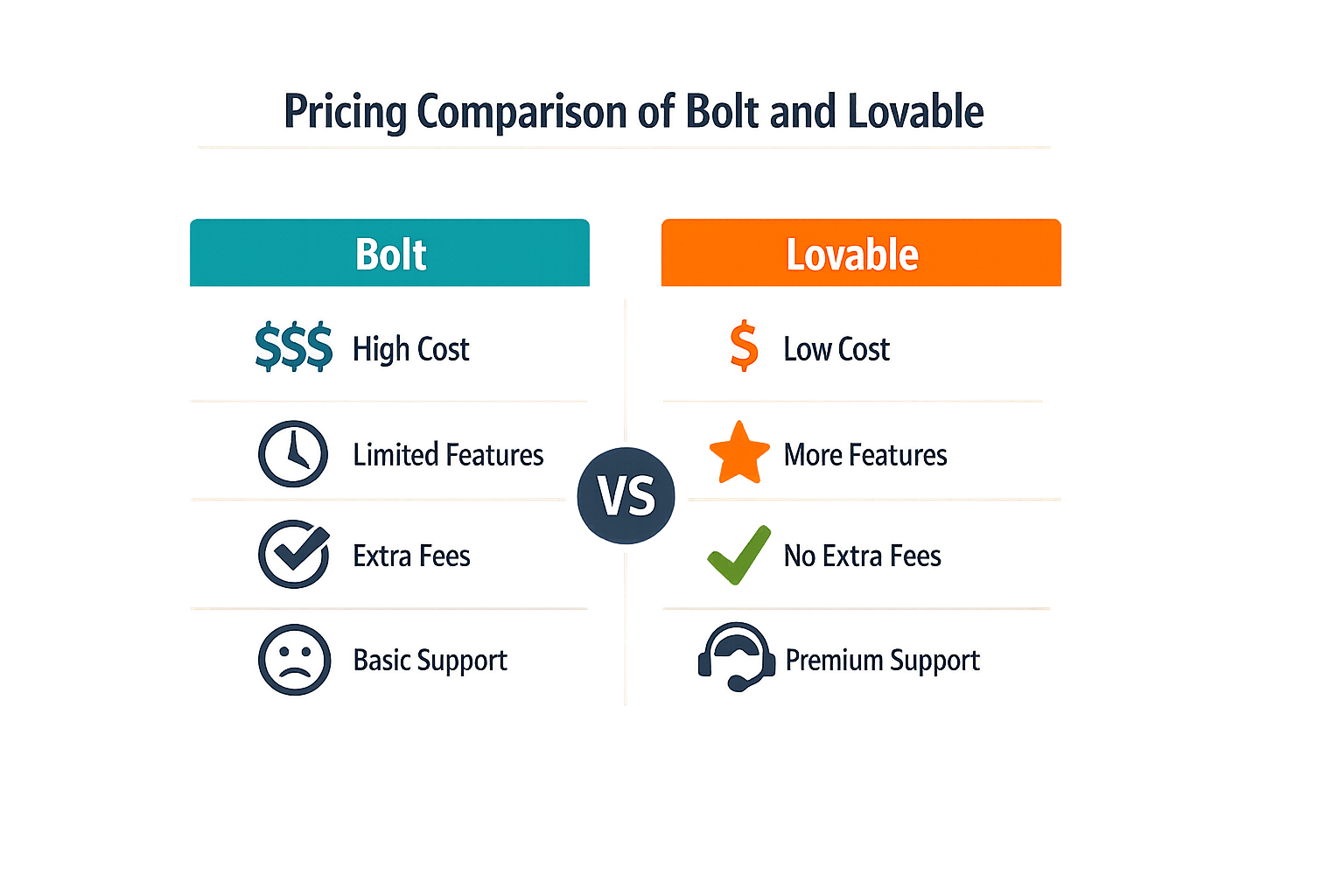
Bolt and Lovable price differently — one sells tokens, the other sells tiers. Understanding the structure matters before you pick.
Bolt Pricing Structure
Bolt sells monthly token bundles. A typical plan might include 26M tokens per month. You pick a box, pay monthly, and unused tokens roll over if you upgrade. The token model means you pay for what you generate — prompts, code output, iterations all draw from the same pool.
If you run out mid-month, you either wait or upgrade. If you barely touch it, tokens accumulate. The homepage sidebar shows your profile icon; click it, then Subscription to see available plans and current usage.
Lovable Pricing Structure
Lovable offers a Free plan plus three paid tiers: Pro, Business, and Enterprise. Each tier bundles features and credits. You can switch between monthly and annual billing, upgrade, downgrade, or cancel — the docs explain how credits carry over or expire.
The Free plan lets you test the platform. Pro adds capacity. Business and Enterprise scale for teams. Current prices and credit allocations live on the Lovable pricing page, not in the docs.
| Feature | Bolt | Lovable |
|---|---|---|
| Free tier | Not specified | Yes |
| Paid tiers | Token bundles (e.g., 26M/month) | Pro, Business, Enterprise |
| Rollover | Unused tokens roll over on upgrade | Credits carry over per plan rules |
| Billing flexibility | Monthly subscription | Monthly or annual |
Value for Money
Bolt's token model suits variable workloads — you know your monthly ceiling, and leftovers don't vanish if you step up. Lovable's tiered plans suit predictable usage and team collaboration. If you're solo and your output swings month to month, tokens give you control. If you want fixed pricing and team seats, tiers are cleaner.
Neither publishes exact dollar amounts in their support docs. Check the best vibe coding tools in 2026 for side-by-side pricing snapshots updated quarterly.
Pros and Cons of Bolt and Lovable
Every builder trades one set of constraints for another. Bolt and Lovable each make specific bets on what you'll need and what you can live without.
Bolt: Advantages
Bolt removes infrastructure decisions. When your app needs a database, Bolt creates one automatically — no separate service, no config file, no account to set up. Domains, hosting, and data tables live in the same project.
You own the code. Everything Bolt generates is yours to export, fork, or deploy elsewhere. If you outgrow the platform or want to hand off to a traditional dev team, the transition path is clear.
Bolt supports GitHub import and direct code editing. Experienced developers can start from an existing repository, let Bolt scaffold new features, then refine the output in their own editor. The platform doesn't force you to stay inside the chat interface.
Bolt: Disadvantages
The all-in-one stack is also a locked-in stack. If you need a specific database engine or a hosting provider with compliance certifications Bolt doesn't offer, you'll hit a wall or need to migrate everything at once.
Agencies working across multiple client environments may find Bolt's opinionated setup limiting. When a client already has infrastructure contracts, Bolt's integrated approach becomes a liability rather than a convenience.
Lovable: Advantages
Lovable includes built-in security scans — Quick scan and Deep scan — that identify common vulnerabilities before you publish. For solo founders shipping fast, this catches mistakes that would otherwise surface in production.
The platform reduces the technical roadblocks for non-coders. Describe what you want, iterate through chat, and Lovable handles the implementation. The learning curve is shallow when you're validating an idea under time pressure.
Lovable: Disadvantages
Lovable's security scans are helpful but not exhaustive. If you're building anything that touches payment data, health records, or other regulated information, the automated analysis is a starting point, not a substitute for a real audit.
The platform optimizes for speed over configurability. When your project needs a specific framework version, a custom build pipeline, or integration with an internal API that doesn't fit Lovable's assumptions, you'll spend more time working around the tool than with it.
| Platform | Best For | Limitation |
|---|---|---|
| Bolt | Developers who want full code control and integrated infrastructure | Opinionated stack; harder to use external services |
| Lovable | Non-technical founders validating ideas quickly | Security scans don't replace professional audits |
Bolt gives you infrastructure and code ownership at the cost of flexibility. Lovable gives you speed and guardrails at the cost of depth. Neither is universally better — the right choice depends on whether you value control or velocity more.
Who Should Choose Bolt or Lovable?
The right platform depends on your workflow, team size, and what you're building. Bolt suits users who want full-stack control and direct code access. Lovable fits teams prioritizing rapid iteration and managed infrastructure.
Choose Bolt if you need design-to-code workflows
Bolt lets you import Figma designs directly into working projects. You describe what you want, Bolt generates it, then you refine through chat. Experienced developers get language and framework choice plus direct code editing. Students and solo builders turn side projects into functional apps without managing separate hosting or database services.
Bolt keeps databases, hosting, and domains in one project. You own the code and can switch AI agents based on task type. If you're prototyping a landing page or building a project management tool from scratch, Bolt removes infrastructure overhead.
Choose Lovable for enterprise governance and scale
Lovable targets large organizations that need advanced controls, governance, and scalability. If your team requires role-based permissions, audit trails, or compliance workflows, Lovable's Business and Enterprise plans provide those structures. The Free and Pro tiers work for smaller teams, but the platform's strength shows at organizational scale.
Lovable offers four subscription tiers with credit-based usage. If you're running multiple projects across departments and need centralized billing and user management, Lovable's higher plans deliver that coordination. For a detailed breakdown of vibe coding workflows, see our step-by-step guide.
| User Type | Best Fit | Reason |
|---|---|---|
| Solo founder | Bolt | All-in-one infrastructure, code ownership |
| Design-first builder | Bolt | Figma import, visual-to-code pipeline |
| Enterprise team | Lovable | Governance, scalability, advanced controls |
| Rapid prototyper | Either | Both support fast iteration; choose by team size |
Final Verdict: Bolt vs Lovable
Bolt and Lovable both remove technical roadblocks, but they solve different problems. Bolt gives you a full-service platform — databases, hosting, domains, and code ownership — all in one workspace. Lovable gives you a conversation-driven agent that builds, tests, and iterates inside a live preview. Your choice depends on whether you need infrastructure bundled in or whether you want maximum steering control over the build loop.
Bolt is the better pick when you want everything in one place. Its integrated database, automatic hosting, and domain management mean you never leave the editor to provision external services. That streamlined workflow matters most when you're shipping a side project or turning a class assignment into a working app. You own the code, you pick your frameworks, and you can export to GitHub whenever you're ready. Bolt's strength is reducing setup friction — you describe an idea, click Build, and the infrastructure appears behind the scenes.
Lovable is the better pick when you need tight iteration control and visibility into what the agent is doing. Its activity cards show every file edit, command, and browser test in real time, so you can catch mistakes early and steer mid-build. The agent works in a loop — it gathers context, plans changes, executes them, and shows you the diff — which gives you more transparency than a black-box generate step. Lovable is more reliable when you send changes as one organized list rather than rapid follow-ups, so it rewards clear communication. That loop structure and the inline preview make it ideal for refining UI details or debugging edge cases on the fly.
When to Choose Bolt
Pick Bolt if you're building a landing page, e-commerce shop, SaaS dashboard, or mobile app and you want hosting, databases, and domains managed automatically. It's built for solo founders and students who don't want to juggle separate services. The all-in-one setup means you can go from idea to deployed URL without switching tools. If you plan to export the code later or hand it off to a development team, Bolt's full code ownership and GitHub integration make that transition straightforward.
When to Choose Lovable
Pick Lovable if you're prototyping a complex UI, iterating on user flows, or debugging interactions that need hands-on steering. The activity timeline and live preview give you the control to catch layout bugs, test edge cases, and refine copy without starting over. Lovable works best when you have a clear mental model of the app and you want the agent to execute your plan rather than infer one. If you value transparency over automation, Lovable's loop-based workflow delivers that.
The Practical Trade-Off
Bolt optimizes for speed to deployment. Lovable optimizes for iteration quality. I've seen both tools succeed in different contexts: Bolt when the goal is to ship a working MVP fast, Lovable when the goal is to refine a prototype until it feels right. Neither tool replaces a production engineering workflow, but both compress the time from idea to testable artifact. The winner depends on whether you need infrastructure now or steering control now. For a first-time builder with no hosting setup, Bolt removes more blockers. For an experienced operator who knows what good looks like, Lovable gives more leverage. Choose the tool that matches where you are, not where the marketing says you should be. For more context on how to vibe code effectively, see our step-by-step workflow guide.