Replit Vibe Coding Guide for Founders: Step-by-Step
Top takeaways
- Vibe coding turns natural language descriptions into working code without traditional programming
- Replit Agent handles project setup, application creation, and debugging autonomously
- This workflow eliminates technical barriers for founders building MVPs and prototypes
- Understanding when to use vibe coding versus traditional development saves time and prevents costly rebuilds
Introduction
Vibe coding is describing what you want in plain language and watching an AI agent build it. No syntax memorization, no framework deep-dives, no Stack Overflow rabbit holes at 2 AM. You state the outcome; the tool writes the code, tests it, and fixes what breaks.
Replit Agent is one implementation of this pattern. You give it a product idea in everyday terms, and it sets up the environment, scaffolds the application, checks its own work, and patches errors as they surface. The agent doesn't just answer questions—it takes action from planning through deployment.
I've shipped features this way when the alternative was hiring a contractor or spending three weeks learning a new stack. The trade-off is control: you get speed and accessibility, but you surrender granular decision-making to the agent's heuristics. For founders validating ideas or building internal tools, that trade-off usually pays. For production systems with strict performance or compliance requirements, vibe coding workflows have known failure modes you need to manage.
This guide walks through the mechanics: when to use Replit vibe coding, how to structure your prompts, and where the process typically breaks down. The goal is to build faster without accruing technical debt you can't service later.
Problem Statement
Founders building with AI-assisted tools hit three friction points fast. First, scope creep — you start with a login form and end up redesigning the entire auth stack because the agent suggested it. Second, context loss — the AI forgets what you built two prompts ago, so you re-explain the same database schema four times in one session. Third, the prototype-to-production gap — what works in a Repl breaks the moment you add real user load or try to deploy it anywhere that isn't Replit's infrastructure.
The Iteration Trap
Most founders treat vibe coding like a conversation. You describe what you want, the AI writes code, you test it, then you ask for changes. That loop works until you realize you've iterated yourself into a corner. The codebase is now a patchwork of half-finished features, each one technically functional but none of them connected to a coherent plan. Rolling back is hard because you don't have clean commits — you have a chat log.
The problem compounds when you need to add persistent storage. Replit Database offers 20GB free and integrates cleanly, but if you didn't plan your schema up front, you'll rewrite it three times — once when you add it, once when you realize you need relations, and once more when you try to query it efficiently. Each rewrite breaks something else.
The Deployment Reality Check
Prototypes built entirely in Replit often rely on features that don't translate. Replit's Agent can scaffold a working app in minutes, but "working in a Repl" and "production-ready" are not the same state. You discover this when you try to move the code to a VPS or a container and half the imports fail because they were Replit-specific shortcuts. The best vibe coding tools in 2026 each have their own deployment quirks — Replit is no exception.
The core issue is not the tools. The core issue is starting without a plan and expecting the AI to infer one from vibes. It can't. It will build exactly what you ask for in each prompt, and those requests will not form a coherent system unless you designed the system first.
Solution Steps for Vibe Coding
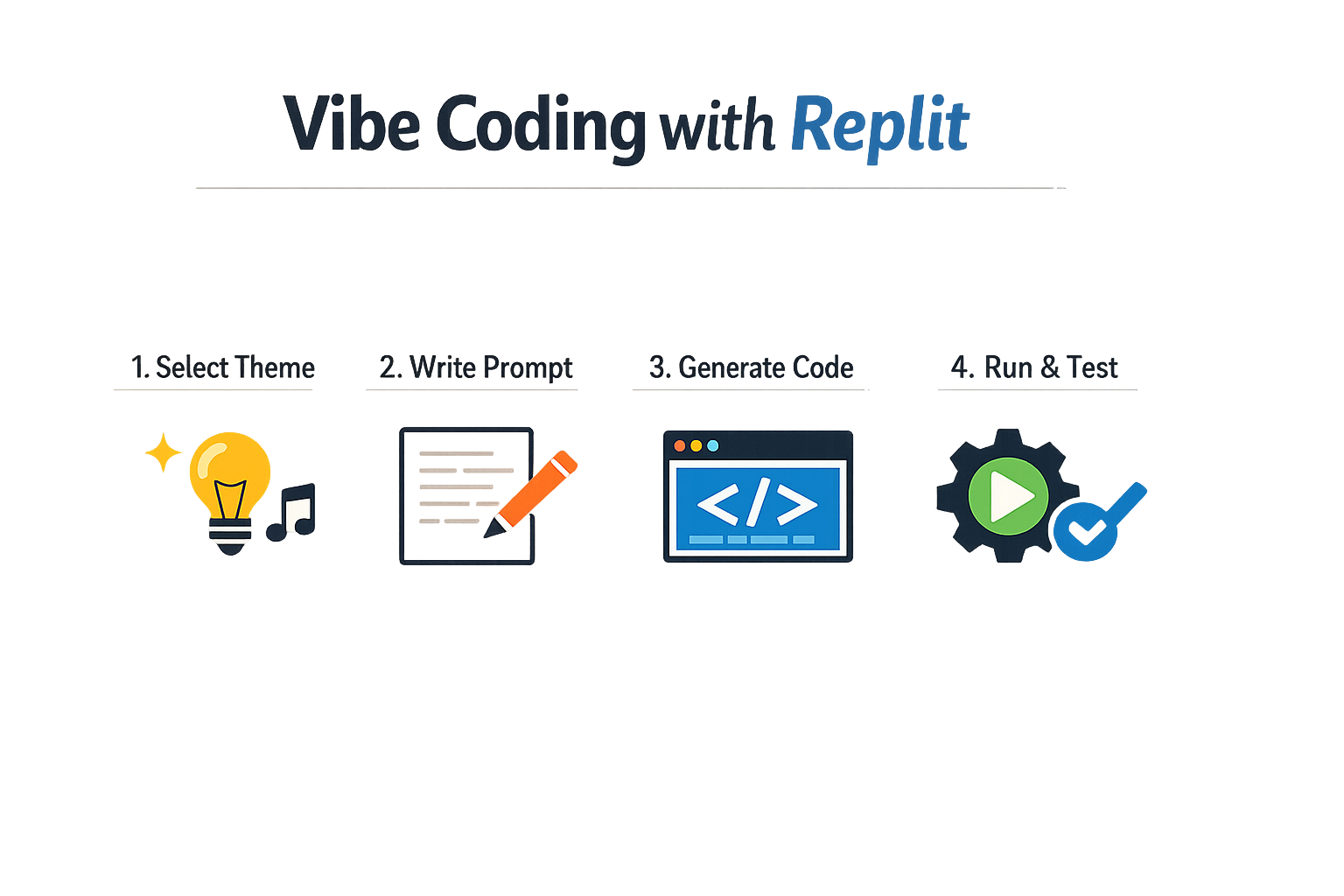
Vibe coding with Replit follows a pattern. You describe what you want, the AI builds it, you test and refine in loops. The steps below map to real founder workflows — not theory.
Start With a Clear Prompt
Open Replit and describe your feature in one or two sentences. Be concrete: "Build a dashboard showing monthly revenue and active customers as charts, with a recent signups table. Use realistic sample data." The AI agent parses natural language and generates the initial structure.
Skip vague requests. "Make a nice app" wastes tokens. Name the components, the data shape, the layout. The tighter your prompt, the fewer revision cycles you burn.
Step 1
Shape your idea in one prompt
Write a single paragraph that names the screens, the data, and the interaction. If you can't describe it in 100 words, you don't know what you're building yet. Replit's AI turns structured prompts into working code faster than it handles exploratory chatter.
Watch the AI Build and Iterate
Replit generates the first version in minutes. You see the preview update live as the agent writes. When it finishes, click through the interface — test every button, scroll every section, check the sample data.
Found a bug or a missing piece? Describe the fix in the chat: "The revenue chart should show the last six months, not twelve." The AI updates the code in place. This loop — prompt, preview, refine — is the core of vibe coding. You stay in the editor; the AI handles the syntax.
Add Backend Features When Ready
Frontend prototypes prove the concept. When you need real data, authentication, or API calls, tell Replit to add a backend. "Connect this to a Supabase table for user signups" or "Add a login page with email and password." The AI scaffolds the integration; you supply the credentials.
Don't add backend complexity on day one. Build the screens first, validate the flow with sample data, then wire in persistence. Founders who reverse this order spend weeks debugging infrastructure before they know if users want the feature. For a detailed breakdown of this iterative approach, see How to Vibe Code: A Step-by-Step Workflow Guide.
Step 2
Deploy and test in production
Replit deploys with one click. Push your project live, share the URL, watch real users interact. If something breaks, the AI can automatically fix errors using intelligent diagnostics. Production feedback is the only feedback that matters.
Tips and Tricks for Effective Vibe Coding
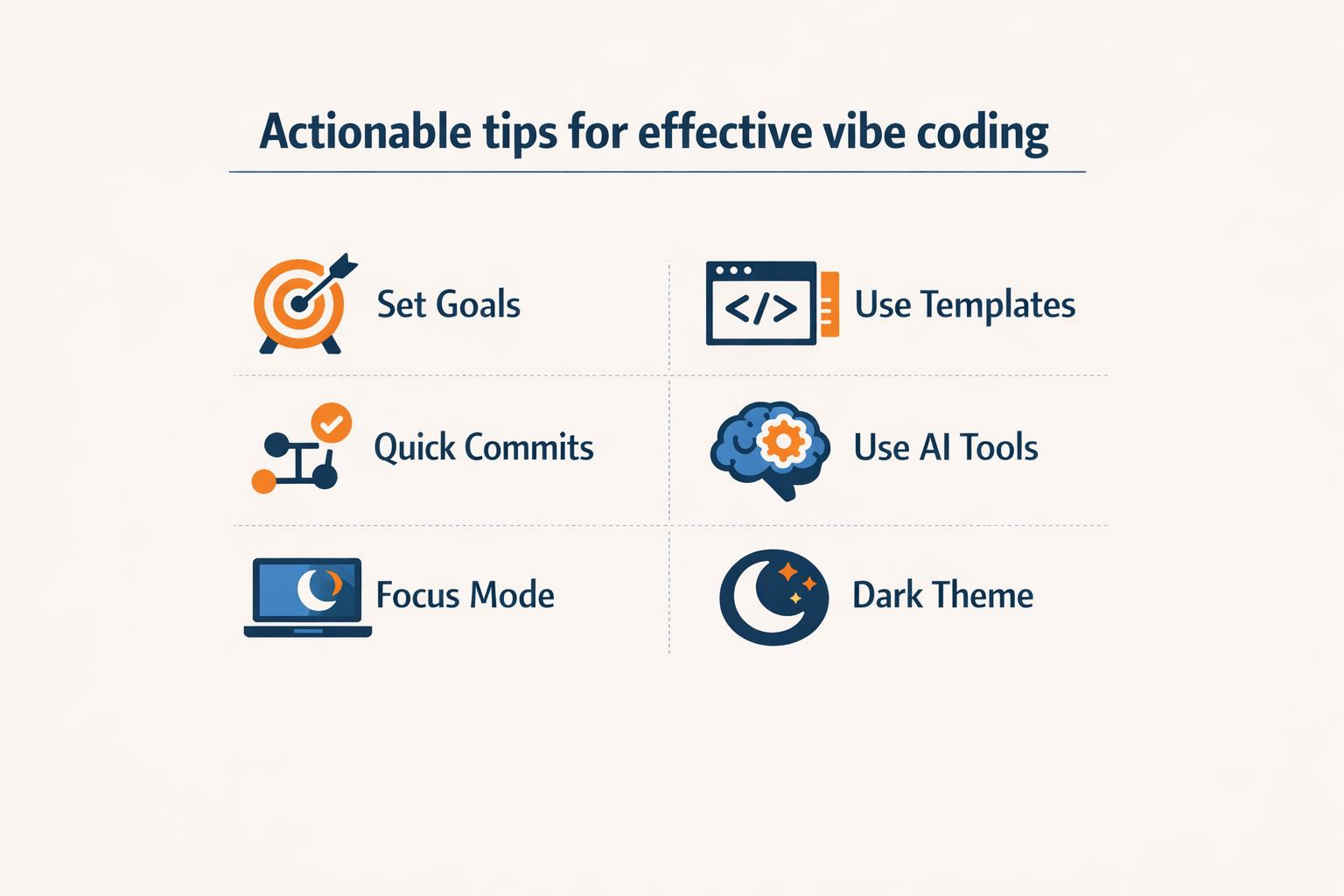
Vibe coding works when you treat the AI like a junior developer who needs clear direction. These tips keep your workflow tight and your output production-ready.
Request One Change at a Time
Ask for a single change, check the preview, then ask for the next one. Bundling three requests into one prompt increases the chance that two work and one breaks something you already had. When you ask for one thing, you know exactly what caused the problem if the preview doesn't match your expectation.
Use the Editor Layout to Your Advantage
The editor splits into a chat window and a live preview. Keep the preview visible while you type requests — you'll catch layout shifts, broken interactions, and styling regressions the moment they happen. If you're working on mobile responsiveness, resize the preview pane to tablet and phone widths before you ask for changes.
Gather Feedback Early
Enable feedback collection on your published app as soon as you have something users can click through. Real user input surfaces edge cases you won't find in your own testing. A founder who waits until "polish" to collect feedback spends weeks building features no one asked for. For a structured approach to defining what to build before you start coding, see What Is a PRD? Product Requirements Documents, Explained.
The cheapest bug fix is the one you catch in the preview before you ship the version.
Keep a Running List of Known Issues
Maintain a plain-text file of things that don't work yet. When you spot a bug during testing, add it to the list instead of immediately asking the AI to fix it. Batch fixes once you have three or four — it's faster than context-switching every time you notice a small issue, and you'll avoid re-breaking things you just fixed.
Conclusion
Replit vibe coding works when you ship fast and iterate on real user feedback. The platform handles deployment, scaling, and infrastructure while you focus on the product. I've watched founders waste months choosing the perfect stack — Replit lets you build today and refine tomorrow.
The workflow is simple: write a clear spec, let the AI generate the scaffold, test in production, and gather data. Most founders overthink the first version. Replit's deployment snapshot system means you can push updates without ceremony. Enable feedback collection on your published app, watch how people actually use it, then fix what breaks.
Start small. Pick one feature, build it in a weekend, and deploy it. The best vibe coding tools all promise speed, but Replit delivers it without forcing you into a framework you'll regret later. Your first version will be rough — that's the point. Ship it, learn from it, and build the next one better.
I've built more prototypes than I've shipped. The ones that survived were the ones I deployed early. Replit makes that easy.
Learn the Replit Vibe Coding Guide for Founders to streamline your workflow and enhance your coding efficiency.