
Acceptance Criteria Examples: 12 Simple Must-Know Templates
Introduction
You hire a developer. You explain what you want. Three weeks later, they demo something that technically works but feels wrong. You pay for another sprint to fix it. This loop is expensive.
Acceptance criteria are short, plain-English statements that describe what success looks like for each feature from the user's point of view. They sit between your vision and the code. When you write them clearly, developers build what you actually need the first time.
I've watched founders burn through runway because they couldn't translate "I want users to log in" into something a developer can test. The fix isn't learning to code — it's learning to write three sentences that remove ambiguity. If you're building an app without technical co-founders, this skill matters more than your tech stack.
Most founders skip this step or write vague requirements like "the app should be fast." That's not testable. A developer can't look at "fast" and know when they're done. But "the login page loads in under two seconds on a 4G connection" — that's a pass/fail test. You can check it. Your QA person can check it. Your developer knows exactly what to optimize for.
This guide walks through twelve acceptance criteria examples you can adapt to your own product. You'll see what a PRD looks like in practice and how to structure requirements so nothing important gets lost in translation. No jargon, no theory — just patterns that work when you're paying hourly and need to ship.
Learn effective acceptance criteria examples to guide non-technical founders in app development.
Understanding Acceptance Criteria
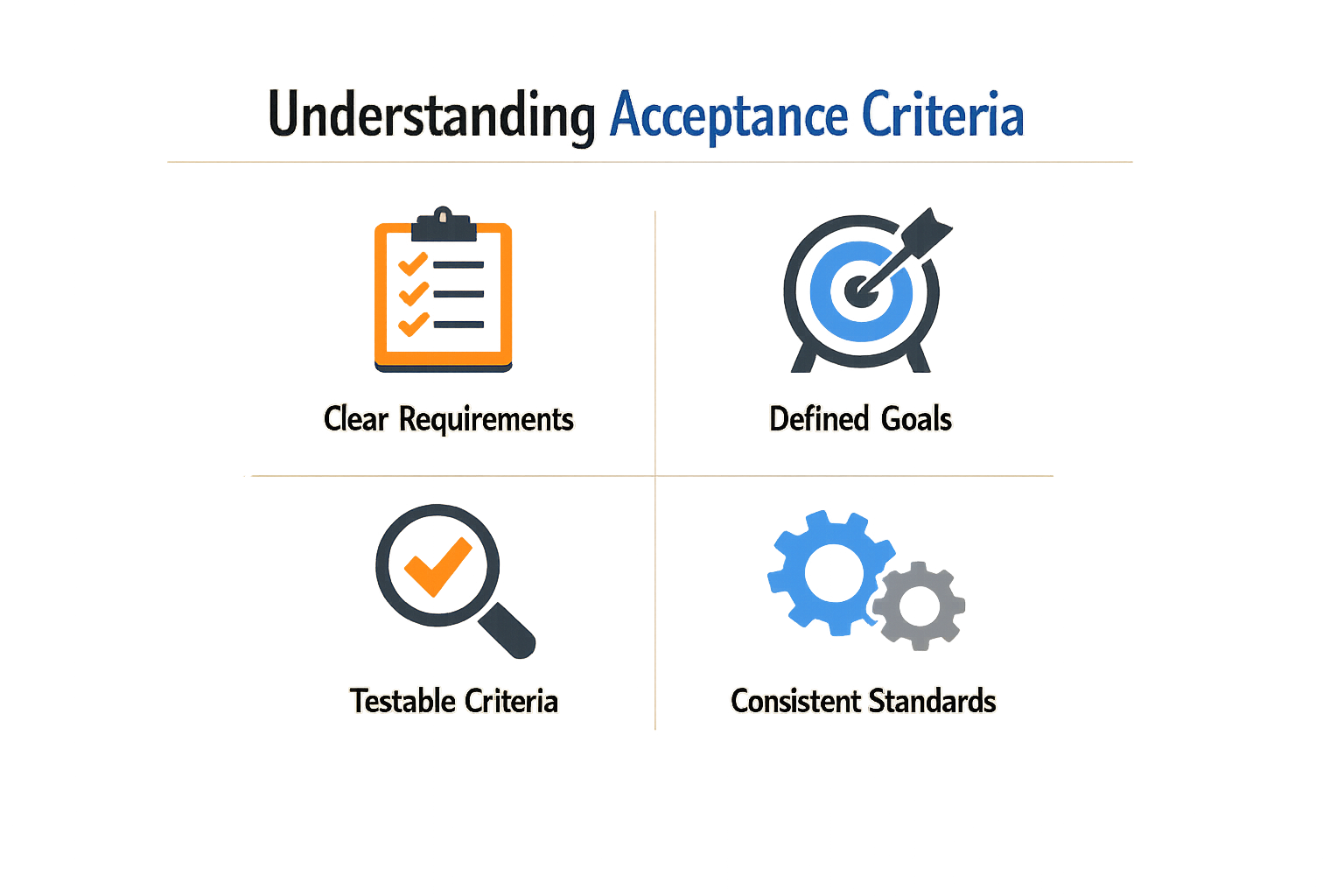
Acceptance criteria are the specific, testable conditions a feature must satisfy before you can call it done. They answer one question: "How will we know this works?" Without them, you're asking a developer to read your mind.
Think of acceptance criteria as a checklist your team uses to verify a feature does what you intended. If you write "users should be able to log in," that's vague. If you write "users enter email and password, click 'Log In,' see a spinner for 1–2 seconds, then land on the dashboard," everyone knows what success looks like.
What Acceptance Criteria Actually Define
Acceptance criteria describe the behavior of a feature from the user's perspective. They're not technical specs—they're the conditions that make a feature acceptable to you, the product owner. Each criterion should be testable: someone can open the app, follow the steps, and confirm whether it passes or fails.
Good criteria cover three things: what the user does, what the system does in response, and what the user sees or experiences as a result. They don't explain how the code works—they explain what the working code should accomplish.
Why They're Essential in Project Development
Acceptance criteria create a shared understanding between you and your technical team. When you hand over a PRD, the acceptance criteria are the contract: if the feature meets these conditions, you accept it. If it doesn't, the work isn't finished.
They also prevent scope creep. If a developer asks "Should this button do X or Y?" and the answer isn't in the acceptance criteria, you know the question is out of scope. You can defer it to the next iteration or add it as a new story.
For non-technical founders, acceptance criteria are your translation layer. You don't need to know how authentication tokens work—you need to know that when a user enters the wrong password three times, they see an error message and the account locks for 10 minutes. The criteria let you specify outcomes without specifying implementation.
Importance for Non-Technical Founders

Non-technical founders face a specific problem: you know what the app should do, but translating that vision into instructions a developer can execute is harder than it looks. The principal risk is that you and your builder declare the same feature complete using different standards. You think "login works" means password reset emails arrive in under a minute; your developer thinks it means the form submits without throwing an error. Both of you are right by your own definition, and both of you are frustrated.
Acceptance criteria close that gap. They force you to write down what "done" means before anyone writes code. When you specify that a user can reset their password, receive an email within 60 seconds, and click a link that remains valid for 24 hours, you've given your team a checklist they can test against. No interpretation required.
Why This Matters More for Non-Technical Founders
Technical co-founders often skip formal acceptance criteria because they can debug ambiguity in real time—they're in the codebase, they see the edge cases, they adjust. Non-technical founders don't have that luxury. You're managing the build from the outside, which means clarity up front is your only leverage. Acceptance criteria let you stay in control without needing to read the code.
They also reduce scope creep during delivery. When a developer asks "should this button work on mobile?" and your acceptance criteria already say "button renders and functions on iOS Safari and Chrome Android," the answer is in the document. No back-and-forth, no surprise invoices for "additional mobile work."
Aligning Stakeholders Without Technical Fluency
Acceptance criteria help software teams clarify what "done" means for a specific feature, align stakeholders, and reduce scope creep during delivery. For a non-technical founder, this alignment is the difference between a feature that ships on time and one that drifts through three rounds of "just one more tweak." When your designer, developer, and QA tester all reference the same acceptance criteria, they're working from a shared definition of success.
This is especially useful when you're coordinating a distributed team or working with a dev shop. You can't sit next to the developer and clarify every question in real time, so the acceptance criteria become your stand-in. They answer the questions you won't be around to field.
If you're still figuring out how to structure your app idea into something a developer can quote, What Is a PRD? A Plain-English Guide for Non-Technical Founders walks through the broader planning framework that acceptance criteria fit into.
Acceptance Criteria Examples
Acceptance criteria translate what you want into what a developer can build. The examples below show patterns that work for common features in early-stage apps.
User Login
Given a registered user with a valid email and password, when they submit the login form with correct credentials, then they are redirected to their dashboard within 2 seconds.
This example includes three parts: the starting condition (registered user), the action (submit form), and the expected result (redirect plus timing). The 2-second constraint keeps the team honest about performance.
Password Reset
For a password reset feature, acceptance criteria might include:
- Forgot password link appears on the login page
- User receives a reset email within 5 minutes
- Reset link expires after 24 hours
- New password must meet existing password requirements
- User sees confirmation message after successful reset
Each line is testable. A developer can check the link, measure email delivery, verify expiration logic, and confirm the password validator runs.
Sign-Up Flow
For a sign-up flow, acceptance criteria could include:
- New user lands in their dashboard after signing up
- User receives a welcome email
- Error message appears if they try to sign up with an existing email
- Sign-up form validates email format before submission
- Dashboard shows user's name from the sign-up form
These criteria cover the happy path (successful sign-up) and one failure mode (duplicate email). You don't need to list every edge case, but flag the ones that matter to your users.
Search Results
Given a user on the search page, when they enter a query and press Enter, then:
- Results appear in under 3 seconds
- At least 10 results display per page
- Each result shows title, snippet, and date
- No results message appears if query returns zero matches
Timing and quantity matter here. "Fast" is vague; "under 3 seconds" is measurable.
Payment Processing
For a checkout feature:
- User sees itemized cart before payment
- Payment form accepts major credit cards
- User receives email receipt within 1 minute
- Failed payment shows specific error (card declined, expired, etc.)
- Successful payment redirects to confirmation page
Payment flows need clarity around failure states. "Shows error" is weak; "shows specific error" tells the developer to surface the actual problem.
Acceptance criteria answer the question: how will I know this feature is done?
File Upload
Given a user uploading a file, when they select a file under 10 MB, then:
- Upload progress bar appears
- File name displays after successful upload
- Error message appears if file exceeds 10 MB
- Supported formats: PDF, DOCX, PNG, JPG
File size limits and format restrictions belong in acceptance criteria. These constraints affect both the interface and the backend validation.
Notification System
For in-app notifications:
- Notification badge appears when user has unread messages
- Badge count updates in real time
- Clicking notification marks it as read
- Notifications persist across sessions until dismissed
- User can dismiss all notifications with one click
Real-time behavior and persistence are functional requirements. If the badge doesn't update until refresh, the feature feels broken.
Profile Editing
Given a logged-in user on their profile page, when they update their name and save, then:
- New name appears immediately on the profile page
- New name appears in the navigation header
- User sees success confirmation message
- Changes persist after logout and login
This example tests both immediate feedback and data persistence. Both matter, and both are testable.
Admin Dashboard
For an admin viewing user analytics:
- Dashboard loads with data from the past 30 days by default
- Admin can filter by date range
- Charts update when filters change
- Export button downloads data as CSV
- Empty state appears if no data matches filters
Default states and empty states often get skipped. Calling them out in acceptance criteria prevents half-finished features.
Mobile Responsive Behavior
For mobile users:
- Navigation collapses into hamburger menu on screens under 768px
- All buttons remain tappable (minimum 44px touch target)
- Forms stack vertically on mobile
- Images scale to fit screen width
- No horizontal scrolling on any screen size
Responsive behavior is functional, not aesthetic. If buttons are too small to tap, the feature doesn't work.
API Integration
For a third-party API integration:
- System retries failed requests up to 3 times
- User sees error message if all retries fail
- Successful response updates database within 5 seconds
- Rate limit errors trigger graceful degradation
- Integration logs all requests for debugging
API integrations fail. Acceptance criteria should cover retry logic, error handling, and observability.
These examples follow a pattern: state the condition, describe the action, define the outcome. When you write criteria this way, developers know what to build and you know what to test. For more context on how acceptance criteria fit into the broader planning process, see What Is a PRD? A Plain-English Guide for Non-Technical Founders.
Writing Effective Acceptance Criteria
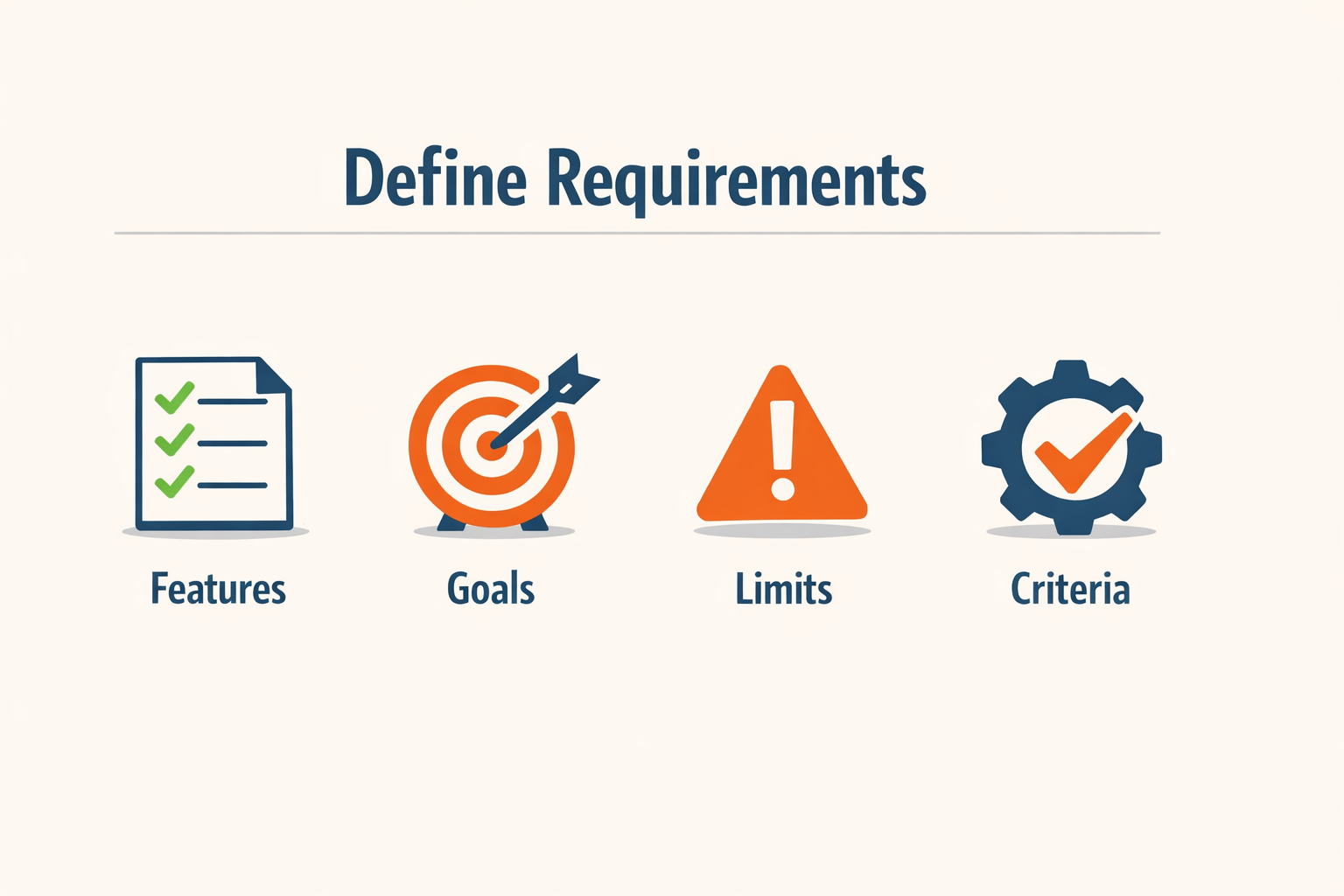
Writing acceptance criteria isn't about technical prowess. It's about clarity. Most non-technical founders stumble because they conflate what the feature should do with how the developer should build it. The former is your job; the latter is theirs.
Two formats dominate: Given/When/Then (Gherkin style) and checklist style. Given/When/Then sets context, triggers an action, and states the outcome. Checklist style lists conditions that must be true when the work is done. Pick one format per story and stick with it.
Five Rules That Matter
These five rules separate usable acceptance criteria from documentation theater:
- Define the what, not the how. State the outcome the user experiences, not the database schema or API endpoint. "User sees confirmation message" beats "System writes to confirmations table."
- Make every criterion testable. If a developer can't verify it by running the app or checking a log, rewrite it. "Fast load time" is not testable. "Page loads in under two seconds" is.
- Cover the sad path. Users will enter bad emails, click buttons twice, and lose their network mid-save. Write criteria for failure states, not just the happy path.
- Keep criteria independent. Each criterion should stand alone. If testing one requires another to pass first, you've coupled them—split or reorder.
- Write them before sprint planning. Criteria written after the work starts are justifications, not requirements. Lock them in before anyone writes code.
The Before-Planning Rule
Acceptance criteria written during or after development are nearly worthless. They become a paper trail for decisions already made, not a contract for what needs building. Define them before sprint planning so they guide estimates and design, not rubber-stamp completed work.
For more context on structuring your product requirements upfront, see What Is a PRD? A Plain-English Guide for Non-Technical Founders.
Common Mistakes to Avoid
Most founders write their first acceptance criteria examples in a rush, right before sprint planning or after the developer already started coding. That timing alone guarantees ambiguity, rework, and missed sprint goals. The mistake isn't lack of effort — it's writing criteria when they can no longer shape the work.
Define acceptance criteria before sprint planning begins. If you write them after development starts, they become retroactive justifications instead of requirements. The team codes to their interpretation, and your criteria arrive too late to correct course.
Writing Too Much or Too Little
One extreme: acceptance criteria that read like legal contracts, covering every edge case, error message, and pixel alignment. The other extreme: a single vague sentence like "login should work." Both fail.
Too much detail locks developers into implementation choices that may not be optimal. Too little detail forces them to guess what "work" means — and their guess rarely matches yours. Aim for the middle: clear pass/fail conditions without prescribing how the code achieves them.
Skipping the Negative Cases
Most founders write happy-path criteria: "User enters valid email and password, system logs them in." They forget the system must also handle invalid credentials, expired sessions, rate limiting, and network timeouts.
Negative cases aren't edge cases — they're half the specification. A feature that works perfectly when everything goes right but crashes when a user mistypes their password isn't done. Write at least one criterion for each failure mode you expect users to encounter.
Mixing Acceptance Criteria with Implementation Details
Acceptance criteria describe what the system must do. They don't describe how the code should do it. When you write "use OAuth 2.0 with JWT tokens stored in localStorage," you've crossed into implementation.
Developers need room to choose the right technical approach. Your job is to specify observable behavior: "User remains logged in after closing and reopening the browser." Let the team decide whether that requires JWT, session cookies, or something else.
The cheapest bug fix is the one you catch before anyone writes code — and clear acceptance criteria catch most of them.
Ignoring Team Input
You write the first draft of acceptance criteria, but you shouldn't write the final version alone. Developers spot technical impossibilities. Testers find gaps in coverage. If you skip that review cycle, you'll discover the problems during QA — when fixing them costs 10x more.
Circulate draft criteria at least 24 hours before sprint planning. Ask one question: "Can you build and test this as written?" The answers surface ambiguity while you still have time to clarify.
For more context on how acceptance criteria fit into the broader planning process, see What Is a PRD? A Plain-English Guide for Non-Technical Founders.
Collaboration with Technical Teams
Acceptance criteria sit at the boundary between what you want and what gets built. When you write them clearly, developers can test against them directly. When you write them vaguely, your team spends more time in Slack than in code.
Non-technical founders often assume the technical team will fill in the gaps. They won't—or they'll fill them differently than you expected. Acceptance criteria force you to define the customer, the problem, the workflow, and the evidence that justifies continuing before anyone discusses implementation.
Use Acceptance Criteria as the Handoff Document
Your developer doesn't need to know why you chose this feature over another. They need to know what counts as done. Acceptance criteria replace long explanations with testable statements. Instead of "make the login smooth," write:
- User enters email and password, clicks Sign In, sees dashboard within 2 seconds
- Invalid credentials show "Incorrect email or password" below the form
- Forgot Password link sends reset email within 30 seconds
Each line is a test case. Your developer can check them off without asking follow-up questions. If you're working with a vibe-coding workflow, this structure also helps you validate AI-generated code—paste the criteria into the prompt and ask the model to confirm coverage.
Hold a Kickoff, Not a Handoff
Walk through the acceptance criteria together before work starts. Read each line aloud. Ask your developer if anything is ambiguous or missing. This 15-minute conversation catches mismatches early—before they're baked into code.
During the kickoff, your developer may flag technical constraints you didn't consider. "We can't guarantee 2-second load on 3G" is useful information. Adjust the criteria or accept the tradeoff, but don't leave it unresolved.
Treat Acceptance Criteria as Living Documents
Requirements change. When they do, update the criteria before the developer changes the code. If you discover a new edge case mid-sprint, add it to the list and mark it as a revision. This creates a paper trail—useful when you're reviewing what shipped versus what you originally asked for.
Bootstrapped founders should leverage communities, tools, and lightweight workflows to keep this process from becoming overhead. A shared Notion doc or Linear ticket with inline criteria works better than a formal PRD when you're moving fast.
Real-Life Case Studies
Case studies show how acceptance criteria translate theory into working software. Three patterns emerge from founders who got it right: they wrote criteria before code started, they tested against those criteria with real users, and they treated unclear outcomes as specification failures, not developer mistakes.
The MVP That Shipped on Schedule
A solo founder building a client intake form needed developers to understand "easy for my clients" without micromanaging UI decisions. She wrote acceptance criteria focused on outcomes: "Client completes intake in under 3 minutes on mobile," "Form saves progress if client closes browser," "Confirmation email arrives within 60 seconds." Developers chose their own implementation path. The feature shipped in two weeks because there was no back-and-forth about what "user-friendly" meant.
The criteria gave the team a finish line. When the developer demoed a form that met every criterion but used a non-standard date picker, the founder approved it. The criteria didn't specify UI components, only that mobile users could complete intake quickly. That constraint let the developer optimize for speed instead of waiting for design mockups.
The Feature That Avoided Scope Creep
A founder building a subscription dashboard wrote acceptance criteria for a billing summary: "User sees current plan name and price," "User sees next billing date," "User can click to view full invoice history." During development, the team suggested adding payment method editing, proration calculators, and plan comparison charts. The founder pointed to the original criteria and deferred those features.
The billing summary launched with three clear behaviors. User feedback showed they wanted payment method editing, so the founder wrote new acceptance criteria for that feature in the next sprint. The original criteria protected the timeline by defining what success looked like for version one.
Acceptance criteria turn "build something good" into "build these three things that we can verify."
The Prototype That Became Production
A non-technical founder used vibe coding to build a scheduling tool prototype. When it was time to hand off to professional developers, she had no specification document. She reverse-engineered acceptance criteria from the working prototype: "Calendar shows available slots in 30-minute blocks," "User receives SMS confirmation within 2 minutes of booking," "Admin can block dates without deleting existing appointments."
Developers rebuilt the app in a proper stack using those criteria as the contract. The new version matched prototype behavior in areas that mattered to users and improved performance where the prototype had been slow. The acceptance criteria bridged the gap between throwaway code and production without requiring the founder to write technical specifications.
What These Cases Share
Each founder defined done before work started. They wrote criteria that developers could test without interpretation. They used criteria to say no to feature creep and yes to shipping. The criteria didn't eliminate all questions, but they eliminated the question of whether the feature worked as intended.
Final Thoughts and Recommendations
Acceptance criteria are not documentation for its own sake. They exist to complete one customer journey and prove the product solves a real problem. A useful first release does exactly that—it ships the workflow that matters, not a miniature version of your eventual vision.
Before you write a single criterion, define three things: the customer, the problem, and the workflow that would justify continuing. If you can't describe those in two sentences each, your acceptance criteria will drift into feature lists and edge cases that don't matter yet. The evidence you need is whether the core journey works, not whether every button has the right shade of blue.
Start small. Write criteria for one complete flow—sign up, do the task, see the result. Test it with a real user. If that flow fails, no amount of additional features will save the product. If it succeeds, you have a foundation to build on. Most founders write too much too early; the discipline is knowing what to leave out.
Collaborate early with your technical team. Show them the customer problem and the workflow before discussing implementation. Developers build better solutions when they understand the why, not just the what. Acceptance criteria bridge that gap—they turn your customer insight into testable outcomes without prescribing the code.
The best acceptance criteria are the ones you can test in five minutes with a real user. If you need an hour of setup or explanation, simplify the workflow or split it into smaller pieces. Your first release should feel incomplete to you and complete to the user—that's the signal you're focused on the journey that matters.
For founders just starting out, What Is a PRD? A Plain-English Guide for Non-Technical Founders walks through how acceptance criteria fit into the broader planning process.
Conclusion
Acceptance criteria turn vague ideas into testable requirements. You write them once, before any code ships, and they save weeks of rework later. Non-technical founders who learn this skill cut their revision cycles in half and ship features that actually work.
Start small. Pick one feature in your backlog and write three acceptance criteria in plain Given-When-Then format. Show them to your developer or AI coding tool. If they ask clarifying questions, your criteria weren't clear enough—revise and try again. The first five features feel slow; by the tenth, you'll write criteria faster than you write Slack messages.
The best acceptance criteria examples come from your own product. Build a library of patterns that match your domain—login flows, payment steps, data imports—and reuse them. Every project teaches you which edge cases matter and which don't. Over time, you'll spot ambiguity in requirements before anyone writes a line of code.
If you're ready to move from acceptance criteria to a full product spec, read What Is a PRD? A Plain-English Guide for Non-Technical Founders to see how these pieces fit into a complete requirements document. Clear criteria are the foundation; a solid PRD is the blueprint.
Write criteria that you'd bet money on. If a developer or QA tester can pass all your conditions and still deliver something you don't want, your criteria missed a case. Fix that gap now, not after the feature launches. Acceptance criteria are cheap insurance—use them every time.
Related reading
Best Vibe Coding Tools in 2026 (Compared)
Related reading
PRD Mistakes That Doom App Projects: 10 Simple Must-Know Fixes