LLM Architecture Patterns for Production Applications
Top takeaways
- LLM architecture patterns define how you structure inference, memory, and orchestration layers in production
- Choosing the wrong pattern locks you into latency or cost problems that don't surface until you're live
- Most production failures trace back to mismatched patterns—RAG where you needed fine-tuning, synchronous calls where you needed queues
- Understanding core patterns lets you build systems that scale predictably instead of collapsing under real load
- The right architecture trades off between response time, token cost, and infrastructure complexity based on your actual use case
Introduction
LLM architecture patterns for production applications are the structural blueprints that determine how your system handles requests, manages context, and delivers responses at scale. You're not just wiring up an API call. You're deciding whether your app can serve 10 users or 10,000, whether it costs you $50 a month or $5,000, and whether it fails gracefully or dumps stack traces into Slack at 2 AM.
I've watched founders vibe-code a prototype in an afternoon, then spend three months rewriting it because they picked a synchronous request-response pattern when their use case needed asynchronous batch processing. The demo worked. Production didn't. The architecture pattern you choose in the first week often decides whether you're debugging infrastructure or shipping features in month three.
Production LLM systems break down into a few repeating patterns: request-response for low-latency interactions, retrieval-augmented generation when you need to ground answers in your data, agent frameworks when the task requires multi-step reasoning, and batch processing when throughput matters more than speed. Each pattern has different cost curves, failure modes, and scaling characteristics. Picking one isn't about following best practices—it's about matching the pattern's trade-offs to your workload.
This guide walks through the core app development plan considerations for each pattern, the problems they solve, and the new problems they create. You'll see where each pattern fits, what breaks first under load, and how to structure your stack so you can swap components without rewriting everything.
The goal is to choose a pattern that matches your actual constraints—latency budget, token cost, data freshness, error tolerance—and build it in a way that lets you iterate without starting over every time a requirement shifts.
Problem Statement
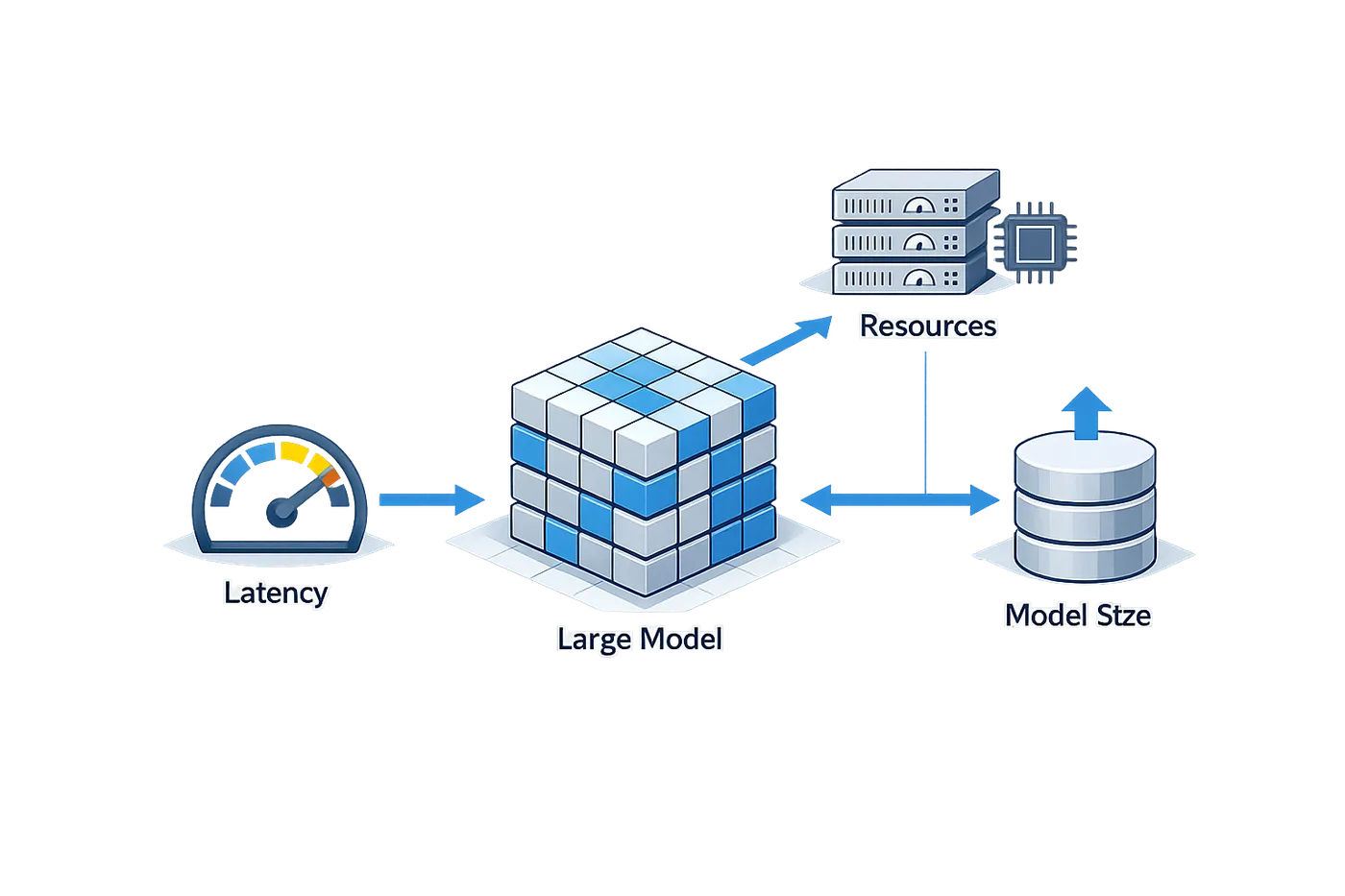
Deploying LLMs in production exposes gaps that prototypes never reveal. A working demo running on your laptop is not the same as a system serving real users under load. The model that responds in three seconds during testing can timeout under concurrent requests. The prompt that works ninety percent of the time leaves ten percent of your users with broken workflows.
Configuration Drift and Access Control
Production LLM systems inherit the same configuration and authorization risks as any distributed application. Frameworks ship with general-purpose defaults. Those defaults rarely match your security posture or access requirements. A model endpoint configured to accept any authenticated request becomes a liability the moment you add a second user role.
Defense in depth applies to LLM deployments the same way it applies to traditional applications. A single authorization layer is not enough. You need request validation, model access controls, output filtering, and runtime monitoring. Each layer catches what the others miss. When one layer fails, the others contain the damage.
Privilege Creep and Testing Gaps
Permissions expand over time. A developer adds a new feature and grants temporary access to a model endpoint. The temporary grant becomes permanent. Three months later, a contractor account still has write access to production prompts. This is privilege creep, and it is easier to prevent than to remediate.
Testing authorization logic in LLM systems is harder than testing traditional CRUD operations. You cannot rely on unit tests alone. You need integration tests that validate the full request path: user identity, role mapping, model selection, prompt injection defenses, and output redaction. If your test suite does not cover all of those, you have untested attack surface.
It is easier to grant users additional permissions than to take away some they previously enjoyed. Careful planning early reduces the risk of needing to revoke privileges later.
Static resources matter. If your LLM system serves documents, embeddings, or cached responses, those assets need the same access control rigor as dynamic model calls. A publicly readable S3 bucket containing your fine-tuning data is a breach waiting to happen. Contextually appropriate protection means every asset class gets its own policy, not a blanket rule applied at the perimeter.
Solution Steps
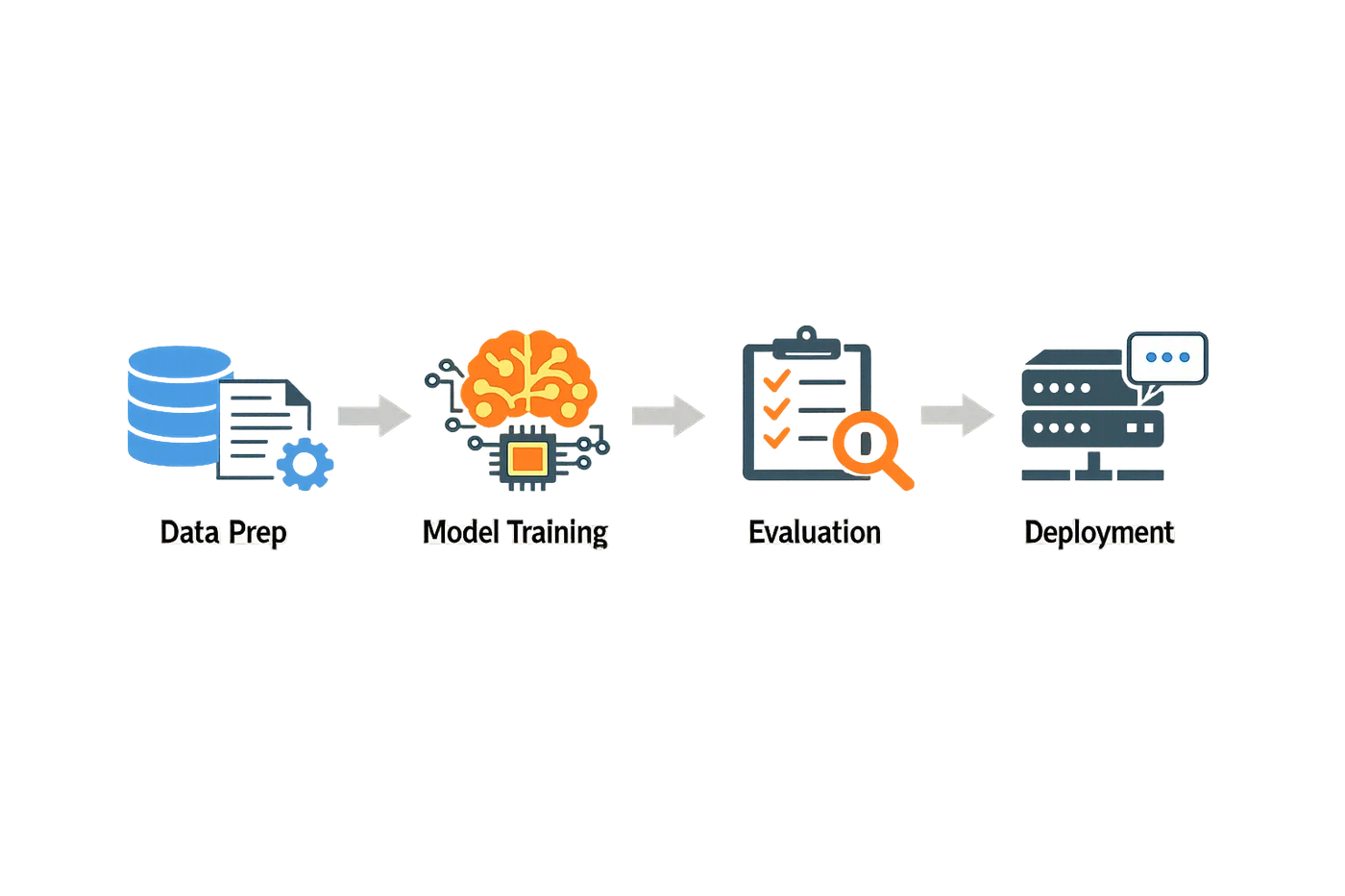
Implementing LLM architecture patterns for production requires deliberate structure at every layer. The patterns below address input validation, error handling, modularity, and rollback safety — the four areas where production systems break.
Step 1: Establish Service Boundaries with Input Validation
Step 1
Define service boundaries
Create one service file per logical domain under a consistent directory structure. Always validate inputs at the service boundary before passing data to internal functions. This prevents malformed prompts, token overruns, and injection attempts from reaching your model layer.
Validation catches type mismatches, missing required fields, and out-of-range parameters before they trigger expensive API calls. A rejected request costs you nothing; a malformed completion costs tokens and user trust.
Step 2: Structure Error Objects for Observability
Step 2
Standardize error responses
Return structured error objects with a code and message field. Never throw raw strings. This pattern enables automated alerting, retry logic, and user-facing error messages that don't leak implementation details.
When a model times out or returns a safety refusal, your monitoring stack needs a machine-readable signal. Structured errors let you route retries to fallback models, log failure modes by category, and surface actionable messages to users.
A structured error object is the difference between "something broke" and "rate limit hit on provider X, retrying with provider Y."
Step 3: Keep Components Under 200 Lines
Step 3
Extract subcomponents early
When a component file grows beyond 200 lines, extract subcomponents into the same directory. Use named exports instead of default exports to make imports explicit and refactoring safer.
Large files hide coupling. A 500-line component that mixes prompt assembly, streaming response handling, and UI state becomes unmaintainable. Breaking it into focused pieces — one for prompt logic, one for stream parsing, one for display — makes each testable in isolation.
Prefer composition over prop drilling. Pass children or render props instead of threading configuration through multiple layers. This keeps your component tree shallow and your data flow visible. For more on structuring early-stage products with clarity, see The One-Page PRD: A Lean Template for MVPs.
Step 4: Build Reversible Migrations
Step 4
Write up and down functions
Every database migration must have both up and down functions so it can be fully reversed. Never alter a column type in-place. Add a new column, backfill data, then drop the old column in a separate migration.
LLM applications store prompt templates, conversation history, and model configurations in the database. A schema change that breaks rollback leaves you stuck on a bad deploy. Reversible migrations let you roll forward or backward without data loss.
Step 5: Co-locate Styles and Read Before You Change
Co-locate styles in a module CSS file next to each component. This keeps styling changes scoped and prevents cascade conflicts when you update one part of the UI.
When you are unsure about implementation details, read the relevant source files before proposing changes. Never modify generated files in dist or build directories — those are artifacts, not sources.
Tips and Tricks
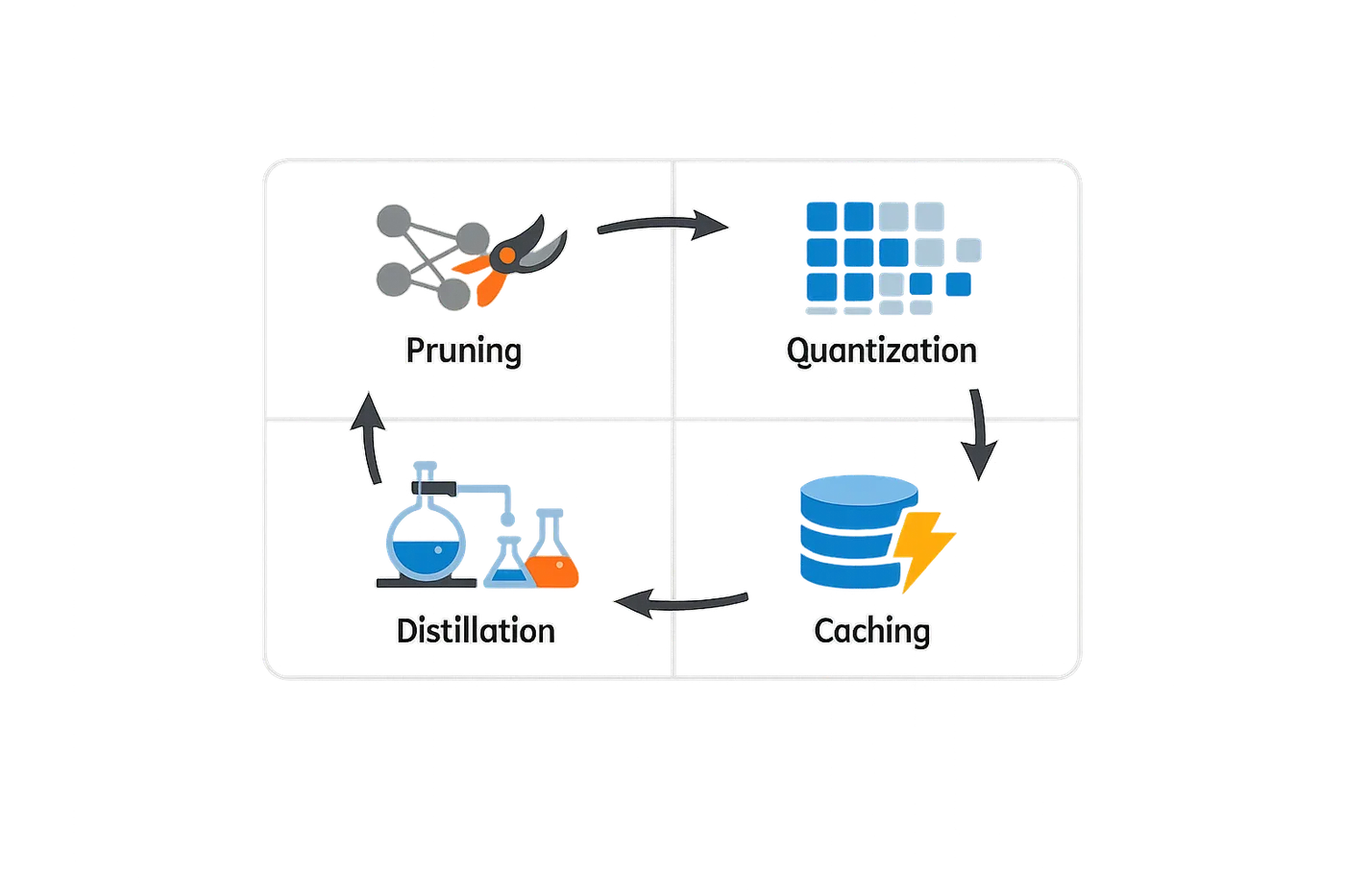
I've shipped enough prototypes to know the gap between demo-day magic and production stability. The patterns work when you treat them as starting points, not blueprints. Here's what keeps systems running when the load is real.
Test Permissions Early and Often
Create validation tests for every access boundary you define. Map out who can call which endpoints, which models can access which data stores, and which services can invoke which functions. Run those tests before deploy, not after the first breach.
Grant least privilege from day one. It's easier to add a permission when someone needs it than to strip one they've relied on for months. When you're wiring up a new LLM endpoint or chaining multiple models, start with the narrowest scope that works, then expand only when the use case demands it.
Layer Your Defenses
Don't rely on a single framework or library to enforce access control. Misconfiguration in one layer can bypass the whole stack. Use framework-level guards, application logic checks, and infrastructure policies together. If your API gateway enforces rate limits, your application should still validate request signatures, and your model wrapper should still check token quotas.
Defense in depth means every layer assumes the one before it failed.
When you're building with AI tooling, remember that most frameworks are general-purpose. They ship with defaults that work for demos, not production. Customize authorization, logging, and error handling to fit your threat model. A vibe-coded prototype might skip this step, but production can't.
Secure Your Static and Cloud Resources
If you're serving model weights, prompt templates, or cached outputs from cloud storage, lock down those buckets. Use the vendor's IAM tools to restrict access by service account, enable versioning so you can roll back after a bad deploy, and turn on access logging so you know when something pulls data it shouldn't.
The same goes for any external dependencies your LLM calls — third-party APIs, vector databases, retrieval indexes. Each one is a potential leak or bottleneck. Treat their configuration with the same rigor you'd apply to your own code.
Conclusion
LLM architecture patterns are not theoretical exercises. They determine whether your production application handles load, stays within budget, and ships features without rewriting the stack every quarter.
I've watched solo founders burn weeks chasing the perfect pattern when a simple prompt-response loop would have validated their idea. I've also seen teams hit scale and realize their architecture can't support the next 10x without a ground-up rebuild. The pattern you choose sets the ceiling for what you can deliver and how fast you can move.
The right architecture pattern depends on your constraints: latency requirements, cost per request, team size, and how much complexity you can maintain. A RAG pipeline makes sense when you need fresh data and can tolerate retrieval overhead. Agentic patterns work when tasks require multi-step reasoning and you can afford the token cost. Fine-tuning pays off when you have labeled data and need consistent behavior at high volume.
Start with the simplest pattern that meets your requirements. Instrument everything from day one—latency, token usage, error rates, cache hit ratios. Let real user behavior tell you where to add complexity. Most applications need only one or two patterns working together, not a full catalog.
Production is where architecture decisions become expensive to reverse. Choose patterns you can operate, monitor, and debug when things go wrong at 3 a.m. The best architecture is the one you can ship, measure, and improve without rewriting. For more on turning plans into working systems, see our App Development Plan: Dev Plan Guide for Non-Technical Founders (2025).
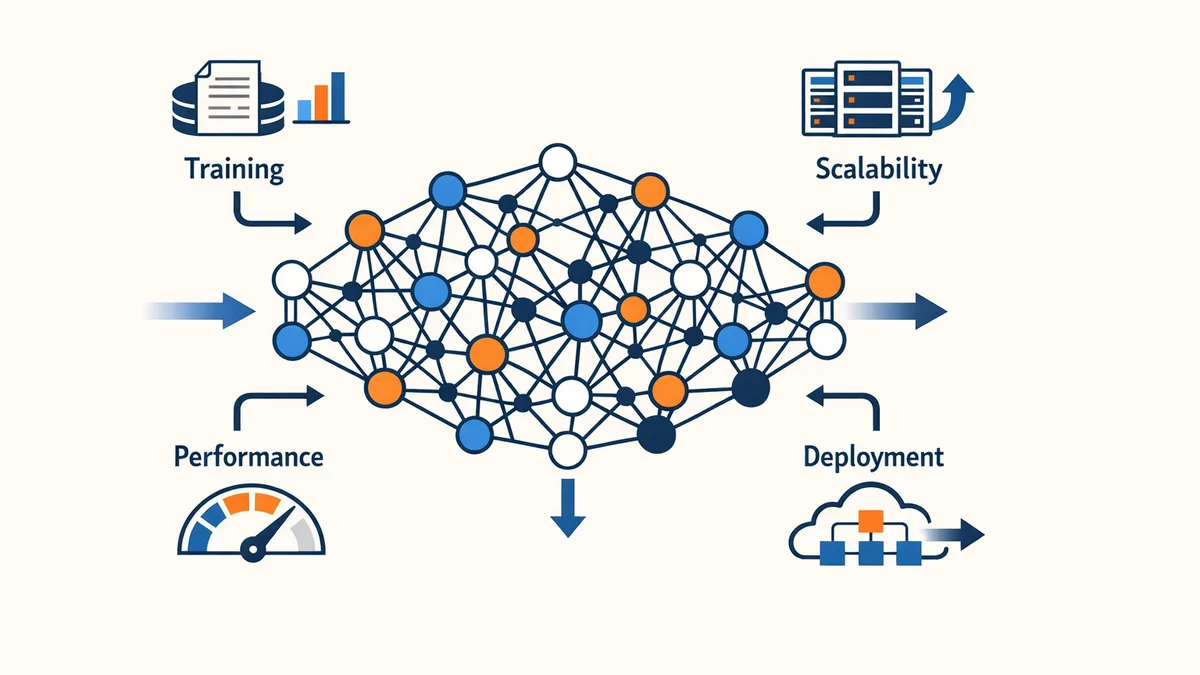
Explore LLM Architecture Patterns for Production Applications and how they enhance performance and scalability.