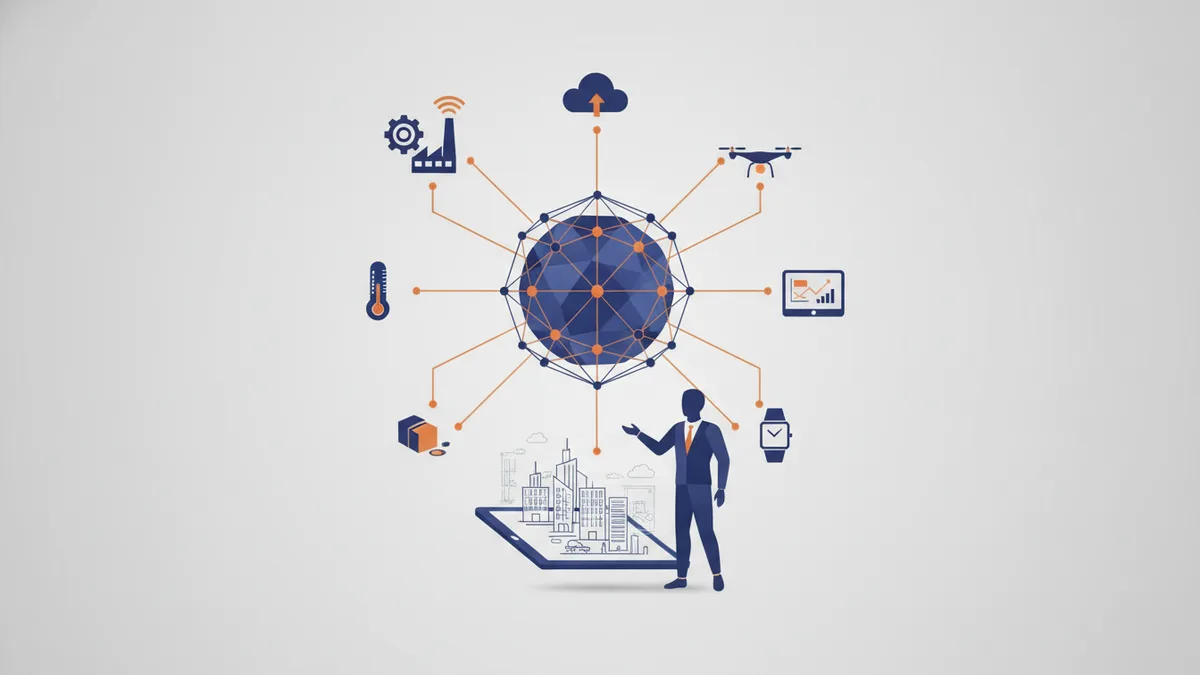
IoT App Development: Connecting Devices to Your Business
Top takeaways
- IoT app development connects physical devices to software systems, enabling real-time data collection and automated business operations
- Modern AI-powered builders can transform IoT concepts into working prototypes without requiring deep technical expertise
- Security and API architecture are critical considerations when building apps that manage device fleets
- REST APIs provide the stateless communication layer most IoT applications rely on for device interaction
- The barrier to entry has dropped — solo founders and small teams can now ship IoT products that once required enterprise engineering resources
Introduction
What IoT App Development Means for Your Business
IoT app development is the process of building software that talks to hardware. Sensors report temperature. Cameras send frames. Motors respond to commands. Your app sits between those devices and the people or systems that need to act on the data.
I've watched founders spend six months architecting IoT platforms only to discover their device protocol didn't match their API design. The gap between hardware reality and software abstraction is where most IoT projects stall. You need an app layer that handles device state, manages intermittent connectivity, and exposes clean endpoints for business logic.
The tooling has improved. AI-powered builders now generate working web and mobile apps from prompts, which means you can prototype an IoT dashboard or control interface in hours instead of weeks. For more on launching quickly, see How to Launch Your First App as a Startup.
Why Businesses Adopt IoT Apps
Three reasons dominate: visibility, automation, and cost reduction. A warehouse wants live inventory counts. A clinic wants remote patient monitors. A fleet operator wants fuel consumption by vehicle. The app collects the data, applies rules, and triggers actions without human intervention.
REST APIs are the standard communication layer. Devices POST status updates, apps GET current state, and control commands go out as PUT or PATCH requests. Each call is stateless — the endpoint checks authorization and executes the operation without relying on session history. This stateless design keeps IoT systems scalable when you're managing hundreds or thousands of devices.
Security matters more in IoT than in typical web apps. A compromised device can expose your entire network. Management endpoints need strong authentication, restricted subnets, and logging that catches token validation failures before an attacker pivots. Generic error messages prevent leaking stack traces or internal hints that make reconnaissance easier.
The next sections walk through the specific problems IoT app development solves, the steps to build a working system, and the operational tricks that keep devices online and data flowing.
Problem Statement
Connecting devices to business systems creates friction at every layer. Hardware talks different protocols. Cloud platforms demand specific authentication schemes. Real-time data streams overwhelm databases built for request-response. Most businesses discover these constraints after they've committed to vendors and timelines.
Security Becomes the Bottleneck
Session management breaks when devices don't behave like browsers. Web applications focus on detecting anomalies associated with session IDs — manipulation, reuse, unexpected User-Agent changes mid-session. IoT endpoints rarely present stable session tokens. A temperature sensor doesn't maintain cookies. A fleet tracker cycles through IP addresses. Standard intrusion detection assumes human interaction patterns that don't exist in machine-to-machine traffic.
Database privileges compound the problem. Minimizing access rights per account is straightforward when you have five application servers. It's a different problem when you have five thousand edge devices, each requiring write access to telemetry tables. SQL injection risks multiply when parameterized queries must accommodate dynamic device metadata that wasn't in the original schema.
Integration Gaps Between Device and Application Layers
Most IoT projects start with a proof-of-concept that works on a conference room table. Then you deploy to a warehouse with intermittent connectivity, or a vehicle that crosses carrier boundaries, or a medical facility where every packet must satisfy audit requirements. The gap between prototype and production isn't technical debt — it's architectural mismatch.
Devices generate data faster than applications can validate it. Applications expect synchronous responses that devices on cellular backhaul can't guarantee. Firmware updates require rollback strategies that weren't in the original SaaS app development plan. Each layer assumes the other will handle edge cases that nobody specified.
Solution Steps for IoT App Development
Building an IoT application means connecting hardware to software in a way that survives real-world use. The steps below outline how to move from concept to working system without getting stuck in architecture debates or vendor lock-in.
Define Device Requirements and Data Flow
Start by cataloging what your devices actually do. List every sensor, actuator, and communication protocol. Document the data each device generates — frequency, payload size, and whether it needs bidirectional communication. If a temperature sensor sends readings every 30 seconds and a motor controller needs commands in under 200ms, write that down. Vague requirements produce vague systems.
Map the data flow from device to backend to user interface. Identify where processing happens — on the device, at the edge, or in the cloud. This step prevents you from discovering halfway through development that your chosen platform can't handle the latency or throughput you need.
Step 1
Inventory your hardware
Create a spreadsheet with columns for device type, communication protocol, data rate, power constraints, and environmental conditions. Include part numbers and firmware versions. This inventory becomes your reference when evaluating platforms and debugging production issues.
Choose Your Development Stack
Pick tools that let you build end-to-end without switching contexts constantly. Modern platforms handle both UI and backend logic, not just mockups. Look for systems that support your target protocols — MQTT, CoAP, HTTP — and integrate with your existing infrastructure.
End-to-end development involves building both UI and backend logic, not just mockups. You need a stack that lets you prototype device communication, test data pipelines, and iterate on the user interface in the same environment. Switching between three different tools to test one feature slows you down.
Build Device Integration Layer
Write the code that connects devices to your backend. This layer handles authentication, message parsing, error recovery, and protocol translation. Start with one device type and get it working reliably before adding others.
Test failure modes explicitly. Disconnect the network, send malformed payloads, and simulate devices that reboot mid-transmission. IoT systems fail in the field when you assume happy-path communication. Your integration layer should log errors, retry intelligently, and alert you when devices go offline.
Step 2
Implement message handling
Build handlers for each message type your devices send. Parse the payload, validate the data, and store it or trigger actions based on business logic. Include timestamps and device identifiers in every log entry so you can trace problems back to specific hardware.
Develop Application Logic and UI
Once devices are talking to your backend, build the application layer that turns raw data into user value. This includes dashboards, alerts, automation rules, and any business logic that acts on device data.
IoT app development can be streamlined by using an agent that writes code, sets up infrastructure, and tests the result, allowing for efficient project management. Autonomous tools can generate boilerplate, configure APIs, and run integration tests while you focus on the parts that differentiate your product.
Keep the UI simple at first. Show device status, recent data, and basic controls. Add complexity only after users tell you what they actually need. Founders waste weeks building features that looked good in planning but solve no real problem.
Test in Production-Like Conditions
Deploy your system in an environment that matches real use. If devices will operate on cellular networks with intermittent connectivity, test that way. If they'll be in warehouses with WiFi congestion, replicate it.
Run your system for days, not hours. IoT bugs surface over time — memory leaks, connection pool exhaustion, database growth. A system that works for two hours in the lab can fail after 48 hours in the field. Monitor resource usage and fix issues before they become production fires.
| Testing Phase | Duration | Focus |
|---|---|---|
| Lab validation | 1–2 days | Protocol compliance, basic functionality |
| Staging environment | 1 week | Load testing, failure recovery |
| Pilot deployment | 2–4 weeks | Real-world conditions, user feedback |
For more on planning your application architecture, see SaaS App Development: Planning Your Subscription Product.
Tips and Tricks for Successful IoT App Development
Building IoT applications requires different habits than traditional app work. The device layer adds failure modes most developers never see in pure software. These tips focus on the operational realities that separate prototypes from production systems.
Plan Before You Build
Most IoT projects fail in the architecture phase, not the code phase. Before touching any implementation tool, map out your device topology, data flow, and failure scenarios on paper.
Define your device count, message frequency, and peak load conditions up front. A system that works with ten devices often collapses at a hundred. Know your scale target before you pick your stack.
Use Real-Time Feedback During Development
IoT apps live or die on timing. Sensor data arrives in bursts, devices drop offline without warning, and network latency varies by orders of magnitude. You need visibility into what your app is doing at runtime, not just what the code says it should do.
Real-time feedback provides a preview of your app, with visual progress indicators and rich UI feedback for all agent actions.
Modern AI-powered builders offer live previews that show you how your application behaves under load. Use them. Waiting until deployment to discover that your message queue can't keep up is expensive.
Choose Tools That Match Your Experience Level
The gap between IoT concept and working product is wide. AI-assisted builders reduce that gap by handling boilerplate infrastructure and letting you focus on business logic. Bolt transforms ideas into working products accessible for both novice and experienced developers, making it a practical choice when speed matters more than custom architecture.
If you're building your first IoT system, prioritize tools that abstract away protocol details and connection management. If you're experienced, look for platforms that let you drop down to raw control when you need it. For broader context on planning your first product launch, see How to Launch Your First App as a Startup.
Test Offline Scenarios Early
Devices lose connectivity. It's not an edge case — it's the normal operating condition for any IoT deployment at scale. Your app must handle disconnected devices gracefully: queue commands, cache state, and recover without manual intervention.
Build offline behavior into your test suite from day one. Simulate network partitions, test reconnection logic, and verify that stale data gets flagged or discarded. The longer you wait to test these scenarios, the harder they are to retrofit.
Keep Device Firmware Separate from App Logic
Your IoT app has two surfaces: the cloud application and the device firmware. Treat them as separate deployment artifacts with independent versioning. Mixing concerns creates systems where a backend change bricks devices in the field.
Maintain backward compatibility in your device API for at least two firmware generations. Devices update slowly — sometimes never — and your backend must accommodate that reality.
Conclusion
IoT app development connects physical devices to business logic. When you ship a working prototype, you prove the integration works. When you ship to production, you prove it scales.
The steps are fixed: define the device schema, pick a protocol, build the ingestion layer, store the data, and expose it through an API. The hard part is not the steps. The hard part is keeping the scope tight enough that you finish.
I have watched founders add "just one more sensor" until the device firmware, the backend, and the app are all half-done. The device that ships is the device that does one thing well. Add the second thing after the first thing works in the field.
Security and access control are not optional. Devices send data continuously, and every message is a potential entry point. Start with parameterized queries and minimal database privileges from day one — retrofitting security after launch is expensive and risky.
AI-powered builders like Bolt can accelerate the frontend and API layer, but they do not replace domain knowledge. You still need to understand your device protocol, your data schema, and your user workflow. The tool writes the code; you write the requirements.
IoT app development is not exotic. It is CRUD with a hardware input. If you can build a form that writes to a database, you can build an IoT app. The device is just another client.
For founders planning their first connected product, SaaS App Development: Planning Your Subscription Product covers the business model and pricing decisions that determine whether your IoT service can sustain itself. The technical stack matters, but the unit economics matter more.
Ship the smallest useful version. Prove the device talks to the server. Prove the server talks to the app. Prove the app shows the data. Then add features.