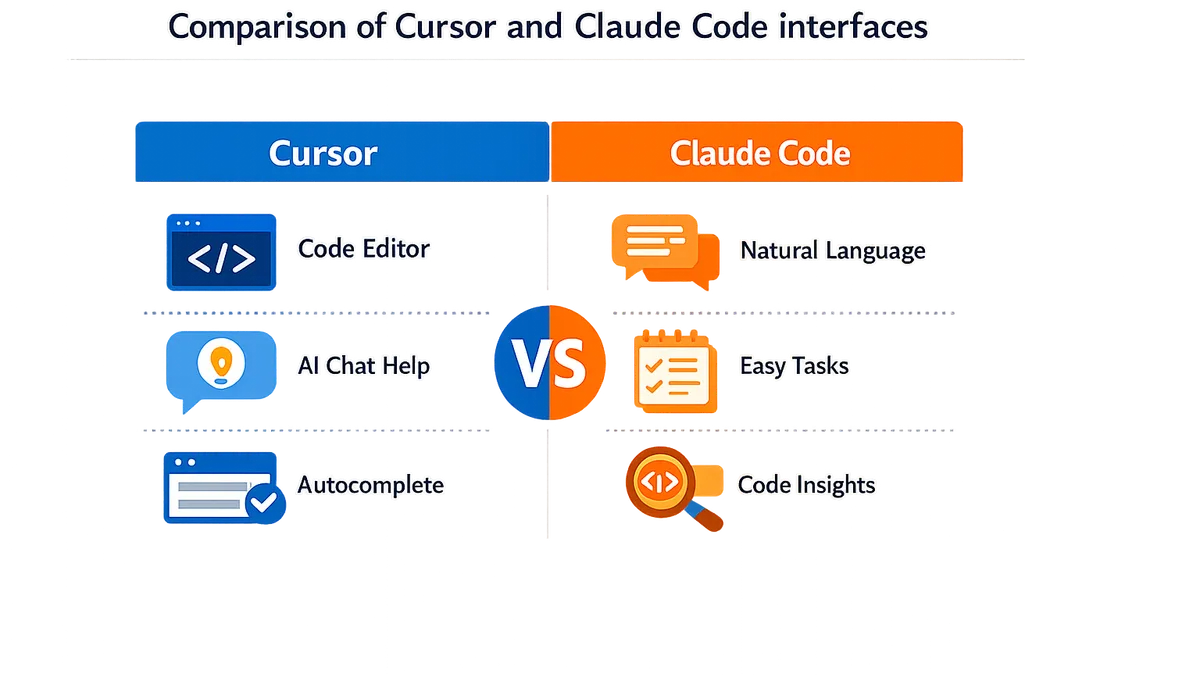
Cursor vs Claude Code for Non-Coders: Which AI Tool Wins?
Top takeaways
- Cursor is a standalone code editor built on VS Code with AI chat and autocomplete; Claude Code refers to using Anthropic's Claude AI through various interfaces for coding tasks
- Cursor offers a unified environment with $20/month Pro pricing; Claude Code access varies by interface (free web chat, $20/month Claude Pro, or API usage)
- Non-coders benefit most from tools that reduce setup friction and provide clear guardrails—this comparison shows which tool delivers that for different workflows
- Your choice depends on whether you want an all-in-one editor (Cursor) or flexible AI access across multiple coding environments (Claude)
Introduction
If you're a non-coder trying to build something, the AI coding landscape looks like a wall of jargon. Cursor and Claude Code both promise to let you write software by talking to an AI. They sound similar. They're not.
Cursor is a specific product—a code editor with AI baked in. Claude Code is shorthand for using Anthropic's Claude AI to help you code, whether that's through the web interface, an API call, or a plugin. One is a place to work; the other is an assistant you bring to your own workspace.
I've watched dozens of solo founders pick the wrong tool first, then switch after two frustrated weeks. The difference matters because your first 20 hours with a tool either build momentum or kill it. For a detailed breakdown of similar AI-assisted workflows, see our guide on how to vibe code.
This comparison walks through what each tool actually does, what it costs, and who should pick which one. No fluff—just the specs and the tradeoffs that matter when you're starting from zero coding experience.
Explore the differences between Cursor and Claude Code for Non-Coders in this in-depth comparison guide.
Overview of Cursor
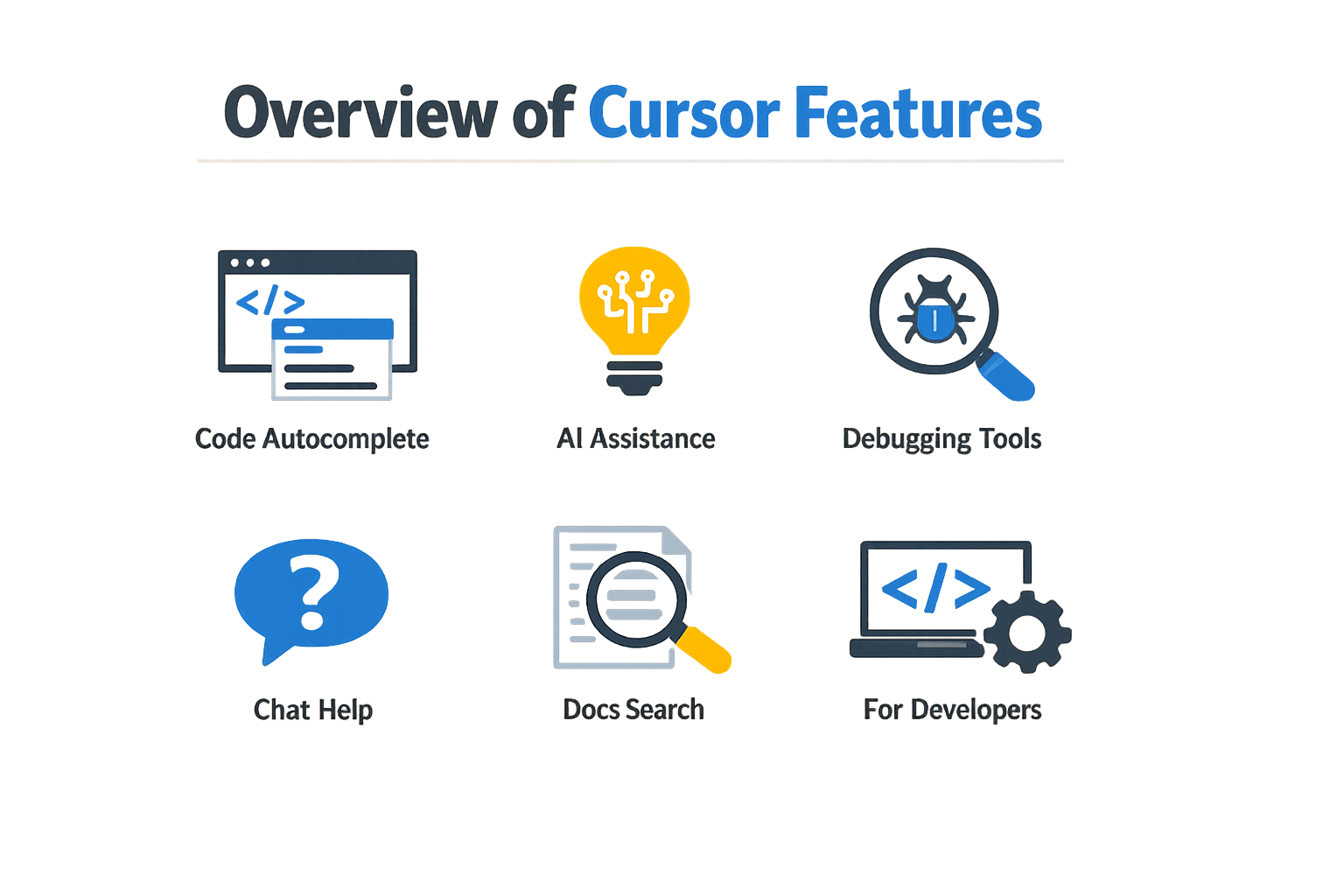
Cursor is an AI-powered code editor built on top of VS Code. It ships with frontier models from OpenAI, Anthropic, Google, and SpaceXSI, giving users access to multiple AI backends in a single interface. The tool is sold as part of The X Subscription, which bundles Cursor with Grok and X for one flat fee.
The editor includes Instant Grep, a custom search engine that outperforms ripgrep on large codebases. Instant Grep runs automatically with full regex and word-boundary matching, so you can find function names, variables, or error strings without configuring anything. Cursor does not upload file paths or code to build a search index — everything stays local.
Who Cursor Is For
Cursor targets developers who want AI assistance inside a full-featured editor. The interface assumes you know how to navigate a codebase, manage files, and read compiler output. Non-coders can use it, but the learning curve is steeper than chat-only tools.
Paid plans include a weekly pool of usage for Cursor models, shared across Grok and Cursor. Third-party models aren't included in the pool; on Premium and above you pay API list price from prepaid credit. On Pro, Pro+, Ultra, and Ultra+ you can bring your own API key.
Pricing Tiers
Annual billing runs from $80/yr for Plus to $2,000/yr for Ultra. The Plus tier gives you basic AI completions; Ultra adds higher usage caps and priority access to new models. If you're building a SaaS prototype and want to switch between Claude, GPT-4, and Gemini without leaving the editor, Cursor's multi-model setup is the main draw.
For non-coders who need a step-by-step workflow guide, the editor's file-tree and terminal panes can feel like extra cognitive load. The tool shines when you already know what file you need to edit.
Overview of Claude Code
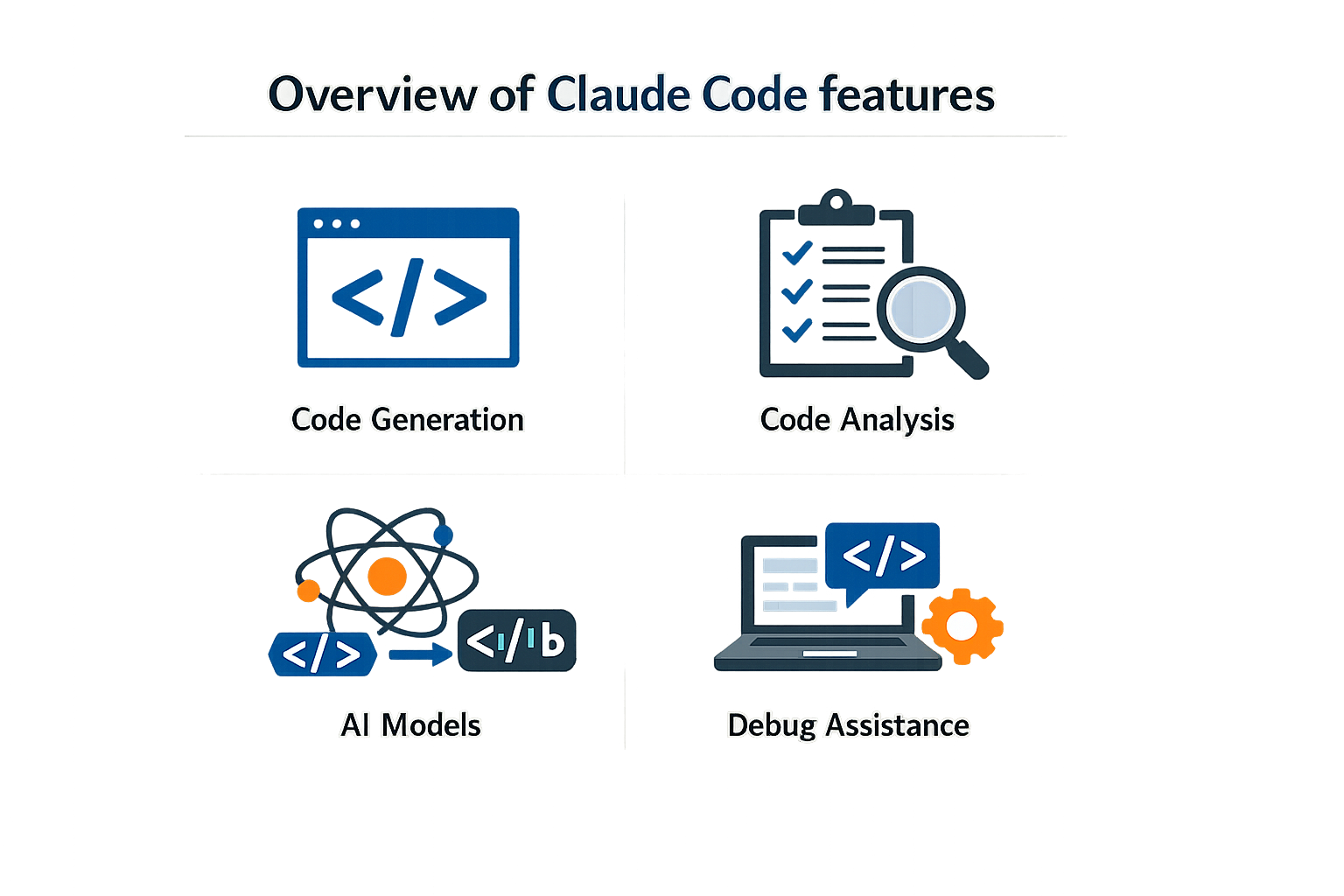
Claude Code is Anthropic's AI coding assistant designed to work across your entire codebase. You describe what you want in plain language, and Claude Code plans the approach, writes code across multiple files, and verifies it works. For bugs, paste an error message or describe the symptom — Claude Code traces the issue, identifies the root cause, and implements a fix.
The tool works directly with git, staging changes and writing commit messages. It runs as a standalone desktop app, a VS Code extension, or a terminal CLI. The desktop app lets you review diffs visually, run multiple sessions side by side, and schedule recurring tasks.
Security and Permission Model
Claude Code is built according to Anthropic's comprehensive security program, with SOC 2 Type 2 and ISO 27001 certifications. Each session starts in "Auto mode," a permission setting that controls which actions Claude can take without asking first. You can adjust this at any time.
On first use, Claude Code prompts you to log in. If you've set the ANTHROPIC_API_KEY environment variable and approve it when asked, the login prompt is skipped. Credentials are stored locally after the first session.
Project Context and Memory
If your repository already has an AGENTS.md file for other coding agents, Claude Code can read that instead. Claude also builds auto memory as it works, saving learnings across sessions so it doesn't repeat the same questions.
The tool analyzes project files and provides summaries automatically. You don't need to manually add context — Claude Code surfaces what it needs from your codebase.
Who Claude Code Targets
Claude Code is built for developers who want an AI assistant that works at the repository level, not just single files. The git integration, multi-file edits, and session memory assume you're managing a real project with version control. Non-coders can use it, but the workflow expects familiarity with terminals, environment variables, and project structure conventions.
For more on how AI coding tools fit into a broader workflow, see How to Vibe Code: A Step-by-Step Workflow Guide.
Feature Comparison: Cursor vs Claude Code for Non-Coders
Cursor and Claude Code both promise plain-language coding, but they deliver it through different workflows. Cursor runs inside a fork of VS Code and leans on inline diffs. Claude Code offers a standalone app plus a VS Code extension, with hooks for shell commands and a CLAUDE.md config file. For someone who's never written a function, those differences matter.
Code Review and Diff Handling
Cursor shows changes in a diff view that highlights what the agent modified. You see the before and after, then decide whether to accept or reject. The interface is clean — red for deletions, green for additions. If you're new to code, that visual comparison is the fastest way to spot something that doesn't match your intent.
Claude Code also provides inline diffs when you install the VS Code extension. The standalone app lets you review diffs visually and run multiple sessions side by side. For a non-coder, running two sessions at once can be confusing rather than helpful, but the visual diff is the same core idea: see what changed before you commit.
| Feature | Cursor | Claude Code |
|---|---|---|
| Diff view | Built-in, inline in editor | Inline in VS Code extension, visual in standalone app |
| Multi-session support | Single session per workspace | Multiple sessions side by side (standalone app) |
| Review workflow | Accept/reject per diff block | Accept/reject per diff block |
Plain-Language Prompting
Both tools let you describe what you want in plain language. Cursor interprets the prompt, writes code, and shows you the diff. Claude Code does the same — you describe the result, it plans the approach, writes across multiple files, and verifies it works. For bugs, you paste an error message or describe the symptom; Claude Code traces the issue and implements a fix.
The difference is in memory and context. Claude Code reads a CLAUDE.md file at the start of every session. You put coding standards, architecture decisions, preferred libraries, and review checklists in that file. If your repository already has an AGENTS.md for other coding agents, Claude Code reads that instead. Claude also builds auto memory as it works, saving learnings across sessions. Cursor doesn't have an equivalent config file — you set preferences in the editor settings, but there's no per-project markdown file that persists instructions.
Automation and Hooks
Claude Code supports hooks — shell commands that run before or after actions. You can auto-format after file edits or run lint before commits. For a non-coder, that means you can enforce a style guide or run tests without remembering the command. Cursor doesn't expose hooks in the same way; you run checks manually after the agent finishes.
Integration with Existing Workflows
Claude Code works directly with git. It stages changes, writes commit messages, and handles branches. Cursor also integrates with git, but the experience is standard VS Code source control — you stage and commit through the sidebar. Neither tool requires you to learn git commands, but Claude Code's direct git integration means fewer clicks between "accept this change" and "commit it."
For someone who's never used version control, both tools abstract enough of git that you can get by. The real question is whether you want the tool to handle commits for you (Claude Code) or prefer to stage changes manually in a familiar sidebar (Cursor).
Testing and Verification
Cursor prompts you to run the checks your project already uses — tests, type checker, linting, or a local build. You ask Cursor to run those checks after reviewing the diff. Claude Code does the same verification step, but hooks let you automate it. If you're working alone and don't have a test suite yet, neither tool writes tests for you automatically. You still need to ask for them.
The tool that wins is the one that fits your review habit — visual diff and manual checks, or automated hooks and git integration.
For non-coders, Cursor's simpler model (one session, one diff, manual checks) is easier to follow. Claude Code's hooks and multi-session support add power, but they also add decision points. If you're not sure what a hook should do, you won't configure one. If you're not juggling multiple features, you won't open multiple sessions.
Learn more about structuring your requests in PRD for Cursor: The Ultimate Guide to Stress-Free AI Specs.
Pricing Comparison
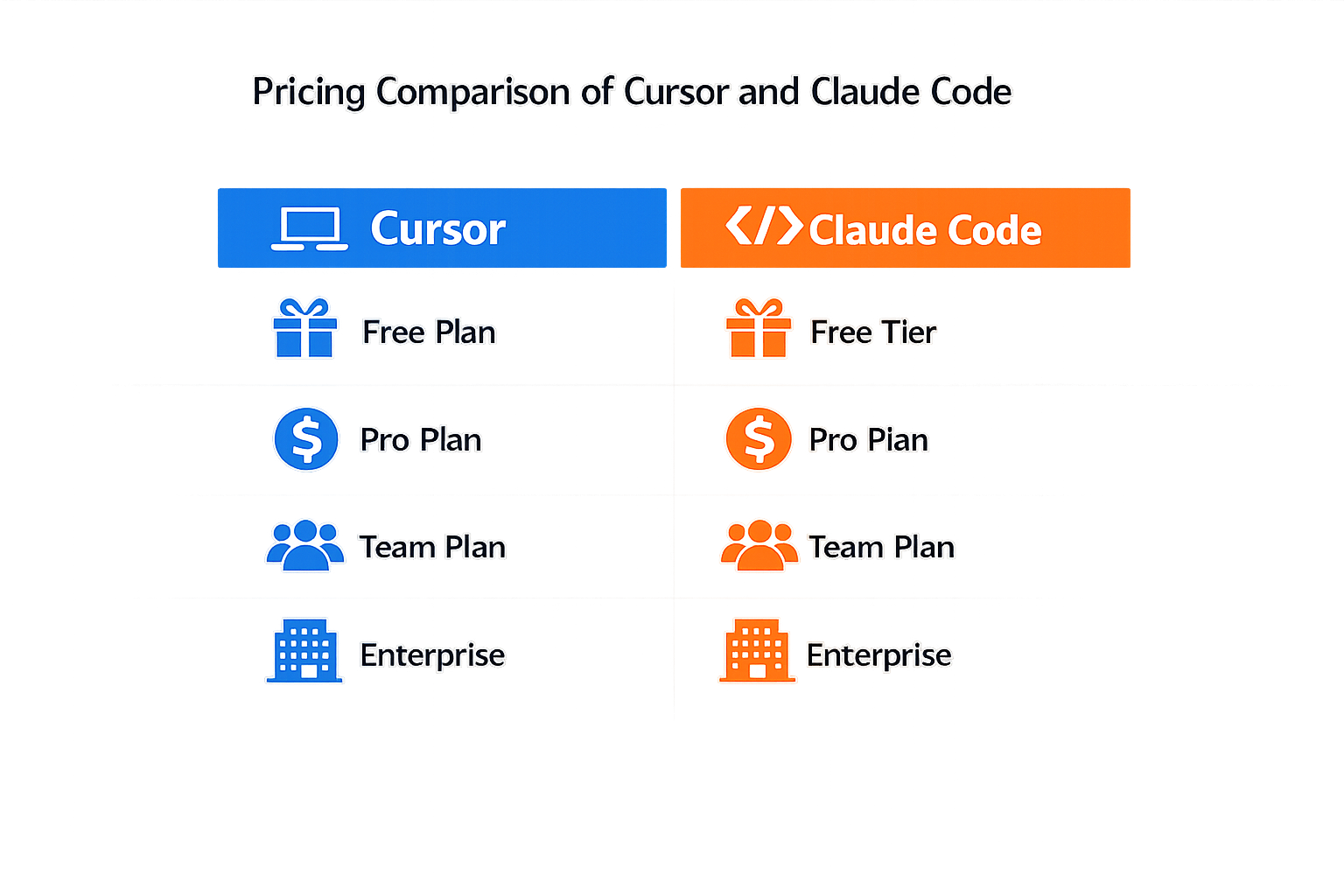
Cursor and Claude Code operate on fundamentally different pricing models. Cursor sells subscriptions; Claude Code doesn't exist as a standalone paid product.
Cursor's Subscription Tiers
Cursor is sold as part of The X Subscription, bundling Grok, Cursor, and X into a single plan. Annual billing runs from $80/yr for Plus to $2,000/yr for Ultra. Paid plans include a weekly pool of usage for Cursor models, shared across Grok and Cursor. Third-party models aren't included in the base subscription — on Premium and above, you can use them at API list price, paid from prepaid credit.
The entry tier gives you access to the editor and basic AI features. Higher tiers unlock more weekly usage and priority access to frontier models from OpenAI, Anthropic, Google, and others.
Claude Code's Cost Model
Claude Code isn't a product you buy. It's a capability inside Claude — Anthropic's conversational AI — that you access through Claude.ai or the API. The web interface offers a free tier with limited messages per day. The Claude Pro subscription ($20/month) raises message limits and gives priority access during peak hours. API usage is pay-per-token, billed separately from the web subscription.
If you're using Claude to write code, you're paying for Claude access, not a dedicated coding tool. There's no "Claude Code Pro" plan.
| Model | Entry Cost | What You Get | Usage Limits |
|---|---|---|---|
| Cursor Plus | $80/yr | Editor + weekly AI pool | Shared across Grok/Cursor |
| Claude Free | $0 | Web chat + code generation | ~40 messages/day |
| Claude Pro | $20/mo ($240/yr) | Higher limits + priority | ~5x free tier |
| Cursor Ultra | $2,000/yr | Max weekly pool + priority | Shared pool, largest allocation |
Which Pricing Model Fits Non-Coders?
For someone building a single prototype, Claude's free tier is the cheapest entry point — $0 upfront, pay nothing unless you hit the daily cap. Cursor's $80/yr Plus plan is the cheapest dedicated coding environment, but you're paying for an editor you might not use if you're just pasting prompts into a chat window.
If you're planning multiple projects or need consistent access without daily limits, Cursor's annual billing offers predictable costs. Claude Pro's $20/month adds up to $240/yr — triple Cursor's Plus tier — but you're not locked into a specialized tool if your needs change.
For a detailed breakdown of how to vibe code using either approach, the workflow guide covers both chat-based and editor-based patterns.
Pros and Cons of Each Tool
Every tool trades something for something else. Cursor and Claude Code make different bets on what non-coders need most.
Cursor Strengths and Weaknesses
Pros:
- Privacy by design. Cursor does not upload file paths or code to build a search index. Your codebase stays local.
- Instant Grep. Cursor ships a custom search engine faster than ripgrep on large projects. It runs automatically — no setup required.
- Regex and exact-match search. Agent uses grep for function names, variables, error strings. Full regex and word-boundary matching work out of the box.
- IDE-native workflow. Built for VS Code users who already live in the editor.
Cons:
- Steeper learning curve for absolute beginners. Cursor assumes familiarity with VS Code and basic file-system concepts.
- Less hand-holding. You configure your own context, write your own prompts, manage your own diffs.
- No standalone app. If you do not use VS Code, Cursor is not an option.
Claude Code Strengths and Weaknesses
Pros:
- Plain-language interface. Describe what you want; Claude Code plans the approach, writes across multiple files, and verifies the result.
- Standalone app option. Review diffs visually, run multiple sessions side by side, schedule recurring tasks. No IDE required.
- Git integration. Claude Code stages changes, writes commit messages, and handles version control directly.
- CLAUDE.md convention. Drop a markdown file in your project root to set coding standards, architecture decisions, preferred libraries. Claude Code reads it every session.
- Hooks for automation. Run shell commands before or after actions — auto-format after edits, lint before commits.
Cons:
- Requires login on first use. Unless you set the ANTHROPIC_API_KEY environment variable and approve it, you must authenticate.
- Less transparent indexing. Claude Code builds "auto memory" as it works. The mechanism is less explicit than Cursor's local grep.
- Beta status on Linux. The standalone app is in beta for Ubuntu and Debian; installation requires apt and manual steps.
Claude Code optimizes for users who want the tool to handle plumbing — git, diffs, multi-file edits — so they can focus on describing intent.
Side-by-Side Summary
| Criterion | Cursor | Claude Code |
|---|---|---|
| Privacy model | No upload; local indexing | Auto memory; less transparent |
| Search speed | Instant Grep (faster than ripgrep) | Not specified |
| Standalone app | No | Yes (beta on Linux) |
| Git handling | Manual or external | Built-in staging and commits |
| Configuration | User-driven context | CLAUDE.md convention |
| Learning curve | Steeper for non-coders | Gentler; plain-language prompts |
Neither tool is strictly better. Cursor gives you control and speed if you are willing to learn the editor. Claude Code abstracts complexity if you prefer to delegate workflow decisions to the assistant.
For a broader look at how these tools fit into the vibe-coding landscape, see our full comparison of AI coding assistants.
Who Should Choose What?
Picking between Cursor and Claude Code depends on what you're building and how you like to work. Neither tool is universally better — they solve different problems.
Choose Cursor if you're building a real product
Cursor makes sense when you need version control, file management, and the ability to hand your work to a developer later. It's a full IDE with Git integration, multi-file editing, and a codebase-aware chat. If you're prototyping something you might ship — or if you want to learn how real codebases are structured — Cursor keeps you in the same environment professional developers use.
The $20/month Pro plan gives you unlimited slow completions and 500 fast premium requests. That's enough for most solo builders who aren't coding full-time. The learning curve is steeper than Claude, but the payoff is a workflow that scales past the prototype stage.
Choose Claude Code if you need quick scripts and explanations
Claude works better for one-off tasks: generating a Python script, debugging a config file, or learning a concept through conversation. You paste code into the chat, Claude explains or rewrites it, you copy the result back. No project setup, no file trees, no Git.
The free tier gives you enough quota for several sessions per day. The $20/month Pro plan (5x message limit) is overkill unless you're using Claude for research and writing beyond code. If your goal is understanding how something works rather than building a deployable app, Claude's conversational interface is faster to results.
When to use both
You can draft a feature spec in Claude, get a rough implementation, then move to Cursor to integrate it into your project. Claude handles the "what should this do" phase; Cursor handles the "make it work with everything else" phase. The tools don't compete — they cover different parts of the build cycle.
For a structured approach to planning before you code, see What Is a PRD? Product Requirements Documents, Explained.
The real decision point
Are you trying to ship something or trying to learn something? Cursor optimizes for shipping. Claude optimizes for learning. Pick the one that matches your current goal, not the one that sounds more impressive.
Final Verdict
Cursor wins for non-coders who want to ship working software. It handles file management, understands project structure, and catches mistakes before they compound. Claude Code works for quick scripts or learning exercises, but the moment you need two files talking to each other, you're managing state in your head instead of letting the tool do it.
The pricing delta is real — Cursor Pro costs $20/month, Claude Pro costs $20/month — but Cursor includes the editor, git integration, and multi-file refactoring in that price. Claude Code requires you to copy-paste between a chat window and VS Code, then manually reconcile conflicts when the AI forgets what it wrote three prompts ago.
I've watched non-technical founders build functional MVPs in Cursor inside a week. The same people tried Claude Code first, got halfway through a feature, then lost the thread when the context window dumped their schema. Cursor's codebase indexing means it remembers your database columns, your API routes, and your component props without you pasting them into every prompt.
The final call: Cursor for builders, Claude Code for learners. If your goal is to understand how code works, Claude's verbose explanations and chat-first interface teach well. If your goal is to launch a product, Cursor's editor-native workflow and project-aware context get you to deployment faster.
Neither tool eliminates the need to learn — you still debug, still read docs, still make architectural decisions — but Cursor reduces the friction between idea and working prototype by an order of magnitude. For non-coders trying to cross the gap from concept to shipped software, that difference is the entire game.
For a broader view of AI coding tools and where these two fit in the landscape, see our comparison of the best vibe coding tools in 2026.