
Building a Social Networking App: Platform Choices and Costs
Top takeaways
- Building a social networking app requires platform choices that affect development speed, cost, and long-term maintenance
- Modern AI-powered builders let you prototype and ship faster than traditional development workflows
- Integrated environments eliminate the friction of managing separate hosting, database, and deployment services
- Understanding your technical constraints early determines whether you build native, cross-platform, or web-first
- Budget planning starts with platform selection — different stacks carry different burn rates
Introduction
Building a social networking app is a platform choice first, a feature list second. I've seen founders spend months debating feed algorithms before they know whether they're shipping iOS-only or running a web app that works everywhere. The platform you pick sets your development costs, your team size, and how fast you can iterate when users tell you what they actually want.
The modern builder ecosystem has changed the entry point. Tools that generate working code from prompts mean you can validate core mechanics — user profiles, posts, comments — in days instead of quarters. You're not writing boilerplate; you're describing behavior and watching it compile into a running app. That speed matters when you're burning personal savings or trying to show traction before a funding round closes.
Platform decisions cascade. Choose native iOS and you need Swift developers, TestFlight workflows, and App Store compliance. Pick a web-first stack and you get instant deployment but lose some mobile affordances. Cross-platform frameworks promise write-once-run-anywhere, but you pay in bundle size and framework lock-in. Each path has a different cost structure, and the wrong choice at month one becomes expensive at month six. For a structured approach to defining what you're building before you choose how to build it, see the Engineering Design Process: From Requirements to Architecture.
This guide walks through the platform choices that matter, the cost implications of each, and the practical steps to get from idea to deployed app. No fluff about "building community" — just the technical and economic realities of shipping a social product in 2025.
What Makes Building a Social Networking App Challenging?
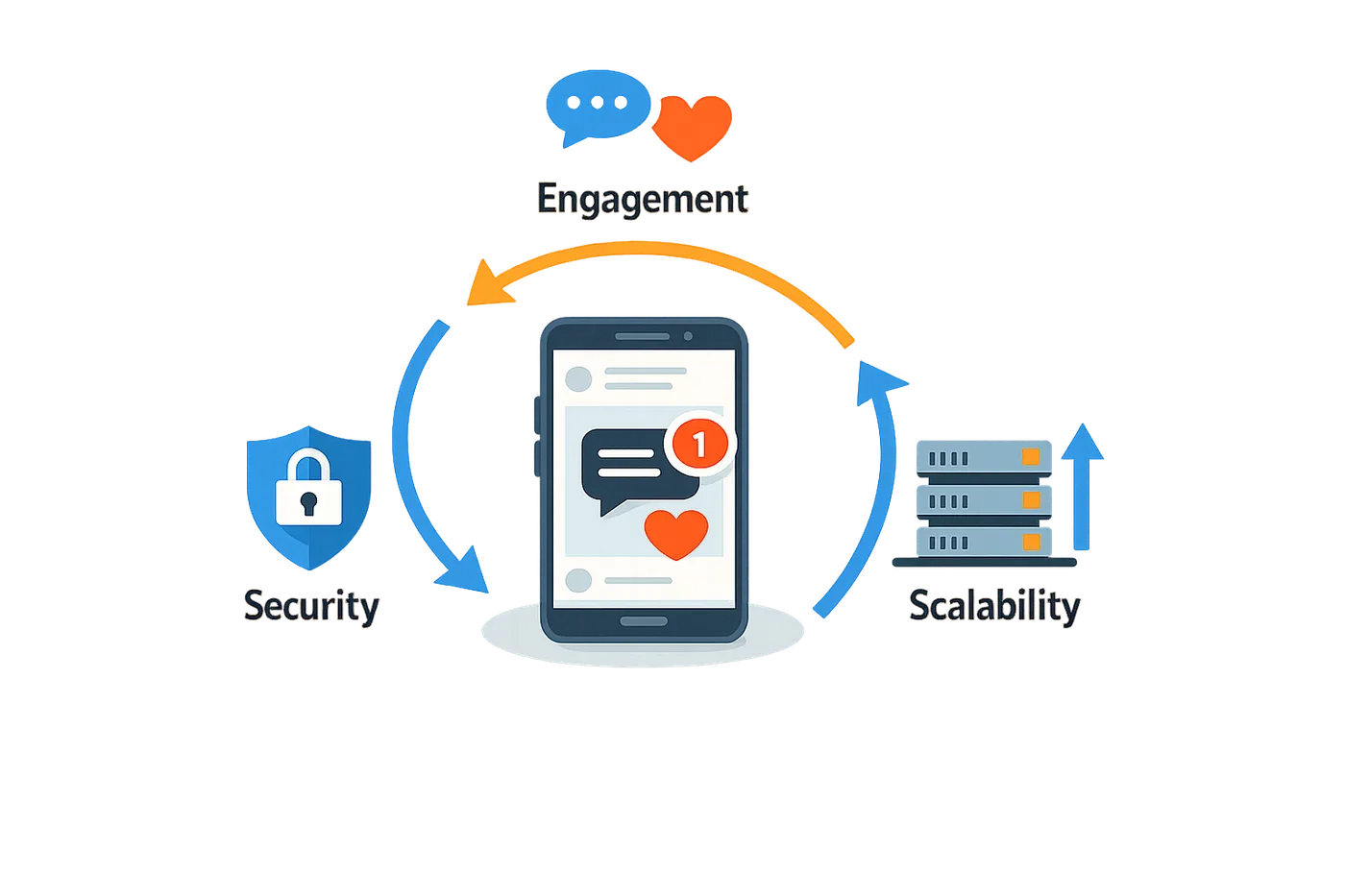
Building a social networking app puts you in a three-way bind: performance, feature velocity, and cost. Pick any two. Most founders learn this after the first rewrite.
Technical Complexity and Platform Fragmentation
You need real-time messaging, media handling, push notifications, and user authentication working across iOS, Android, and web. Each platform has different constraints. Native iOS gives you the best performance but locks you into Swift and Xcode. Android requires a separate codebase in Kotlin. Web needs yet another stack.
Cross-platform frameworks promise write-once-run-anywhere. They deliver write-once-debug-everywhere. React Native, Flutter, and similar tools reduce duplication but add abstraction layers. When you hit a platform-specific bug three layers deep, you pay the debugging tax in hours.
Scaling Infrastructure Before You Have Users
Social apps are binary: they work at scale or they don't. You can't gradually add real-time features. Chat either delivers messages in under 200ms or users notice. Feed refresh either handles concurrent requests or it times out.
This creates a chicken-and-egg problem. Building for scale costs money you don't have yet. Launching without scale means your first growth spike becomes your last. Cloud providers sell elasticity, but configuring auto-scaling, database sharding, and CDN distribution requires expertise most solo founders don't have on day one.
Feature Expectations vs. Development Budget
Users compare your v1 to established platforms. They expect profiles, feeds, stories, direct messaging, notifications, search, and content moderation. Building these features properly takes months with a team. As a solo founder or small team, you're looking at a year minimum.
The engineering design process helps prioritize what ships first, but it doesn't change the math. Each feature compounds testing requirements. A feed algorithm needs content to test against. Messaging needs multiple users. Notifications need both.
The cheapest social app is the one you don't build until you've validated that people will actually use it.
Content Moderation and Safety Requirements
User-generated content means liability. You need reporting systems, content flagging, and moderation workflows before launch. Automated moderation tools cost money. Human moderators cost more. Skipping this step entirely costs you the app when the first harassment complaint lands.
Apple and Google both require functional reporting mechanisms before approving social apps. This isn't optional infrastructure—it's a gate you must clear to ship.
Retention Mechanics and Network Effects
A social app with no users is a chat room with no one in it. You need critical mass before the product works as intended. Acquiring those first thousand users costs more per user than any subsequent cohort. Most give up and leave if they don't see activity within the first session.
Building features that work for one user, then ten, then a thousand requires different technical approaches. Your database queries that work fine for a hundred rows fall over at ten thousand. Optimizing too early wastes time. Optimizing too late loses users.
How Do You Build a Social Networking App Successfully?
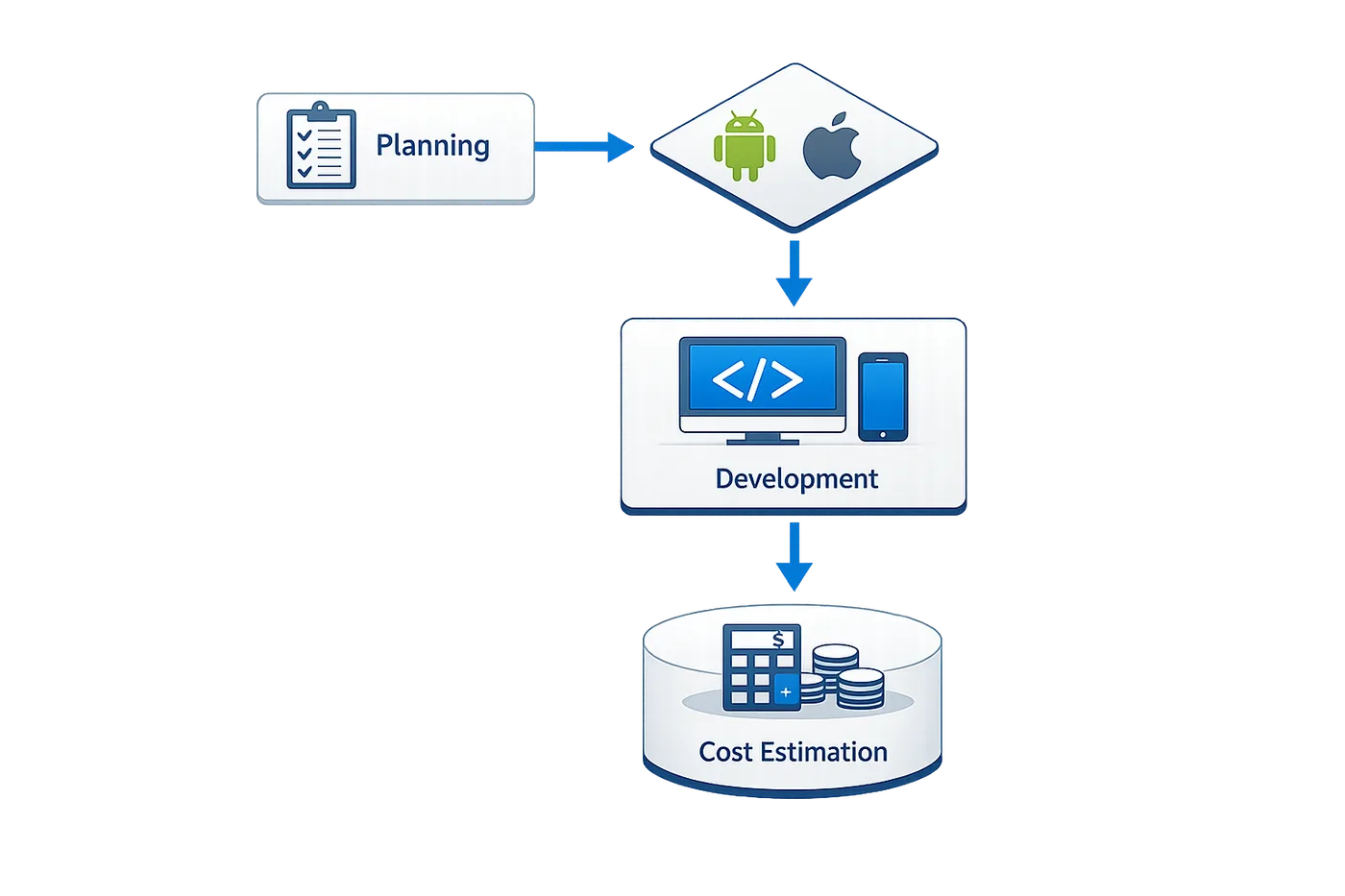
Building a social networking app breaks down into discrete choices. Each step narrows the field until you have a working system.
Choose Your Development Platform
The first decision is where you build. Two paths dominate: integrated AI-powered builders and traditional frameworks.
Integrated platforms like Bolt Cloud combine databases, hosting, and domains in one project. You describe what you want, and the system generates a working app. No separate services to configure, no local environment to install. The code you create is yours to use commercially.
Alternatively, Lovable creates a project and starts building in minutes. You work in an editor split between a project chat and a live preview. Every change saves as a version you can restore, so no single mistake breaks the app permanently.
Step 1
Define your platform requirements
List what your social networking app must do: user profiles, feeds, messaging, media uploads. Write this in plain sentences. The clearer your requirements, the faster the platform can build what you need.
Step 2
Select your build environment
Pick a platform that matches your skill level and timeline. If you need speed and have limited coding experience, use an AI-powered builder. If you need deep customization and have development resources, choose a traditional framework. Both paths work; the trade-off is time versus control.
Set Up Your Development Workflow
Once you choose a platform, establish how you iterate. AI-powered builders let you start from scratch or import existing work. You can bring in a Figma design and turn it into a working project, or type a prompt and click Build.
The workflow is conversational. You ask for one change at a time and check the preview after each. For example: "Add a user profile section with avatar, bio, and recent posts." The system updates, you review, then you request the next change.
Estimate Development Costs
Costs split into platform fees and development time. Integrated builders typically charge monthly subscriptions. Traditional frameworks are free, but you pay for hosting, databases, and developer hours.
For a minimal viable product, budget 40–80 hours if you use an AI-powered platform and handle iteration yourself. If you hire developers on a traditional stack, expect 200–400 hours for the same feature set. Multiply hours by your hourly rate to get a rough cost.
Hosting and infrastructure add $50–$200 per month for small user bases. As your app scales, infrastructure costs grow with traffic and data storage.
| Approach | Setup Time | Monthly Cost | Control Level |
|---|---|---|---|
| AI-powered builder | Minutes | $20–$100 | Moderate |
| Traditional framework | Days to weeks | $50–$200+ | High |
Build and Iterate
Start building. If you use an AI platform, describe your first feature in the chat. The system generates code and shows a live preview. Click through the preview to test functionality. If something is wrong, say it in plain words: "The user feed should show newest posts first."
Traditional frameworks require writing code, running tests, and deploying manually. The process is slower but gives you full access to the codebase. You can optimize performance, integrate custom APIs, and control every detail.
For social networking apps, core features to build first:
- User authentication and profiles
- Content creation and feeds
- Social interactions (likes, comments, shares)
- Notifications
- Search and discovery
Build one feature, test it, then move to the next. Don't attempt to launch with every feature you envision. Ship a working core, then expand based on user feedback.
The first version should do one thing well, not ten things poorly.
Deploy and Monitor
When your app works in preview, deploy it. Integrated platforms handle deployment automatically. Traditional stacks require configuring servers, setting up CI/CD pipelines, and managing DNS.
After deployment, monitor usage. Track which features users engage with and which they ignore. Social networking apps live or die on engagement metrics: daily active users, session length, content creation rate. If users sign up but don't return, your onboarding or core loop is broken.
For a deeper look at structuring your app's technical foundation, see our guide on Engineering Design Process: From Requirements to Architecture. To visualize the architecture you're building, consult the Architecture Diagram Guide: Visualizing Your App's Structure.
What Are the Best Practices for Building a Social Networking App?
The difference between a prototype that ships and one that stalls often comes down to workflow discipline. When building a social networking app, small process choices compound quickly — especially when you're moving fast with AI-assisted tooling.
Make One Change at a Time
Ask for one feature per prompt. Check the preview. Then ask for the next one. This sounds obvious until you're three prompts deep and the chat interface stops rendering profiles correctly because you bundled authentication, feed layout, and notification logic into a single request. Each change creates a version you can restore. Bundled requests create ambiguous rollback points.
Wire Real-Time Features Early
Social apps live or die on perceived responsiveness. Supabase can stream database changes to your app, enabling features like live chat and notifications that update for all users without refreshing. Prompt your build tool to wire real-time subscriptions when you add the feature, not as a retrofit. A feed that requires a manual refresh feels broken even when it works.
Step 1
Implement authentication before content
Add signup and login flows backed by Supabase Auth to require users to be signed in to access the dashboard. Users who register through your app appear under Authentication in the Supabase dashboard, where you can also add test users manually. This gives you a real user context to test feed permissions and visibility rules.
Use Framework-Specific Optimizations
AI-powered chats can help developers optimize their projects with specific frameworks like React. When you prompt for a component — a profile card, a comment thread — specify the framework. "Create a todo app with React and TypeScript" is a better starting instruction than "create a todo app" because the generated code will use idiomatic patterns for that stack. The same applies to Next.js routing, Vue reactivity, or any other framework choice you've committed to.
Test With the Editor Interface
The editor interface consists of a project chat for communication and a live preview, which helps in visualizing the app's functionality and design. Click through the preview as a user would. Try the edge cases: empty states, long usernames, posts with no images. The live preview is not a mockup — it runs real code against real data. Bugs you catch here are cheaper than bugs you catch after deploy.
For a deeper look at structuring your app's technical foundation, see the Engineering Design Process: From Requirements to Architecture guide.
Conclusion
Building a social networking app comes down to three decisions: platform, stack, and scope. Native gives you performance but doubles your work. Cross-platform cuts cost but adds constraints. No-code ships fast but locks you in.
I've shipped apps both ways. The prototype that gets users wins over the perfect architecture that ships late. Start with one platform, prove the concept, then expand. Your first version will be wrong anyway — make it cheap to rewrite.
Budget $50k minimum for a credible MVP with contract developers, $150k+ for native iOS and Android with a small team. If you're solo, cross-platform or AI-assisted no-code can get you to launch under $20k. The real cost is post-launch: hosting scales with users, moderation scales with content, and feature requests never stop.
Pick your tools based on what you can actually maintain. A React Native app you understand beats a native Swift codebase you can't debug. Ship something, watch how people use it, then decide what to rebuild. Most successful social apps started ugly.
For a structured approach to planning your architecture before you write code, see our Engineering Design Process: From Requirements to Architecture guide. It covers the requirements-to-implementation workflow that keeps scope creep in check. For additional architectural patterns relevant to modern apps, explore Clean Architecture Principles for Scalable Applications.
The app that launches imperfect today beats the one that launches perfect never. Build the smallest version that proves your idea, then iterate based on real usage data.
Frequently asked questions
How much does building a social networking app cost?
Building a social networking app costs $50,000 minimum for a credible MVP with contract developers, or $150,000+ for native iOS and Android with a small team. Solo founders using cross-platform frameworks or AI-assisted no-code platforms can launch under $20,000. Post-launch costs scale with users: hosting, moderation, and feature development continue indefinitely.
What platform should I choose for building a social networking app?
Choose based on your constraints. Native iOS or Android delivers the best performance but requires separate codebases. Cross-platform frameworks like React Native or Flutter reduce duplication but add abstraction layers. AI-powered builders like Bolt or Lovable let non-technical founders ship faster. Web-first stacks deploy instantly but sacrifice some mobile affordances. Start with the thinnest stack that validates your hypothesis.
How long does it take to build a social networking app?
Using AI-powered platforms, you can build a minimal viable product in 40–80 hours of iteration. Traditional development with hired developers takes 200–400 hours for the same feature set. Solo founders or small teams building natively for both iOS and Android typically need a year minimum to ship profiles, feeds, messaging, notifications, and moderation features.
What are the biggest challenges in building a social networking app?
The biggest challenges are scaling infrastructure before you have users, managing platform fragmentation across iOS/Android/web, meeting user expectations for features like messaging and moderation, and achieving critical mass for network effects. Social apps are binary: they work at scale or they don't. You can't gradually add real-time features without upfront investment.
Explore essential platform choices and costs involved in building a social networking app.
Table of Contents
- Introduction — Provide an overview of the topic and its relevance.
- What Makes Building a Social Networking App Challenging? — Highlight the key challenges faced when building a social networking app.
- How Do You Build a Social Networking App Successfully? — Outline the steps involved in selecting platforms and estimating costs.
- What Are the Best Practices for Building a Social Networking App? — Provide actionable advice and best practices for development.
- Conclusion — Summarize the key points and encourage action.
- Table of Contents