
User Stories vs PRD: Which Does a Founder Actually Need?
Top takeaways
- User stories describe features from the user's perspective; PRDs specify requirements and technical details
- Founders building their first product often pick one format and stick with it when they need both
- The right documentation depends on whether you're talking to users, developers, or yourself six months from now
- Most solo founders waste time writing documents nobody reads instead of validating what users actually want
- A lean approach uses user stories for discovery and PRDs only when handing off to implementation
Introduction
User Stories vs PRD is not an either-or choice—it's a question of which artifact fits your current build phase. User stories capture what users need from their perspective. PRDs translate that intent into buildable specs with edge cases, data models, and integration points. One helps you think; the other helps the machine execute.
You're staring at a blank doc. You need to tell an AI agent what to build. Everyone says "write user stories" or "start with a PRD," but nobody explains which one actually moves the needle when you're solo and the clock is running.
I've shipped products both ways. I've watched founders burn weeks rewriting prompts because they picked the wrong artifact for the phase they were in. Most founders need both, but the order and weight matter more than the format.
The mistake is treating them as alternatives. They're not. They're stages. If you're exploring what users need, stories keep you honest. If you're handing instructions to Cursor or another AI build tool, a PRD keeps the agent from guessing. The cost of guessing wrong is a half-built feature you have to rip out.
This guide walks through when to use each, what belongs in each, and how to avoid the common traps that turn a two-day build into a two-week rewrite.
User Stories vs PRD: What Problem Are You Solving?
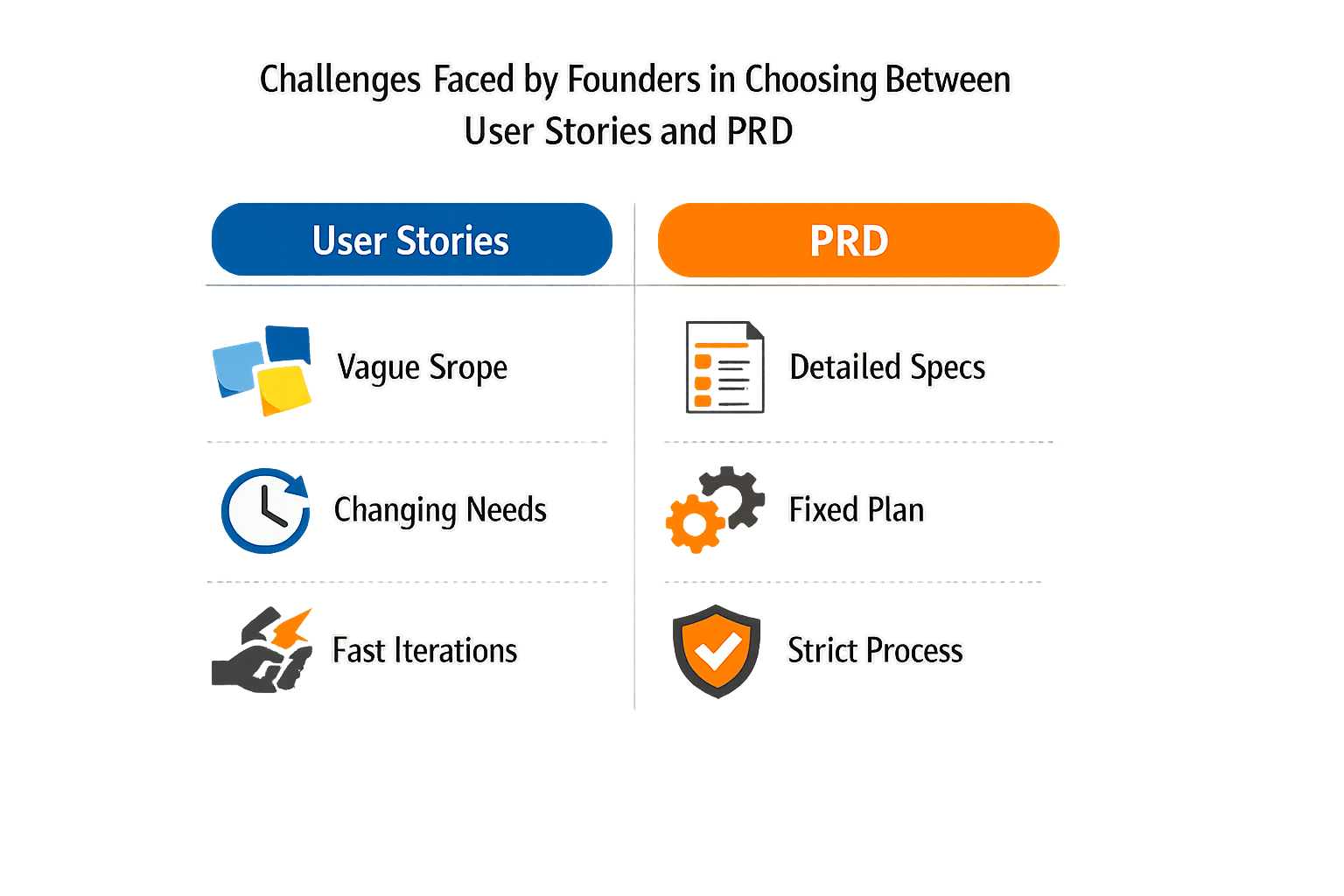
You sit down to spec your product. Two options appear: user stories or a PRD. Both claim to organize requirements. Both promise clarity. Neither tells you which one a solo founder actually needs when the clock is running and the build tool is waiting.
The choice isn't academic. Pick user stories and you risk a pile of disconnected "as a user, I want" statements that leave your AI agent guessing about structure. Pick a PRD and you might spend three days writing a document nobody reads while your competitor ships.
The Handoff Problem
User stories work when a product manager hands tickets to a dev team. A founder handing work to an AI coding agent faces a different problem. The agent doesn't infer context from standup or Slack. It reads what you write, once, and generates hundreds of lines of code.
A large commit with hundreds of changed lines becomes difficult for anyone to review. When that commit came from a vague user story, you can't tell if the agent misunderstood the requirement or if you never specified it. The review loop breaks.
The Scope Creep Trap
User stories encourage additive thinking. Each story feels small. Ten stories feel manageable. Fifty stories sneak in because none of them triggered a "this is too much" alarm. You don't see the full surface area until the agent starts generating components and you realize you've spec'd a product that will take six months, not six weeks.
A PRD for Cursor forces you to declare scope up front. Screens, models, routes, permissions—all in one artifact. When the list hits two pages, you know you're overbuilding before you write a line of code.
The Permission Blindspot
In large projects, missing or improperly performing role checks lead to access control failures. User stories rarely specify who can't do something. They describe happy paths. A story like "As an admin, I want to delete users" doesn't tell the agent that a regular user must not have that button, that the API route must check roles, that the database migration must add a role column.
A PRD makes you write the access matrix before the build starts. When you skip that step, you ship a product where every user is accidentally an admin, or where the agent invented a permission system you didn't ask for.
The cheapest bug to fix is the one you catch in the spec, not in the PR review three weeks later.
How to Choose Between User Stories vs PRD
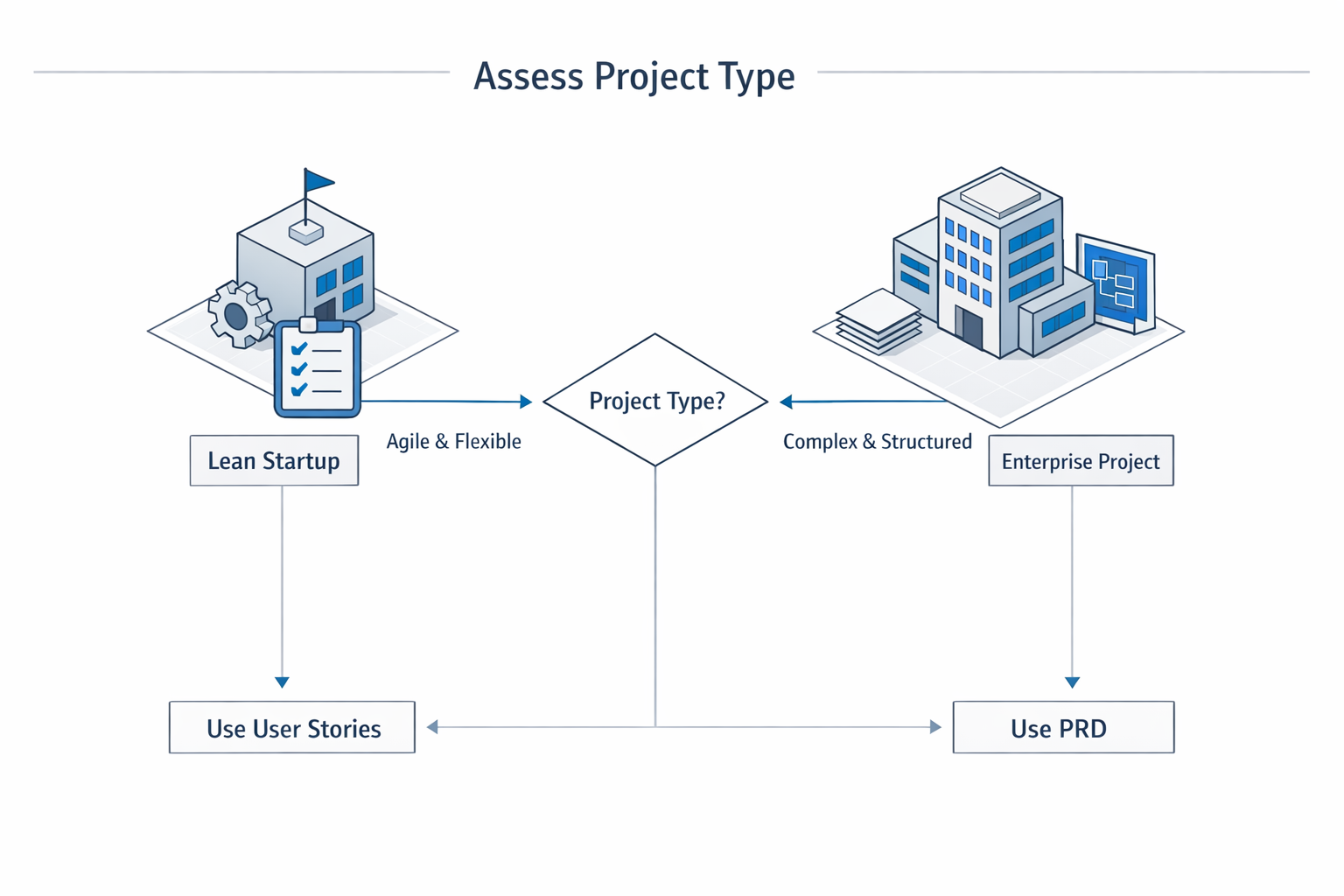
The choice between User Stories vs PRD isn't binary. Most founders need both, but the ratio shifts with the work at hand. Here's how to allocate your planning effort where it pays off.
Step 1: Match the Artifact to the Build Stage
Step 1
Match the artifact to the build stage
User stories work when you're shipping an MVP to test product-market fit. Write three to five stories that describe the user's core job-to-be-done. Each story should fit on a notecard. If you're using a vibe-coding tool to prototype fast, user stories give the AI enough context without overspecifying implementation.
A PRD becomes necessary when you're building something that multiple people will touch or that needs to survive handoffs. If you're hiring a contractor, onboarding a co-founder, or migrating from prototype to production, write the PRD first. The upfront cost of documentation is lower than the cost of rework.
Step 2: Scope the Plan Before You Build
Step 2
Scope the plan before you build
For small changes—bug fixes, single-feature additions—a user story is enough. For anything that touches more than two files or requires backend logic, draft a plan. Creating a precise, well-scoped plan is crucial for larger changes; it clarifies what should change and what should stay stable.
Step 3: Use Modern Tools to Enforce Collaboration
User stories aid in MVP development by letting you ship without a full dev team, but they fall apart when the team grows past one. Modern tools like Next.js and Tailwind enhance collaborative design and engineering workflows. If you're working with a designer or a second engineer, the PRD becomes the shared contract. Write it in a format everyone can edit—a Google Doc, a Notion page, or a markdown file in the repo.
The cheapest planning artifact is the one that prevents the next argument about what "done" means.
Step 4: Test Your Artifact Against Real Handoffs
The test of a planning artifact is whether someone else can execute it without asking you ten questions. If you hand a user story to a contractor and get back three clarification emails, you needed a PRD. If you hand a PRD to an AI agent and it builds the wrong thing, your PRD was overspecified—strip it down to user stories and let the agent infer the rest.
Tips and Tricks
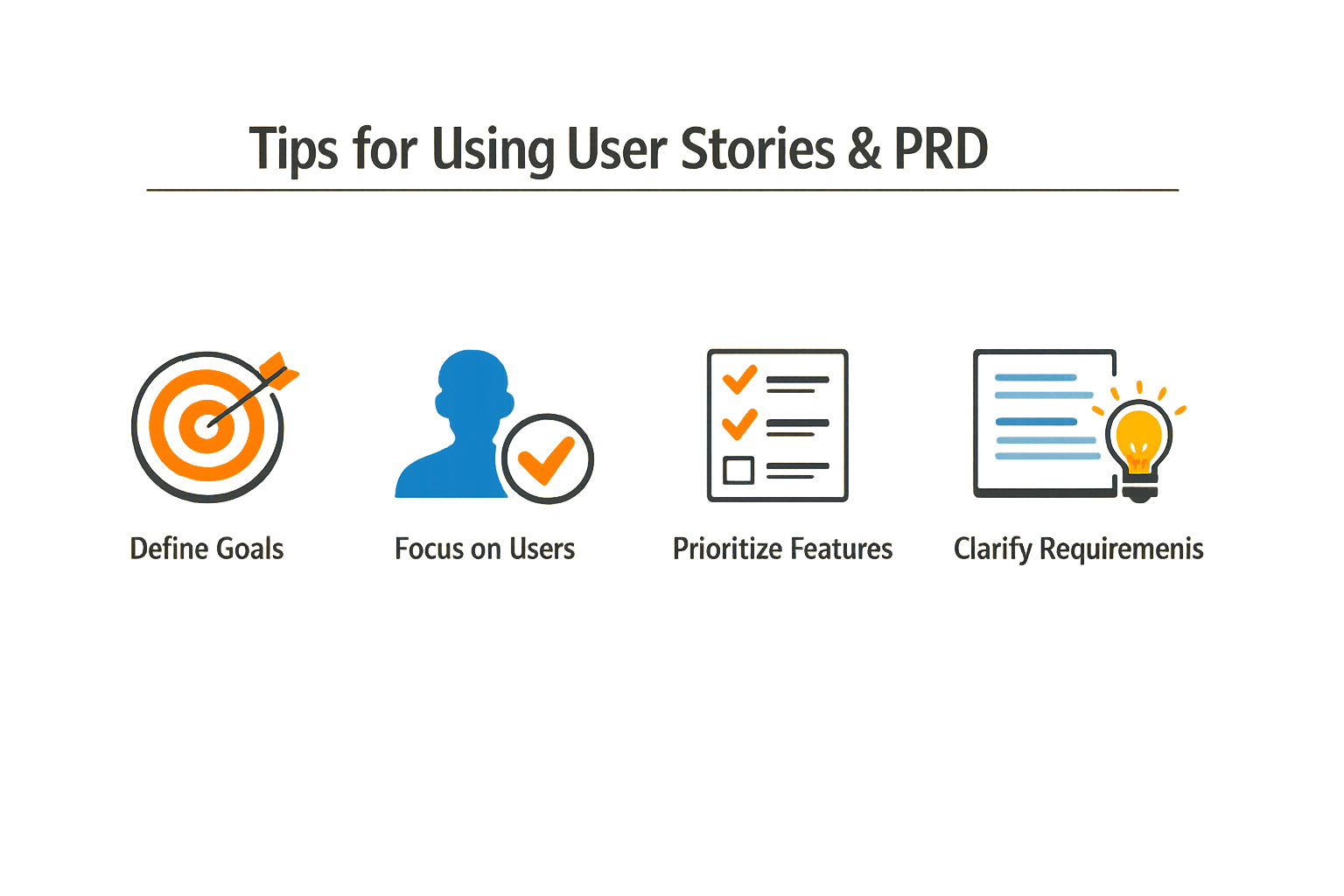
Once you've picked your approach, execution determines whether it helps or just adds overhead. These are the patterns that keep planning artifacts useful instead of letting them rot in a folder.
Start with a plan before you write code
The fastest way to waste a week is to start coding without knowing what you're building. Create a detailed implementation plan first. Ask clarifying questions, enumerate edge cases, map dependencies. When you're working with AI tools, this step becomes even more critical — vague prompts produce vague code that you'll spend days untangling.
Keep user stories scoped to one action
A user story that says "As a user I want to manage my account" is useless. Break it into atomic actions: "As a user I want to update my email address" and "As a user I want to change my password." Each story should map to a single feature you can test independently. When stories balloon into multi-step epics, they stop being useful and start being documentation theater.
Test your PRD against real implementation constraints
A PRD that ignores how permissions actually work will create security gaps you'll patch for months. Validate that the permissions you've mapped in the design phase can be enforced in code. Periodically review what's deployed against what you specified — privilege creep happens when the live system drifts from the document and nobody notices until an audit.
The best planning artifact is the one you can hand to an auditor or a new developer without flinching.
Use role hierarchies to prevent permission bugs
When you're defining user roles in either user stories or a PRD, implement a clear hierarchy from the start. A role hierarchy prevents the common failure mode where you check isAdmin in some places and isOwner in others, then ship with half your admin features broken. Define the tree once, enforce it everywhere.
For a deeper look at how to structure PRDs that AI tools can execute without constant hand-holding, see PRD for Cursor: The Ultimate Guide to Stress-Free AI Specs.
Don't let initial simplicity fool you
Two roles — User and Admin — might feel sufficient at launch. They won't stay that way. As your system grows, role complexity grows faster than you expect. Plan for that expansion in your structure now, or you'll rewrite your entire authorization layer in six months when you need to add a third tier.
Conclusion
The User Stories vs PRD debate isn't binary. I've written both — user stories when I needed to ship fast and test assumptions, PRDs when I needed to hand off specs to an AI agent or contractor without ambiguity. Neither document type is inherently better; they serve different phases and different workflows.
User stories keep you close to the user's perspective. They're fast to write, easy to revise, and they force you to articulate value before you articulate implementation. If you're a solo founder testing product-market fit, user stories let you iterate without dragging around a 20-page spec that's obsolete by Tuesday.
PRDs give you precision and scope control. When you're ready to build something that needs to work across multiple surfaces, integrate with third-party APIs, or survive a handoff to another developer, a PRD is the artifact that keeps everyone aligned. It's the difference between "build a login flow" and a spec that defines OAuth providers, session timeout, password reset edge cases, and error states.
Most founders need both, in sequence. Start with user stories to validate the problem and the core job-to-be-done. Once you've confirmed the direction, write a PRD to guide implementation. If you're working with AI coding tools, a tight PRD — like the ones we cover in PRD for Cursor: The Ultimate Guide to Stress-Free AI Specs — becomes your primary leverage point. The agent builds what the spec says; if the spec is vague, the output is vague.
The right approach isn't about picking a side. It's about matching the document to the decision you're trying to make. User stories answer "should we build this?" PRDs answer "how do we build this?" Use the tool that fits the question.
Frequently asked questions
When should I use User Stories vs PRD?
Use user stories when exploring product-market fit or prototyping an MVP. Switch to a PRD when you're ready to hand off implementation to contractors, AI agents, or team members who need precise specifications.
Can I combine User Stories and PRD in one document?
Yes. Start with user stories to capture the core jobs-to-be-done, then expand each story into a PRD section with technical specs, edge cases, and implementation details when you're ready to build.
What are the biggest mistakes founders make with User Stories vs PRD?
The most common mistake is treating them as alternatives instead of sequential tools. Founders either write vague user stories that leave AI agents guessing, or they over-invest in detailed PRDs before validating the problem.